5 new 4K wallpapers: rockets, fish and a rubber chickenNew
Five new free wallpapers just landed, including a tribal warrior, a retro rocket and one very serious rubber chicken. Grab them in 4K, ultrawide, phone or tablet size.


Convert PNG to ICO in seconds - one multi-size icon for Windows 11 desktop shortcuts, folders, apps and website favicons. Transparency is kept and your image stays on your device. Have a photo or a logo? Try JPG to ICO or SVG to ICO.
Something went wrong. Please try again.
Still having trouble? Please contact us and we'll be happy to help!
All sizes go into one .ico file - upload one image, not one per size.
Your image is not square, so it is centred with transparent space around it. Want it to fill the icon? Crop it with the Image Cropper or use Image to ICO.
<link rel="icon" href="/favicon.ico" sizes="any">
Need rounded corners, padding, a background colour, 8-bit icons or your own hand-made 16 px version? Use Image to ICO - same engine, more options.
Start from a PNG of at least 256 x 256 px for the sharpest result. Small or blurry? Enlarge it first with the Image Upscaler.
| Use | Sizes | Preset |
|---|---|---|
| Most uses | 16, 32, 48, 64, 128, 256 | Recommended |
| Website favicon | 16, 32, 48 | Favicon |
| Windows app, shortcut, folder | 16, 20, 24, 32, 40, 48, 64, 256 | Windows |
| Everything | 16 to 256 | All |
Windows uses 20 and 40 px at 125% and 250% display scaling. For the PNG and Apple icons a website also needs, the Favicon Generator makes the full set.
Upload the ICO to your site's root folder as favicon.ico and add this line inside <head>:
<link rel="icon" href="/favicon.ico" sizes="any">
Not showing up? Run the Favicon Checker - browsers cache favicons for a long time.
Right-click the shortcut, choose Properties, then Change Icon and pick your ICO. For a folder: Properties, Customize, Change Icon.
Keep the ICO in a folder you will not delete, or Windows shows a blank icon later.
Visual Studio, Electron and PyInstaller all take an ICO directly - for example pyinstaller --icon app.ico main.py. Use the Windows preset so the icon is sharp at every scaling level.
| PNG | ICO | |
|---|---|---|
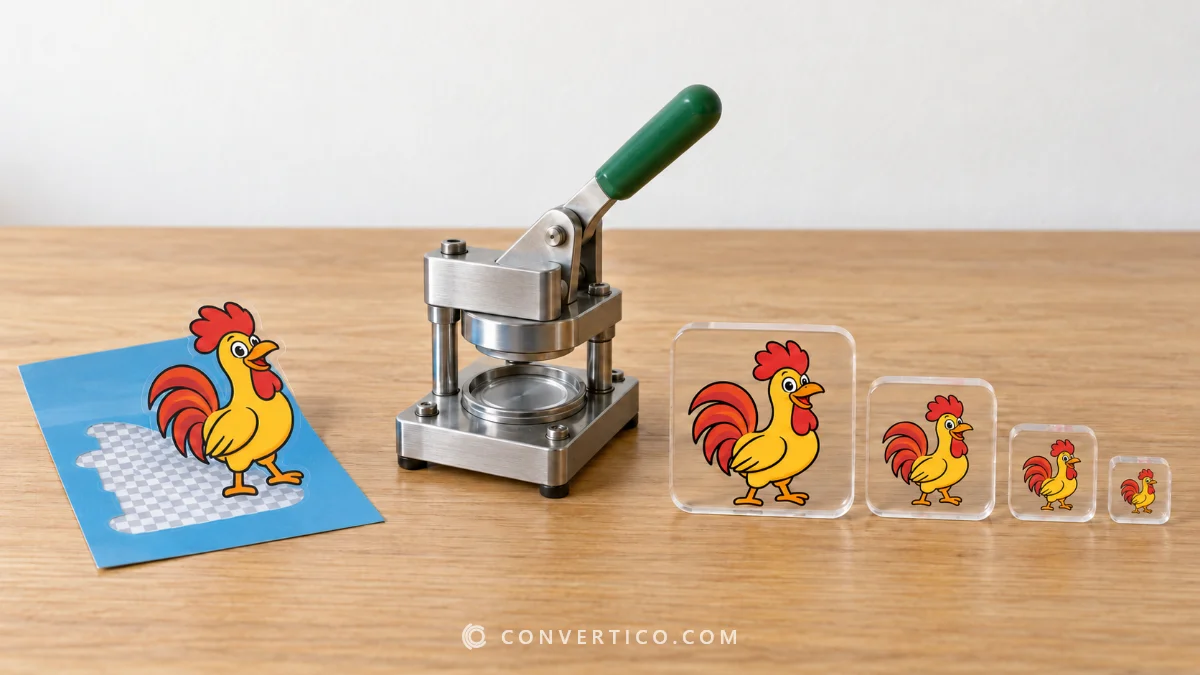
| Images per file | One | Several sizes in one file |
| Largest size | No limit | 256 x 256 px |
| Transparency | Yes | Yes |
| Used for | Pictures, graphics, the web | Windows icons, favicons |
Windows picks the closest size from the ICO for each place it shows the icon, so it stays sharp from the taskbar to large desktop icons. More in our guide What is an ICO file.
Pick the icon sizes (Recommended is a good start), then drop your PNG into the box.
The ICO is ready in a second - press Download. Every size you picked is inside that one .ico file.
For a website favicon: 16, 32 and 48 px. For a Windows app, shortcut or folder icon: 16, 20, 24, 32, 40, 48, 64 and 256 px.
256 px is the largest size an ICO can hold. Need 512 px or bigger for a Mac? Use PNG to ICNS.
Yes. Sizes under 256 px are saved as 32-bit bitmaps and the 256 px size as a 32-bit PNG - the layout Windows 11, 10, 8 and 7 expect for Explorer, shortcuts, folders and the taskbar.
Want to double-check a file? Open it in the ICO Analyzer.
Yes. Transparent areas of your PNG stay transparent in every size, with smooth edges, so the icon looks right on light and dark backgrounds.
Icons are square, so the image is scaled to fit, keeps its proportions and is centred on a transparent background - never stretched or cut off.
To choose the framing yourself, crop it first with the Image Cropper, or use Image to ICO for fill, padding, rounded corners and backgrounds.
Yes. Drop up to 30 images and each one becomes its own ICO with the sizes you picked. With three or more you can download them all in one ZIP.
No. The conversion happens in your browser, so your image never leaves your device.
Only if you press Share the love under your result do we receive the finished ICO and a small preview for the Recently Converted Icons page. They are deleted after 24 hours, and the Remove link takes them down sooner.
Use ICO to PNG - it opens every size inside the icon and saves the ones you want as PNG files.
Five new free wallpapers just landed, including a tribal warrior, a retro rocket and one very serious rubber chicken. Grab them in 4K, ultrawide, phone or tablet size.
Turn any GIF, video or Tenor/GIPHY link into an animated WhatsApp sticker - or cut out a photo with automatic background removal. Download a ready-made .wastickers pack and start sending.