Drop images here
or click to browse - you can also paste with Ctrl+V
Up to 30 images, 25 MB each - processed on your device, never uploaded
Kept in this browser only.
Removing background...
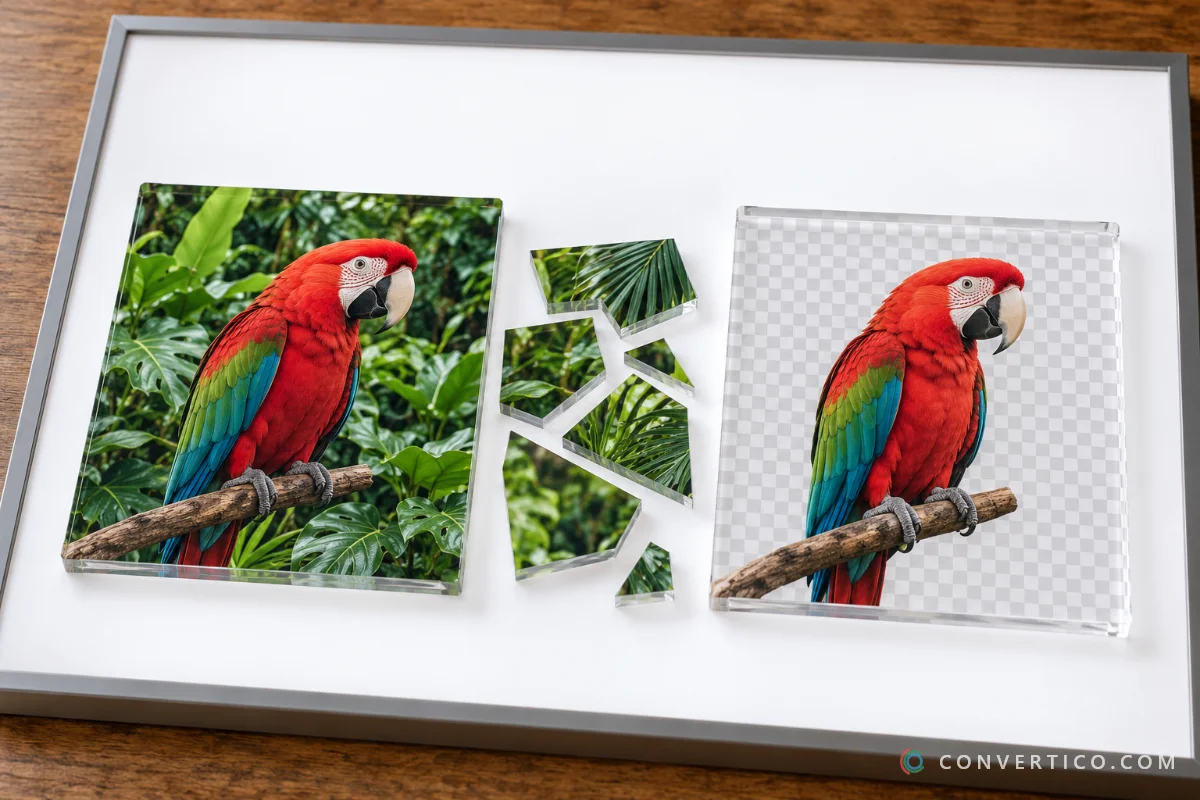
Remove the background from any photo with AI - right in your browser, nothing is uploaded. Keep it transparent, or drop in a white, colour or blurred background, then crop, add a shadow or a sticker outline. Turn the result into an icon with PNG to ICO, shrink it with Compress PNG, or sharpen it with the Image Upscaler.
or click to browse - you can also paste with Ctrl+V
Up to 30 images, 25 MB each - processed on your device, never uploaded
Kept in this browser only.
Removing background...
The AI runs on your device. Your photos are never uploaded, so it is safe for ID photos, client work and unreleased products.
Erase leftovers or restore parts the AI cut off, with undo. The faint original underneath shows exactly what was there.
White background, centred on a 2000 px square - the format marketplaces ask for. Need other sizes? Try the Image Resizer.
Online shops - clean white or transparent product shots for Amazon, eBay, Etsy and Shopify. Keep pages fast by running them through Compress PNG or PNG to WebP.
Profile pictures and social posts - cut yourself out, add a brand colour behind you, then size it with the Social Media Image Resizer.
Design and collages - transparent PNGs drop straight into Canva, Photoshop or slides. Need a vector? Try PNG to SVG.
Logos and app icons - remove a white box around a logo, then build a full icon set with PNG to ICO or PNG to ICNS for Mac.
Yes. The AI runs in your own browser, so there is no per-image cost for us to pass on - no credits, no watermark, no sign-up and no daily limit. Remove backgrounds from as many images as you like, up to 30 at a time. For animated images, use the GIF Background Remover.
No. Your images never leave your device. The AI model is downloaded once to your browser and everything - the cut-out, the background, the download - happens locally. You can even disconnect from the internet after the model has loaded and keep working.
Drop your image above and wait a few seconds. Keep Background on Transparent and the format on PNG (or WebP), then press Download. To trim the empty space around the subject, open Crop and size and choose Crop to subject.
Yes. Press Touch up above the preview and paint over the problem area: Erase removes leftover background, Restore brings back parts the AI cut off. If there is a thin halo of the old background around the subject, open Edges and move Shrink / grow a little to the left. For removing one flat colour instead, the Image Color Replacer is quicker.
Yes. Choose Color for white or any colour, Blur to keep the original scene softly out of focus, or Image to place your own picture behind the subject. The Product photo preset sets a white square 2000 px canvas - the format Amazon, eBay and Etsy ask for. Need a different size afterwards? Use the Image Resizer.
Fast uses a 44 MB model and works well for most photos, products and logos. Best uses an 88 MB model that keeps finer edges such as hair and fur. Both download once and are then cached in your browser.
Pick the Sticker preset. It removes the background, crops to the subject, adds a white outline and a soft shadow, and exports a 512 px WebP - the size WhatsApp and Telegram stickers use. Change the outline width or colour under Outline.
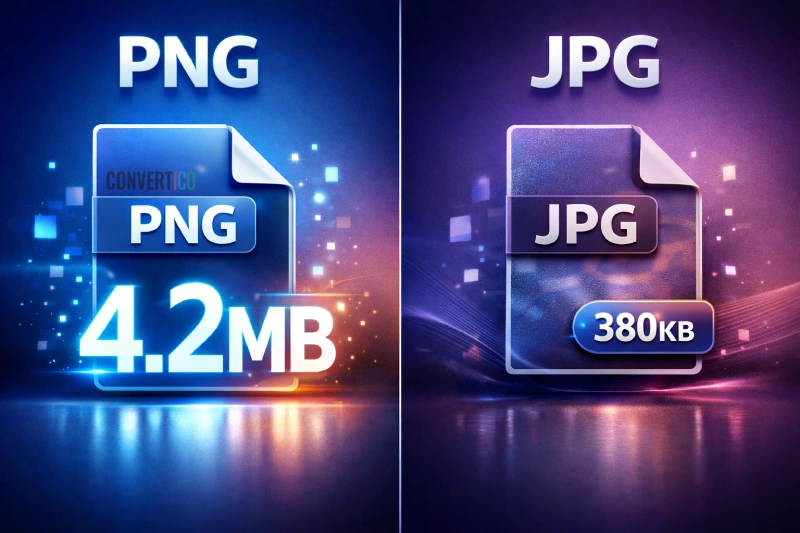
Upload PNG, JPG, WebP, GIF (first frame), AVIF or BMP, up to 25 MB each. Download as PNG or WebP to keep transparency, or JPG for the smallest file with a solid background. iPhone HEIC photos need converting first with HEIC to PNG.