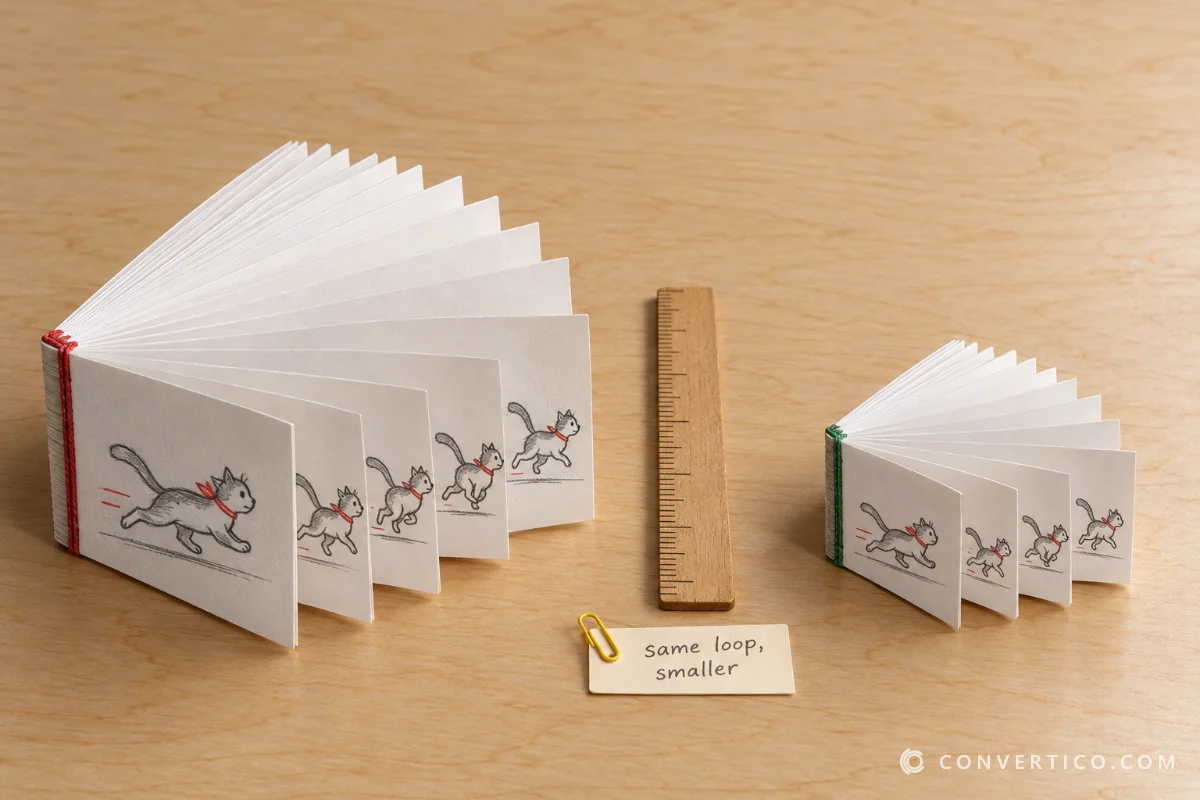
Turn animated GIFs into animated WebP stickers and banners with every frame, the timing and soft transparency kept - the smaller, sharper GIF replacement.
Using it on a website? Put the WebP in a picture element with a fallback for very old browsers.
Animated WebP is what WhatsApp and Telegram stickers, modern websites and many apps use instead of GIF.
It keeps full colour and soft edges where a GIF has 256 colours and jagged transparency.
And it is usually far smaller, so animations start playing sooner.
| GIF | Animated WebP | |
|---|---|---|
| Colours | 256 per frame | Millions |
| Transparency | On/off | Soft edges |
| Typical size | 100% | 20-60% |
| Plays in | Everything | All modern browsers, WhatsApp, Telegram |
| Best for | Old apps, email | Websites, stickers |
Need a GIF back for an old app? WebP to GIF. Test files are in the GIF sample files.
Drop your GIF into the box and press Convert to WebP. Keep the animation is on by default.
Yes - with the original timing. Pick every 2nd or 3rd frame only if you want a smaller file.
The file format is right - resize to 512 x 512 px. Sticker apps may have their own size and length limits.
Yes, including soft semi-transparent edges.
Usually 40-80% smaller at the same look.
No. Everything happens in your browser.