JPEG Image Format
Download free JPG/JPEG image files for testing and development. High-quality sample photos to test converters, compression algorithms, image processing pipelines, and web optimization.
What is different inside each file - pick the one that matches your test case, then open it in JPG to PNG.
| File | Dimensions | Bit depth | Colour | Encoding | Subsampling | Compression | Alpha | EXIF / ICC | Size |
|---|---|---|---|---|---|---|---|---|---|
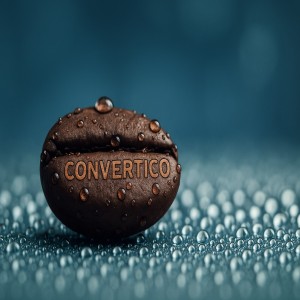
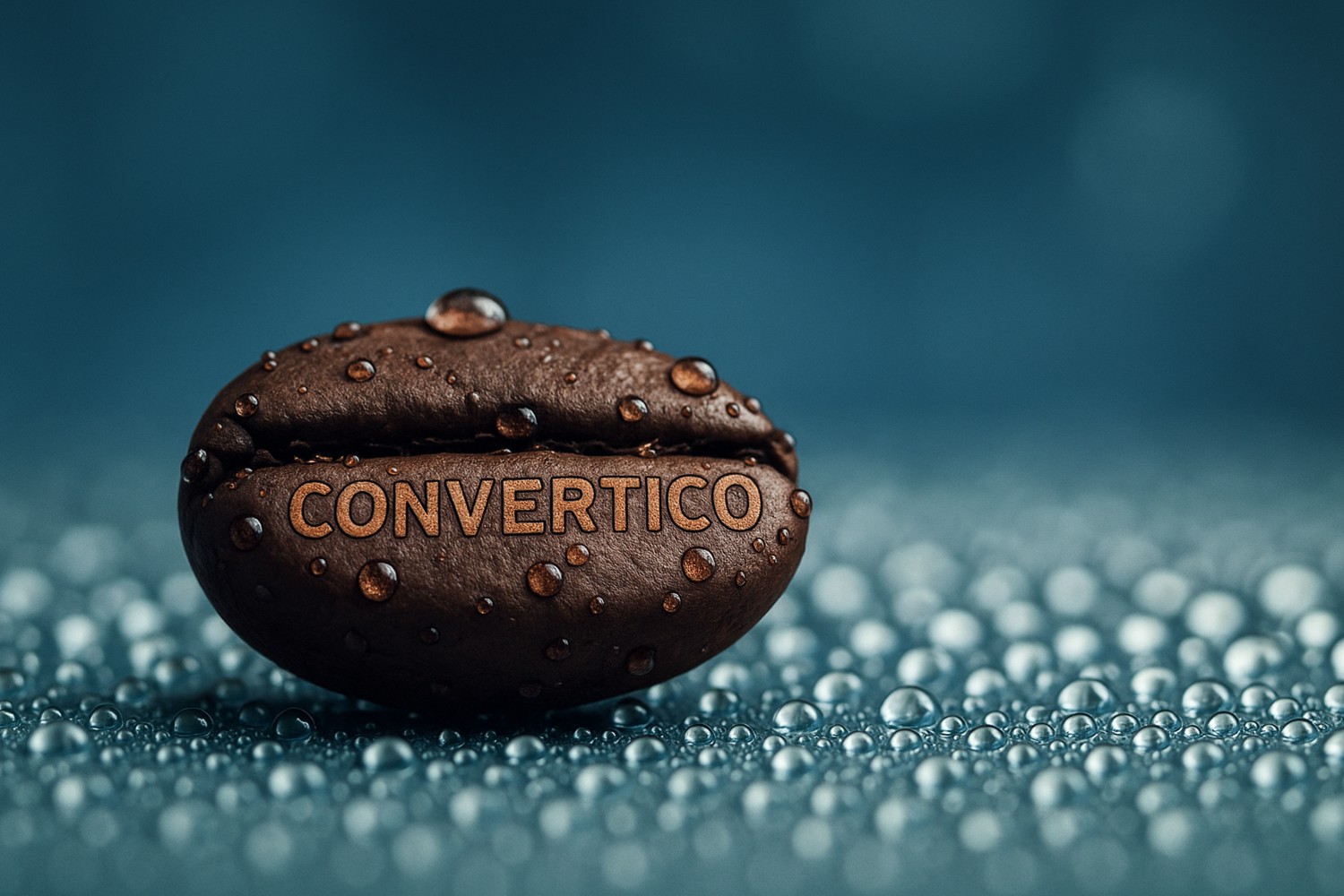
| convertico-coffee-bean-jpg.jpg | 1500 × 1000 | 24-bit (8 per channel) | YCbCr | Baseline | 4:2:0 | Lossy (DCT) | No | - / ICC | 233.49 KB |
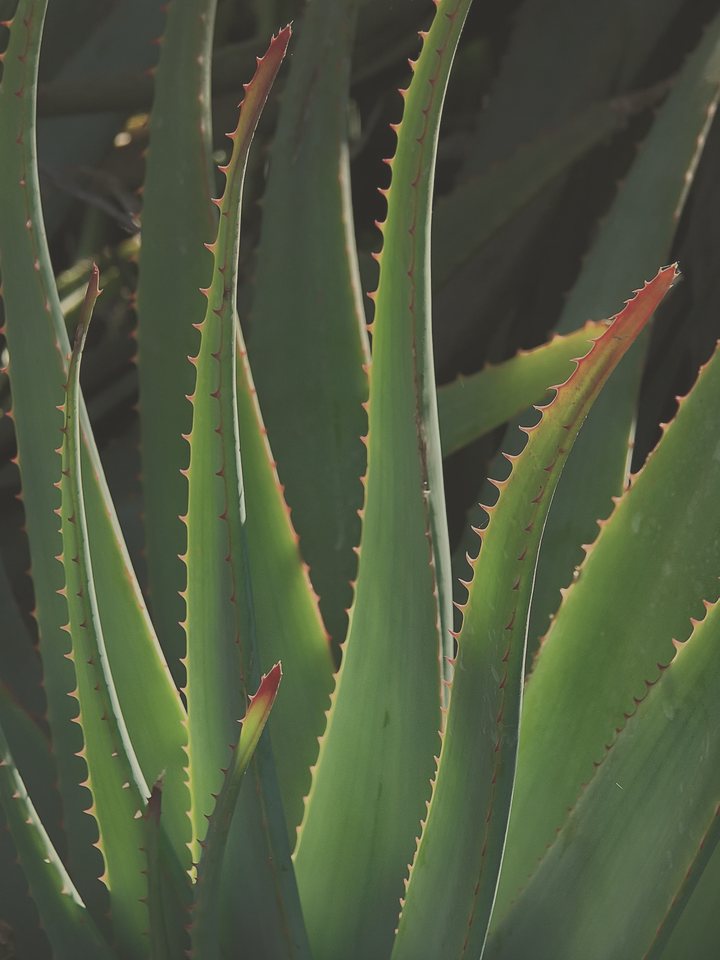
| convertico-enhancer-dull-sample.jpg | 720 × 960 | 24-bit (8 per channel) | YCbCr | Baseline | 4:2:0 | Lossy (DCT) | No | - / - | 78.89 KB |
| convertico-enhancer-lowq-sample.jpg | 480 × 320 | 24-bit (8 per channel) | YCbCr | Baseline | 4:2:0 | Lossy (DCT) | No | - / - | 16.29 KB |
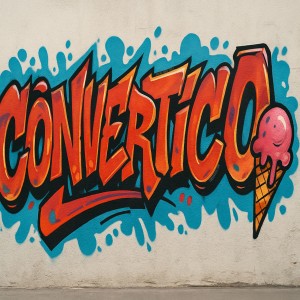
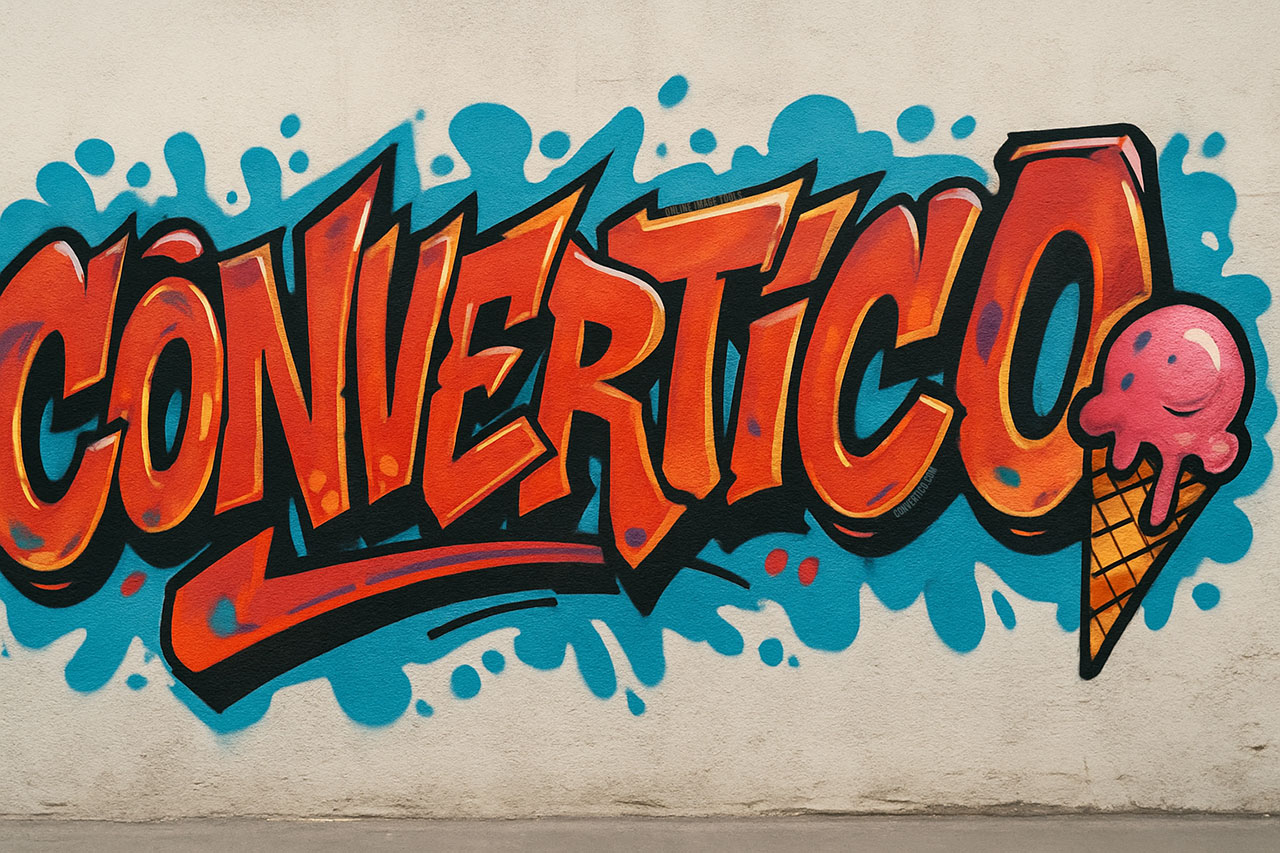
| convertico-graffiti-vibes.jpg | 1280 × 853 | 24-bit (8 per channel) | YCbCr | Baseline | 4:4:4 | Lossy (DCT) | No | EXIF / - | 327.87 KB |
| convertico-icon-resizer.jpg | 1536 × 1024 | 24-bit (8 per channel) | YCbCr | Baseline | 4:4:4 | Lossy (DCT) | No | EXIF / - | 377.89 KB |
| convertico-little-sorcerer-jpg.jpg | 1024 × 1536 | 24-bit (8 per channel) | YCbCr | Baseline | 4:2:0 | Lossy (DCT) | No | - / - | 1.19 MB |
| convertico-ninja-girl-jpg.jpg | 2048 × 1024 | 24-bit (8 per channel) | YCbCr | Baseline | 4:4:4 | Lossy (DCT) | No | EXIF / - | 1.27 MB |
| convertico-upscaler-art-sample.jpg | 320 × 480 | 24-bit (8 per channel) | YCbCr | Baseline | 4:2:0 | Lossy (DCT) | No | - / - | 31.08 KB |
| convertico-upscaler-photo-sample.jpg | 480 × 320 | 24-bit (8 per channel) | YCbCr | Baseline | 4:2:0 | Lossy (DCT) | No | - / - | 29.31 KB |
| convertico-wizard-tools-inside-hd-jpg.jpg | 1920 × 1080 | 24-bit (8 per channel) | YCbCr | Baseline | 4:2:0 | Lossy (DCT) | No | - / - | 1.45 MB |
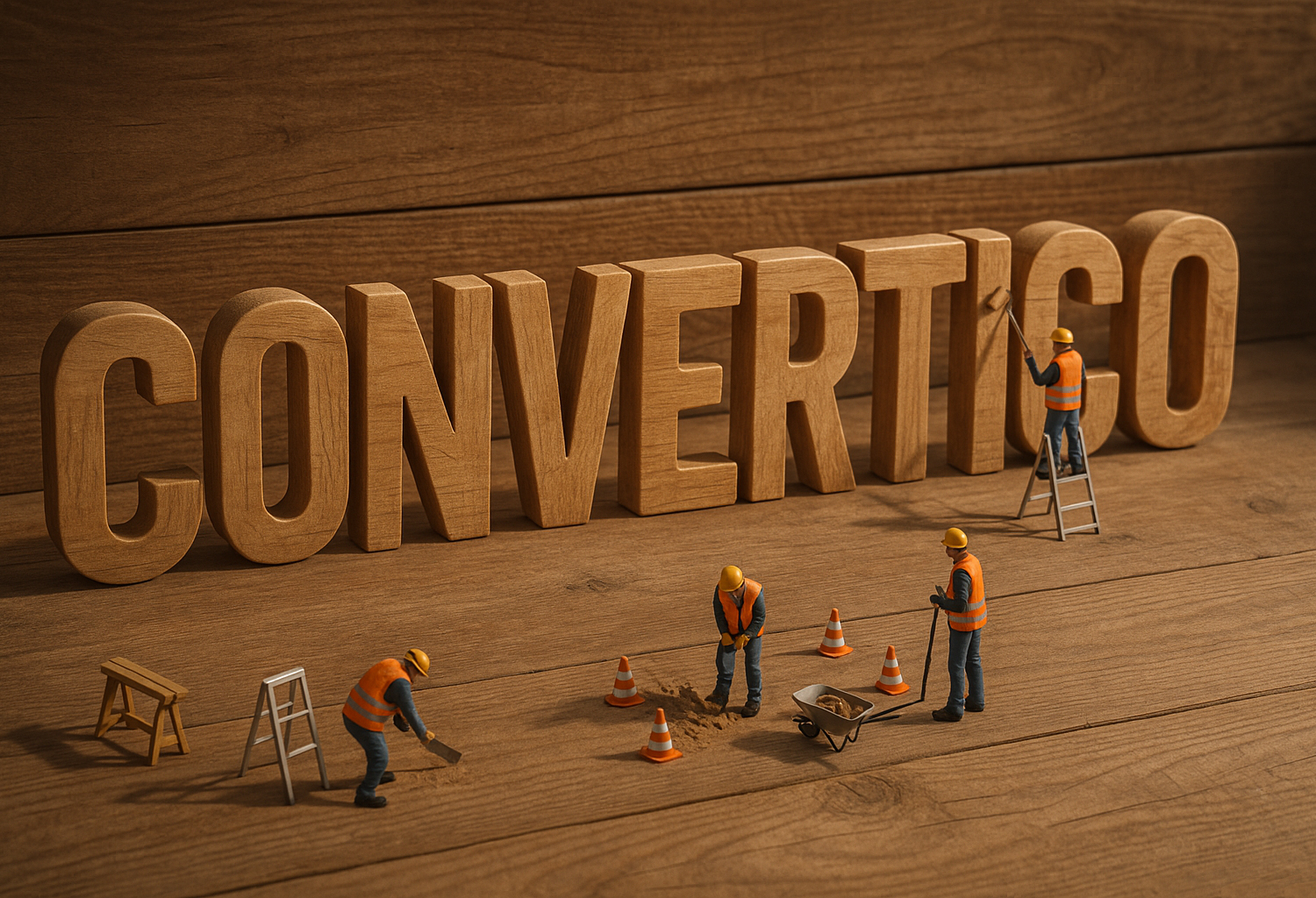
| convertico-wooden-text-jpg.jpg | 1500 × 1024 | 24-bit (8 per channel) | YCbCr | Baseline | 4:4:4 | Lossy (DCT) | No | EXIF / - | 1.22 MB |
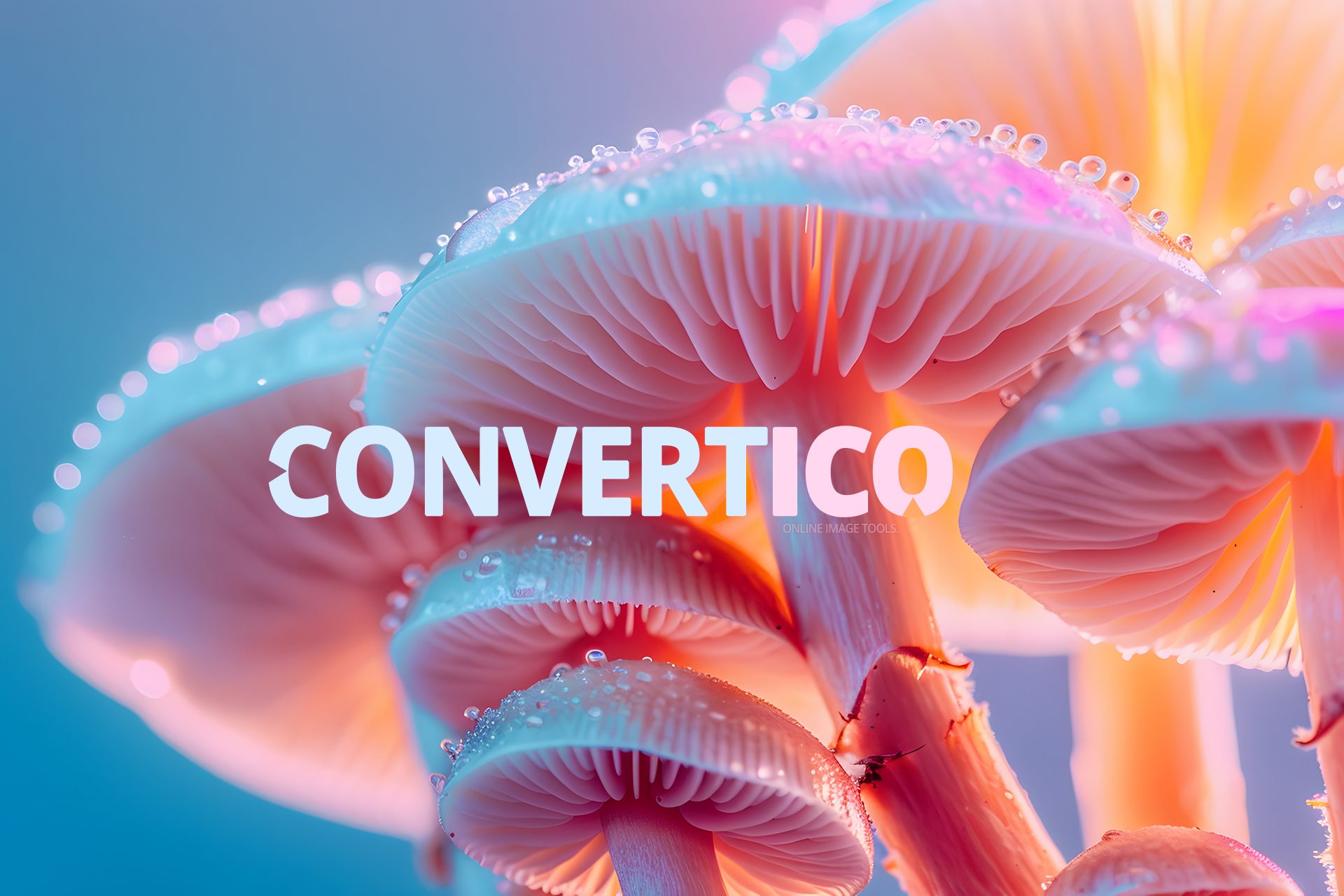
| delicate-mushrooms-raw-hd.jpg | 1920 × 1280 | 24-bit (8 per channel) | YCbCr | Baseline | 4:4:4 | Lossy (DCT) | No | EXIF / - | 1.07 MB |
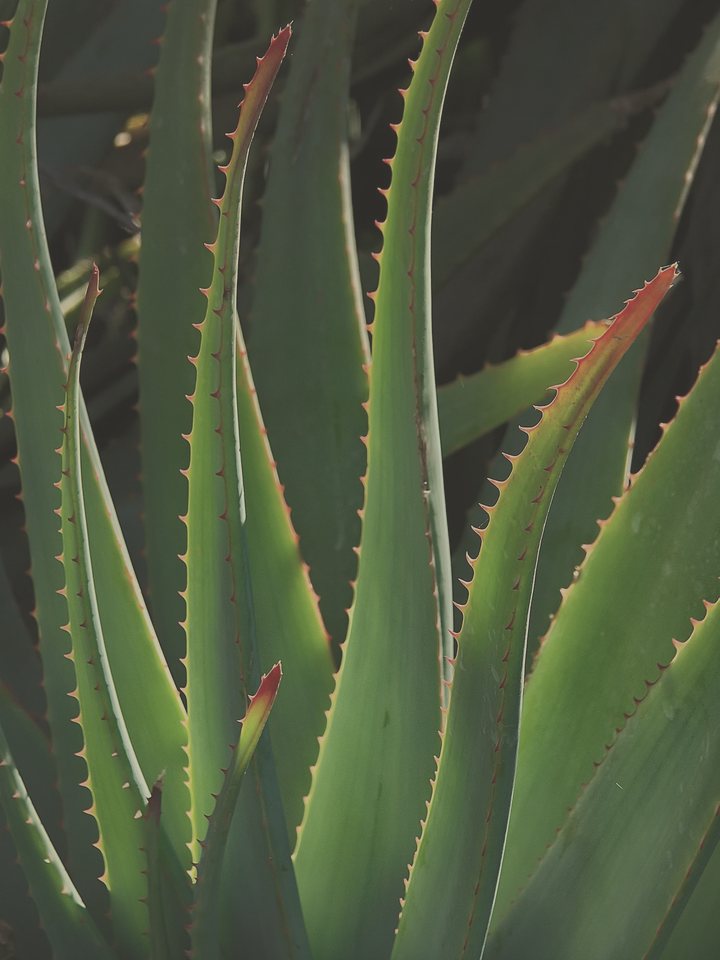
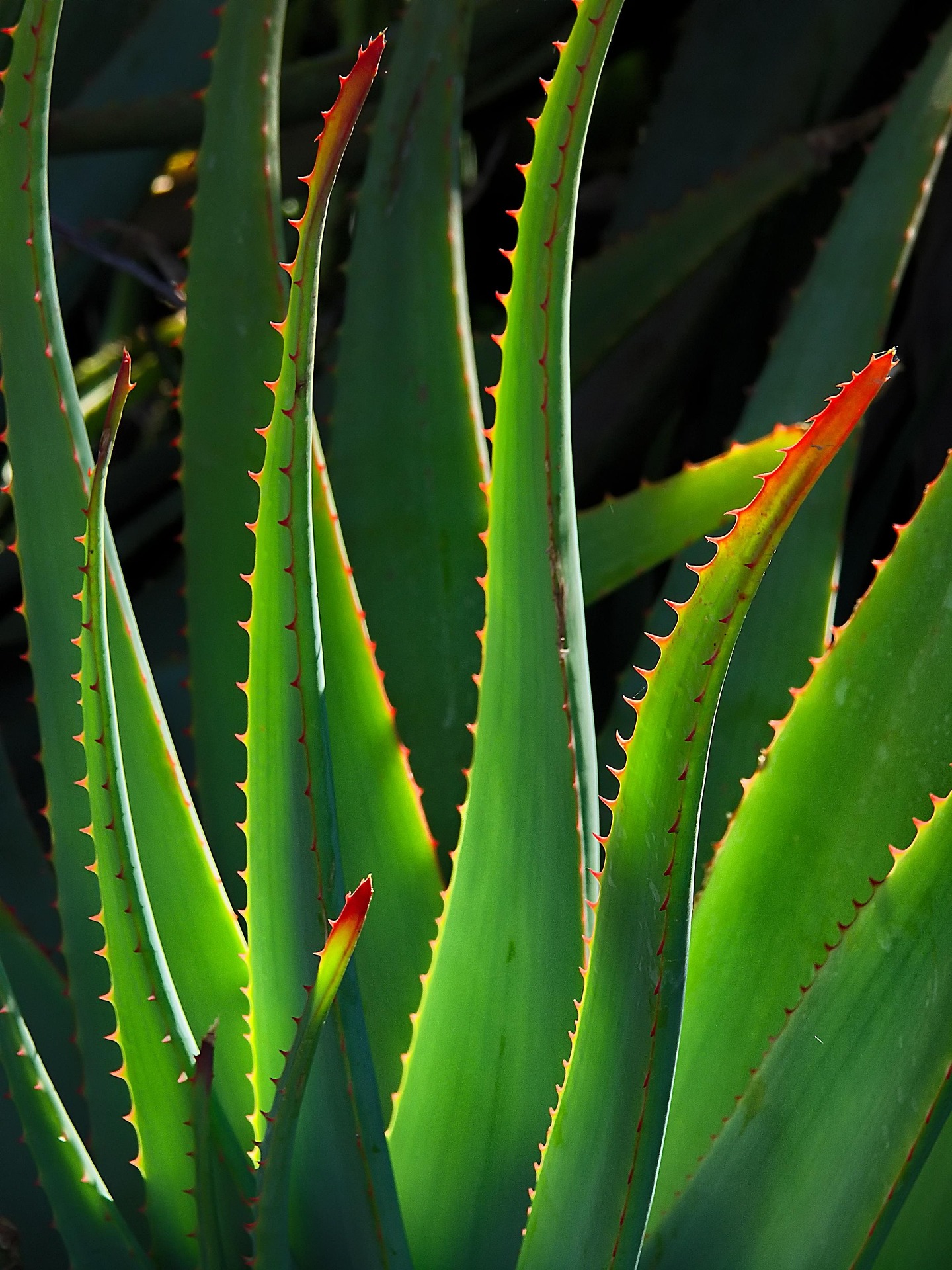
| plant-jpg.jpg | 1440 × 1920 | 24-bit (8 per channel) | YCbCr | Baseline | 4:2:0 | Lossy (DCT) | No | - / - | 589.32 KB |
| sample-jpg-4k-3840x2160-oni-serpent.jpg | 3840 × 2160 | 24-bit (8 per channel) | YCbCr | Baseline | 4:2:0 | Lossy (DCT) | No | - / - | 574.73 KB |
| sample-jpg-progressive-1920x1080-tattooed-girl.jpg | 1920 × 1080 | 24-bit (8 per channel) | YCbCr | Progressive | 4:2:0 | Lossy (DCT) | No | - / - | 123.93 KB |
Every JPG sample on this page is free to download and use - for testing software, demos, tutorials, bug reports and school projects. No sign-up, no attribution required.
A link back to convertico.com/samples/jpg/ is always appreciated. Please do not resell the files as stock images.
JPG/JPEG (Joint Photographic Experts Group) is the most widely used image format on the web and in digital photography. JPEG uses lossy compression to achieve small file sizes while maintaining acceptable visual quality for photographs.
JPEG supports 24-bit color (16.7 million colors) and variable compression levels. While it doesn't support transparency, its excellent compression makes it ideal for photographs and complex images where some quality loss is acceptable.
These JPG sample files include various subjects, resolutions, and compression levels for comprehensive testing.
Click the Download button below any sample file to save it directly to your device. No registration or sign-up required.
Yes, all sample JPG files are completely free to download and use for testing, development, and educational purposes.
JPG and JPEG are the same format. The shorter .jpg extension originated from early Windows limitations that required 3-character extensions. Both are fully interchangeable.
No, JPEG does not support transparency. If you need transparent backgrounds, use PNG, WebP, or AVIF formats instead.
For web use, 80-85% quality offers a good balance between file size and visual quality. For archival or printing, use 90-100% quality.
Video, audio & documents