

Free 4K Wallpapers
Original wallpapers designed by ConvertICO, made for big, sharp screens - in 4K, 1440p, 1080p, ultrawide, phone and tablet sizes.
Free to download, no sign-up - and if you need another size, the Image Resizer and Image Cropper are one click away.
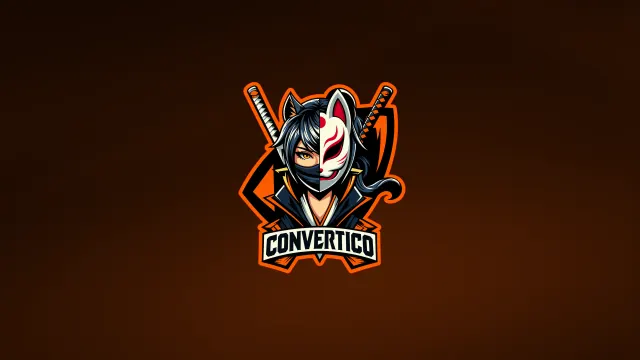 4K
NEW
4K
NEW Kitsune Ninja
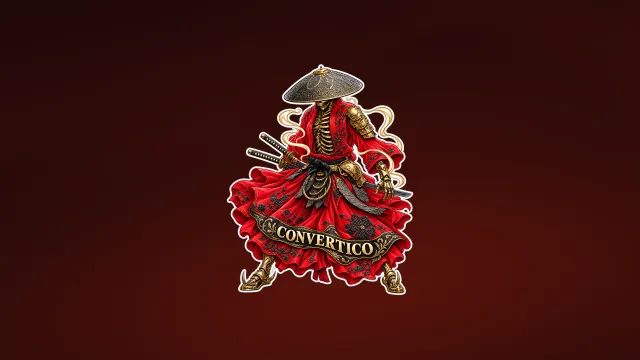 4K
NEW
4K
NEW Golden Samurai
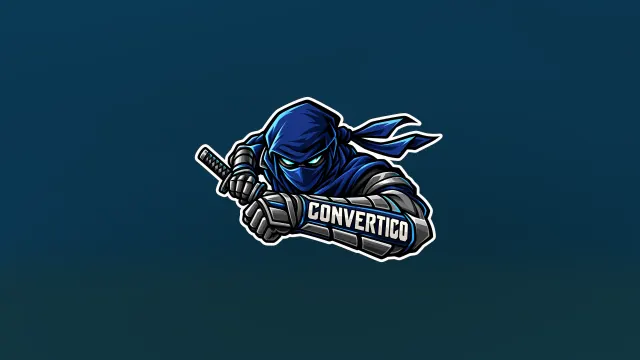 4K
NEW
4K
NEW Blue Ninja
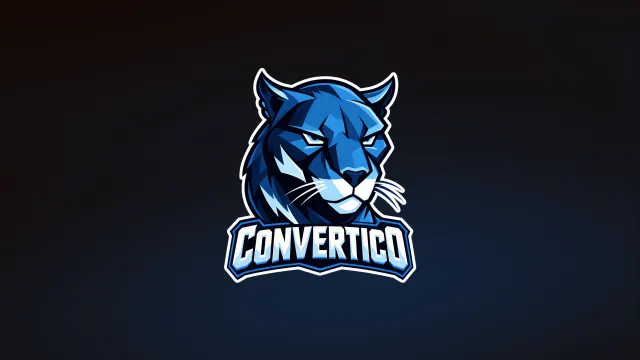 4K
NEW
4K
NEW Blue Panther
 4K
NEW
4K
NEW Melting Smiley Skull
 4K
NEW
4K
NEW Eat Sleep Convert Repeat
 4K
NEW
4K
NEW Pink Kawaii
 4K
NEW
4K
NEW Oni Serpent
 4K
NEW
4K
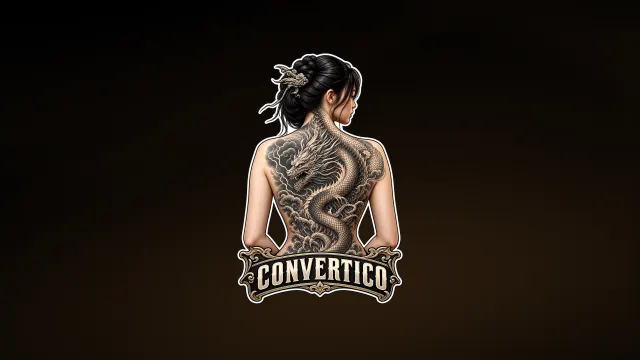
NEW Elegant Tattooed Girl
 4K
NEW
4K
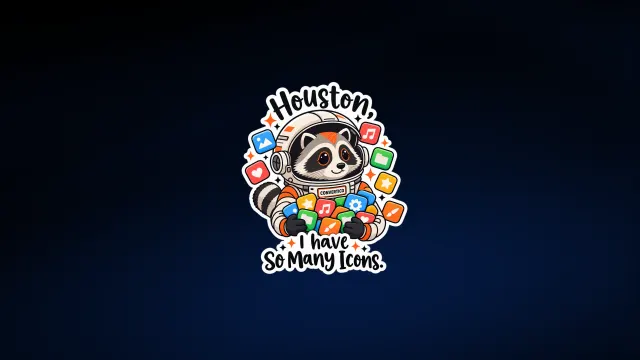
NEW Houston, I Have So Many Icons
 4K
NEW
4K
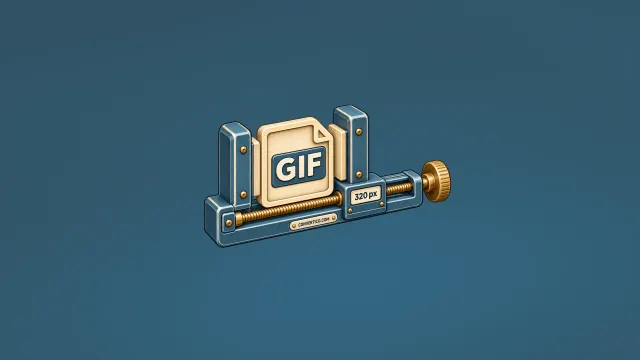
NEW GIF Resizer Vise
Set it in 10 seconds
Windows 11
- Right-click the desktop, then Personalize.
- Background - Browse photos.
- Pick the file and set the fit to Fill.
macOS
- System Settings - Wallpaper.
- Click Add Folder or Photo.
- Choose the file, then Fill Screen.
iPhone
- Save the Phone or iPhone size to Photos.
- Share - Use as Wallpaper.
- Pinch to adjust, then Add.
Android
- Download the Android 20:9 size.
- Open it in Gallery - menu - Set as wallpaper.
- Choose Home, Lock or both.
Make it yours
Need an exact size, a tighter crop or the colour codes? These free tools work right in your browser.
Frequently Asked Questions
Are these wallpapers really free?
Yes. Every wallpaper here is an original ConvertICO design and free to use on your own desktop, laptop, phone or tablet. No account, no sign-up, no watermark.
Which size should I download?
Each wallpaper page shows a "Best for your screen" pick based on your display. As a rule: 4K for 4K monitors and most laptops with scaling, Phone 9:16 for most phones, iPhone Pro Max for large iPhones and Ultrawide 21:9 for 3440 x 1440 monitors.
How do I set a wallpaper on Windows 11?
Download the 4K or 1440p file, right-click the desktop, choose Personalize, then Background, and click Browse photos to pick the file. Set "Choose a fit" to Fill.
How do I set a wallpaper on iPhone or Android?
Download the phone size, open it in Photos (iPhone) or Gallery (Android), tap the share or menu button and choose "Use as Wallpaper" or "Set as wallpaper". You can pinch to adjust the crop.
Can I use them in videos or commercial projects?
Personal use is free. For YouTube thumbnails, stream overlays or anything you sell, please contact us first - we say yes to most requests. Reselling the files as wallpapers or stock images is not allowed.
How often do you add new wallpapers?
New designs are added regularly. Bookmark this page or sort by Newest to see the latest ones first.
Free to use
All wallpapers are original ConvertICO artwork, free for personal use on any of your devices.
Sharing a link to convertico.com/wallpapers/ is always welcome. Please do not resell or re-upload the files as your own. For commercial use, contact us.
Looking for test files instead? Browse our sample files in PNG, JPG, HEIC, AVIF and more.