Make, extract, edit and inspect icons online - no icon editor to install.
Make an icon from any image, pull icons out of an EXE or resize one to the exact size you need.
Just need a format change? The icon converters turn PNG, JPG and SVG into ICO and back.
Get icons out of Windows programs, libraries and icon fonts.
Recolor and animate vector icons, then copy the code into your site.
Check Windows CUR and ANI cursors - every size, the hotspot, animation frames, speed and sequence
Browse, search and copy every Unicode emoji - and turn any one into an icon
Turn SVG icons into a WOFF2, WOFF and TTF icon font with CSS
Remove an icon's background and save a transparent PNG or ICO
Nothing here matches "".
Our tool shelf is big, though. Try the site search or .
These tools cover the jobs around an icon that a plain converter cannot do. Pull the icons out of a Windows program, check what sizes an ICO really contains, shrink it, or build a complete set for an app.
Most of them run right in your browser. Tools that need our server delete your uploads automatically after a few hours.
From EXE, DLL and font files
See every size and colour depth
Recolor, resize and animate
Every size iOS and Android ask for
Grab an icon you like with the DLL Icon Extractor, or look up built-in ones in the Windows System Icon Browser.
The App Icon Generator exports every size the App Store and Google Play ask for from one image.
Give a removable drive its own icon with the Drive Icon Generator.
Recolor icons in the SVG Icon Editor, add a spin or pulse with the SVG Icon Animator, or split an icon font with the Font Icon Extractor.
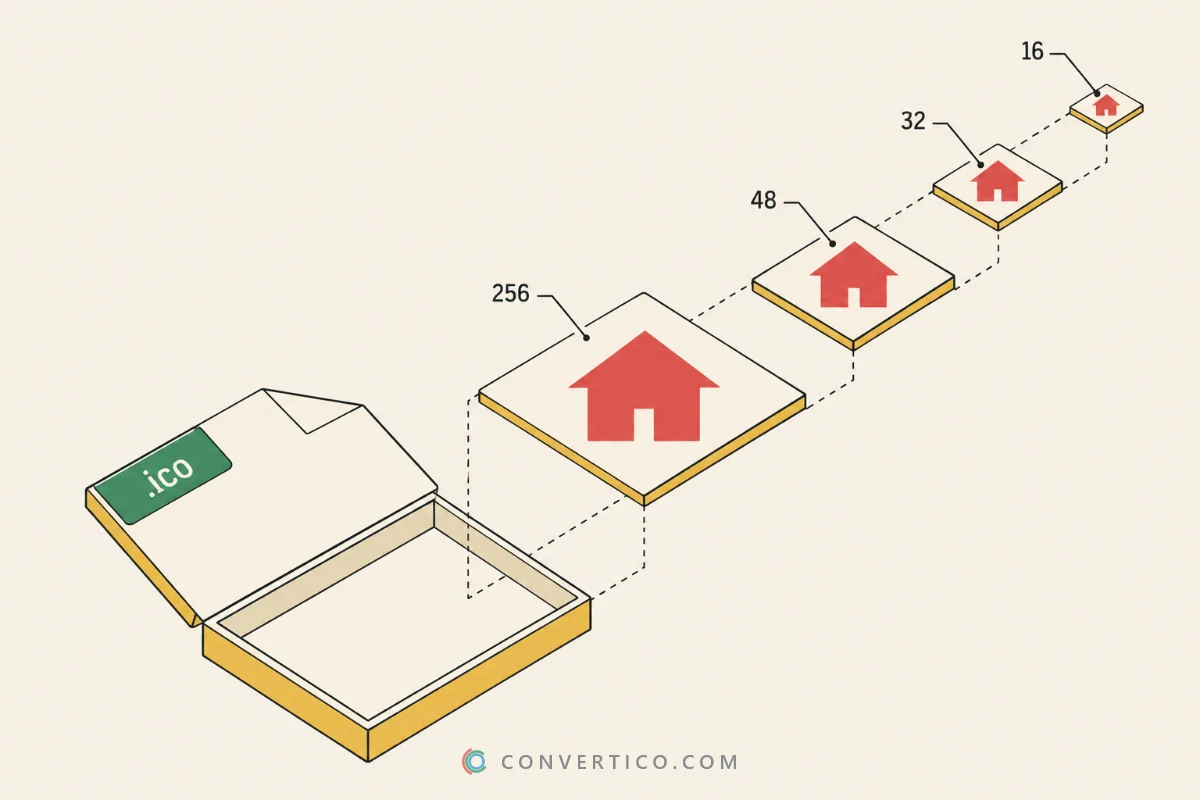
Windows icons use 16, 24, 32, 48 and 256 px. Favicons need 16, 32 and 48 px, plus 180 px for Apple devices and 192 and 512 px for Android.
macOS icons go all the way up to 1024 px - the Mac ICNS tools handle those. For website icons, start with the favicon tools.
Upload the program to the EXE Icon Extractor. It finds every embedded icon and lets you download them as ICO or PNG. For library files, use the DLL Icon Extractor.
Most ICO files hold 16, 32, 48 and 256 px images, and some add 24, 64 or 128 px. Each size can have its own colour depth, from 4-bit to 32-bit with transparency.
The ICO Analyzer shows exactly what is inside your file.
Open the Icon Maker, upload your image, then crop and style it. Download it as ICO or PNG. For a quick format change, the PNG to ICO converter is faster.
Use Compress ICO. It optimizes every image inside the file and can drop sizes you do not need, which is handy for favicons.
Yes. The SVG Icon Editor changes fill and stroke colors, stroke width and size, with a live preview. Copy the code or download the new SVG.
Yes. The SVG Icon Animator adds CSS animations such as spin, pulse, bounce and fade. It works well for loaders and hover effects.
Upload one large square image (1024 px is ideal) to the App Icon Generator. It exports every size each store and device expects.
Many of these tools work entirely in your browser, so the file never leaves your device. Tools that use our server delete uploads automatically after a few hours.