Scalable Vector Graphics
Download free SVG vector files for testing and development. Scalable vector graphics to test browser rendering, converter tools, animation support, and vector editing applications.
What is different inside each file - pick the one that matches your test case, then open it in SVG to PNG.
| File | Dimensions | Elements | Features | Background | viewBox | Size |
|---|---|---|---|---|---|---|
| sample-svg-line-icon-currentcolor.svg | - | - | - | - | - | 8.07 KB |
| sample-svg-red-outer-convertico-rings-icon.svg | 814 × 814 | 5 | basic shapes | Transparent | Yes | 659 B |
| sample-svg-transparent-convertico-rings-icon.svg | 814 × 814 | 5 | basic shapes | Transparent | Yes | 659 B |
| sample-svg-with-background-convertico-rings-icon.svg | 814 × 814 | 6 | basic shapes | Transparent | Yes | 730 B |
| svg-drop-shadow-filter.svg | 400 × 400 | 13 | filters, text | Transparent | Yes | 10.57 KB |
| svg-gradient-logo.svg | 400 × 400 | 14 | gradients, text | Transparent | Yes | 10.57 KB |
| svg-loading-spinner.svg | 400 × 400 | 13 | text, animation | Transparent | Yes | 9.94 KB |
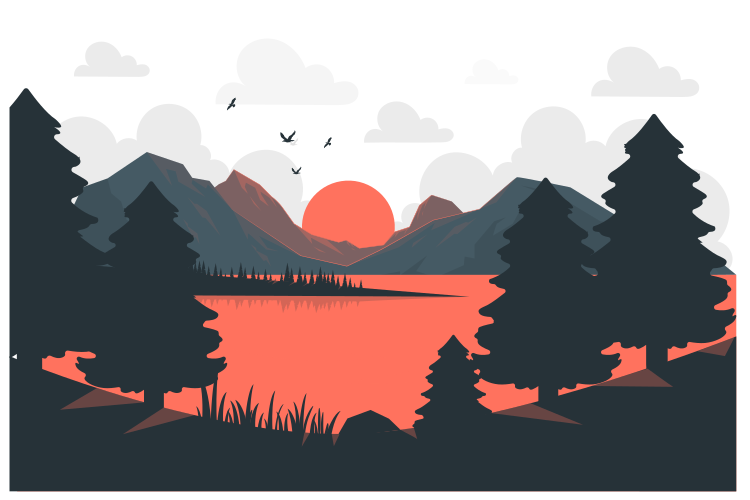
| svg-sample-transparent-large.svg | 750 × 500 | 271 | basic shapes | Transparent | Yes | 148.38 KB |
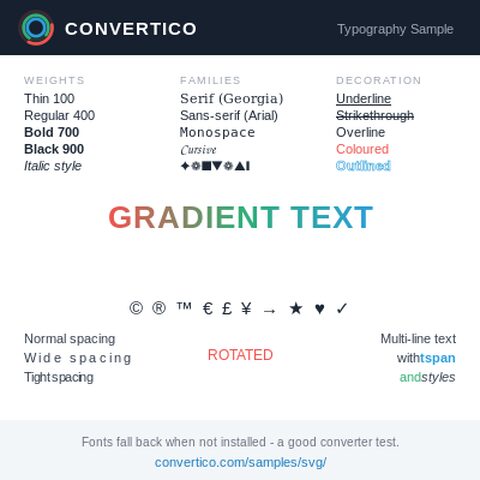
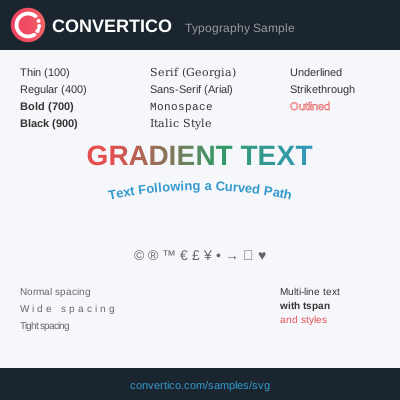
| svg-text-with-fonts.svg | 400 × 400 | 41 | gradients, text | Transparent | Yes | 12.45 KB |
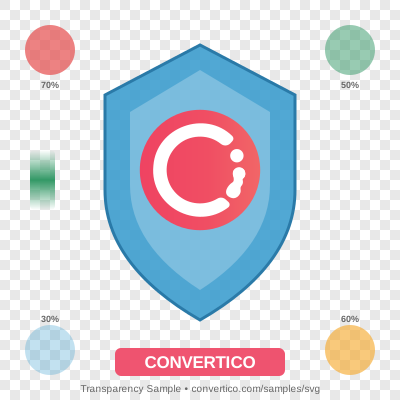
| svg-transparent-icon.svg | 400 × 400 | 21 | gradients, text | Transparent | Yes | 10.75 KB |
| winter-iguana-svg.svg | 1500 × 1000 | 1 | embedded images | Transparent | Yes | 2.63 MB |
Every SVG sample on this page is free to download and use - for testing software, demos, tutorials, bug reports and school projects. No sign-up, no attribution required.
A link back to convertico.com/samples/svg/ is always appreciated. Please do not resell the files as stock images.
SVG (Scalable Vector Graphics) is an XML-based vector image format for two-dimensional graphics. Unlike raster formats, SVG images can scale to any size without losing quality, making them ideal for logos, icons, and responsive web design.
SVG supports interactivity and animation through JavaScript and CSS. The format includes features like gradients, filters, clipping paths, and text rendering. SVGs can be styled with CSS and manipulated with JavaScript in web browsers.
These SVG sample files include various complexities from simple shapes to complex illustrations with gradients and effects.
Click the Download button below any sample file to save it directly to your device. No registration or sign-up required.
Yes, all sample SVG files are completely free to download and use for testing, development, and educational purposes.
SVG is a vector format that stores images as mathematical shapes rather than pixels. This means they can scale infinitely without any loss of quality or pixelation.
Yes! SVG files are XML-based text files. You can open and edit them in any text editor, though vector editing software like Inkscape or Illustrator provides a visual interface.
Yes, all modern browsers fully support SVG. Internet Explorer 9+ and all versions of Chrome, Firefox, Safari, and Edge support SVG rendering natively.
Video, audio & documents