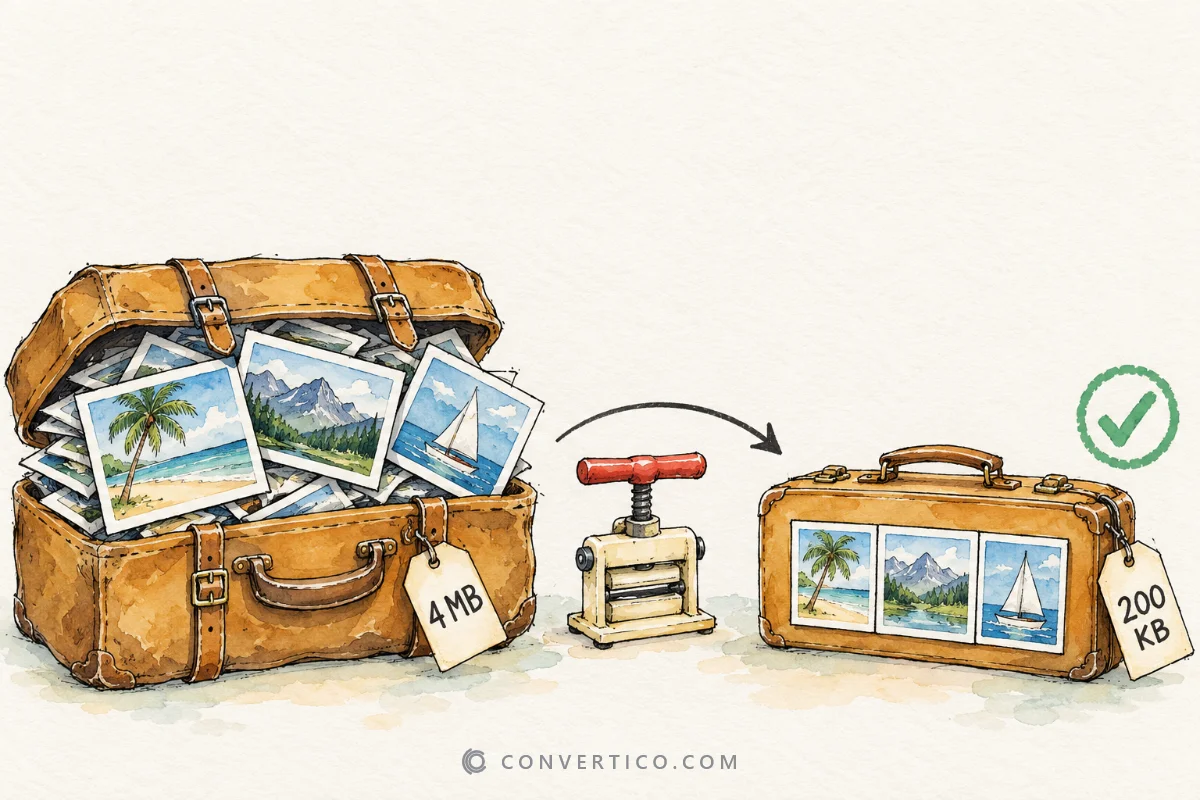

Make images smaller without making them look worse.
Pick your format - JPG, PNG, WebP, GIF or SVG - and download a lighter file in seconds.
Still too big? Shrink the dimensions first with the Image Resizer.
The everyday formats for websites, email and phones.
Reduce JPG file size while preserving quality
Reduce PNG file size while preserving quality
Reduce AVIF file size while preserving quality
Reduce HEIC file size while preserving quality
Reduce JPEG XL file size with compression
Reduce WebP file size while preserving quality
See how much each format and quality level really saves before you commit.
Nothing here matches "".
Our tool shelf is big, though. Try the site search or .
Lossy compression (JPG, WebP, AVIF) removes detail your eyes are unlikely to notice. Lossless compression (PNG, SVG, TIFF) only stores the same pixels more efficiently, so nothing changes at all.
Most of our compressors let you pick a quality level and show the new size before you download. Real savings depend on the image, so the number you see is measured on your actual file.
Most files are done in seconds
Tuned per format to keep detail
Compress many images at once
In-browser or auto-deleted uploads
| Format | Compression type | Typical saving | Best for |
|---|---|---|---|
| JPG | Lossy | 40-70% | Photos, email attachments |
| PNG | Lossless or palette | 50-80% | Screenshots, logos, graphics |
| WebP | Lossy or lossless | 20-50% | Website images |
| GIF | Palette + frame tricks | 30-60% | Animated reactions and loops |
| SVG | Code cleanup | 20-60% | Icons and logos |
| TIFF | LZW / ZIP lossless | 30-60% | Scans and print files |
Already compressed files save less the second time. For the smallest web images, convert to WebP or AVIF with the PNG to WebP or JPG to AVIF converters.
Open Compress PNG, drop your image in and pick a compression level. Download the optimized file, or a ZIP when you compress several.
Lossless modes keep every pixel. Lossy modes remove fine detail, but at a medium or high quality setting most people cannot see the difference, and the file is often half the size.
JPG, PNG, WebP, AVIF, JXL, HEIC, GIF, SVG, TIFF, BMP and ICO. Each format has its own compressor tuned for how that format stores images.
It depends on the picture. Typical results are 40-70% for JPG, 50-80% for PNG and 30-60% for GIF. Use the Compression Analyzer to compare formats on your own image.
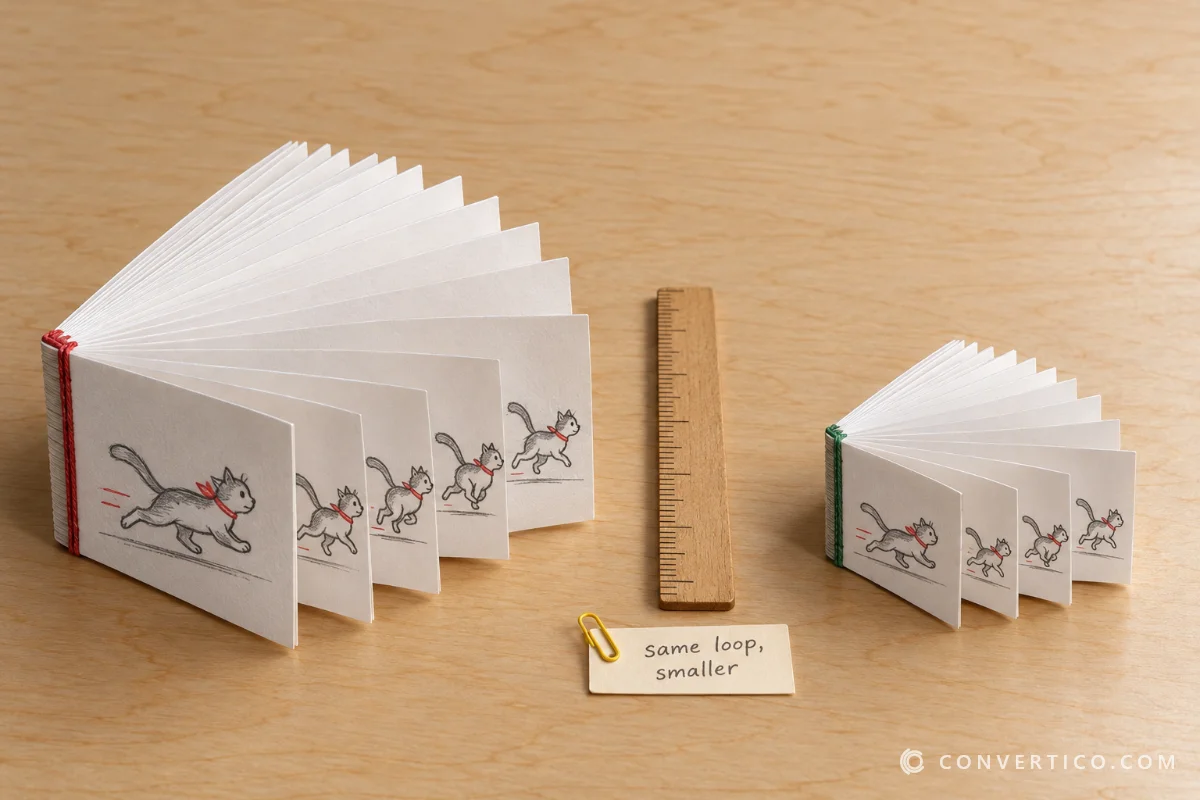
Use Compress GIF, then reduce colours or frame rate if it is still too big. Shrinking the width with the GIF Resizer saves the most.
Most compressors accept files up to about 50 MB. For very large photos, resize first with the Image Resizer - fewer pixels always means a smaller file.
Yes - Compress PDF shrinks the images inside a PDF document. The other PDF tools can merge, split and rotate pages.
Yes. Many compressors work entirely in your browser. The ones that need our server delete uploads automatically after a few hours, and we never share your images.