The Quick Answer
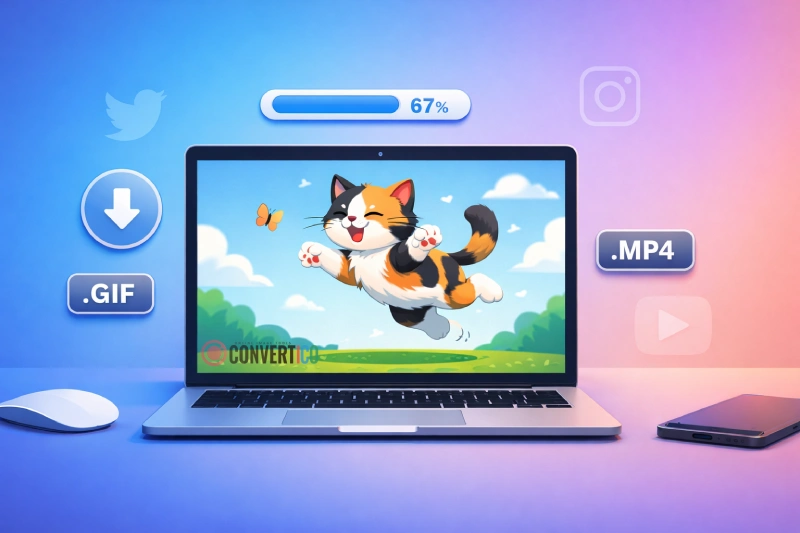
Long-press or right-click a GIF on Tenor or Giphy and you often get an MP4 or WebP, not a GIF.
To get a real animated .gif, copy the GIF's link and paste it into the Tenor GIF Downloader or the Giphy Downloader.
Pick GIF, download, done - on iPhone, Android or PC, with no app and no watermark.
| You want | Pick |
|---|---|
| A GIF that plays everywhere | GIF (HD on Tenor, original on Giphy) |
| A small file for WhatsApp or Instagram | MP4 |
| A transparent sticker | GIF - transparent or WebP - transparent |
| A GIF with sound (Giphy Clips) | MP4 with sound |
| A Discord emoji or sticker | GIF, then Make it Discord-ready |
Why You Get an MP4 or WebP Instead of a GIF
GIF is an old, heavy format.
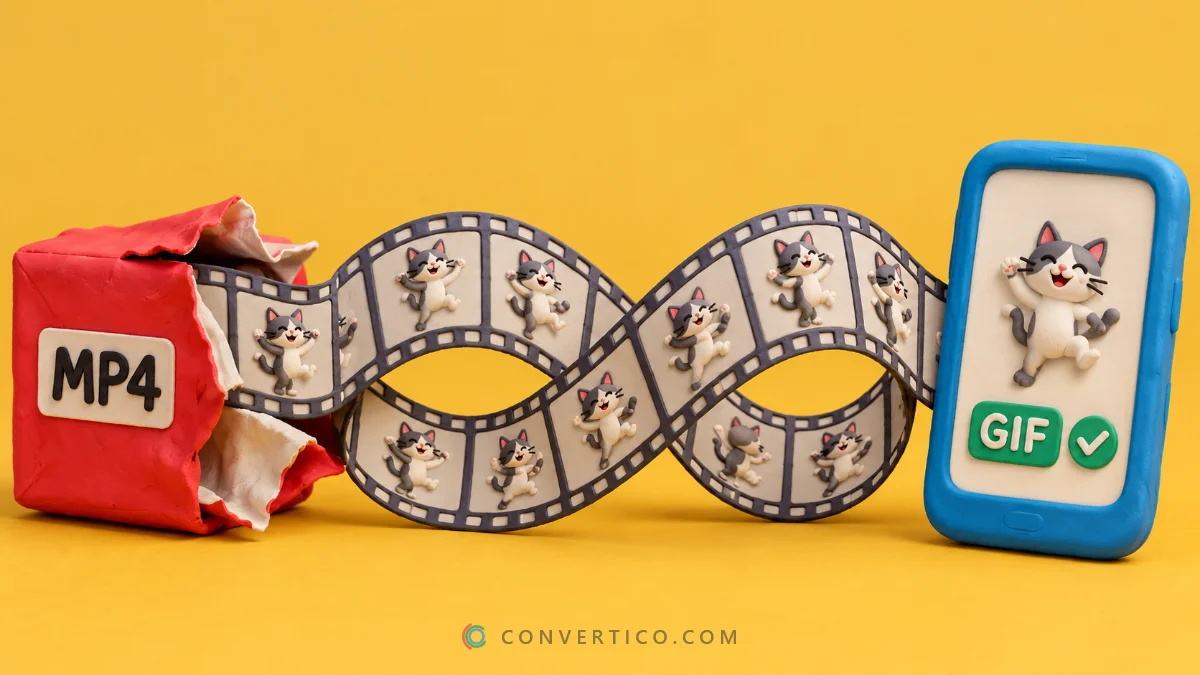
To load fast, Tenor and Giphy show most "GIFs" as small MP4 videos or WebP images. A long-press or right-click saves whatever is playing - so the file on your phone ends in .mp4 or .webp.
The real GIF is still on their servers. A downloader asks for it directly and lets you choose the format.
Download a GIF From Tenor
- Open the GIF on tenor.com or in the Tenor keyboard and tap Share > Copy link. On a computer, copy the address bar.
- Paste the link into the Tenor GIF Downloader and press Get GIF.
- Pick GIF - HD for the biggest, sharpest GIF - every option shows its real size first.
- Press Download.
No link? Use the Search Tenor tab, or tap Trending or a topic like "Thank you". Tick several GIFs and get them in one go - more than two come as one ZIP.
Download a GIF From Giphy
- Open the GIF on giphy.com or in the GIPHY app and tap Share > Copy link.
- Paste it into the Giphy Downloader and press Get GIF.
- Pick a version and press Download.
| Giphy option | What it is |
|---|---|
| Original upload | The exact file the creator uploaded - usually the sharpest and largest |
| GIF | The full-size copy Giphy shows on its site |
| Under 2 MB | Made for the web and chats |
| 200 px / small | Thumbnails and quick replies |
Links from the GIPHY app, media.giphy.com, i.giphy.com and gph.is short links all work. Giphy Clips have sound - pick MP4 with sound to keep it.
Save It on iPhone or Android
- iPhone: after Download, tap Save to Photos (or Share > Save Image). The GIF keeps moving and lands in the Animated album. Tapping Save instead puts it in Files > Downloads.
- Android: the GIF goes to Downloads and shows up in Google Photos or your Gallery. Some gallery apps show only the first frame - open it in Google Photos to see it move.
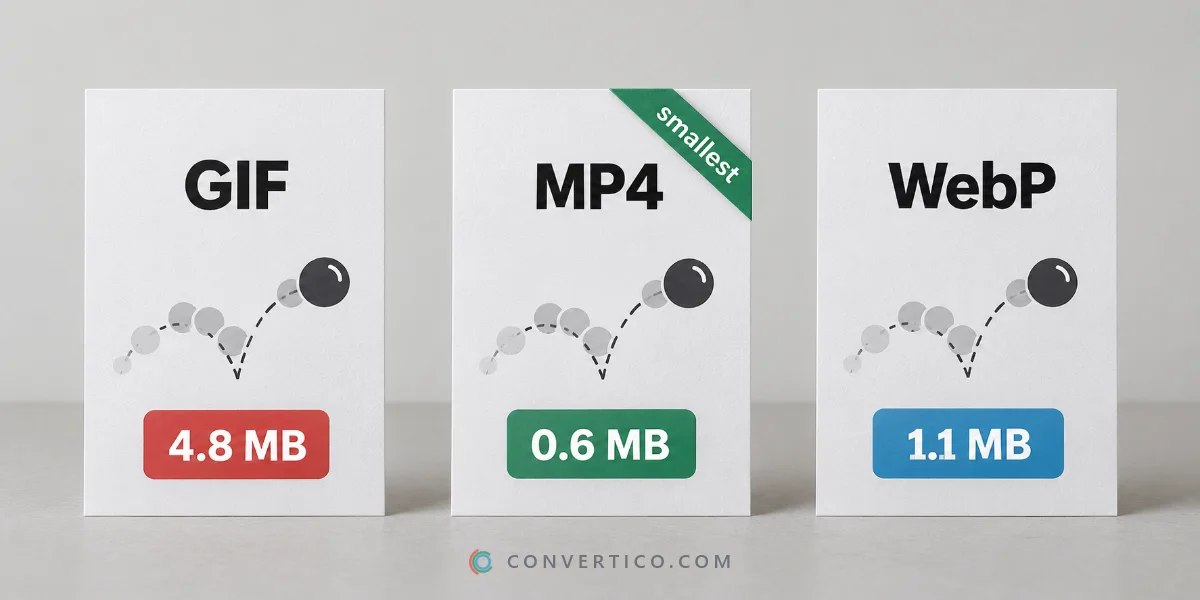
GIF, MP4 or WebP - Which Should You Pick?
| Format | Best for | Size |
|---|---|---|
| GIF | Plays everywhere, loops by itself - emails, old apps, Discord | Largest |
| MP4 | WhatsApp, Instagram, websites, slides | 3-10 times smaller than GIF |
| WebP | Websites and modern apps, keeps transparency | Small |
Got the wrong one? Convert it with MP4 to GIF or GIF to MP4.
Stickers and WhatsApp or Telegram Packs
Stickers have a transparent background. Pick GIF - transparent or WebP - transparent and the background stays see-through.
Want a sticker pack? Tick several GIFs or stickers and press WhatsApp pack or Telegram pack. Each one is resized to 512 px and shrunk to fit the app's limits, and the ZIP explains how to add it.
Make It Fit Discord
Download the GIF, then press Message, Emoji or Sticker under Make it Discord-ready.
The GIF Resizer opens with your GIF and shrinks it to Discord's limit: 20 MB for a message on a free account, 256 KB for an emoji and 512 KB for a sticker.
Building a custom emoji from scratch? The Discord Emoji Maker does the sizing for you.
Can I Use Tenor and Giphy GIFs Anywhere?
Sharing GIFs in chats and on social media is what Tenor and Giphy are for.
Many GIFs come from films, shows and creators, though. For ads, products or anything commercial, ask the creator or rights holder first.
Frequently Asked Questions
How do I download a GIF from Tenor?
Copy the GIF's link (Share > Copy link), paste it into a Tenor GIF downloader and pick GIF. You get a real .gif file instead of the MP4 Tenor plays.
How do I download a GIF from Giphy?
Copy the link from giphy.com or the GIPHY app, paste it into a Giphy downloader and choose the original upload or GIF version.
Why does my GIF save as an MP4?
Tenor and Giphy show GIFs as MP4 or WebP to save data. A downloader fetches the real GIF from the same link.
How do I save a Tenor GIF to my iPhone?
Download it as a GIF, then tap Save to Photos. It keeps moving and appears in the Animated album.
Can I download Tenor or Giphy stickers with a transparent background?
Yes. Choose the transparent GIF or WebP option and the background stays see-through.
Do I need the GIPHY or Tenor app?
No. The downloaders work in any browser on a phone or computer, with no account.
Is there a watermark?
No. You get the exact file Tenor or Giphy hosts.
Still stuck? Ask us - we reply faster than a JPEG loads on dial-up.
The Bottom Line
- Long-press saves the MP4 or WebP Tenor and Giphy play - not the GIF
- Copy the link and use a downloader to get a real .gif
- MP4 for chats, GIF for everywhere else, transparent WebP for stickers
- Shrink it for Discord with one tap
The GIF was there all along - it just needed asking nicely.
Saving from other sites too? See how to download GIFs from any website.
Get the Real GIF
Paste a Tenor or Giphy link and download a true .gif, MP4 or WebP - free, no app, no watermark.
Tenor GIF Downloader