0


Original icon packs drawn by the ConvertICO team, free to download.
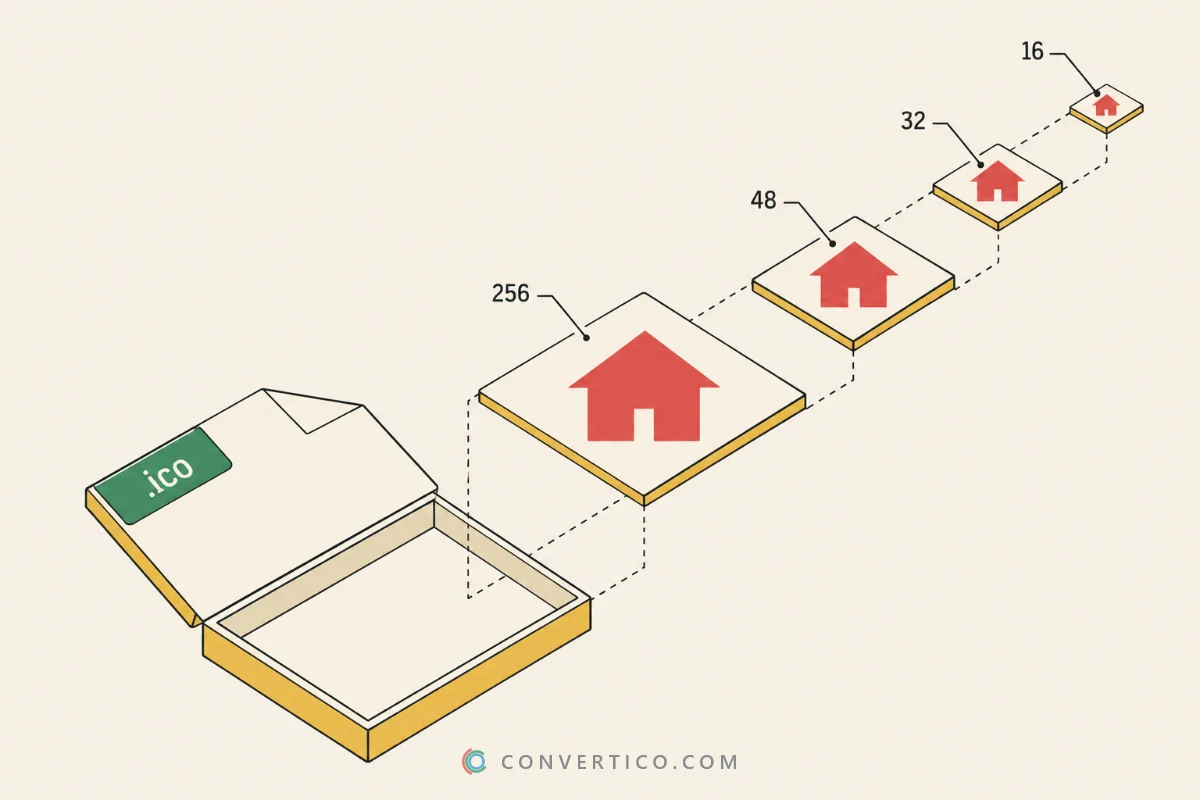
Every icon comes as a Windows ICO with all sizes from 16 to 256 px, plus a 512 px transparent PNG.
Want one of your own? Turn any picture into an icon with PNG to ICO, JPG to ICO or the Icon Maker.
Six Halloween mascots that turn your desktop into a haunted house - candy included.
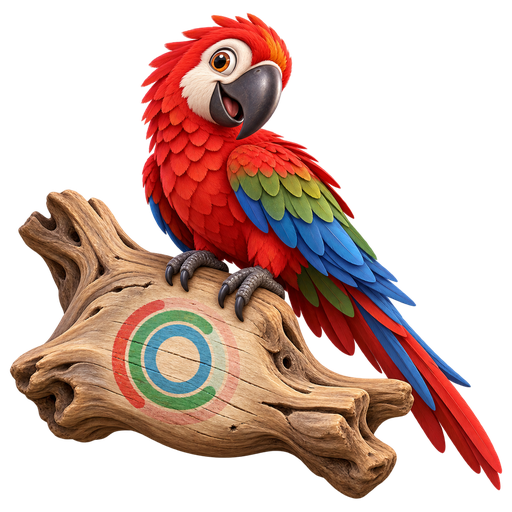
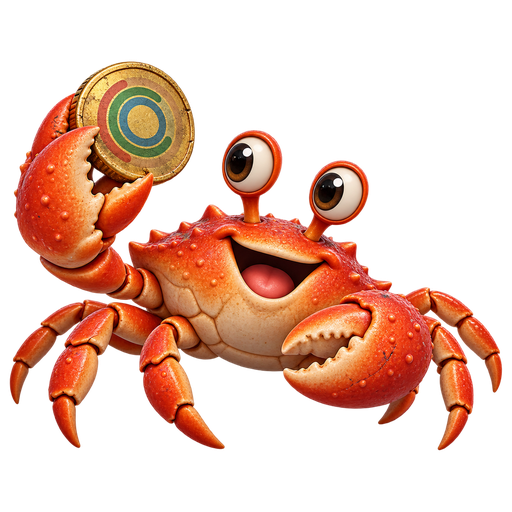
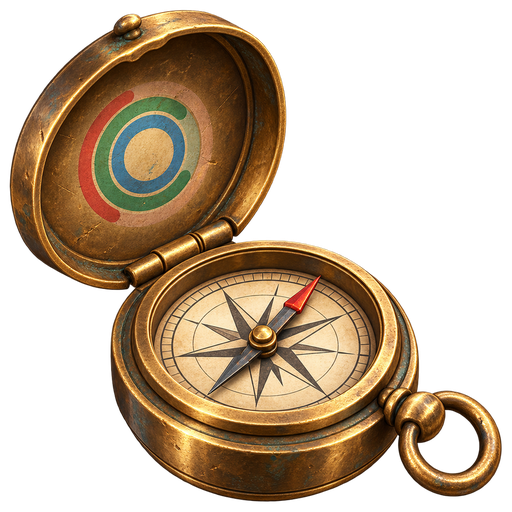
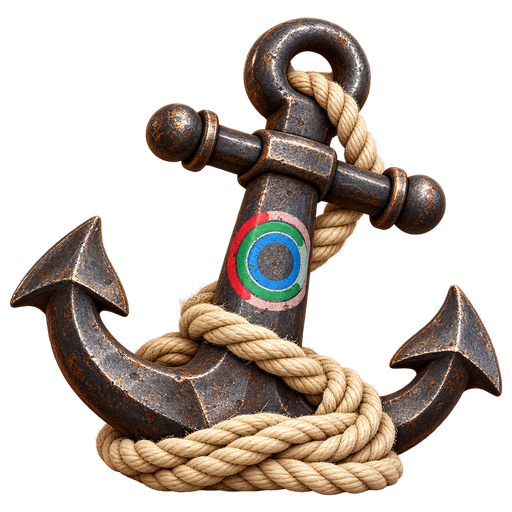
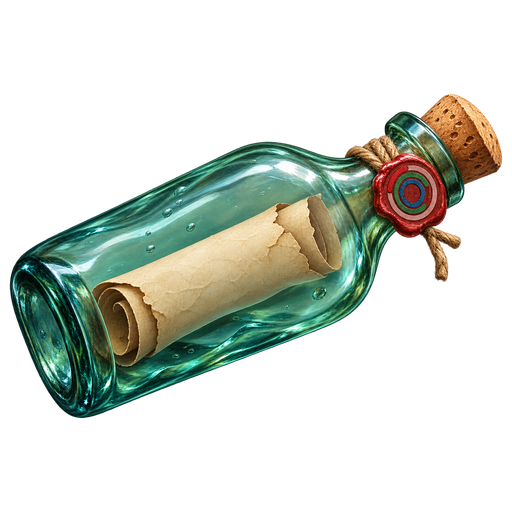
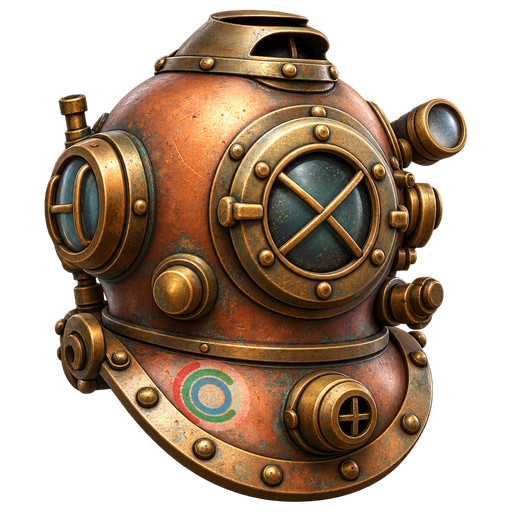
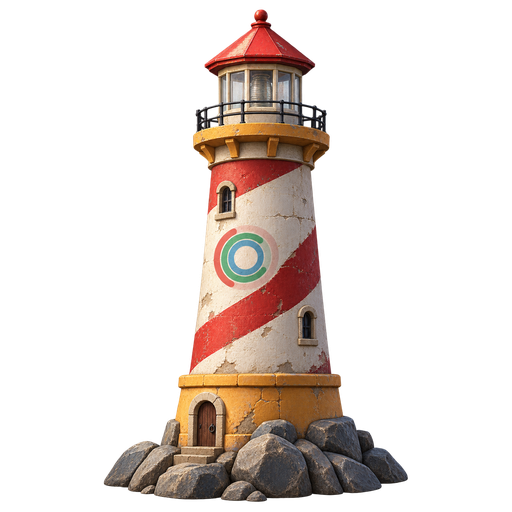
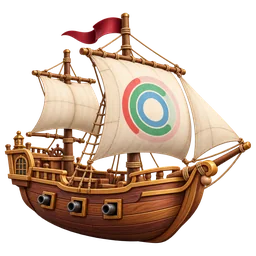
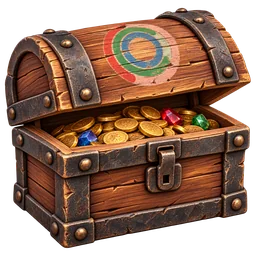
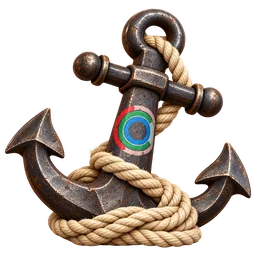
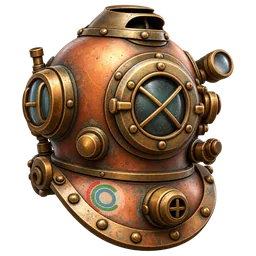
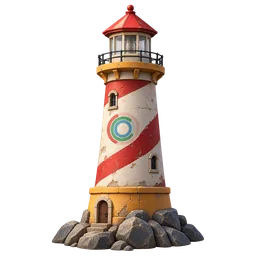
Tropical and pirate icons, each with our spinner hidden somewhere. Can you spot them all?


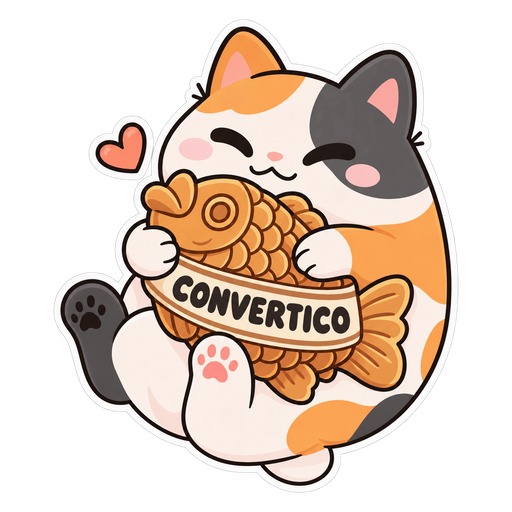
Our mascots and our spinner logo as die-cut stickers - the same pack you find on Recent Icons.
Everything else for icons - converters for Windows, websites and Mac.
Need clean line icons for an app or website instead? Browse thousands of free UI icons in the ProIcons icon collections.
Yes. Every icon here is drawn by the ConvertICO team and free for personal use - folders, shortcuts, desktops and your own projects.
No account, no sign-up, no watermark.
The ICO is a Windows icon that holds seven sizes from 16 to 256 px in one file, so it stays sharp everywhere.
The PNG is a single 512 x 512 image with a transparent background, handy for websites, apps and design work. Open any icon's page to see every size inside its ICO.
Download the ICO, right-click the folder and choose Properties. Open the Customize tab, click Change Icon, then Browse, and pick the file.
Keep the ICO somewhere it will not be deleted, because Windows reads it from that location.
Yes. Rename the ICO to favicon.ico and upload it to the root of your site.
For the full set browsers and phones ask for, plus the HTML code, open the icon in the Favicon Generator - every icon page has a button for it.
Press Customize on any icon to open it in the Icon Resizer with the icon already loaded. Use ICO to PNG to pull out a single size, or ICO to ICNS for a macOS icon.
All of them are free and work in your browser.
Yes. New packs are added regularly, including seasonal ones - bookmark this page.
Meanwhile, Recent Icons shows the icons other visitors made with our converters and shared in the last hour.
All icons are original ConvertICO artwork, free for personal use on any of your devices and in your own projects.
Linking to convertico.com/icons/ is always welcome. Please don't resell the icons or upload them to other icon sites. For commercial use, contact us - we say yes to most requests.
Looking for something bigger? Grab a free 4K wallpaper to go with your new icons.
Quick license
TL;DR: make your desktop pretty, don't sell our pumpkins.