
Pull the soundtrack out of any MP4 video and save it as an MP3 that plays everywhere - then cut it with the MP3 Cutter or glue tracks together with Merge MP3.
Only need a short part, like a ringtone? Set the start and end under the player first - or cut the MP3 later with the MP3 Cutter.
An MP4 carries a picture and a sound track.
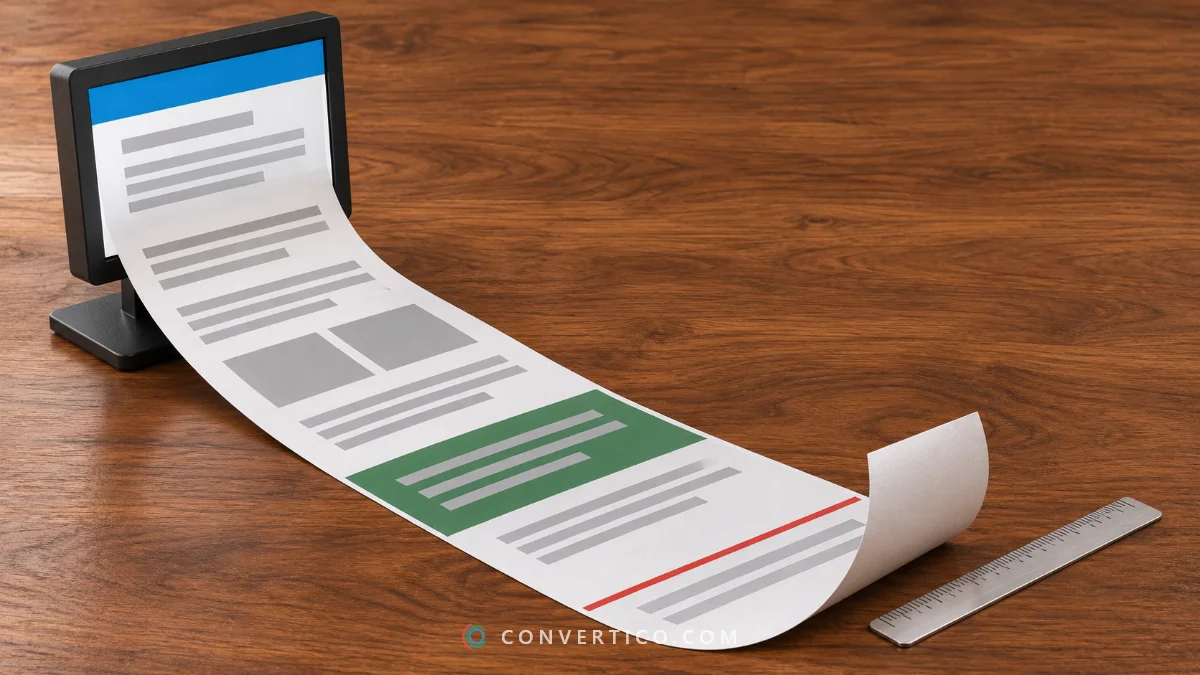
When you only want to listen, the picture is dead weight.
A 4-minute 1080p video is often 60 MB or more, while the same song as a 192 kbps MP3 is about 6 MB. It plays on every phone, car stereo and music app.
Great for lectures, podcasts recorded on video, voice memos, live sessions and interviews. Got a different video format? Video to MP3 takes MOV, MKV, AVI, WebM and more.
| MP4 | MP3 | |
|---|---|---|
| What it holds | Video + audio (+ subtitles) | Audio only |
| Typical audio codec | AAC | MP3 (LAME) |
| Size per minute | 10-100 MB for HD video | About 1.4 MB at 192 kbps |
| Tags | Title, artist (MP4 atoms) | ID3: title, artist, album |
| Plays on | Video players, browsers | Everything, even old car stereos |
| Best for | Watching | Listening, ringtones, podcasts |
Need a test file? Grab one from the MP4 sample files.
Most MP4s store their sound as AAC at 128-256 kbps. A higher MP3 bitrate cannot add detail that is not there, so 192 kbps is usually plenty.
Your video is converted on our server with FFmpeg and the LAME MP3 encoder. The upload is deleted right after converting and the MP3 once you download it.
Drop your MP4 into the box, pick a preset such as Standard and press Convert to MP3.
One or two files download directly, more than two come as a ZIP.
Yes, it is free with no account. Your video travels to our server over HTTPS, is deleted as soon as the MP3 is made, and the MP3 is deleted once you download it.
192 kbps is the sweet spot for music. Use 320 kbps if the video has excellent sound, or 96 kbps mono for speech, lectures and podcasts.
Yes. Play the video in the preview and press Start here and End here, or type the times under Trim start and end.
For more cuts later, use the MP3 Cutter.
Some MP4s - screen recordings, GIF-style clips from social media - have no audio track at all. There is nothing to turn into an MP3 then.
Up to 200 MB per video and 20 videos per batch. For longer videos, trim the part you need first so the upload is quicker.
The sound is decoded and re-encoded as MP3, so there is a tiny loss - at 192 kbps and above it is very hard to hear. The picture is simply dropped.
Yes - drop them in and they are converted all the same. Video to MP3 is the page made for every format.