
Turn JPG photos into lossless TIFF files for print shops, publishers and archives - one TIFF each or one multi-page TIFF. Going back? TIFF to JPG.
Sending scans to an office? JPG to PDF is often what they really want.
Print shops, publishers, stock agencies and archives often ask for TIFF.
A TIFF stores the picture losslessly, so it is not degraded again by later edits and saves.
It also keeps the print resolution (DPI) and can hold many pages in one file, like a scanned document.
| JPG | TIFF | |
|---|---|---|
| Compression | Lossy | Lossless (LZW, Deflate) or none |
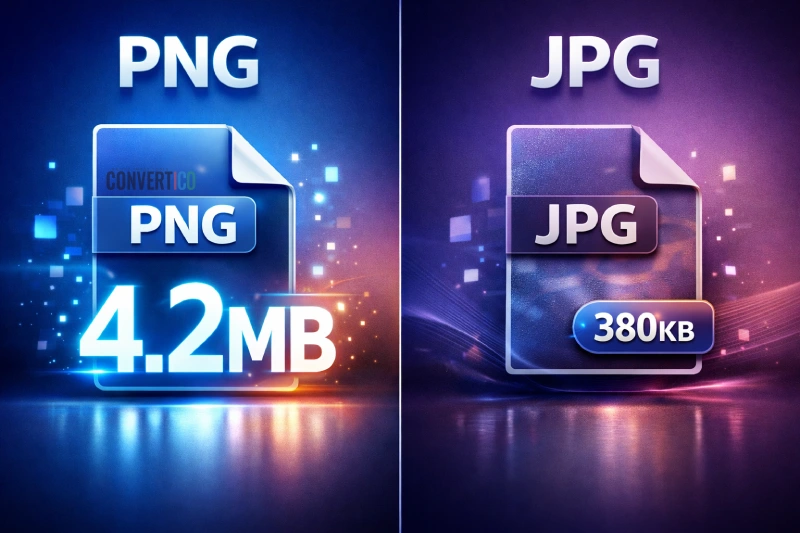
| Typical size | Small | 5-15 times bigger |
| Pages | One | Many |
| Editing and re-saving | Loses a little each time | No loss |
| Best for | Sharing, web | Print, publishing, archives |
Have PNGs too? PNG to TIFF keeps their transparency. Test files are in the JPG sample files.
Drop your JPG files into the box, keep LZW compression and press Convert to TIFF.
Yes - turn on the multi-page option. Drag the files, or use their arrows, to set the page order.
No - the TIFF keeps exactly what the JPG has, losslessly, and stops further loss when you edit and re-save.
TIFF compression is lossless, while JPG throws detail away to stay small. LZW or Deflate keep it as small as lossless allows.
Yes - the print resolution in the JPG is copied into the TIFF.
No. Everything happens in your browser.