Draw SVG graphics at any size as JPG images on the background colour you choose - need transparency? Use SVG to PNG.
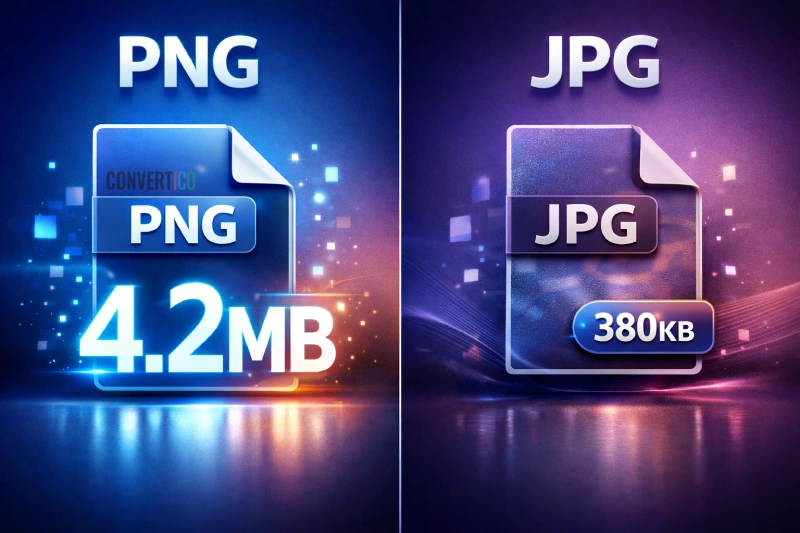
Upload form says the file is too big? Open Max file size and pick 200 KB or 500 KB.
Plenty of places do not accept SVG.
Social posts, email newsletters, Office, marketplaces and many upload forms want a JPG.
Because SVG is a vector, the JPG is drawn fresh at the size you pick - no blur.
| SVG | JPG | |
|---|---|---|
| Type | Vector | Pixels |
| Scaling | Any size | Fixed size |
| Transparency | Yes | No - filled with a colour |
| Accepted by | Browsers, design apps | Everything |
| Best for | Logos, icons, UI | Sharing, social, email |
Need it transparent? SVG to PNG. Test files are in the SVG sample files.
Drop your SVG files into the box, pick a size and a background colour, and press Convert to JPG.
White by default. JPG has no transparency, so pick any colour under Background.
The size set in the SVG, or 1024 px on the long side if it has none. Pick 512 to 4096 px, or type any size up to 16384.
Raise the quality to 95 and pick Full colour (4:4:4). For razor-sharp results use SVG to PNG.
Browsers do not load web fonts or linked images when drawing an SVG as a picture. Outline text and embed images first.
No. The SVG is drawn in your browser.