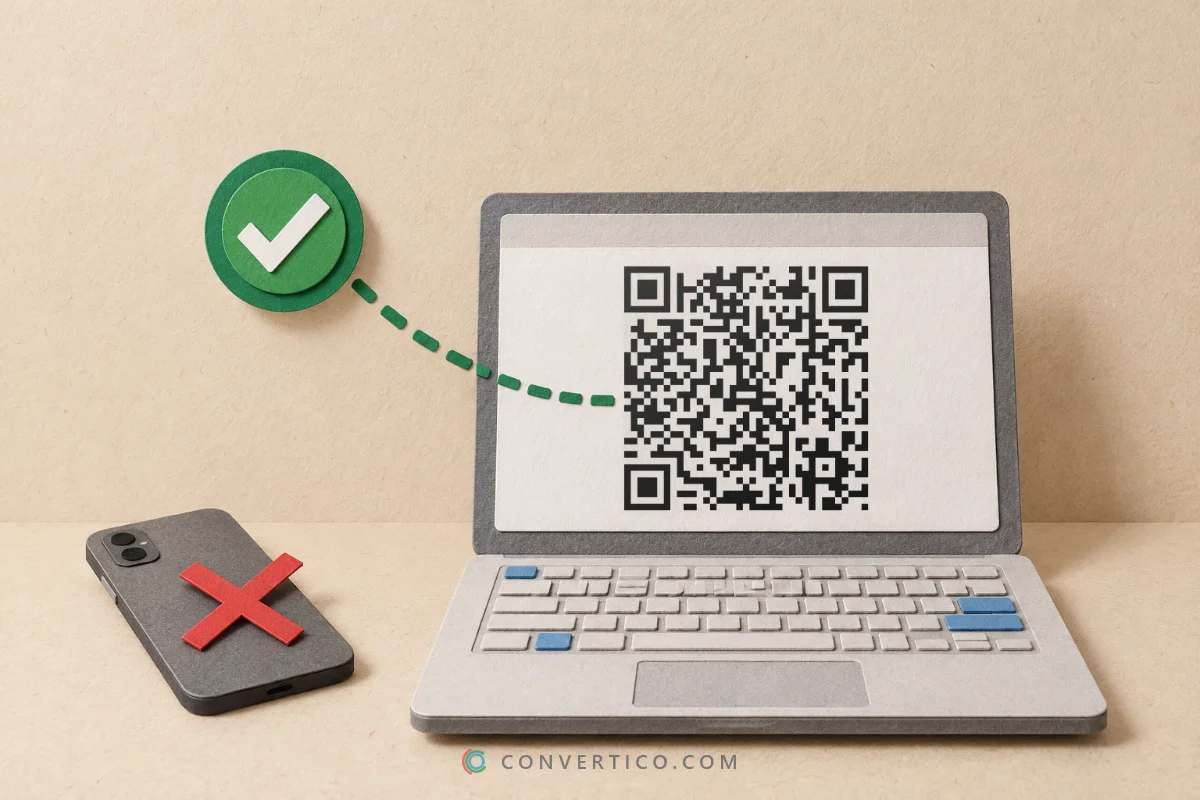
Scan a barcode with your phone or laptop camera, or from a photo or screenshot - right in your browser.
It reads EAN, UPC, ISBN, Code 128, GS1-128, Code 39 and ITF-14 barcodes, and QR codes too.
Look up the product or book, read batch and expiry dates on shipping labels, and export everything you scanned as a CSV. Nothing is uploaded. Need to make a barcode? Use the Barcode Generator.
Something went wrong. Please try again.
Still having trouble? Please contact us and we'll be happy to help!
or drop an image here, or paste a screenshot with Ctrl + V
Our own QR engine runs in your browser. Camera frames and images never leave your device.
Nothing yet. Your last 100 scans are kept in this browser only.
Links are never opened automatically - you always see the address and the safety check first. To reveal a short link, our server asks the link where it leads (without opening the final page) - nothing else about your scan is sent.
Laptop webcams often cannot focus up close, so small barcodes come out blurry. Hold the product a little further away - or take a photo with your phone and drop it here instead.
| Barcode | Found on | What you see |
|---|---|---|
| EAN-13, UPC-A | Retail products | The number, the GS1 prefix country, product search and Open Food Facts |
| ISBN (978, 979) | Books | ISBN-13 and ISBN-10, Open Library lookup |
| EAN-13 starting 977 | Magazines | The ISSN |
| EAN-8, UPC-E | Small packs | The number, and UPC-E as the full UPC-A |
| Code 128 | Stock labels, Amazon FNSKU, parcels | The text, ready to copy |
| GS1-128 | Pallet and shipping labels, food, medicine | GTIN, batch, expiry date, serial number and SSCC as separate fields |
| ITF-14 | Cartons and cases | The GTIN-14 and the product number inside it |
| Code 39 | ID badges, parts | The text |
The GS1 prefix shows where the brand owner joined GS1 - not where the product was made. Want to know how a barcode number is built? See the Check Digit Calculator.
Turn on Keep scanning after a code is found and the camera stays on, with a beep for every barcode.
Recent scans keeps your last 100. Export them as CSV, JSON or text for Excel or Google Sheets.
A photo of several barcodes or a sheet of labels reads every code in it, numbered on the picture.
Make this barcode opens any scanned code in the generator, ready for labels.
Want to check the exported list before importing it? Open it in the CSV File Viewer.
Move the barcode a bit further from the camera, or use a phone photo instead of a webcam.
Shiny packs reflect light into the bars. Tilt the product slightly.
The white space on both sides is part of the barcode - if it is cropped, scanners give up.
Red, orange and gold bars are invisible to many scanners. Dark bars on a light background work best.
If the bars read but the number looks wrong, test it in the Check Digit Calculator.
Press Start camera and point it at the barcode, or upload, drop or paste a picture of it. The result appears as soon as the bars can be read - no button to press, no app to install.
Yes. Upload the photo, drop it on the scanner, or paste a screenshot with Ctrl+V (Cmd+V on a Mac). Every barcode and QR code in the picture is read. iPhone photo in HEIC? Convert it with HEIC to JPG first.
EAN-13, EAN-8, UPC-A, UPC-E, ISBN and ISSN, Code 128, GS1-128, Code 39 and ITF-14 - including the 2- and 5-digit add-ons on books and magazines - plus QR and Micro QR codes. Data Matrix, PDF417 and Aztec codes are not supported yet.
We show the GS1 prefix country and give you one-tap searches: the web and Open Food Facts for products, Open Library for books. There is no single public list of every barcode, so the search is the most reliable way to find it.
Yes, but many webcams cannot focus closer than 30-50 cm, so small barcodes look blurry. Hold the item further away, or take a sharp photo with your phone and drop it here.
Yes. Recent scans keeps your last 100 scans in this browser. Export them as CSV, JSON or text and open the CSV in Excel or Google Sheets - handy for stocktaking.
On EAN-13 and UPC codes the first digits are the GS1 prefix: the GS1 office where the brand registered, such as 590 for Poland or 400-440 for Germany. 978 and 979 mean a book, 977 a magazine, and 20-29 a code the shop made itself. Make your own with the EAN-13 Barcode Generator.
Free, with no sign-up. Our own reader runs in your browser, so camera frames and photos never leave your device.