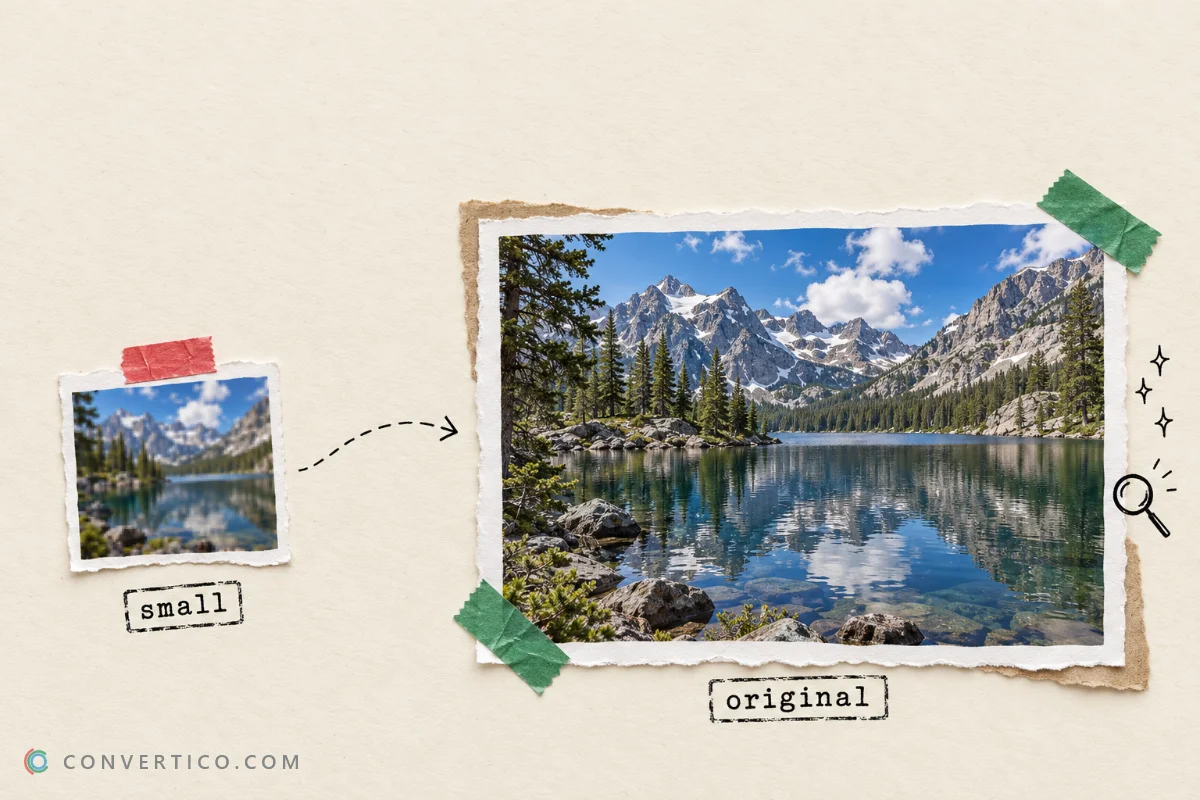
The Sizes at a Glance
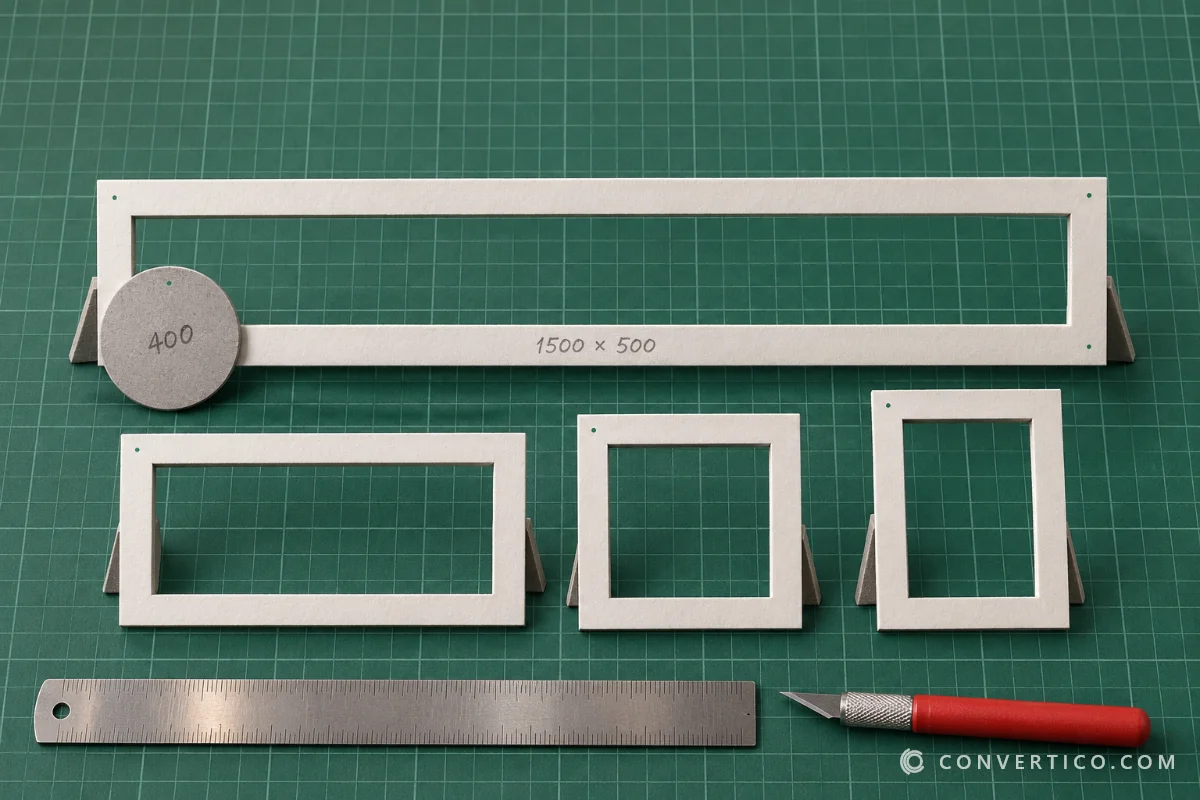
Use 1500 × 500 for your header and 400 × 400 for your profile photo.
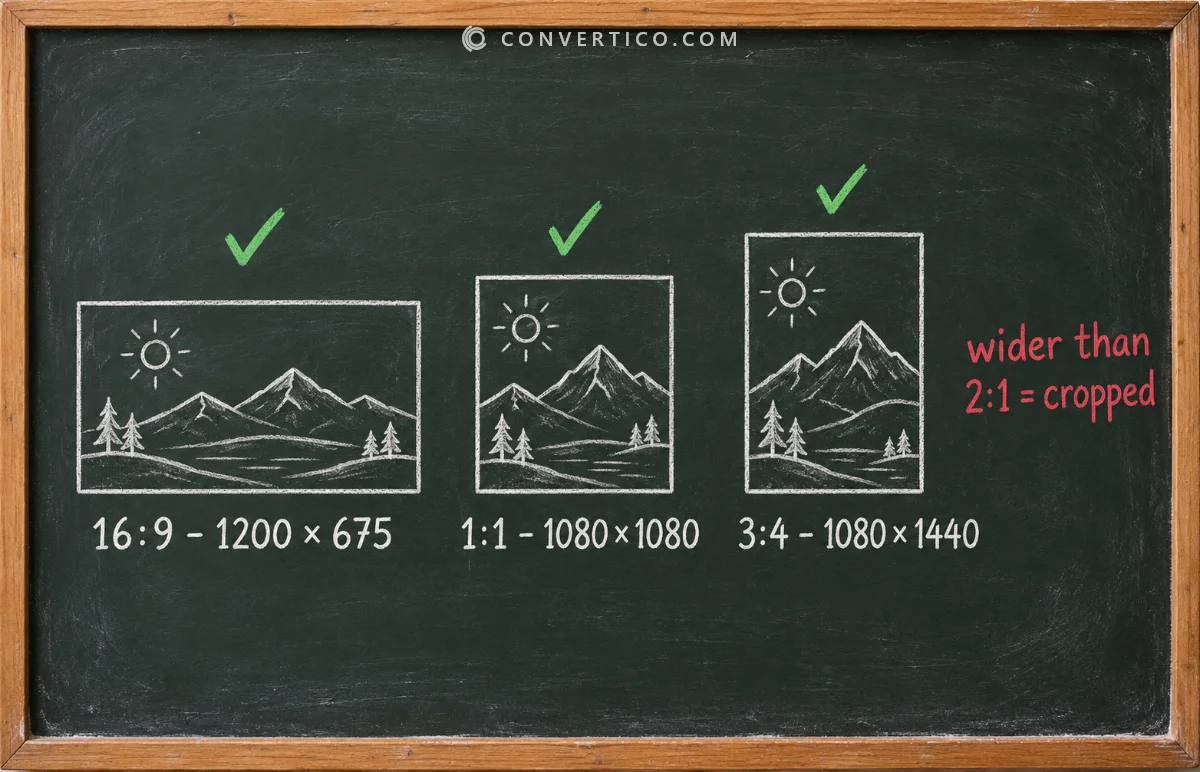
For post images, anything between 2:1 wide and 3:4 tall shows in full, with no crop.
The full list, the limits and the traps are below.
| What | Size | Max file | Formats |
|---|---|---|---|
| Header (banner) | 1500 × 500 px (3:1) | - | JPG, PNG |
| Profile photo | 400 × 400 px (1:1) | 2 MB | JPG, PNG, GIF |
| Post image | 1200 × 675 (16:9) up to 1080 × 1440 (3:4) | 5 MB | JPG, PNG, GIF, WebP |
| Animated GIF | Up to 1280 px wide works well | 15 MB | GIF |
| Video | 1920 × 1080 or 1080 × 1920 | See below | MP4, MOV |
These are the limits X publishes at the time of writing. X changes them now and then, so check its help centre before a big campaign.
Header Photo: 1500 × 500
The header is a wide 3:1 strip, and it is the one that catches people out.
- Top and bottom get cropped - X says about 60 px at the top and bottom may be cut off, depending on the screen.
- Your profile photo covers the bottom-left - never put text or faces there.
- Phones show it smaller - thin text becomes unreadable.

The easy way to get it right: the Twitter Header Generator shows the crop and the profile photo on the preview, and exports at exactly 1500 × 500.
Profile Photo: 400 × 400
Upload a square image of at least 400 × 400 pixels, under 2 MB, as JPG, PNG or GIF.
X shows it as a circle, so the corners disappear. Keep your face or logo in the centre with some space around it.
Need to square up a photo? Use the Image Cropper with the 1:1 ratio, then shrink it with Compress JPG if it is over 2 MB.
Post Images: Which Ratio Shows in Full?
X shows a single photo in full when its shape is between 2:1 (wide) and 3:4 (tall). Anything more extreme is cropped in the timeline.
| Shape | Recommended size | Good for |
|---|---|---|
| 16:9 landscape | 1200 × 675 or 1600 × 900 | Screenshots, charts, news images |
| 1:1 square | 1080 × 1080 | Product shots, quotes |
| 3:4 portrait | 1080 × 1440 | Phone photos - takes the most space in the feed |
Each image can be up to 5 MB, and a post holds up to 4 photos. With 2 to 4 photos, X crops each one into a grid, so keep the important part in the middle.
Resize in one step with the Social Media Image Resizer. Turning a post into a picture? Tweet to Image has these sizes built in.
GIFs: 15 MB Limit
Animated GIFs can be up to 15 MB, and a post can hold one GIF.
X converts it to an MP4 video when you post it, which is why Twitter GIFs download as MP4 later.
Over the limit? Make it smaller with Compress GIF or the GIF Resizer. Or build one at the right size from a video with the Twitter GIF Maker.
Video: Length and Size
For video, the safe format is MP4 with H.264 video and AAC audio, in 1920 × 1080 (landscape) or 1080 × 1920 (vertical), at 30 or 60 FPS.
Length and size limits depend on your account and where you post from:
- Free accounts - commonly 2 minutes 20 seconds and 512 MB.
- Premium accounts - much longer videos, up to several hours on the web.
Limits change. X adjusts video limits more often than image limits. If an upload is refused, check the current numbers in X's help centre.
Have a MOV from an iPhone or a WebM from a screen recorder? Convert it with MOV to MP4 or WebM to MP4.
Quick Fixes for Upload Errors
| Problem | Fix |
|---|---|
| Photo over 5 MB | Compress JPG or Compress PNG |
| Profile photo over 2 MB | Crop to 400 × 400 with the Image Cropper |
| Header text cut off | Rebuild it in the Twitter Header Generator |
| HEIC photo from iPhone | HEIC to JPG |
| GIF over 15 MB | Compress GIF |
| Video in the wrong format | MOV to MP4 |
Get Your Sizes Right in One Go
Design a 1500 x 500 header or resize any image for X - free, in your browser.
Twitter Header Generator Social Media Image ResizerFrequently Asked Questions
What size is a Twitter header in 2026?
1500 × 500 pixels (3:1). Keep text away from the top and bottom 60 px and the bottom-left corner, where your profile photo sits.
What size should a Twitter profile picture be?
At least 400 × 400 pixels, square, under 2 MB. It is shown as a circle, so keep the subject centred.
What is the best image size for a Twitter post?
1200 × 675 (16:9) for landscape, 1080 × 1080 for square, or 1080 × 1440 (3:4) for portrait - the tallest shape X shows without cropping.
What is the maximum file size for Twitter images?
5 MB for photos, 15 MB for animated GIFs and 2 MB for profile photos.
How many photos can I add to one post?
Up to 4 photos, or 1 GIF, or 1 video.
Why is my Twitter image cropped in the timeline?
Its shape is wider than 2:1 or taller than 3:4, or it is part of a multi-photo grid. Resize it to 16:9, 1:1 or 3:4.
Does X accept WebP images?
Yes, WebP works for post images. For the header and profile photo, JPG or PNG is the safe choice.
Still stuck? Ask us - we reply faster than a JPEG loads on dial-up.
The Bottom Line
- Header: 1500 × 500 - mind the crop and the profile photo
- Profile photo: 400 × 400, under 2 MB, shown as a circle
- Post images: 2:1 to 3:4 show in full, 5 MB max
- GIFs: 15 MB max - X turns them into MP4
Bookmark this page - and when X changes a number, we will update it here.