
Turn BMP bitmaps into compact GIF images that work in every browser, email and forum - for photos BMP to JPG is the better fit.
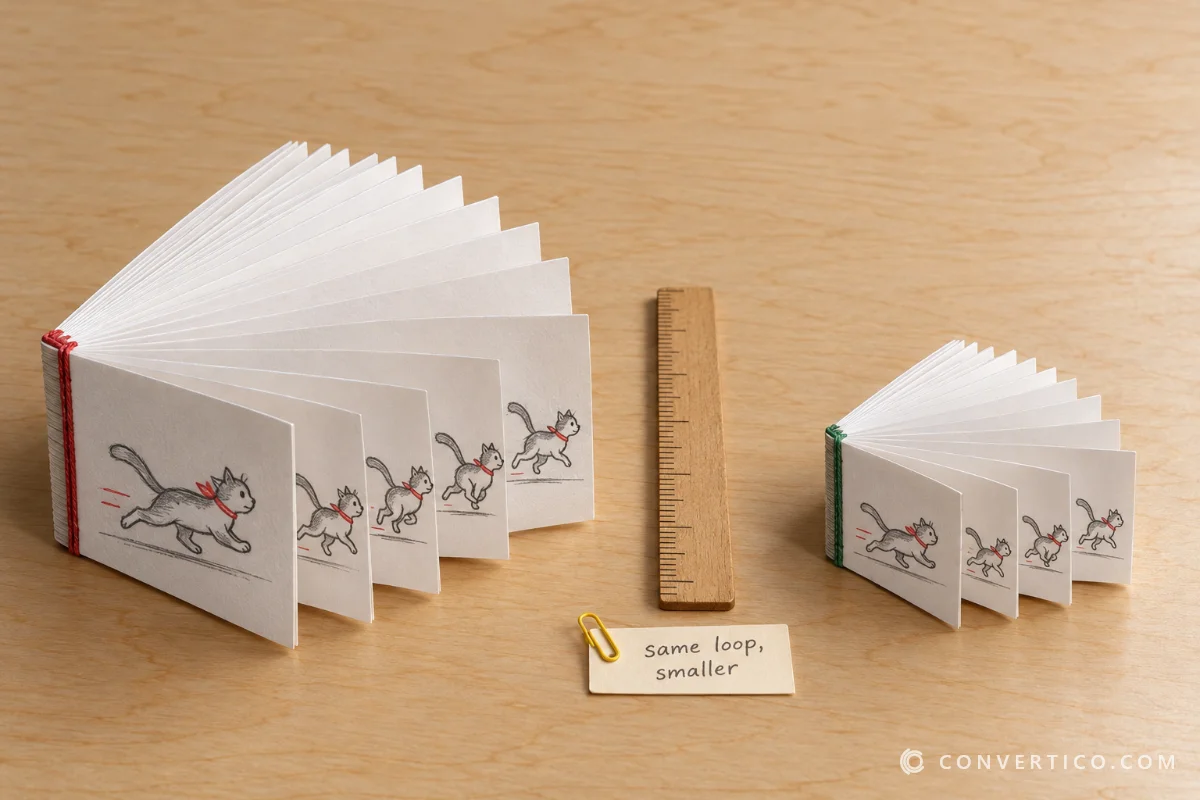
Want to animate several images? Add them as frames in the GIF Maker.
BMP files are big because nothing in them is compressed.
GIF packs the same picture with lossless LZW compression.
For screenshots, diagrams, logos and pixel art with up to 256 colours the GIF looks exactly like the BMP at a fraction of the size. Every browser, email client and forum shows it.
| BMP | GIF | |
|---|---|---|
| Compression | None (or simple RLE) | Lossless LZW |
| Colours | Up to 16.7 million | Up to 256 per image |
| Transparency | Only 32-bit, patchy support | On/off (one transparent colour) |
| Animation | No | Yes |
| Best for | Legacy software, raw pixels | Logos, icons, simple graphics, web |
Need every colour of a photo? BMP to PNG is lossless with no colour limit. Going back for an old program? Use GIF to BMP.
Drop your BMP files into the box, keep the default 256 colours or pick a preset, and press Convert to GIF.
One or two files download directly, more come as a ZIP.
No. Your browser reads the BMP and writes the GIF on your device. Nothing is sent to a server.
Only when the BMP has more than 256 colours. Graphics, icons and screenshots with fewer colours are copied exactly; photos are reduced to 256 colours with dithering.
On for photos and gradients - it hides colour banding. Off for logos, text and pixel art, where it would add noise to flat areas.
Yes, from 32-bit BMPs with an alpha channel. GIF transparency is on or off, so soft edges are cut at the opacity you choose (50% by default).
This page makes one still GIF per BMP. To animate them, convert first, then add the frames in the GIF Maker.
The rows are stored in four passes, so a rough version appears first while the image loads. It helps on slow connections and is often a little bigger.
Up to 50 BMP files per batch, up to 300 MB each. Recent conversions stay in this browser so you can download them again.