The Short Answer
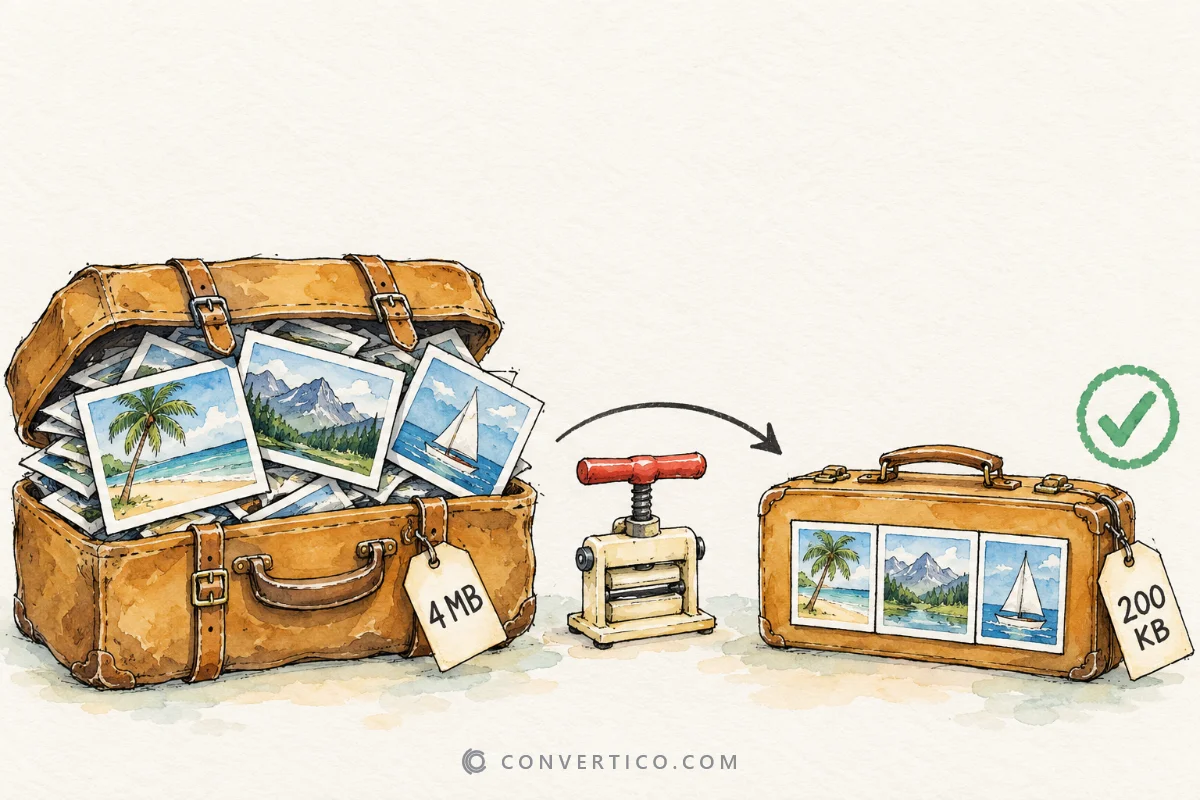
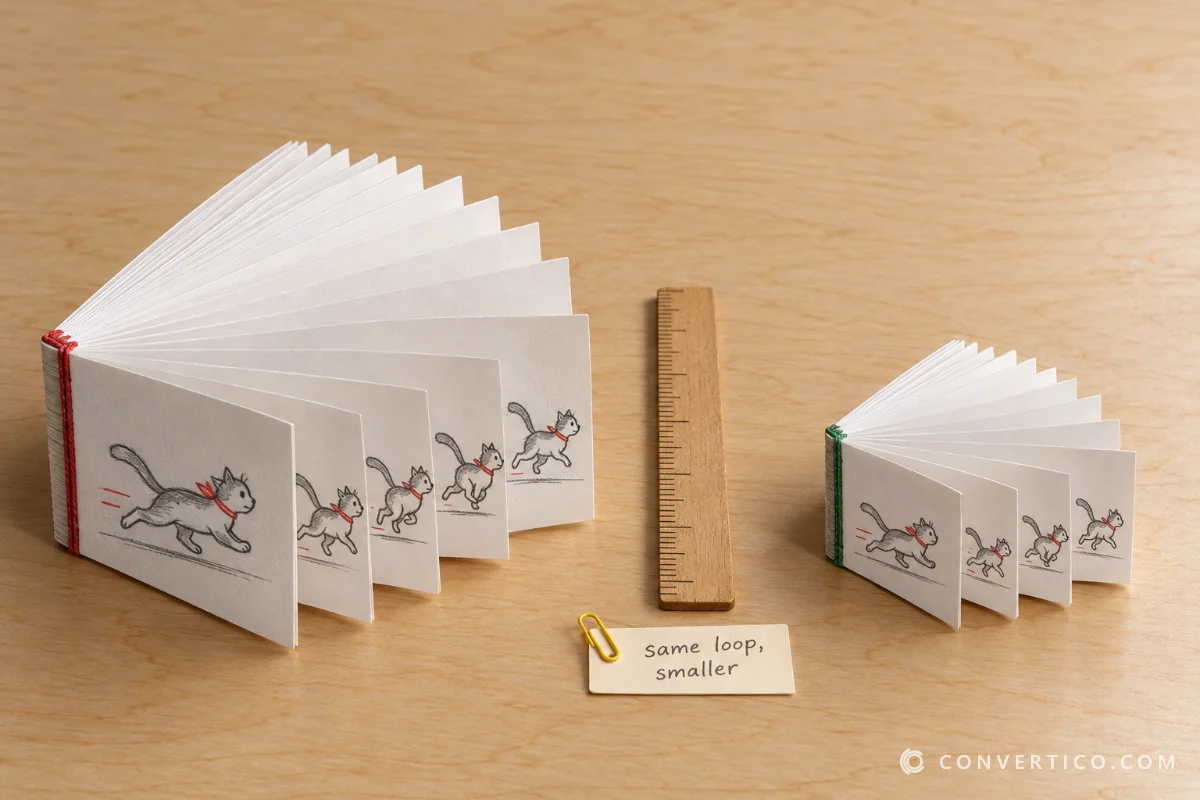
Make the GIF smaller in pixels first - that alone often halves the file.
If it is still too big, cut frames or reduce colours; if it is still too big after that, switch to MP4 or animated WebP.
The GIF Resizer keeps every frame, delay and transparent pixel while it scales.
Resize a GIF Step by Step
- Open the GIF Resizer and drop in your GIF - up to 50 MB and 3,000 frames.
- Pick a mode: Percentage (50% = half the width and height), Dimensions (a width or height in pixels) or Exact size (for example 128 × 128).
- Keep the lock on so the shape stays the same.
- Download, and check it plays smoothly.
For Discord there is a one-click Make it Discord-ready option for messages, emoji and stickers. It squeezes the GIF under the limit for you.
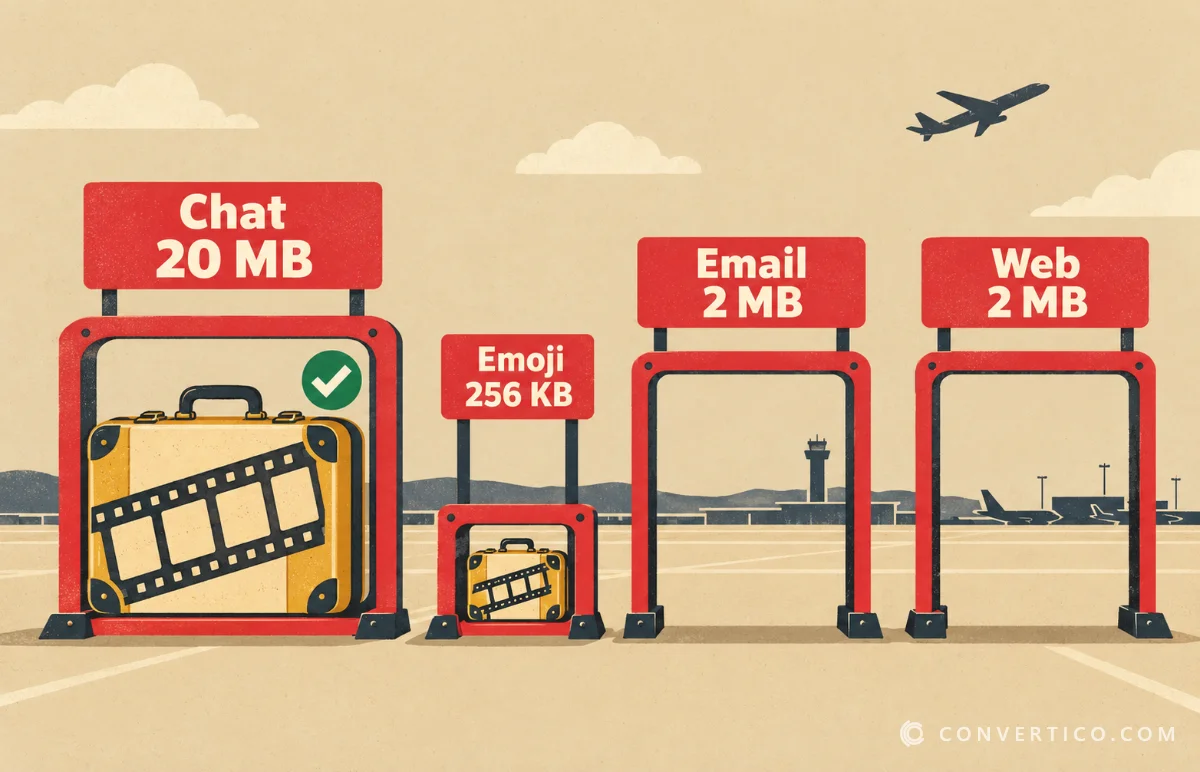
Size Limits by Platform
| Where | Limit | Aim for |
|---|---|---|
| Discord message (free) | 20 MB | Any width up to the window size |
| Discord emoji | 256 KB | 128 × 128 px |
| Discord sticker | 512 KB | 320 × 320 px |
| X (Twitter) | 15 MB | Up to about 1280 px wide |
| Email newsletter | Keep under 1-2 MB | 600 px wide or less |
| Website | Keep under 2 MB | The width it is shown at |
Platforms change limits now and then - Discord raised its free upload limit to 20 MB in August 2026.
Still Too Big? Shrink It Further
- Compress it - Compress GIF uses lossy compression and fewer colours, and can aim for a target size.
- Cut it shorter - keep only the best part with the GIF Cutter.
- Crop the edges - remove empty space with the GIF Cropper.
- Split it - turn one long GIF into several short ones with the GIF Splitter.
Each frame costs bytes, so a shorter GIF shrinks more than a slightly lower quality ever will.
Making a GIF Bigger
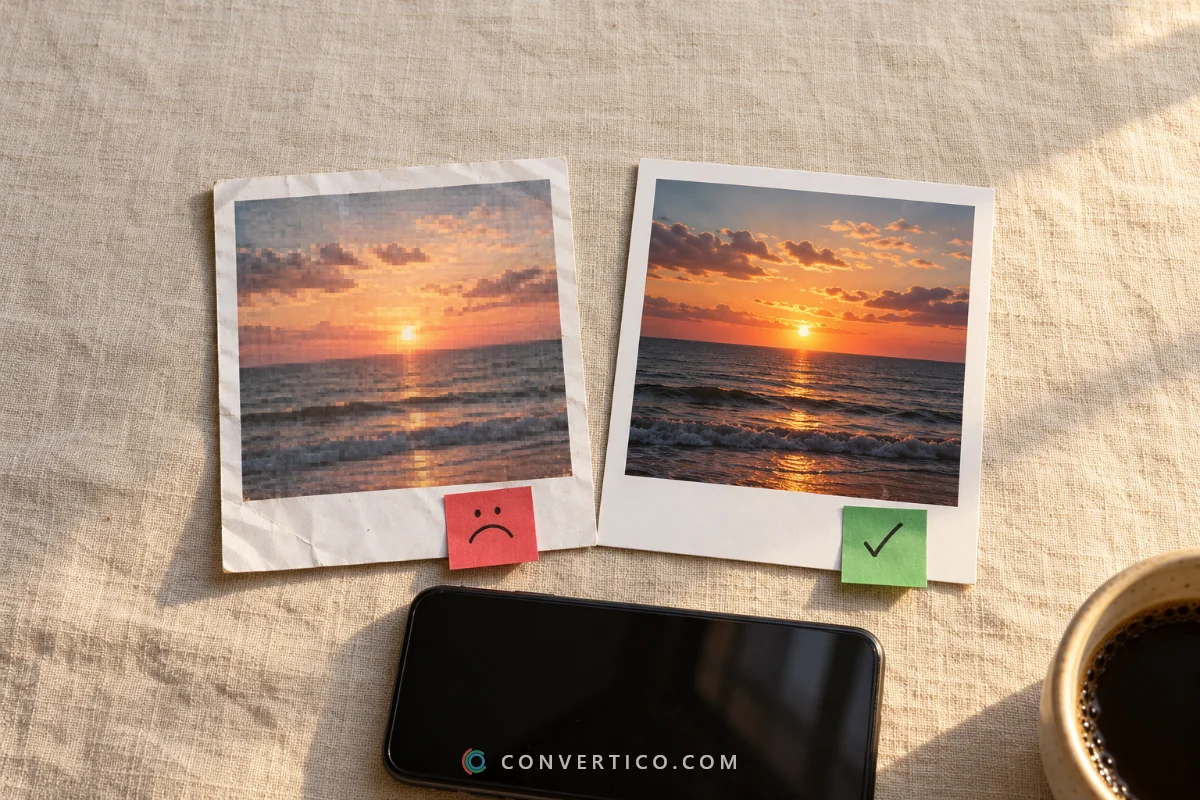
Scaling a GIF up only stretches the pixels it already has, so it gets soft and blocky.
For a bigger GIF with real detail, use the AI GIF Upscaler, which enlarges up to 4x.
When a GIF Is the Wrong Format
GIF is from 1987 and can only show 256 colours per frame. For long or colourful clips, a video format is far smaller.
| Switch to | Typical saving | Convert with |
|---|---|---|
| MP4 | Often 80-90% smaller | GIF to MP4 |
| Animated WebP | Much smaller, keeps transparency | GIF to Animated WebP |
| WebM | Very small, great for websites | GIF to WebM |
Keep GIF where only GIF works - emoji, stickers, email, and chat apps that do not autoplay video.
Resize Your GIF Now
Every frame, delay and transparent pixel kept - free, up to 50 MB.
GIF Resizer Compress GIFFrequently Asked Questions
How do I resize a GIF without losing quality?
Scale it down with a GIF resizer that resizes every frame with a proper filter and keeps the delays. Scaling down keeps it crisp; scaling up makes it soft.
How do I make a GIF smaller in file size?
Resize it first, then compress it, cut unneeded frames or crop empty edges. If it is still too big, convert it to MP4 or animated WebP.
What is the Discord GIF size limit?
Free accounts can send files up to 20 MB. Custom emoji must be under 256 KB (128 × 128 px) and stickers under 512 KB (320 × 320 px).
Does resizing change the GIF speed?
No. Each frame keeps its own delay and the loop count stays the same.
Will my GIF keep its transparency?
Yes. Transparent pixels stay transparent after resizing.
What size should a GIF be for email?
About 600 px wide and under 1-2 MB, so it loads quickly and is not blocked.
Is MP4 better than GIF?
For long or colourful clips, yes - MP4 is often 80-90% smaller and looks better. GIF is still best for emoji, stickers and email.
Still stuck? Ask us - we reply faster than a JPEG loads on dial-up.
The Bottom Line
- Resize in pixels first - it is the biggest win
- Then compress, cut frames or crop
- Discord: 20 MB messages, 256 KB emoji, 512 KB stickers
- Long, colourful clip? MP4 or WebP beats GIF
Smaller GIF, same loop - everybody wins.