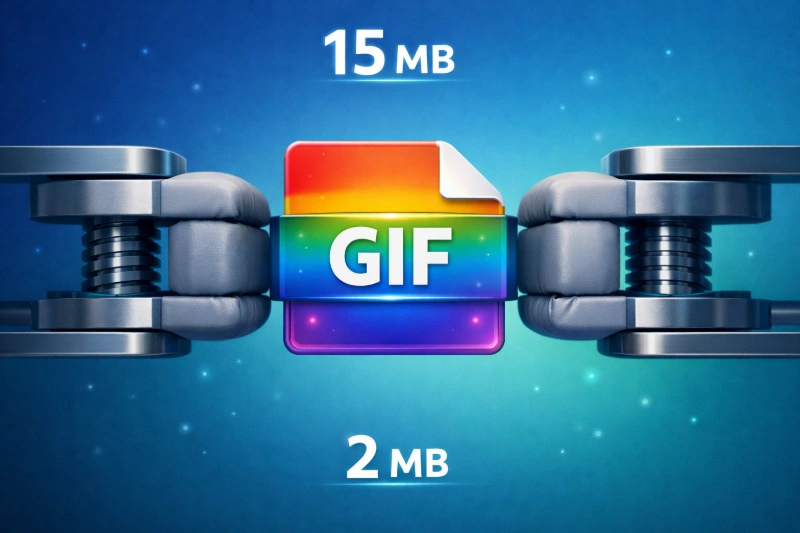
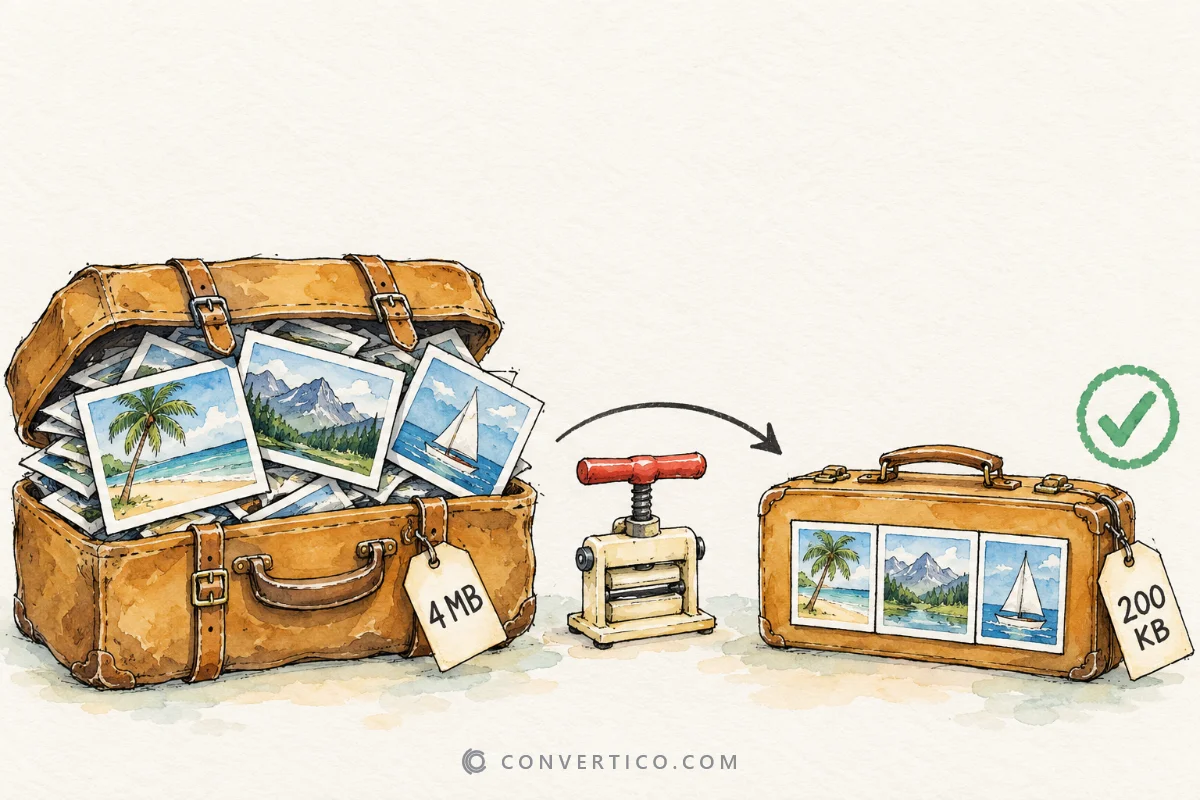
Find the smallest format that still looks right. Your image is encoded as JPG, WebP, AVIF and PNG at several qualities, and every result is measured and scored - no guessing. Then shrink it for real with Compress JPG or Compress WebP.
| Format | Setting | Size | vs original | SSIM | PSNR | Actions |
|---|
Click a row to compare it with the original. SSIM 1.000 means identical; 0.99 and up is visually lossless.
Drag the slider - or the image - to compare. At 100% and 200% the centre of the picture is shown, where artefacts are easiest to spot.
| Format | Best for | Transparency | Opens in |
|---|---|---|---|
| JPG | Photos, maximum compatibility | No | Everything |
| WebP | Web photos and graphics | Yes | All modern browsers and phones |
| AVIF | The smallest web photos | Yes | Modern browsers, newer apps |
| PNG | Logos, screenshots, pixel art | Yes | Everything |
Other formats have their own tools: Compress SVG for vector graphics, Compress TIFF for scans and print files.
Quality numbers are not comparable between formats - scores are.
Visually lossless. Side by side, almost nobody sees a difference.
Use it for hero images and product photos.
Very good. Small details soften slightly when you zoom in.
Right for most web pages and blog images.
Blocks, banding or blur become visible.
Fine for tiny thumbnails, not for large pictures.
For photos, AVIF or WebP are usually 30-60% smaller than JPG at the same visible quality, and every modern browser shows them. For logos, screenshots and graphics with flat colours, PNG or lossless WebP is often best.
Every picture is different, which is why this tool measures your own image instead of guessing.
Look at the SSIM score, not the quality number. A score of 0.99 or more is visually lossless for almost everyone, 0.975 is fine for most web images, and below 0.95 artefacts start to show on detailed pictures.
The quality number means different things in each format - WebP 70 and JPG 70 look different. Pick a goal and the tool finds the smallest file that reaches it.
Each version is really encoded, decoded again in your browser and compared with your original pixel by pixel. SSIM (structural similarity) measures how close the structure and contrast are, from 0 to 1. PSNR in decibels is shown too.
Sizes are the exact byte count of each encoded file - nothing is estimated.
Your original may already be well compressed, or it is a graphic that lossy formats handle badly. Re-saving an already compressed JPG at quality 90 often makes it bigger.
The table shows every result next to the original size, so you can see at once which options really save space.
For photos AVIF is usually smaller at the same quality, especially at low file sizes. WebP encodes faster and is supported a little more widely.
Try both on your image here, then convert with JPG to AVIF or PNG to WebP.
The AVIF tests use your browser's own encoder. Chrome and Edge can write AVIF, but some browsers cannot yet - then AVIF is marked as not available. The other formats still work everywhere.
No. Every format is encoded, decoded and measured inside your browser, so your image never leaves your device.