Turn one image into the complete favicon package - every browser, Apple, Android and Windows file plus the HTML to paste. Want text or emoji favicons? Try the Favicon Generator.
Already have a favicon.ico? Check what is inside with the Icons Analyzer.
| File | Size | Used by |
|---|---|---|
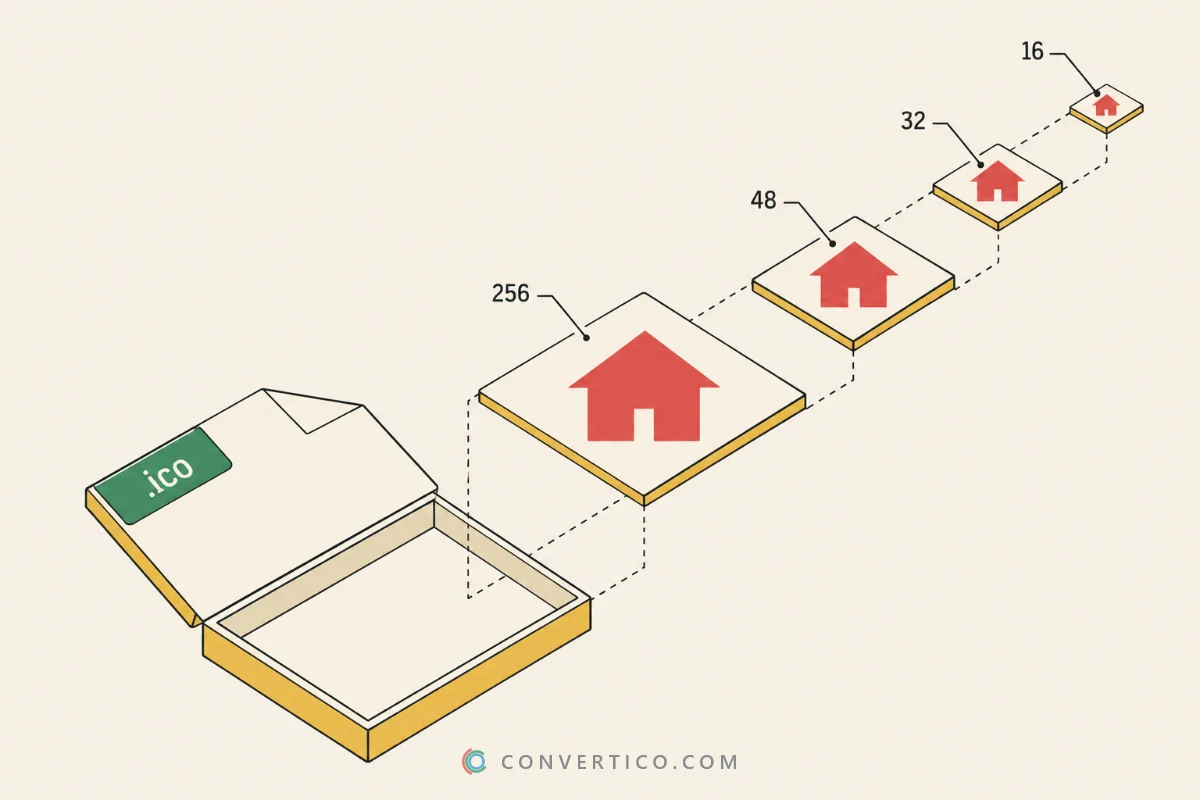
| favicon.ico | 16, 32, 48 px | Every browser, bookmarks, Windows shortcuts |
| favicon-16x16.png, favicon-32x32.png | 16 and 32 px | Browser tabs |
| favicon-96x96.png | 96 px | Google search results, desktop shortcuts |
| apple-touch-icon.png | 180 px | iPhone and iPad home screen |
| android-chrome-192x192.png, -512x512.png | 192 and 512 px | Android home screen, PWA install |
| mstile-150x150.png, browserconfig.xml | 150 px | Pinned sites in the Windows Start menu |
| site.webmanifest, favicon-html.txt | - | Name, icons and theme colour; the code for your <head> |
SVG logos also get favicon.svg, and animated GIF or WebP files can add an animated favicon. Turn Windows tiles off under Extra files if you do not need them.
WordPress? Upload the 512 px PNG under Appearance, Customize, Site Identity. Then test with the Favicon Checker.
All the icon files a modern website needs in one ZIP: favicon.ico, PNG sizes, the Apple touch icon, Android icons, the web manifest, Windows tiles and the HTML that links them.
Only for pinned sites in the Windows Start menu, which few visitors use. It is harmless to include, and you can turn Windows tiles off under Extra files.
Square and at least 512 x 512 px - the largest Android icon. Every smaller file is made from it, step by step, so they stay sharp.
Yes, in favicon.ico and the PNGs. Only apple-touch-icon.png gets a solid background, because iPhones show transparency as black.
Upload every file to the root of your site, then paste the lines from favicon-html.txt into the <head> of your pages.
Yes - drop an animated GIF or WebP and keep Animated favicon on under Extra files. A tiny script plays it in every browser tab.
No. Every icon is made in your browser, on your device. Nothing is uploaded.
Upload the files, then run your site through the Favicon Checker. It lists every icon your pages point to and shows what is missing.