Turn a Windows .ico into a macOS .icns. The icon's own 16 and 32 px artwork is copied, not shrunk. Going the other way? Use ICNS to ICO.
Want to see what is inside your ICO first? Open it in the Icons Analyzer.
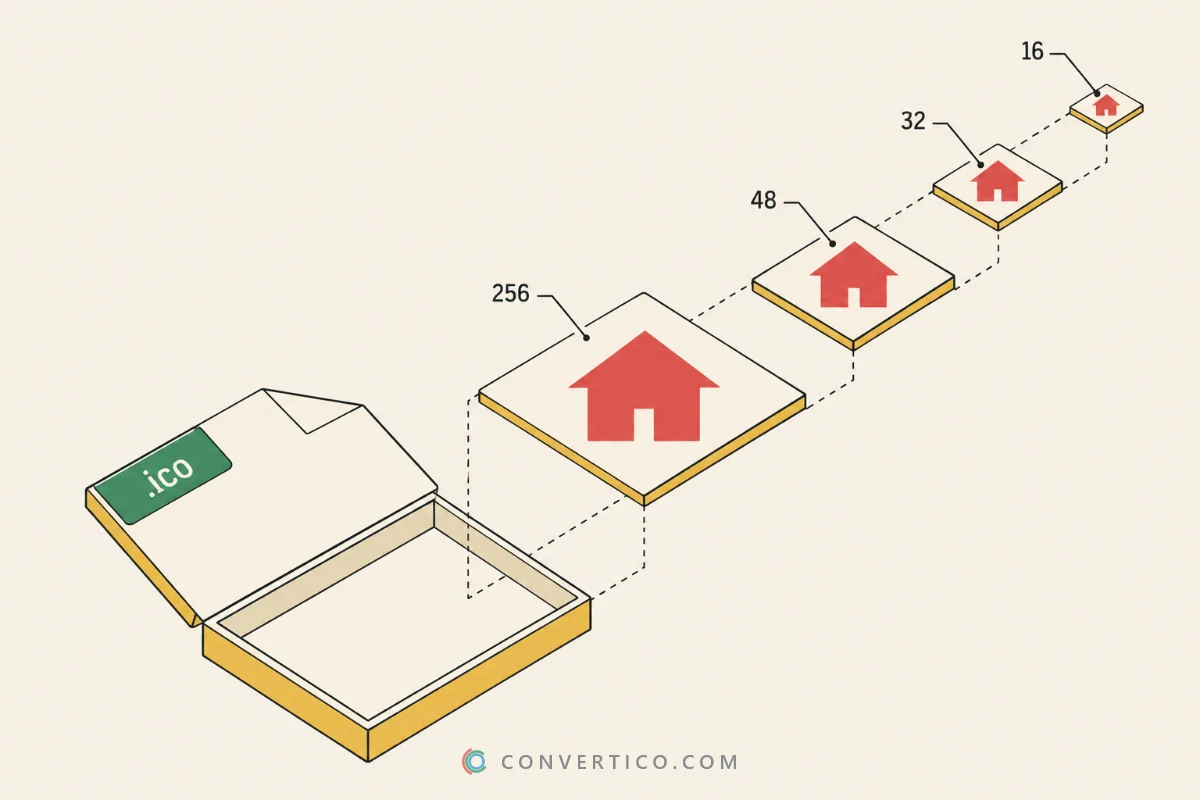
Good Windows icons come with hand-tuned 16 and 32 px versions. When the ICO has a size the ICNS needs, that artwork is copied as it is.
The largest layer is used for everything else. ICO files stop at 256 px, so the 512 and 1024 px Retina sizes are enlarged - pick Up to 512 for a smaller file, or upscale the icon first with the Image Upscaler.
Every size inside the ICO shows under the preview. Tick another one to start from it instead.
| Size | Retina slot | Where macOS shows it |
|---|---|---|
| 16 x 16 | - | Finder list view, menu bar, Spotlight rows |
| 32 x 32 | 16 @2x | Finder lists on Retina screens, small sidebar icons |
| 64 x 64 | 32 @2x | Retina Finder lists and Get Info |
| 128 x 128 | - | Finder icon view, Launchpad on older Macs |
| 256 x 256 | 128 @2x | Dock and Finder on Retina screens |
| 512 x 512 | 256 @2x | Large Finder icons, Quick Look |
| 1024 x 1024 | 512 @2x | App Store, Quick Look full size on Retina |
Full Retina packs all of them. Up to 512 skips the 1024 px image and makes the file about half the size.
The 16 and 32 px sizes are also written in the classic format older Macs read. Want to check the result? Open it in the ICNS File Viewer.
Since Big Sur, Mac app icons sit on a rounded plate with a small margin and a soft shadow. Unlike iPhone, macOS does not round the corners for you.
Pick macOS style and your image is placed on Apple's grid: an 824 px plate on a 1024 px canvas, smooth "squircle" corners and the shadow. The plate is white, or any colour you choose.
Your logo should fill the plate? Use Crop to square. Want breathing room around it? Add a little Padding.
Drop your .ico into the box and press Make my ICNS. The largest layer is used, and the small sizes the ICO already has are copied as they are.
The 512 and 1024 px Retina sizes are enlarged from 256 px, so they are softer. Most of the time macOS shows the 128 and 256 px sizes, which stay sharp. For the best result, upscale the icon first.
No. The ICO is read and turned into an ICNS in your browser, on your device. Nothing is uploaded, so it also works with private artwork.
macOS shows the icon exactly as drawn - it does not round the corners like iPhone does. Pick the macOS style shape to get the rounded plate, margin and shadow of Apple's own icons.
Yes. Choose + Xcode set under Extra files. You get AppIcon.appiconset with every PNG and a Contents.json - drag it into Assets.xcassets.
No. It works in any modern browser on Windows, Linux, ChromeOS or a Mac.