
Turn any MP4 clip into a looping animated GIF. Trim the best moment while you watch, crop it square, speed it up or make a boomerang, and let our server fit it under Discord's 20 MB or X's 15 MB limit. Then polish it with Add Text to GIF or shrink it further with Compress GIF.
Want it even smaller? Use Compress GIF, or keep it as a video with GIF to MP4 - 10x smaller for long clips.
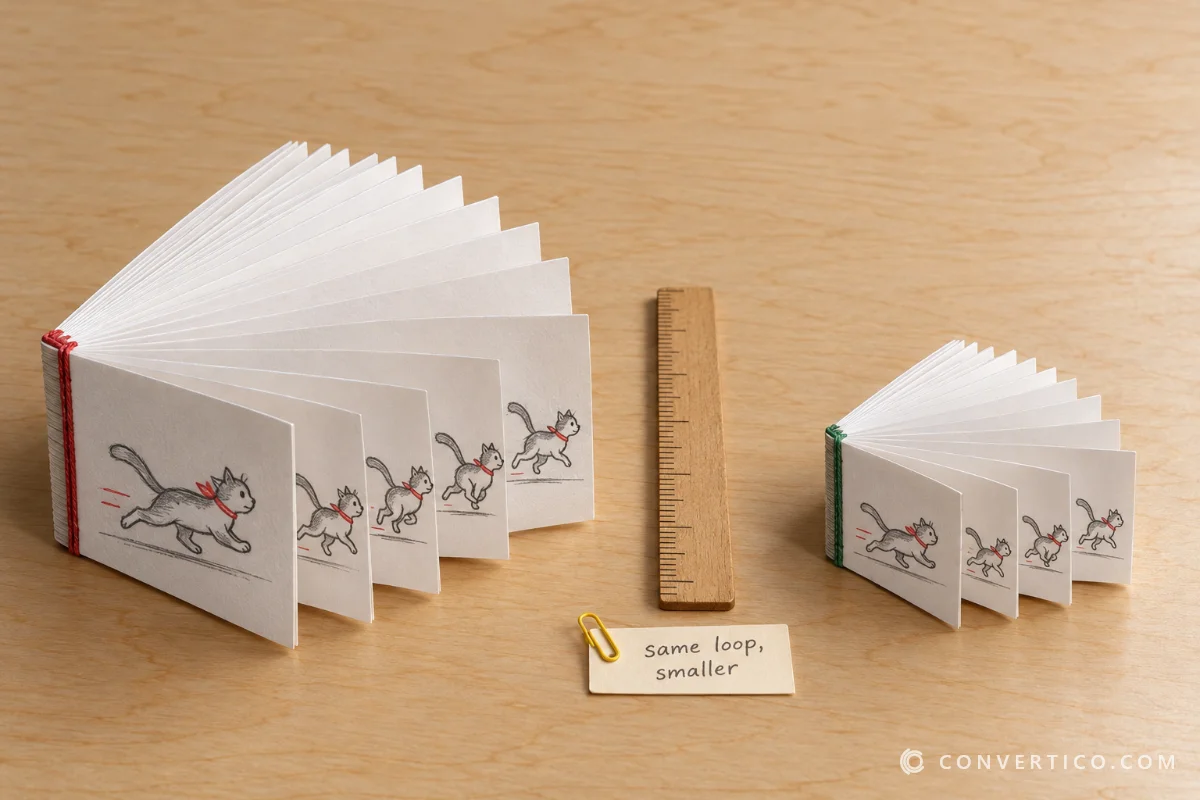
A GIF plays on its own, loops forever and needs no video player.
That makes it perfect for reactions, chats, forums, emails and product demos.
The catch is size: GIF stores every frame as a picture with at most 256 colours. A good converter picks those colours for your clip and keeps the GIF short and narrow - which is exactly what the settings here do.
| Where | Limit | Pick |
|---|---|---|
| Discord message (free) | 20 MB | Discord (20 MB) preset |
| X / Twitter | 15 MB | X / Twitter preset |
| Discord sticker | 512 KB, 320 x 320 | Fit: 512 KB, Crop 1:1, or the GIF Resizer sticker preset |
| Discord emoji | 256 KB | Fit: 256 KB, Crop 1:1, 2-3 s clip |
| Email and forums | Often 5-10 MB | Fit: 5 MB, 480 px |
Limits change now and then - check the platform if a GIF is refused. Long clips are better as video: GIF to MP4 is typically 10x smaller.
Your video is converted on our server with FFmpeg. The upload is deleted right after converting and the GIF once you download it.
Drop your MP4 into the box, trim it under the player, pick a preset and press Convert to GIF.
One or two GIFs download directly, more come as a ZIP.
Pick the Discord (20 MB) preset, or set Fit under a file size. If the GIF comes out bigger, our server lowers the width, then the frame rate and colours until it fits.
For emoji and stickers, use 256 KB or 512 KB with a 1:1 crop.
Yes. Set Playback to Boomerang (forward, then backward) or Reverse. It works on clips up to 15 seconds.
10-12 fps is a great default for most clips. Use 8 fps for tiny reaction GIFs and 15-20 fps for fast action. Higher frame rates make much bigger files.
GIF stores every frame as an image, so size grows with length, width and frame rate. Trim it to 2-5 seconds, pick 320-480 px, use 10 fps, or turn on Extra compression. Compress GIF can squeeze it further.
Up to 60 seconds, from videos up to 200 MB. Short clips of 2-10 seconds look best and stay small.
Yes - free, no account, no watermark. Your video goes to our server over HTTPS, is deleted right after converting, and the GIF is deleted once you download it.
Yes. After converting, click Resize, Cut, Crop, Compress, Add text or a Discord preset - the GIF opens in that tool without uploading it again.