
The Short Answer
Make the files from one square logo with the Favicon Package Generator.
Upload them to the root of your site and paste three lines of HTML into the <head>.
Then check it with the Favicon Checker - and you are done in five minutes.
The Files You Need in 2026
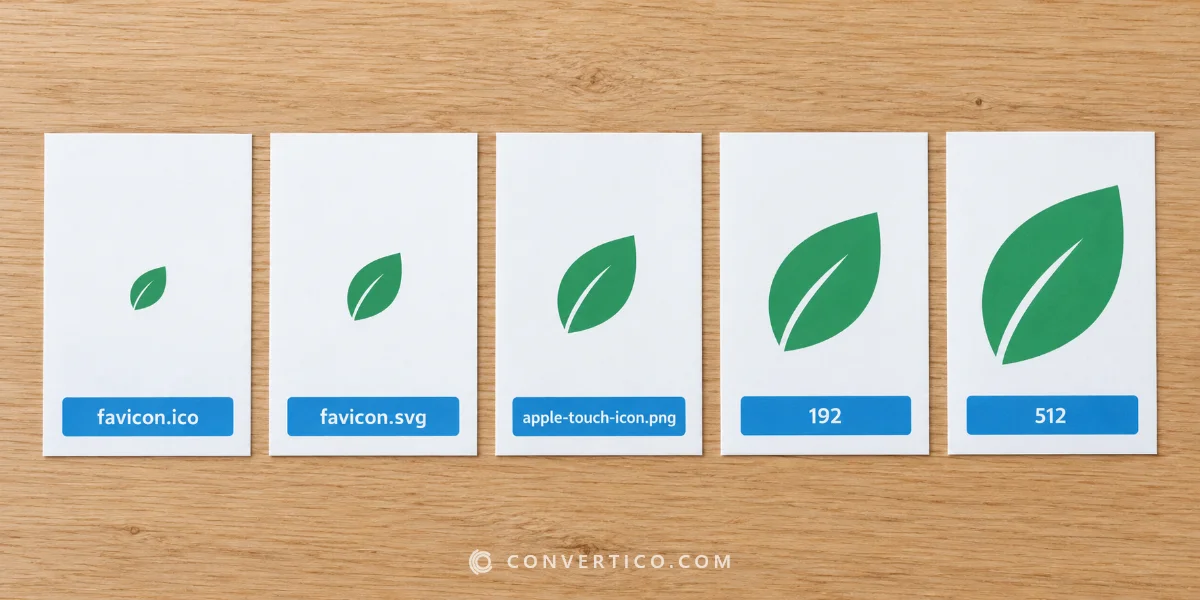
| File | Size | Used by |
|---|---|---|
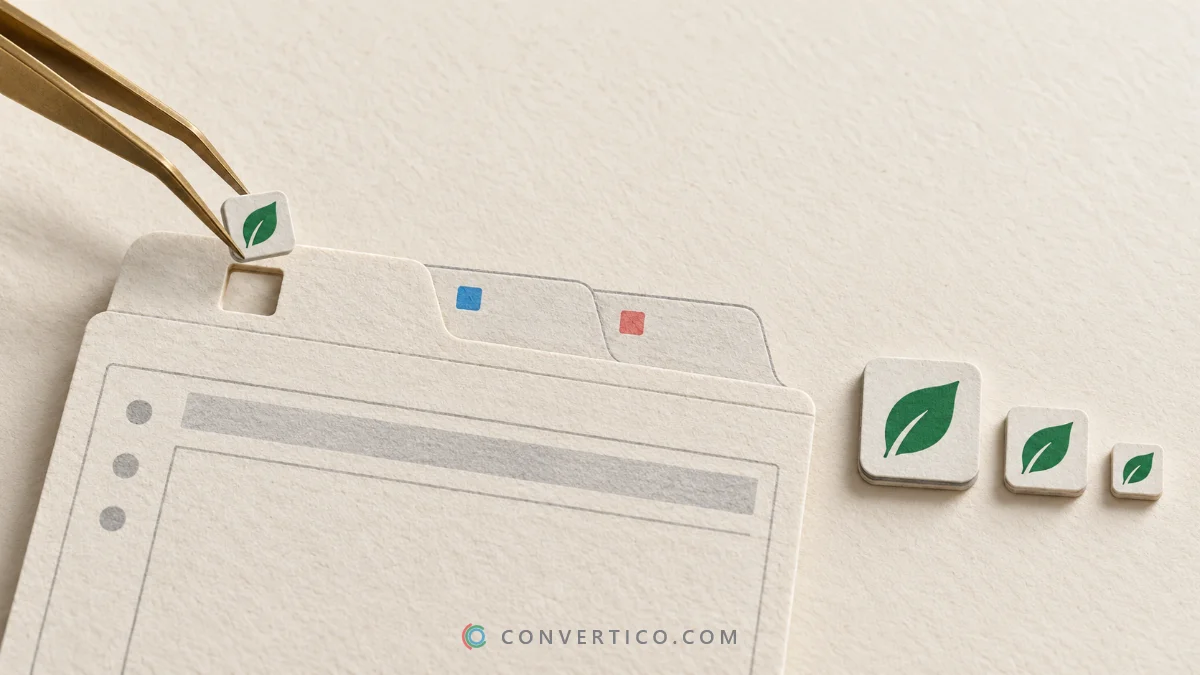
| favicon.ico | 16, 32 and 48 px in one file | Every browser, Google results, old browsers |
| favicon.svg | Vector | Modern browsers - sharp at any size, can switch for dark mode |
| apple-touch-icon.png | 180 x 180 px | iPhone and iPad home screen |
| android-chrome-192x192.png and 512x512.png | 192 and 512 px | Android home screen and installed web apps |
| site.webmanifest | - | Lists the Android icons, name and theme colour |
Every size is explained in the icon size cheat sheet.
Make Them From One Image
- Start from a square logo - PNG with a transparent background, or SVG. At least 512 px.
- Open the Favicon Package Generator, drop the logo in and type your site name and theme colour.
- Download the ZIP. It holds every file above plus the HTML code.
Only need the .ico? Use PNG to Favicon or SVG to Favicon.
Keep it simple. At 16 px only a bold shape or one or two letters survive. Long names and fine lines turn to mush - use your logo mark, not the full logo.
Paste the HTML
Upload the files to the root of your site (next to index.html), then add this inside <head>:
<link rel="icon" href="/favicon.ico" sizes="32x32">
<link rel="icon" href="/favicon.svg" type="image/svg+xml">
<link rel="apple-touch-icon" href="/apple-touch-icon.png">
<link rel="manifest" href="/site.webmanifest">
Browsers that understand SVG use it, the rest fall back to the ICO. Why both? The guide ICO vs SVG explains.
WordPress, Shopify and Wix
- WordPress: Appearance > Customize > Site Identity > Site Icon. Upload a 512 x 512 px PNG - WordPress makes the sizes. Using a block theme? Open yoursite.com/wp-admin/customize.php to reach the same setting.
- Shopify: Online Store > Themes > Customize > Theme settings > Logo > Favicon image. Upload a 32 x 32 or larger square PNG.
- Wix: Settings > Favicon (needs a premium plan and a connected domain). Upload a square PNG.
Menu names change from time to time - search the help centre for "favicon" if the path looks different.
Get Your Favicon Into Google Results
Google shows your favicon next to your site in mobile and desktop results.
- The icon must be square and a multiple of 48 px - 48, 96 or 144 px.
- It must be reachable by Google: not blocked in robots.txt, on the same domain, at a stable URL.
- Google can take days or weeks to pick up a change.
Still the old globe icon? Work through why your favicon is not showing in Google.
Check It Works
Enter your address in the Favicon Checker. It finds every icon your pages declare, checks the sizes and formats, and shows how the icon looks in a browser tab and on a phone.
Changed the icon but still see the old one? Browsers cache favicons hard - open the page in a private window or add ?v=2 to the file names.
Frequently Asked Questions
What size should a favicon be?
Put 16, 32 and 48 px in favicon.ico, add a 180 px Apple touch icon and 192 and 512 px PNGs for Android. An SVG covers every other size.
Is favicon.ico still needed?
Yes. It is the fallback every browser and Google understands. Pair it with an SVG for modern browsers.
Where do I put the favicon files?
In the root of your website, next to the homepage file, and link them in the head of every page.
Can a favicon be a PNG?
Yes, modern browsers accept PNG favicons. Keep a favicon.ico as the fallback.
Why does my old favicon still show?
Browsers cache favicons for a long time. Use a private window or add a version number to the file name.
Do I need a favicon for SEO?
It does not change rankings, but Google shows it in results, and a clear icon helps people spot and click your site.
Still stuck? Ask us - we reply faster than a JPEG loads on dial-up.
The Bottom Line
- favicon.ico + favicon.svg + Apple touch icon + Android PNGs
- Make them all from one square logo
- Four lines of HTML in the head
- Check it, then give Google time
Tiny file, big first impression.
Make Your Favicon Set
One image in - ICO, SVG, Apple and Android icons, manifest and the HTML code out. Free.
Favicon Package Generator