
The Short Answer
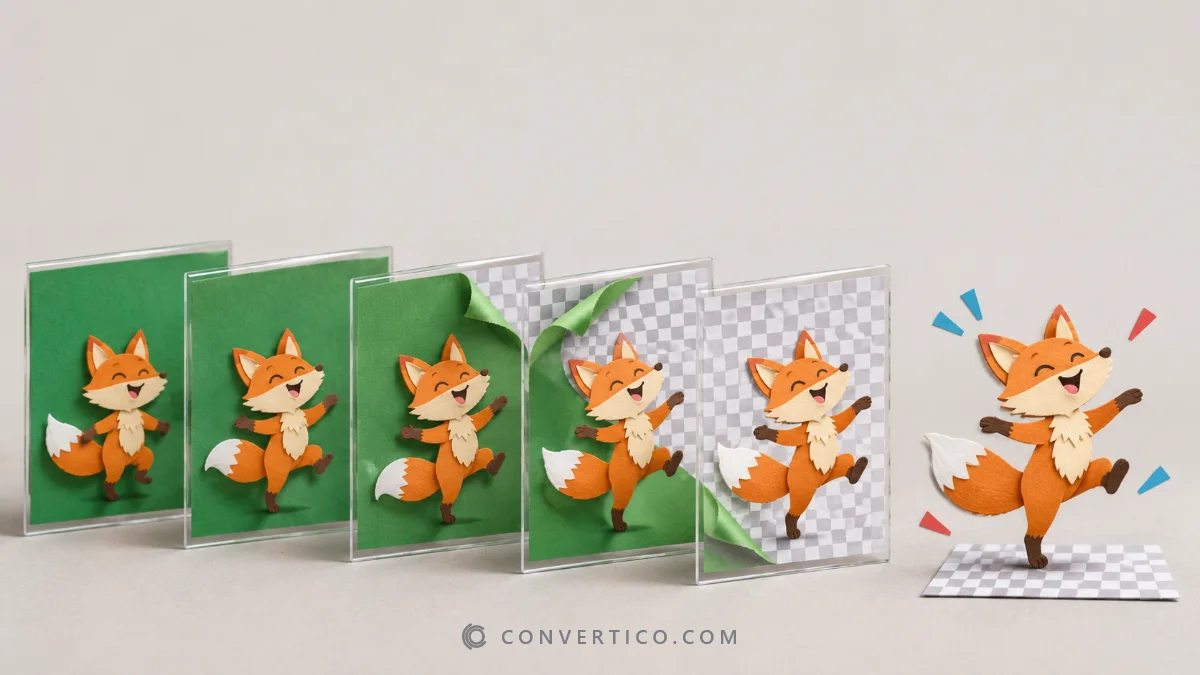
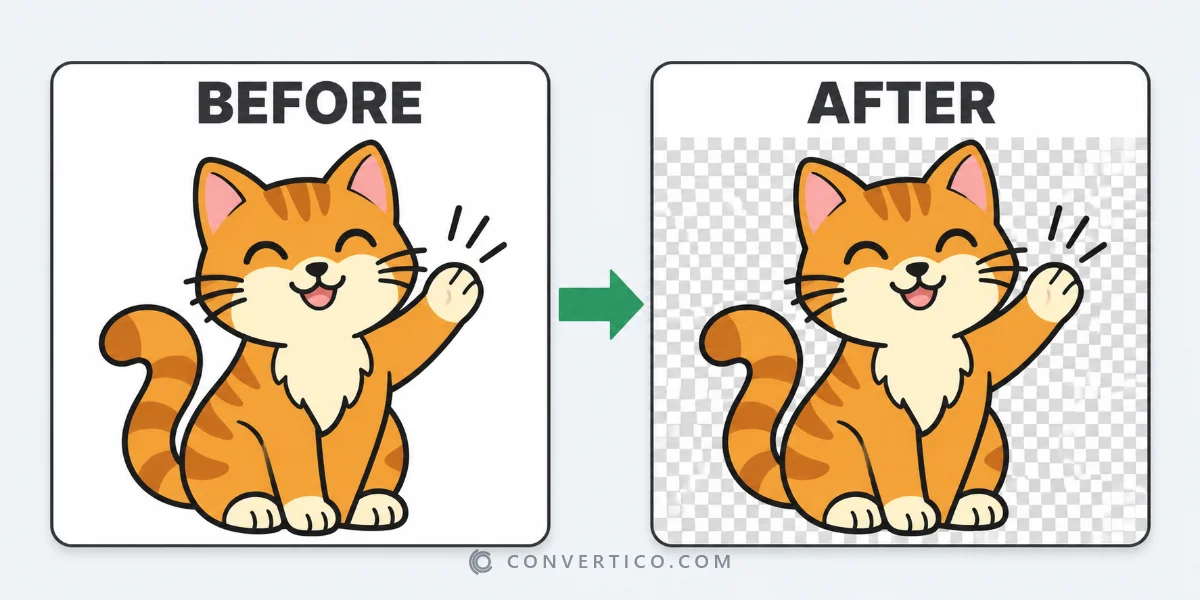
Drop the GIF into the GIF Background Remover and the background disappears from every frame.
Fine-tune it with the tolerance slider or the eyedropper, then download.
The animation keeps every frame, its speed and its loop - only the background goes.
Remove the Background Step by Step
- Open the GIF Background Remover and drop your GIF - or paste it.
- The tool reads the colour around the edges and removes it from every frame. The preview shows the result straight away.
- Something left behind? Raise the tolerance or click the leftover colour with the eyedropper.
- Click Remove background and download.
Pick the Right Kind of Background
| Background | Setting | Tip |
|---|---|---|
| One plain colour (white, black, any flat colour) | Touching the edges | Keeps white shirts and eyes inside the character |
| The same colour also inside the subject | Everywhere | Removes that colour from the whole picture |
| Green screen | Green screen | Looks at the hue only, so uneven lighting is fine. Turn on Clean colour fringe |
| Busy photo background | - | Hard for any tool - start from a clip filmed on a plain backdrop |
Why the Edges Look Jagged
A GIF pixel is either fully transparent or fully visible.
Soft, anti-aliased edges cannot exist in a GIF, so curved edges can look stair-stepped - and a white halo appears on dark pages.
- Want smooth edges? Download WebP or APNG instead - both have real, soft transparency and play in every modern browser.
- Must be a GIF? Set Matte to the colour of the page it will sit on. The edge pixels blend into that colour and the halo disappears.
Replace the Background Instead
Under Output, switch New background to a colour or an image.
The cut-out animation lands on your colour or picture in every frame, and you get a normal GIF that looks the same in every app.
Removing the background from a still picture? Use the PNG Background Remover - and the guide on making images transparent covers the rest.
Where Transparent GIFs Work
| Place | Transparent GIF | Better option |
|---|---|---|
| Websites | Yes | WebP - smaller with smooth edges |
| Discord, Slack | Yes | - |
| WhatsApp, Telegram stickers | Not as a GIF | WebP sticker |
| Instagram, TikTok, X | No - transparency turns black or white | Upload on a coloured background |
| PowerPoint, Google Slides | Yes | - |
Make It Smaller
Transparent GIFs grow quickly. Trim the size with Compress GIF, or shrink the dimensions with the GIF Resizer - both keep the transparency.
Making a Discord emoji or sticker? The Discord Emoji Maker sizes it to the limits for you.
Frequently Asked Questions
Can you make a GIF transparent?
Yes. A background remover takes the background colour out of every frame and saves a GIF with a transparent background, keeping the animation.
Will removing the background change the GIF speed?
No. Every frame keeps its own delay and the loop setting stays the same.
Why are parts of my character removed too?
The same colour is in the subject. Switch to removing only the background touching the edges, or lower the tolerance.
Why does my transparent GIF have a white outline?
GIF has no soft transparency, so edge pixels keep the old background colour. Set the matte to your page colour, or save as WebP or APNG.
Can I remove a green screen from a GIF?
Yes. Choose the green screen option and turn on colour fringe clean-up for hair and edges.
Is my GIF uploaded?
Most GIFs are processed in your browser. Very large ones use the server, where they are deleted automatically within 4 hours.
Still stuck? Ask us - we reply faster than a JPEG loads on dial-up.
The Bottom Line
- Drop the GIF in - the background goes from every frame
- Tolerance and the eyedropper fix leftovers
- Jagged edges? Save as WebP or APNG, or set a matte
- Same frames, same speed, same loop
Same moves, no background - your GIF is ready to go anywhere.
Make Your GIF Transparent
Remove the background from every frame - GIF, WebP or APNG, free and mostly in your browser.
GIF Background Remover