Turn PNG images into small .heif files with the transparency kept, for Apple and Samsung galleries - want the .heic name iPhones use? Pick PNG to HEIC.
Need a copy that opens everywhere too? PNG to JPG works on every device.
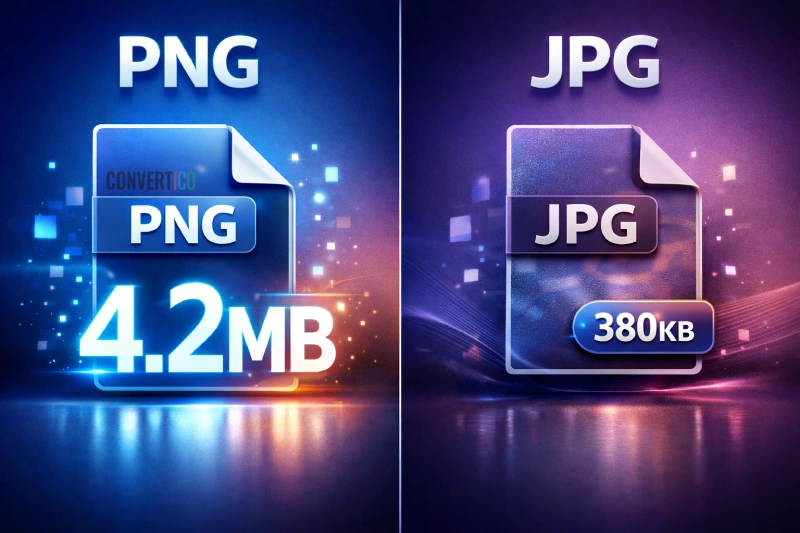
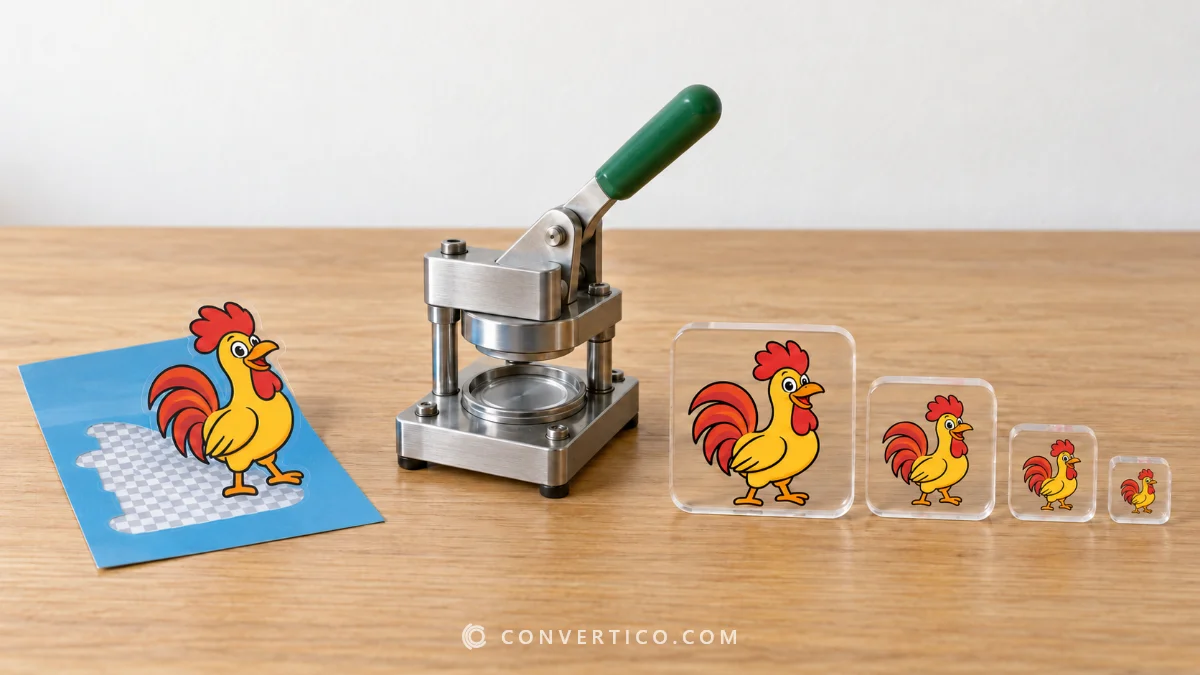
HEIF stores an image in a fraction of the PNG size and keeps the transparency.
Apple Photos, Samsung Gallery and many HEIF-aware apps treat it as a native photo.
It is handy for screenshots and artwork you keep in a phone gallery.
| PNG | HEIF | |
|---|---|---|
| Compression | Lossless | HEVC (lossy) |
| Typical size | 100% | 10-30% |
| Transparency | Yes | Yes |
| Opens on | Everything | Apple, Samsung, Windows with extensions |
| Browsers | All | Safari only |
Going back? HEIF to PNG.
Drop your PNG files into the box, keep quality 85 and press Convert to HEIF.
Yes. Transparent areas stay transparent.
HEIC is HEIF with HEVC images - what this page makes. Only the extension differs.
Yes, briefly - a PNG copy goes over HTTPS to our server and is deleted the moment you download.
Photos and artwork often shrink by 70-90%.
With the HEIF and HEVC extensions from the Microsoft Store.