The Short Answer
Drop the WebP into WebP to ICO, pick the sizes and download.
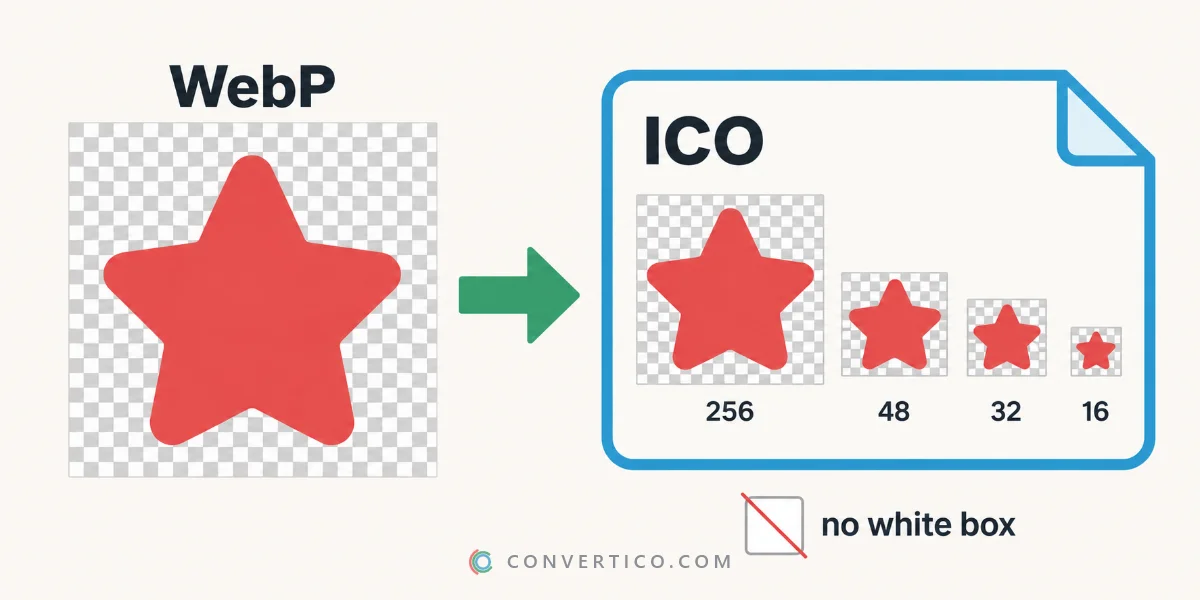
The transparent background stays transparent - no white box.
Everything happens in your browser, so the image is never uploaded.
Why WebP Needs Converting
WebP is a web image format. Windows cannot use it for folder, shortcut or app icons - only ICO works there.
Browsers also expect favicon.ico as the fallback favicon. An ICO holds several sizes in one file, so the icon stays sharp from the taskbar to the desktop.
Convert WebP to ICO Step by Step
- Open WebP to ICO and drop your WebP - up to 30 files at once.
- Pick the sizes: Recommended, Favicon, Windows app, or your own from 16 to 256 px.
- Choose how it fits a square: fit inside, crop to square or stretch. Add padding or rounded corners if you like.
- Check the 16 and 32 px previews, then download.
Keep the Transparency
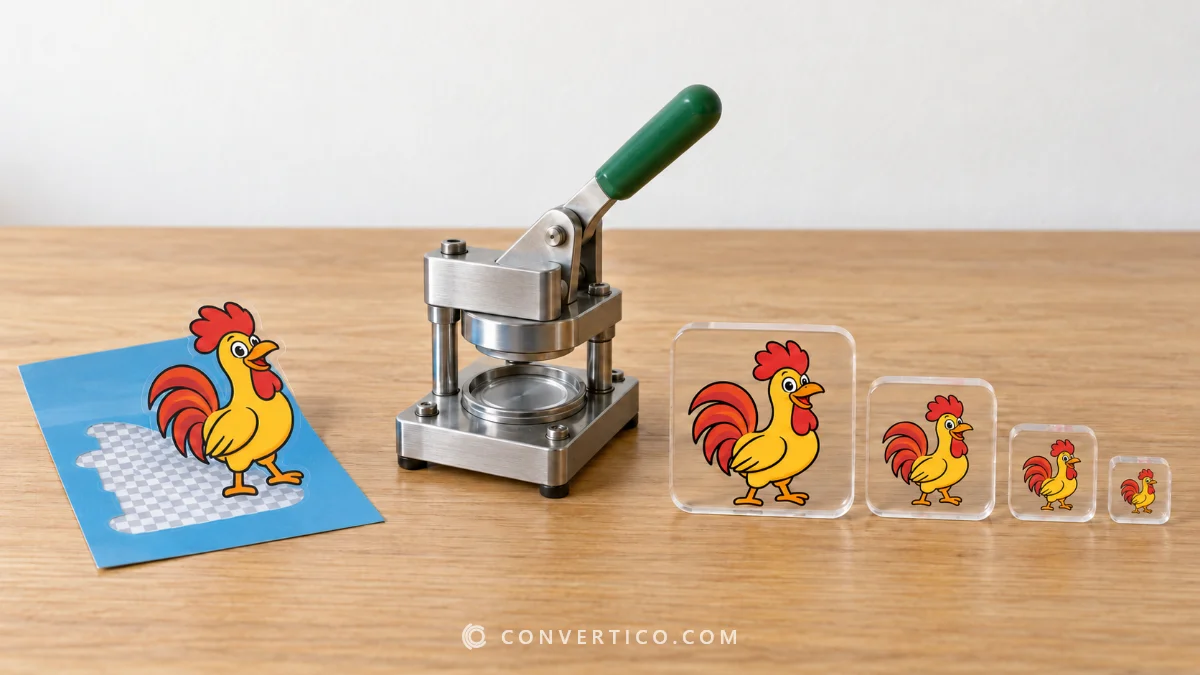
Transparent and lossless WebP files keep their see-through background in every size.
Small icon layers are saved as 32-bit images with a full alpha channel, so edges stay smooth.
Did the WebP have a white background to begin with? Remove it first with the Transparent Icon Maker. The same white-box problem with JPGs is explained in why your JPG icon has a white background.
Animated WebP and Stickers
ICO files cannot move, so an animated WebP becomes a still icon.
The converter lets you pick the frame to use - choose the one that reads best at small sizes.
WhatsApp and Telegram stickers are usually WebP files with transparency, so they make great icons.
Which Sizes to Pick
| Use | Preset | Sizes |
|---|---|---|
| Website favicon | Favicon | 16, 32, 48 px |
| Windows shortcut or app | Windows app | 16 to 256 px |
| Not sure | Recommended | 16, 32, 48, 256 px |
Need the full favicon set with PNGs and the Apple touch icon? Turn on the favicon pack, or use the Favicon Package Generator.
Converting From Other Formats
- JPG: JPG to ICO - remove the background first if you want transparency.
- PNG: PNG to ICO.
- Anything else (HEIC, AVIF, BMP, SVG): Image to ICO.
- Back again: ICO to PNG pulls every size out as a PNG.
Frequently Asked Questions
How do I convert WebP to ICO?
Drop the WebP into a WebP to ICO converter, choose the icon sizes and download the .ico file.
Does WebP to ICO keep transparency?
Yes. Transparent WebP images keep their transparent background in every icon size.
Can I use a WebP as a Windows icon?
Not directly. Windows needs ICO for folders, shortcuts and apps, so convert it first.
Can I convert an animated WebP to ICO?
Yes, as a still icon. Pick the frame you want - ICO files do not animate.
Which sizes should my ICO have?
16, 32 and 48 px for a favicon; 16 to 256 px for a Windows icon.
Still stuck? Ask us - we reply faster than a JPEG loads on dial-up.
Convert WebP to ICO
Multi-size, transparent, Windows-ready - up to 30 files at once, free and in your browser.
WebP to ICOThe Bottom Line
- Windows and favicons need ICO, not WebP
- Transparency is kept - no white box
- Pick a preset: Favicon, Windows app or Recommended
- Animated WebP? Choose the best frame
From web image to desktop icon in one drop.