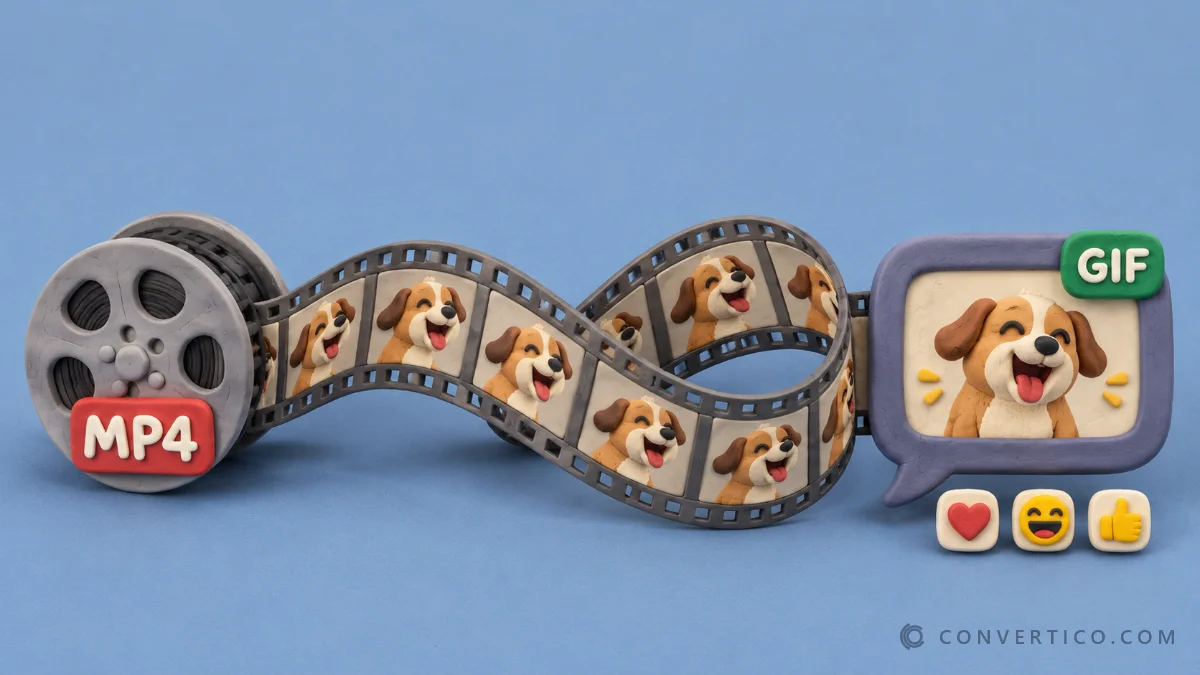
Turn animated AVIF into animated GIFs that play in every chat app, forum and email - for still images with full colour pick AVIF to PNG.
GIF too heavy for Discord or a forum? Shrink it with Compress GIF or the GIF Resizer.
Animated AVIF is tiny and sharp, but most apps cannot play it.
Many chat apps, forums, email clients and older editors only animate GIF.
A GIF plays everywhere, from Discord and Slack to PowerPoint and Gmail. It is bigger and limited to 256 colours, but it just works.
| Animated AVIF | GIF | |
|---|---|---|
| Colours | Millions, plus HDR | 256 per frame |
| Transparency | Soft edges (alpha) | On or off only |
| Typical size | Very small | Often 5-20x bigger |
| Plays in | Modern browsers | Everything, since 1987 |
| Best for | Websites | Chats, forums, email, slides |
Have a GIF that should be smaller for your website? Go the other way with GIF to Animated AVIF. Test files are in the AVIF sample files.
Drop the AVIF into the box. Keep the animation is on for animated files, so press Make my GIF and every frame plays in one animated GIF, with the original timing.
No. Your browser decodes the frames and writes the GIF on your device. Only a browser that cannot read AVIF at all sends the file to our server to decode the first frame, and the copy is deleted right away.
Yes. Under Animation pick 0.5x to 2x speed, and Loop forever or Play once.
GIF uses compression from 1987 and stores up to 256 colours per frame. Resize to 480 px, use fewer colours, or turn dithering off to make it lighter.
Yes, as on/off transparency. Soft edges are cut at the opacity you set - pick Fill background for smooth edges on a known background colour.
Animated output needs a browser with the ImageDecoder feature - Chrome, Edge or Firefox. Safari converts the first frame only.
Yes. Turn Keep the animation off, tick the frames you want under the preview, and each becomes its own still GIF.