
The Short Answer
Twitter (X) stores every GIF as an MP4 video.
Paste the post link into the Twitter GIF Downloader, pick GIF and upload the file to Discord.
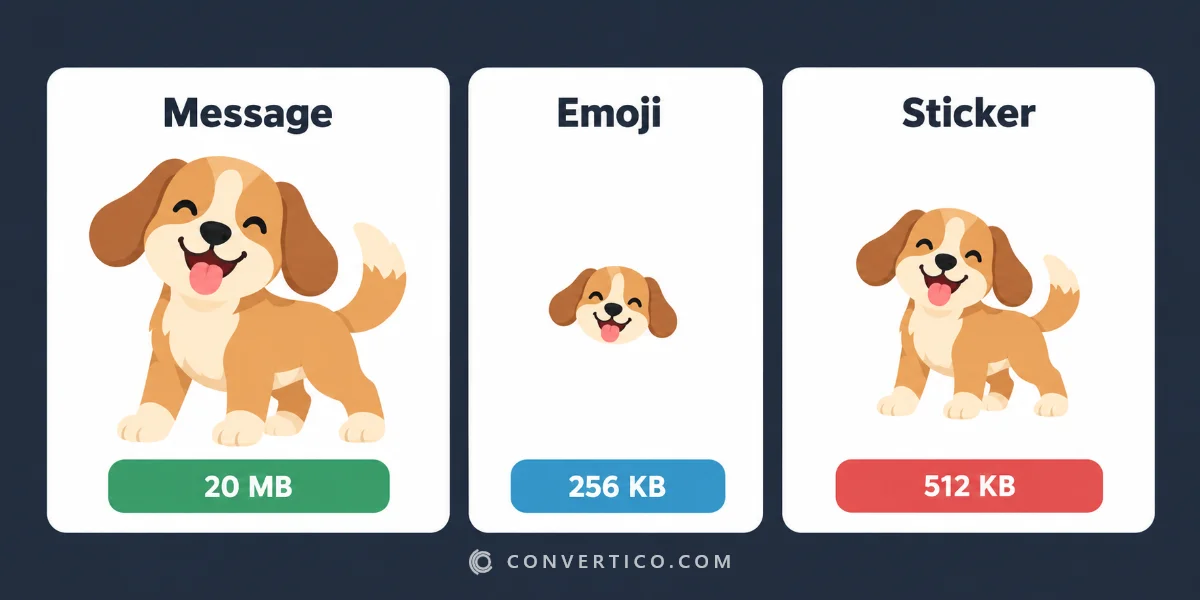
For emoji and stickers, shrink it to Discord's limits first - 256 KB for an emoji, 512 KB for a sticker.
Why a Twitter GIF Is Not a GIF
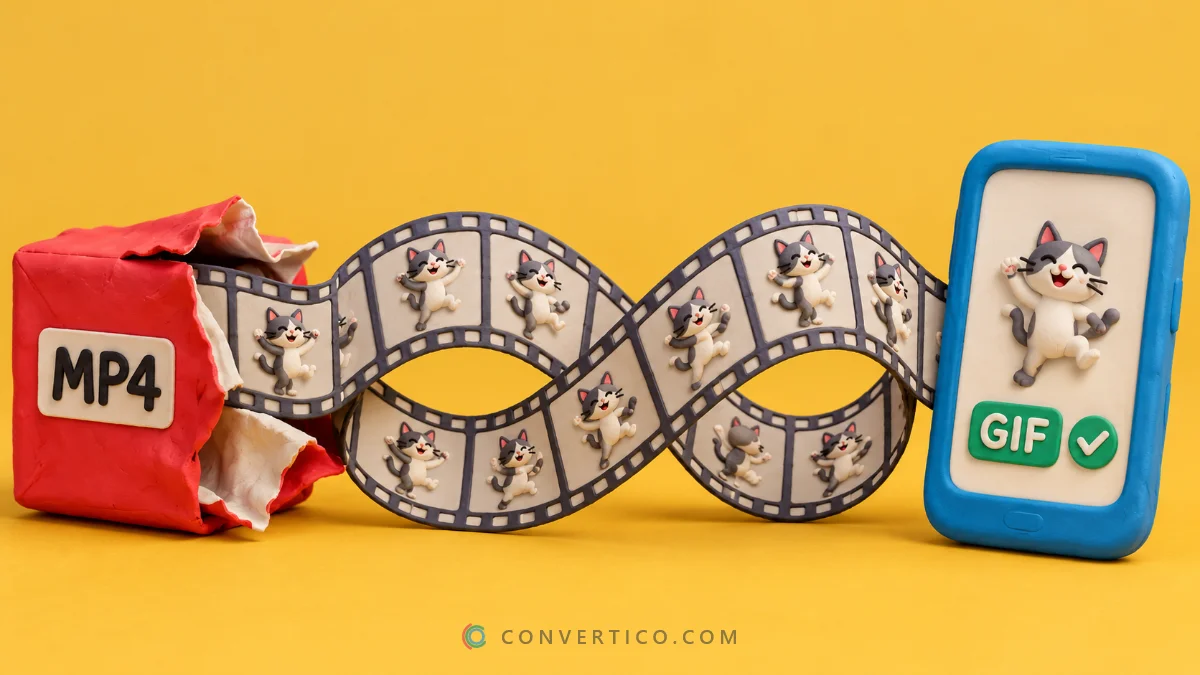
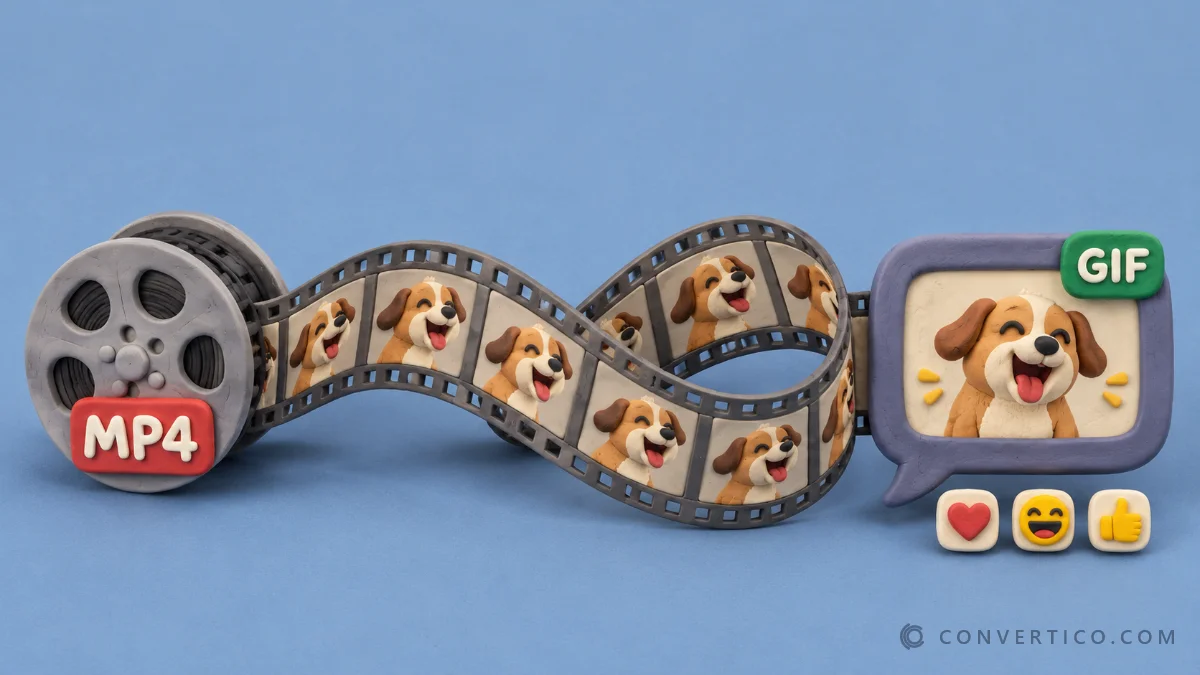
When you upload a GIF to X, it is converted to an MP4 to load faster.
Posted to Discord as an MP4, it shows up as a video with a play button - it does not autoplay and loop like a GIF.
More on this in why Twitter GIFs download as MP4.
Get a Real GIF From X
- On X, tap Share > Copy link on the post.
- Paste it into the Twitter GIF Downloader.
- Pick GIF and download.
Already have the MP4? Turn it into a GIF with MP4 to GIF - you choose the size, frame rate and length.
Post It on Discord
- In a message: drag the GIF into the chat, or click + and Upload a File. It plays and loops by itself.
- Save it for later: hover over the GIF in the chat and click the star to add it to your GIF favourites, then find it in the GIF picker.
Posting the link to the tweet instead also works - Discord shows an embed - but it may not loop, and the GIF picker cannot save it.
Discord Size Limits
| Use | Limit | How to fit |
|---|---|---|
| GIF in a message (free account) | 20 MB | Usually fine; trim long GIFs |
| Animated custom emoji | 256 KB, shown at 128 x 128 px | Resize to 128 px and cut colours |
| Sticker | 512 KB, 320 x 320 px | Resize to 320 px, keep it short |
Make an Animated Emoji or Sticker
The Discord Emoji Maker takes a GIF, image or clip and makes a 128 x 128 emoji under 256 KB, or a 320 x 320 sticker.
Doing it by hand? Shrink the GIF in the GIF Resizer, then squeeze the bytes with Compress GIF - fewer colours and frames make the biggest difference.
Animated emoji and Nitro: anyone with the right permissions can upload animated emoji to a server and everyone sees them move, but only Nitro members can post them.
When It Does Not Work
| Problem | Fix |
|---|---|
| GIF shows as a video with a play button | You posted the MP4 - download as GIF instead |
| "Your files are too powerful" | Over 20 MB - shorten it or compress it |
| Emoji upload refused | Over 256 KB - resize to 128 px and compress |
| GIF looks grainy after shrinking | Fewer colours cause dots - try a shorter clip with more colours |
Get the Real GIF From X
Paste a post link and download the GIF - ready for Discord, free and with no login.
Twitter GIF DownloaderFrequently Asked Questions
How do I turn a Twitter GIF into a Discord GIF?
Paste the post link into a Twitter GIF downloader, pick GIF instead of MP4, and upload that file to Discord.
Why does my Twitter GIF not loop on Discord?
Twitter stores GIFs as MP4 videos. Discord treats an MP4 as a video, so it needs a click to play.
What is the Discord GIF size limit?
20 MB for uploads on a free account, 256 KB for animated emoji and 512 KB for stickers.
How do I add a GIF to my Discord favourites?
Post or open the GIF in a chat, hover over it and click the star. It appears under Favourites in the GIF picker.
Can I make a Discord emoji from a Twitter GIF?
Yes. Download it as a GIF, then resize it to 128 px and compress it under 256 KB - or use a Discord emoji maker.
Still stuck? Ask us - we reply faster than a JPEG loads on dial-up.
The Bottom Line
- X saves GIFs as MP4 - download the GIF version
- 20 MB for chat, 256 KB for emoji, 512 KB for stickers
- Star it to keep it in your GIF picker
From tweet to reaction GIF in under a minute.