Compress ICO

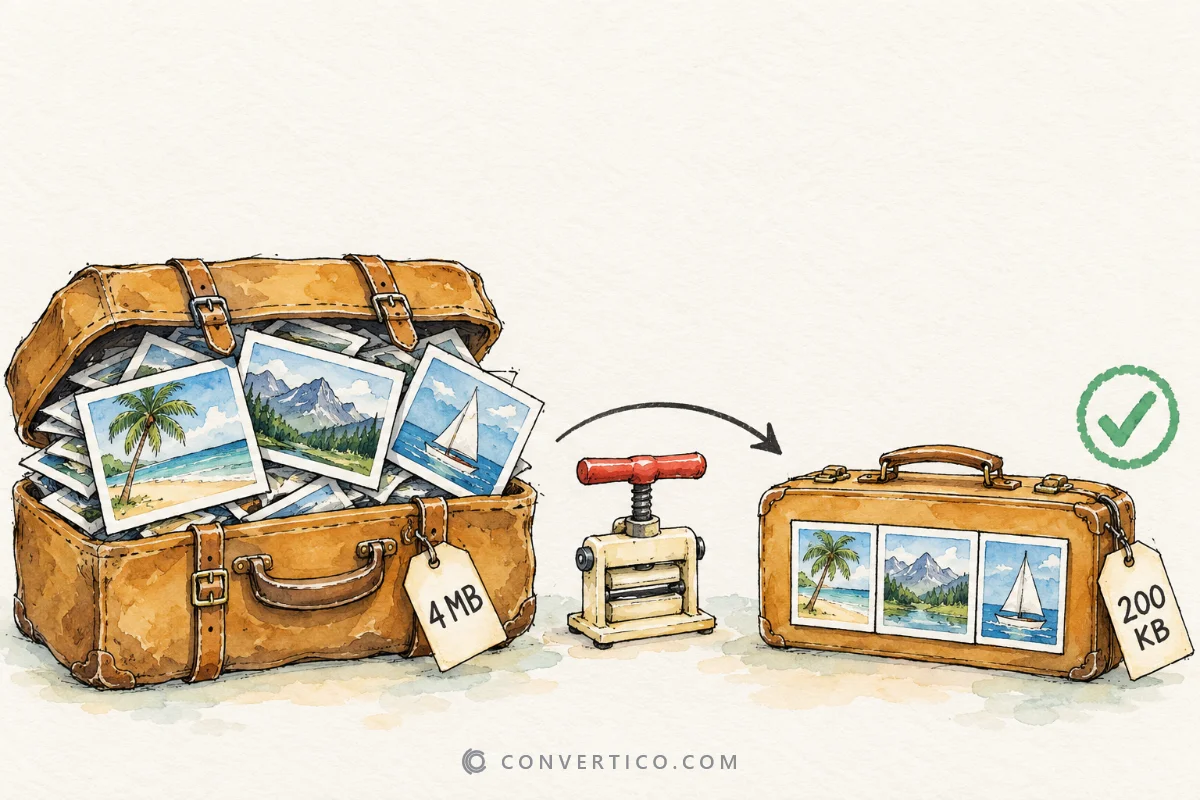
Make ICO and favicon files smaller without losing a pixel - unused sizes out, every layer stored the smallest way, all in your browser. To change which sizes an icon has, use the Icon Resizer.

Drop ICO files here or browse Up to 50 ICO or CUR files - or paste with Ctrl+V. They stay on your device.
No upload Measured, not guessed Windows-safe

How to compress an ICO file

  1. Add your icons. Drop up to 50 ICO or CUR files, paste one with Ctrl+V, or try the sample.
  2. Pick the target. Windows app keeps Windows compatibility; Favicon makes the smallest website icon.
  3. Choose the sizes. Keep all sizes, or only the favicon or Windows set - the size after compression updates at once.
  4. Download. Press Download. One or two icons save directly, more come as a ZIP with a README.

Why ICO files get big

One layer usually does most of the damage.

The 256 x 256 image stored as a bitmap takes about 256 KB - often more than all other sizes together. As a PNG the same pixels usually need 10-40 KB, and Windows reads it just as well.

Older icons also carry each small size two or three times, in 4, 8 and 32-bit colour, for Windows 95-era screens. Modern Windows only ever shows the 32-bit copy, so the others are dead weight.

What each setting does

SettingSavesQuality
256 px bitmap to PNG (always)Up to 90%Lossless
Remove duplicate colour depths10-40%Lossless
Favicon target (PNG layers)50-80%Lossless
Keep fewer sizesDepends on the sizesLossless
8-bit for small sizes60-75% of those layersHard edges

Every number on this page is measured from the real file, not estimated. Open What changed next to an icon to see each layer before and after.

Compressing a favicon.ico

A website favicon only needs 16, 32 and 48 px.

Pick Favicon and the Favicon 16-48 sizes, and a typical 100 KB favicon.ico drops to a few kilobytes - a faster first page load on every visit. Modern browsers also accept an SVG or PNG favicon; the Favicon Generator makes the full set and the Favicon Checker confirms it works.

Starting from a PNG instead? Make a lean icon in one step with PNG to ICO, or design one in the Icon Maker.

Frequently Asked Questions

Drop your ICO files into the box. The page measures right away how small each one can get. Choose Windows app or Favicon, optionally keep only the sizes you need, and press Download. Several icons come as a ZIP.

Most of the weight is the 256 x 256 image. Stored as an old-style bitmap it takes about 256 KB, while the same pixels as PNG are often 10-40 KB. Extra copies of the same size in 4 and 8-bit colour add more. The ICO Analyzer shows what each layer costs.

Not with the default settings. Removing duplicates and re-packing PNG layers keeps every pixel. Only the 8-bit colour option changes pixels, and the page warns you when it is on.

Windows app keeps the layout Windows needs: bitmaps below 256 px and a 32-bit PNG at 256 px. Favicon stores every size as PNG, which all browsers read and which is usually much smaller - ideal for favicon.ico on a website.

A website favicon only needs 16, 32 and 48 px. A Windows program icon should keep 16 to 256 px. Use the size chips to keep exactly the sizes you want; anything else is removed. Need a size that is missing? Add it with the Icon Resizer.

It had PNG images below 256 px or a palette PNG, which Windows Explorer and Photos can reject. Windows app mode turns them into the safe format, which can add a few kilobytes. Pick Favicon if the icon is only for a website.

No. Icons are read, compressed and packed into the ZIP in your browser, so nothing leaves your device. Cursor (.cur) files work too and keep their hotspot.

Guides & Tutorials

All 40 guides
Optimization How to Resize a GIF Without Losing Quality (and Make It Smaller) Sep 4, 2025 · 4 min read Read Optimization How to Reduce Image File Size Without Losing Quality (2026 Guide) Jan 29, 2026 · 5 min read Read Guide Old vs New ICO Files: Bitmap Icons, PNG Icons and Every Icon Type Explained Sep 28, 2026 · 7 min read Read