The Short Answer
Scanning a QR code is safe - the risk is where the code takes you.
A fake code looks exactly like a real one, so you cannot tell by looking at the squares.
Check the address before you open it, and never pay or log in through a code you did not expect. The QR Code Scanner shows the real destination and warns you about the usual tricks first.
What Is Quishing?
Quishing is phishing with QR codes.
Instead of a dodgy link in an email, the scammer hands you a code that opens a copy of a real website - a parking app, a bank, a delivery company - and waits for you to type in a password or card number.
It works because a code hides the address. Email filters and people both check links; few people check a QR code.
Authorities have warned about it for years: the FBI in 2022 and the US Federal Trade Commission in 2023.
Where Fake QR Codes Show Up
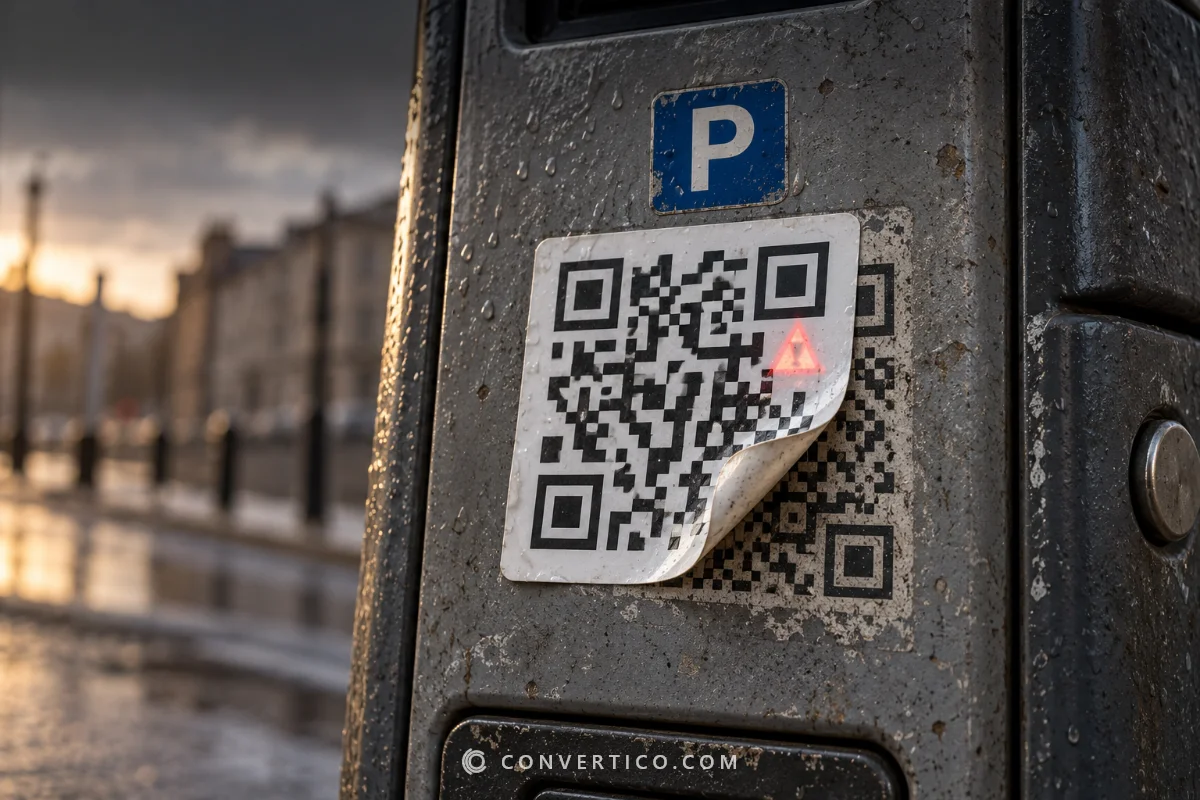
- Parking meters and EV chargers - a sticker over the real code leads to a fake payment page.
- Restaurant tables and menus - a swapped code "to pay the bill".
- Fake parking tickets - a note on your windscreen with a code to pay a fine.
- Emails and letters - "scan to verify your account", "your package could not be delivered".
- Posters and flyers - prize draws, discounts and surveys that ask for personal details.
- Unexpected parcels - a gift you did not order with a code to "find out who sent it".
7 Warning Signs of a Fake QR Code
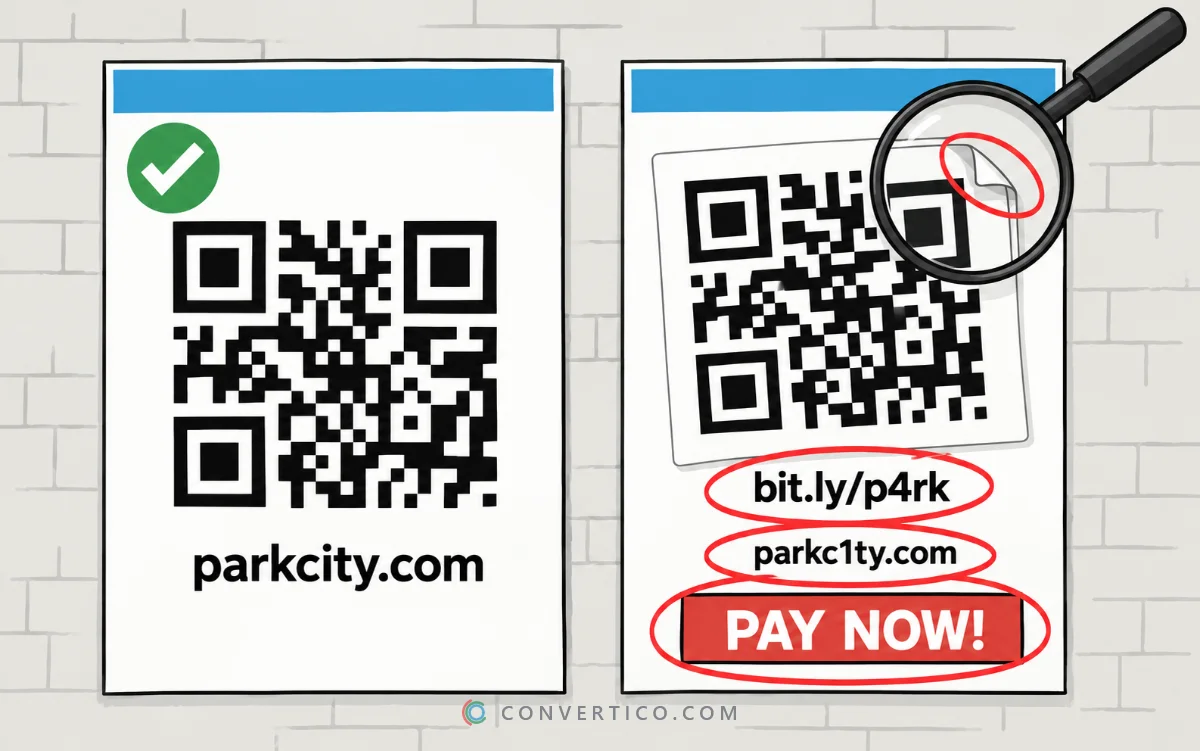
- A sticker on top of another code. Run a finger over it. Real codes are usually printed on the sign, not stuck on.
- It asks for money or a login straight away. Parking, tolls and fines can almost always be paid in the official app or on the official site.
- A short link. bit.ly and similar services hide the real address. Fine on a poster you trust, a red flag on a parking meter.
- A look-alike address. paypa1.com, amaz0n-help.net, or letters from other alphabets that look Latin. Read the name slowly.
- No https. A payment page without a secure connection is never real.
- It downloads an app or a file. Real businesses send you to the official app store, not to an .apk file.
- Urgency. "Pay within 24 hours or…" is pressure, not customer service.
How to Check a QR Code Before You Open It
Most phone cameras show only a short preview of the link. Look at it before you tap - and when in doubt, check it properly.
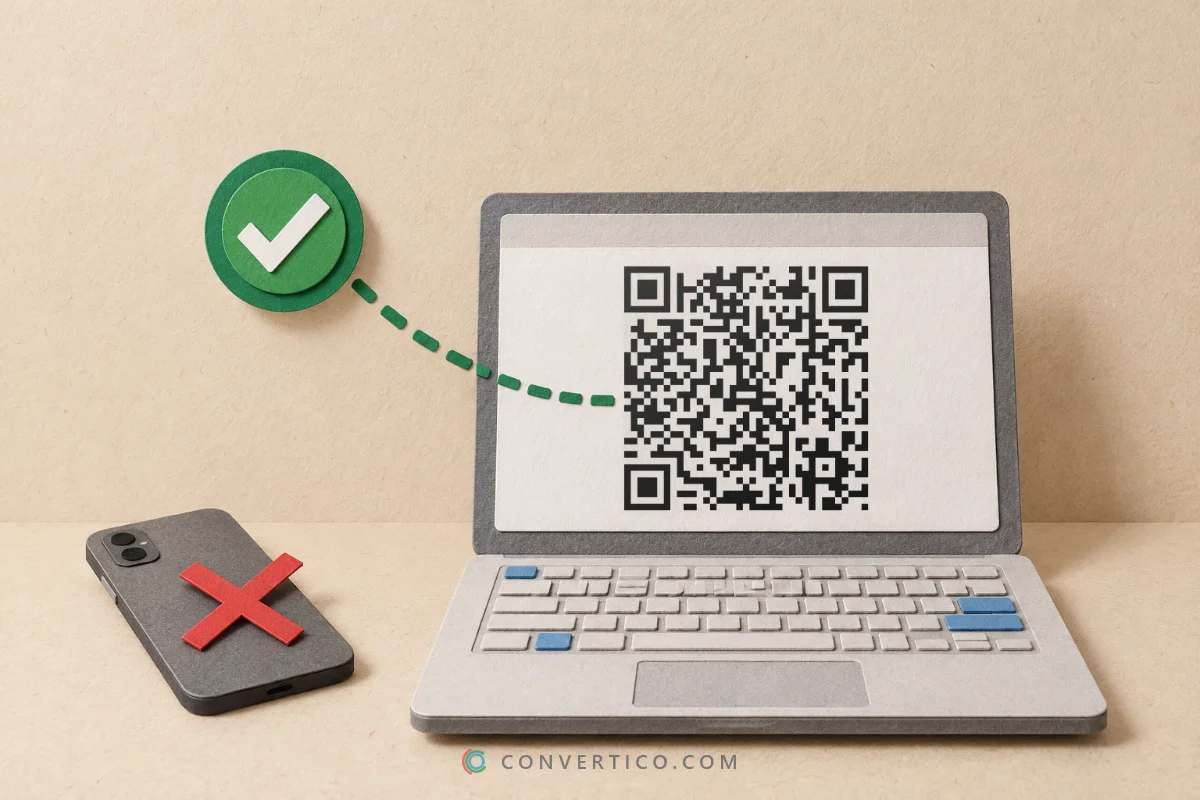
- Take a photo or screenshot of the code (on a computer, see how to scan a QR code from a screenshot).
- Open the QR Code Scanner and upload or paste it - or use the scanner's camera.
- Read the site name in large type at the top. Is it the company you expect?
- Check the warnings: short links are followed automatically so you see every redirect and the final site, and look-alike addresses, hidden addresses, app downloads and payment pages are flagged.
- Only then open it - or better, type the company's address yourself.
Links are never opened automatically. The scanner reads the code in your browser and shows you everything first. Risky links need a second click to open.
Payment codes for bank transfers get checked too: the scanner shows who would receive the money and whether the IBAN is valid.
Already Scanned One? What to Do
- Did not type anything? Close the page. Just opening a link is rarely harmful on an up-to-date phone.
- Entered a password? Change it right away, on the real site - and anywhere else you use the same one. Turn on two-factor login.
- Entered card details or paid? Call your bank or card company now. They can block the card and often reverse the payment.
- Installed an app from the link? Uninstall it and run your phone's security check.
- Report it. Tell the parking company, restaurant or shop so they can remove the sticker, and report the scam to your national fraud reporting service.
For Businesses: Protect Your Own Codes
If customers scan your codes, scammers may copy them.
- Print the address under the code - "Pay at parkingcity.com" - so people can compare.
- Use your own domain, not a short link. A short link teaches customers to trust addresses they cannot read.
- Print codes into the sign instead of using stickers, and check them regularly for stickers on top.
- Add a branded frame and your logo - in the QR Code Generator - so a plain swapped code stands out.
- Test every code before it goes out with the QR Code Checker.
Frequently Asked Questions
Can scanning a QR code hack my phone?
Scanning itself only reads the code. The danger is the page or file it opens - a fake login page, a payment form or a harmful app. Check the address before you open it.
How can I tell if a QR code is fake?
Look for a sticker over another code, a short link, a look-alike web address, a missing https, or a request to pay or log in right away. A QR scanner that shows the full address helps.
What is quishing?
Phishing with QR codes: a code that opens a copy of a real website to steal passwords or card details.
Is it safe to pay for parking with a QR code?
Only if the code leads to the official parking app or website. When in doubt, download the official app yourself or pay at the machine.
What should I do if I scanned a fake QR code?
If you entered a password, change it. If you entered card details or paid, call your bank immediately. Then report the fake code to the business and to your fraud reporting service.
Can a QR code steal my information just by scanning it?
No. A QR code is only text, usually a link. Information is lost when you type it into the page the code opens.
How do I check where a QR code leads?
Scan it with a scanner that shows the full address before opening it. The ConvertICO QR Code Scanner also follows short links and lists every redirect.
Still stuck? Ask us - we reply faster than a JPEG loads on dial-up.
Check a QR Code Before You Open It
See the real address, every redirect and any warning signs - free, and nothing is uploaded.
QR Code ScannerThe Bottom Line
- The code is harmless - the link inside is what matters
- Stickers on top, short links and look-alike names are the big red flags
- Never pay or log in through a code you did not expect
- Paid by mistake? Call your bank right away
Five seconds of checking beats five days of arguing with your bank.