The Quick Version
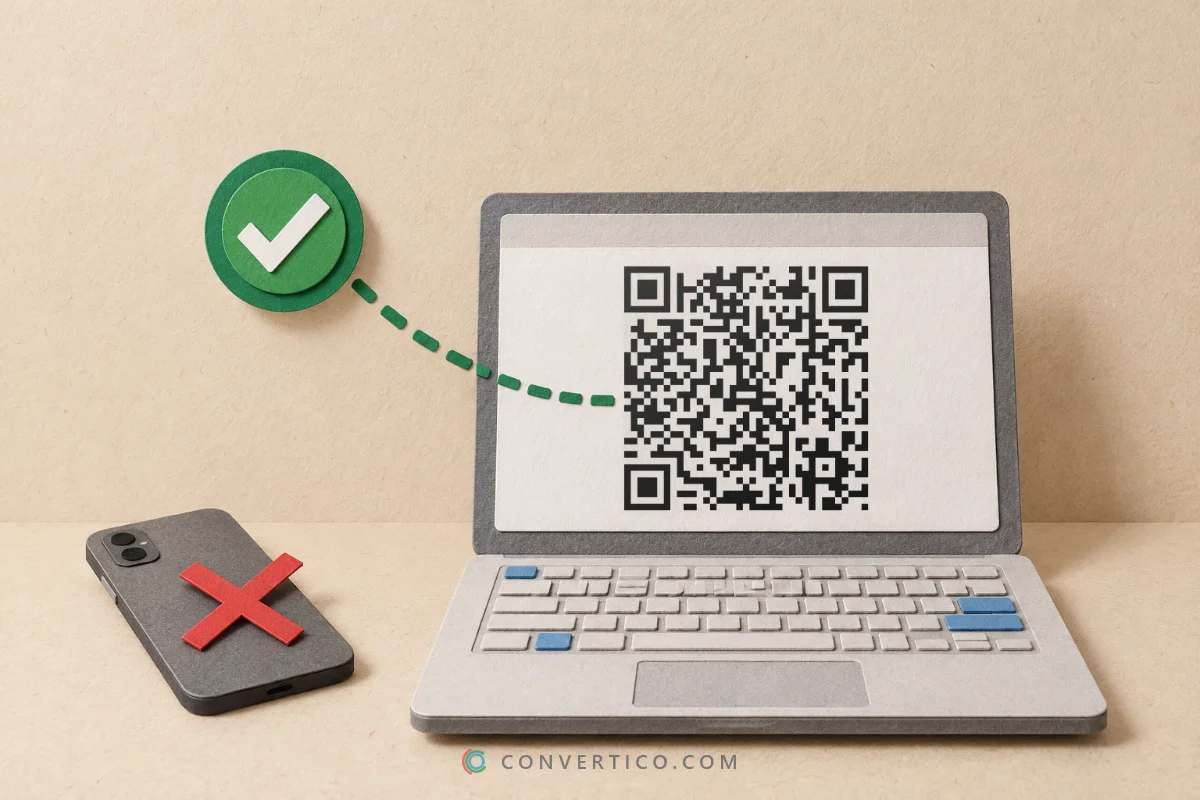
Copy the post link, paste it into a downloader, pick a quality and save the MP4.
That is the whole job on every device - only the place the file lands is different.
This guide walks through iPhone, Android and computer, then shows how to pick the right quality and what to do when the file is too big.
Start here: the Twitter Video Downloader works in any browser - no app, no login. It lists every quality X stores for the post, up to 1080p and 4K when the uploader posted in 4K.
Step 1: Copy the Post Link
Every method starts with the link to the post, not the video itself.
- In the X app: tap the Share icon under the post and choose Copy link.
- In a browser: click the post's date or time to open it, then copy the address from the address bar.
A good link looks like x.com/username/status/1234567890. Links from twitter.com, mobile.twitter.com, fxtwitter.com and vxtwitter.com work too.
Download a Twitter Video on iPhone
- Copy the post link in the X app.
- Open the Twitter Video Downloader in Safari and paste the link.
- Press Download Video and pick a quality.
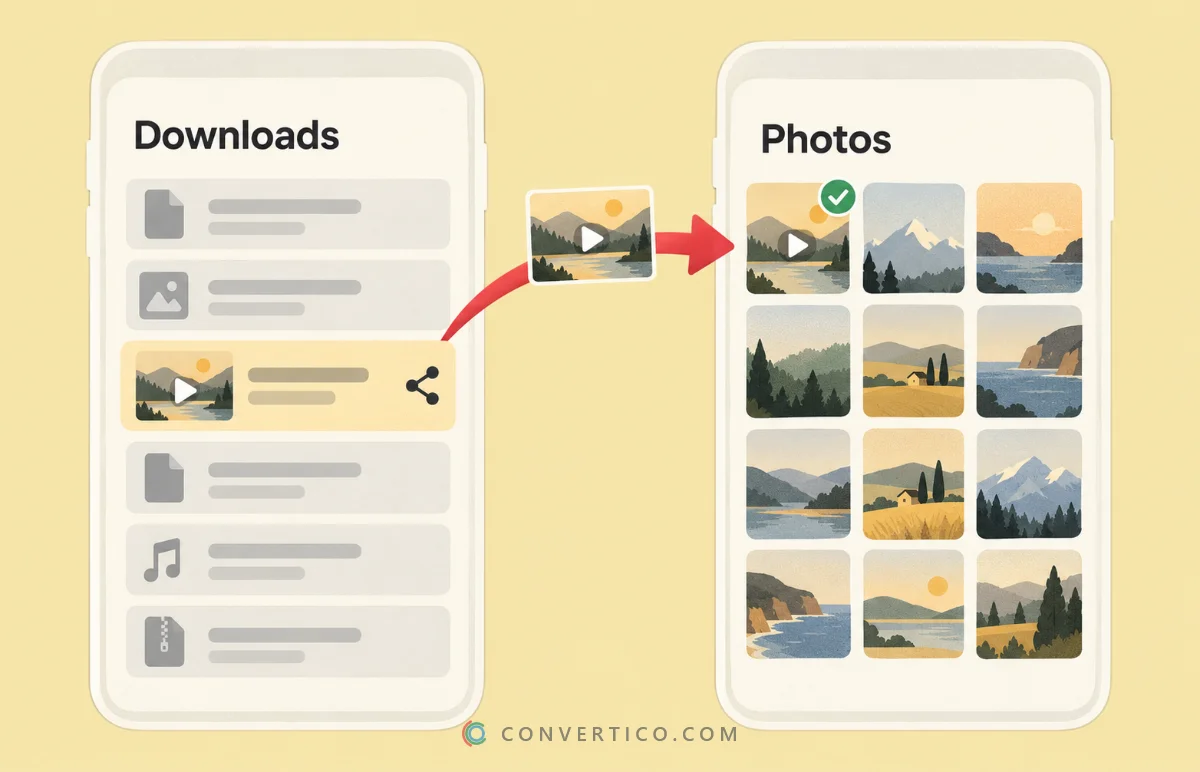
- Tap Download when Safari asks. The file goes to Files > Downloads.
- To move it to Photos, open the video in Files, tap Share and choose Save Video.
The same steps work in Chrome for iPhone. Looking for the file later? Tap the download arrow in Safari's address bar to see recent downloads.
Download a Twitter Video on Android
- Copy the post link in the X app.
- Open the Twitter Video Downloader in Chrome (or any browser) and paste the link.
- Press Download Video, pick a quality and confirm the download.
- Find the MP4 in the Files app under Downloads. Most gallery apps show it automatically after a moment.
Not showing in your gallery? Open the Files app, long-press the video and move it to the Movies or DCIM folder.
Download a Twitter Video on Windows or Mac
- Open the post on x.com and copy the address from the address bar.
- Paste it into the Twitter Video Downloader and press Download Video.
- Pick a quality. The MP4 lands in your Downloads folder.
On a computer you can also do more in one go: trim the clip, mute it or shrink it for Discord with Twitter to MP4, or keep only the sound with Twitter to MP3.
Which Quality Should You Pick?
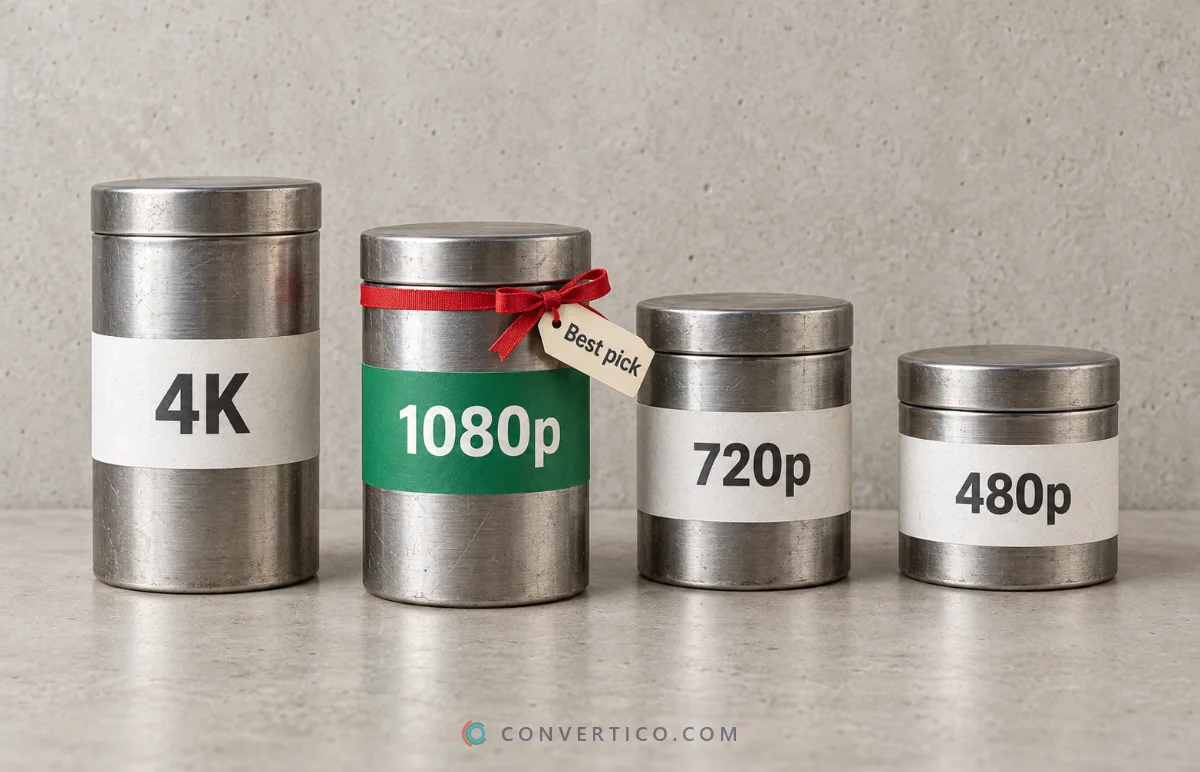
X stores several versions of every video. Higher is sharper, but bigger.
| Quality | Best for | Typical size per minute |
|---|---|---|
| 4K (only if uploaded in 4K) | Editing, big screens | Very large |
| 1080p | Most uses - the safe default | Large |
| 720p | Phones, chats, quick sharing | Medium |
| 480p and lower | Slow connections, tiny previews | Small |
The size column is a rough guide - the real number depends on the clip. When in doubt, take 1080p. It plays well everywhere and keeps the file reasonable.
Too big to send? Discord and WhatsApp have upload limits. Twitter to MP4 can fit a clip under 10 MB for Discord or 16 MB for WhatsApp, and shows the exact file size before you download.
Turn the Video Into Something Else
- A GIF - trim a funny moment and convert it with Video to GIF.
- Just the audio - save the sound as MP3 with Twitter to MP3.
- The post text - copy the words of the post with the Tweet Text Extractor.
- A screenshot of the post - make a clean image of it with Tweet to Image.
Downloaded a "GIF" and got a video? That is normal - read why Twitter GIFs download as MP4.
Save That Video Now
Paste the post link and pick your quality - free, no app, no login.
Twitter Video Downloader Twitter to MP4Respect the Creator
Saving a clip to watch later is one thing. Reposting it is another.
Videos belong to the people who made them. Ask before reposting, credit the original account, and never use someone else's video commercially without permission.
Frequently Asked Questions
Can I download Twitter videos without an app?
Yes. The Twitter Video Downloader runs in your browser on any phone or computer. Nothing to install.
Can I download videos in 1080p or 4K?
Yes, when X has that quality. Every version X stores is listed, from 270p up to 1080p, and 4K when the uploader posted in 4K.
Where do downloaded Twitter videos go on iPhone?
Into Files > Downloads. Open the video there, tap Share and choose Save Video to add it to Photos.
Can I download a video from a private account?
No. Videos from protected accounts are only visible to approved followers, so no downloader can reach them.
What if a post has more than one video?
Each video and GIF in the post is listed separately with its own quality options. Download one or all of them.
The video has no sound - why?
If it came from a GIF post, it never had sound. If it should have audio, see our troubleshooting guide.
Is it free?
Yes - free, with no sign-up and no daily limit.
Still stuck? Ask us - we reply faster than a JPEG loads on dial-up.
The Bottom Line
Copy the link, paste it, pick 1080p, save. On iPhone, move it from Files to Photos with Save Video.
- Works the same on iPhone, Android and computer
- 1080p is the safe default
- Too big? Fit it under 10 or 16 MB with Twitter to MP4
- Public posts only - and credit the creator