The Quick Answer
Pinterest has no download button for videos.
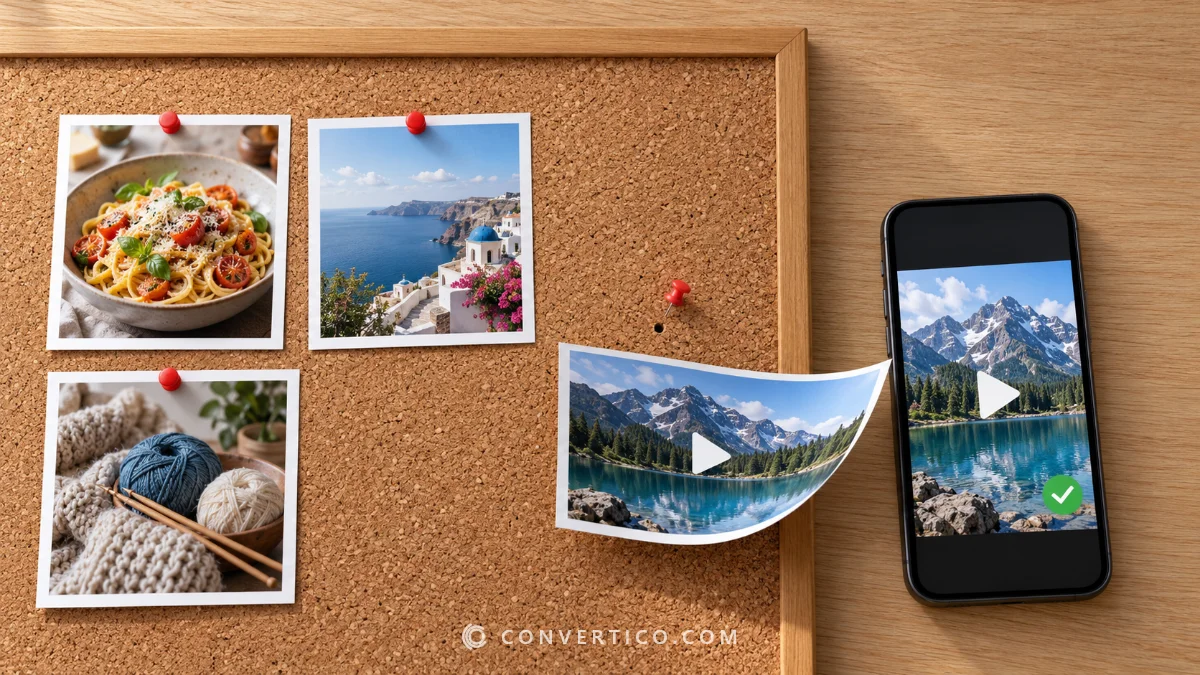
Copy the pin link, paste it into the Pinterest Downloader and pick a size.
Videos come out as MP4 with sound, pictures in their original full size - no app, no login and no watermark.
| You want | Do this |
|---|---|
| A video with sound | Paste the pin link into the Pinterest Downloader, pick MP4 |
| The sharpest video | Use the Pinterest HD Video Downloader for 1080p or 720p |
| A picture in full size | Pick the Original option - sharper than the preview |
| A GIF | Pick GIF and the tool turns the video pin into one |
| Pins on iPhone | Download, then Save to Photos |
Copy the Pin Link
Every download starts with the link to one pin.
- Pinterest app (iPhone and Android): open the pin, tap the Share icon, then Copy link. You get a short pin.it link - that works.
- Browser: open the pin and copy the address bar. It looks like pinterest.com/pin/123456789.
Country sites such as pinterest.co.uk, pinterest.de or br.pinterest.com work too.
Boards and profiles hold many pins, so open the single pin you want first.
Download a Pinterest Video With Sound
- Open the Pinterest Downloader.
- Paste the pin link and press the download button.
- Pick a size - the sharpest MP4 is listed first, with its real file size.
- Press Download.
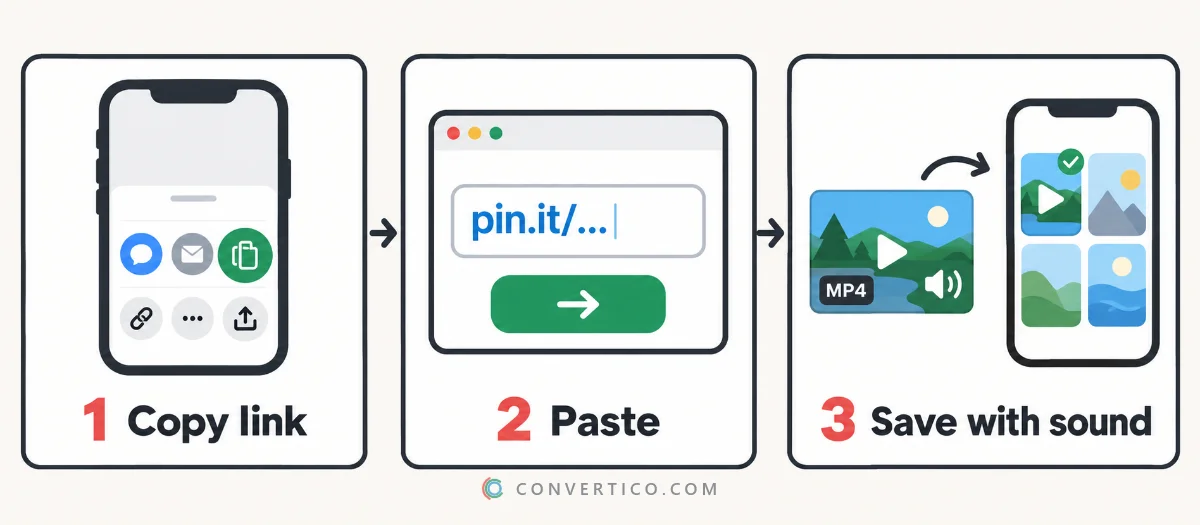
Newer video pins are stored as many short parts instead of one file. The downloader joins them into one MP4 with sound, so these take a few seconds longer.
Want only HD? The Pinterest HD Video Downloader shows 1080p and 720p first - and tells you honestly when a pin has no HD copy.
Save Pinterest Images in Full Size
Right-click "Save image" usually gives you a resized preview, not the photo the pinner uploaded.
Paste the pin link into the Pinterest Downloader or the Pinterest Image Downloader and choose Original. That is the full-size file, often two or three times larger than what Pinterest shows.
Smaller sizes are listed too, if you need a lighter image for a chat or a slide.
Need it even bigger? Old pins are sometimes small to begin with. Enlarge them with the Image Upscaler, or shrink a big one with the Image Resizer.
On iPhone and iPad
- In the Pinterest app, tap Share and Copy link.
- Open the Pinterest Downloader in Safari, paste the link and download.
- Tap Save to Photos on the video - or open the Share menu and choose Save Video.
If Safari asks to download the file instead, it goes to Files > Downloads. Open it there and use Share > Save Video to move it to Photos.
On Android
- In the Pinterest app, tap Share and Copy link.
- Open the Pinterest Downloader in Chrome, paste the link and download.
- The file lands in Downloads and shows up in Google Photos or your Gallery.
The Pinterest app's own "Download image" saves a compressed copy. The downloader gets the original.
On a PC or Mac
Copy the pin address from the browser, paste it into the downloader and save the file - it goes to your Downloads folder.
Videos play in any player, including the built-in Windows Media Player and QuickTime.
Turn a Video Pin Into a GIF
Pick GIF in the downloader, choose a preset - or set the width, frame rate and length - and press Make GIF.
GIFs get big fast. Trim them with Compress GIF or the GIF Resizer, or keep the MP4 if the app you share to plays videos.
When a Download Does Not Work
| What happens | Why | Fix |
|---|---|---|
| The pin cannot be found | A board or profile link, or a typo | Open the single pin and copy its link again |
| Private or secret pin | Only the owner can see it | It cannot be downloaded - only public pins work |
| No sound | The pin was uploaded without audio | Nothing is lost - the original has no sound either |
| No HD option | Pinterest only kept a standard copy | The listed size is the best version that exists |
| Picture looks small | The pinner uploaded a small image | Choose Original, then upscale it if needed |
Is It Legal to Download From Pinterest?
Saving pins for personal use - a recipe, a mood board, a workout - is what most people do and is generally fine.
The photos and videos still belong to their creators. Do not re-upload them as your own or use them commercially without permission, and credit the creator when you share.
Frequently Asked Questions
Can you download videos from Pinterest?
Yes. Copy the pin link, paste it into a Pinterest downloader and save the MP4. The Pinterest app itself only lets you save images.
How do I download Pinterest videos with sound?
Use a downloader that joins the video and audio into one MP4. The ConvertICO Pinterest Downloader always keeps the sound when the pin has it.
How do I save a Pinterest video to my iPhone?
Copy the pin link in the app, download the video in Safari, then tap Save to Photos or Share > Save Video.
Can I download Pinterest videos in HD?
Yes, when the pin has an HD copy. The Pinterest HD Video Downloader lists 1080p and 720p first and says when no HD version exists.
How do I download Pinterest images in full size?
Paste the pin link into the downloader and choose Original. That is the file the pinner uploaded, not the smaller preview.
Is there a watermark?
No. You get the exact file Pinterest hosts, nothing is added.
Can I download a whole Pinterest board?
Not in one go - open each pin and paste its link. Boards and profiles are lists of pins, not files.
Still stuck? Ask us - we reply faster than a JPEG loads on dial-up.
Download a Pin Now
Videos with sound, pictures in full size, GIFs from video pins - free, no app and no watermark.
Pinterest DownloaderThe Bottom Line
- Copy the pin link - Share > Copy link in the app
- Paste it into the Pinterest Downloader for MP4 with sound
- Choose Original for full-size pictures
- Save for personal use and credit the creator
Pin it, paste it, keep it.
¿Prefieres español? Usa el descargador de Pinterest en español.