The Short Answer
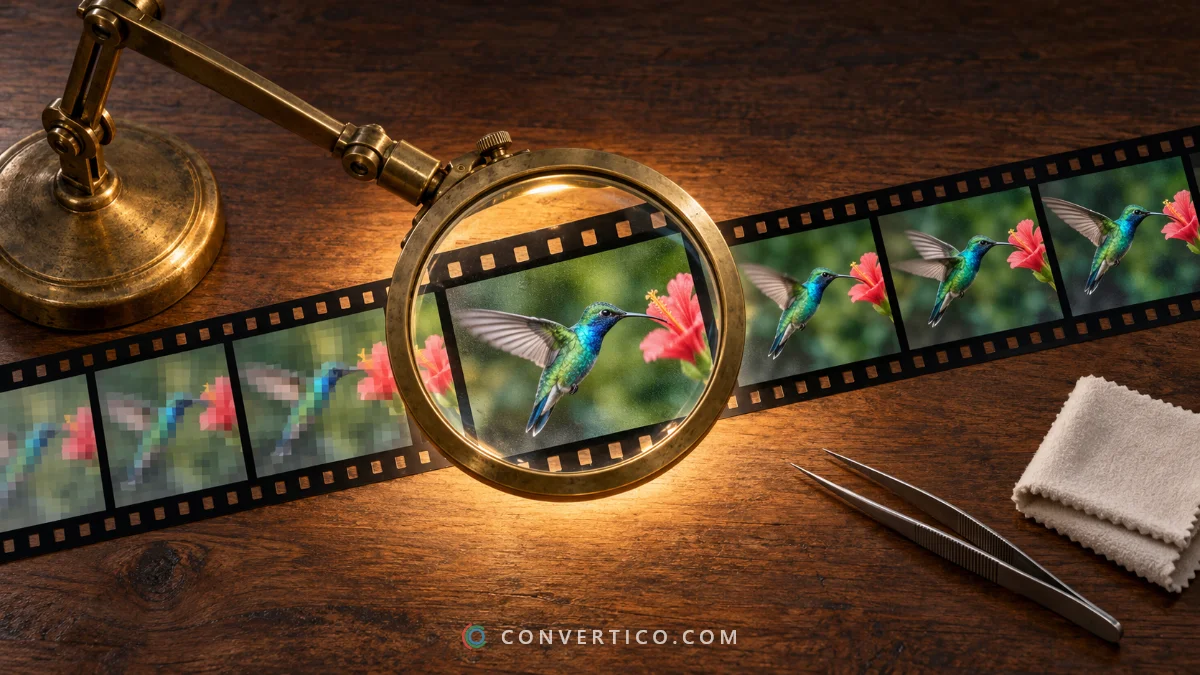
Most bad-looking GIFs are dull, too small or short on colours.
Fix dull and soft GIFs with the GIF Enhancer, and make small ones bigger with the GIF Upscaler.
If the GIF has gradients or skin tones, saving it as WebP or MP4 often does more than any filter.
Find Out What Is Wrong
| What you see | Cause | Fix |
|---|---|---|
| Dull, washed-out, dark | Exposure and contrast | GIF Enhancer - press Auto |
| Soft and blurry | Little sharpness, or it was scaled up badly | GIF Enhancer - Detail / sharpen |
| Small and blocky when enlarged | Low resolution | GIF Upscaler - 2x, or AI upscale |
| Grainy dots, banding in skies | GIF has only 256 colours per frame | Save as WebP or MP4 for full colour |
| Noisy, speckled video clip | Noise from the source video | GIF Upscaler with Clean up before upscaling |
| Choppy movement | Frames were dropped to save size | Start again from the original video at a higher frame rate |
Enhance Colour and Sharpness
- Drop the GIF into the GIF Enhancer.
- Press Auto - it fixes exposure, contrast and colour from the GIF itself.
- Fine-tune Light, Colour and Detail while the preview plays.
- Press Enhance GIF and download.
The width and height stay the same. Up to 20 GIFs can be enhanced at once.
Make a Small GIF Bigger
Stretching a small GIF in an app makes it blocky. The GIF Upscaler enlarges it properly, up to 4x:
| Method | Use it for |
|---|---|
| Photo and video (Lanczos) | Clips, photos, gradients |
| Smooth pixel art (xBR / hqx) | Small emoji, sprites, low-res graphics |
| Crisp pixels (nearest neighbour) | Real pixel art that should stay blocky |
| AI upscale (Real-ESRGAN) | Blurry clips that need sharp edges rebuilt - runs in your browser |
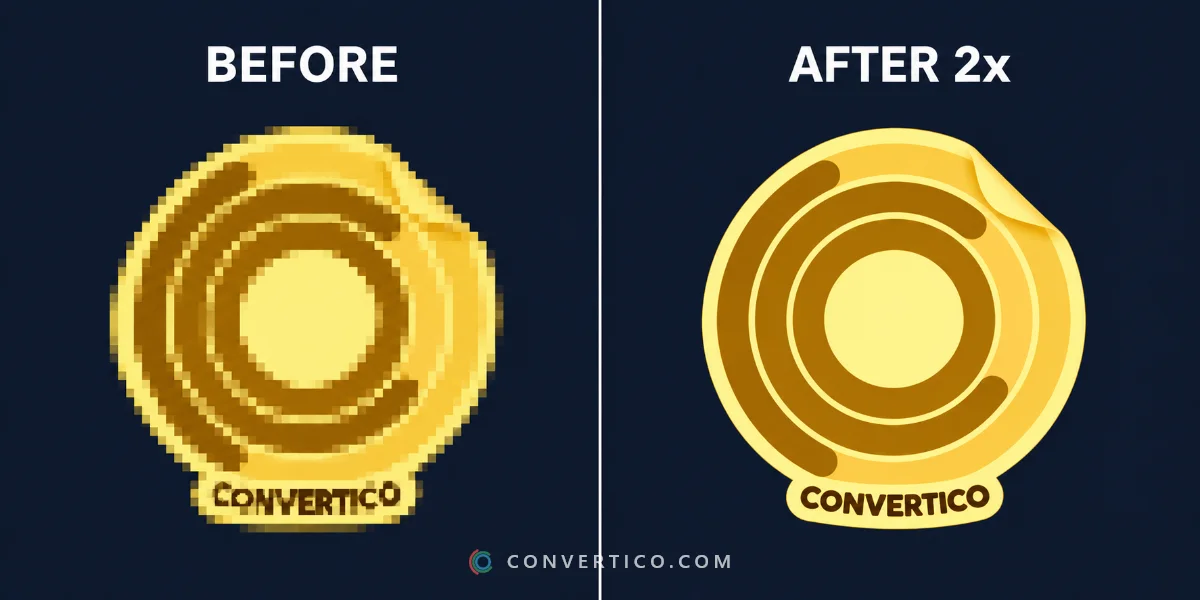
2x is the sweet spot for most GIFs. Keep Clean up before upscaling on for video clips.
Why the GIF Format Itself Holds It Back
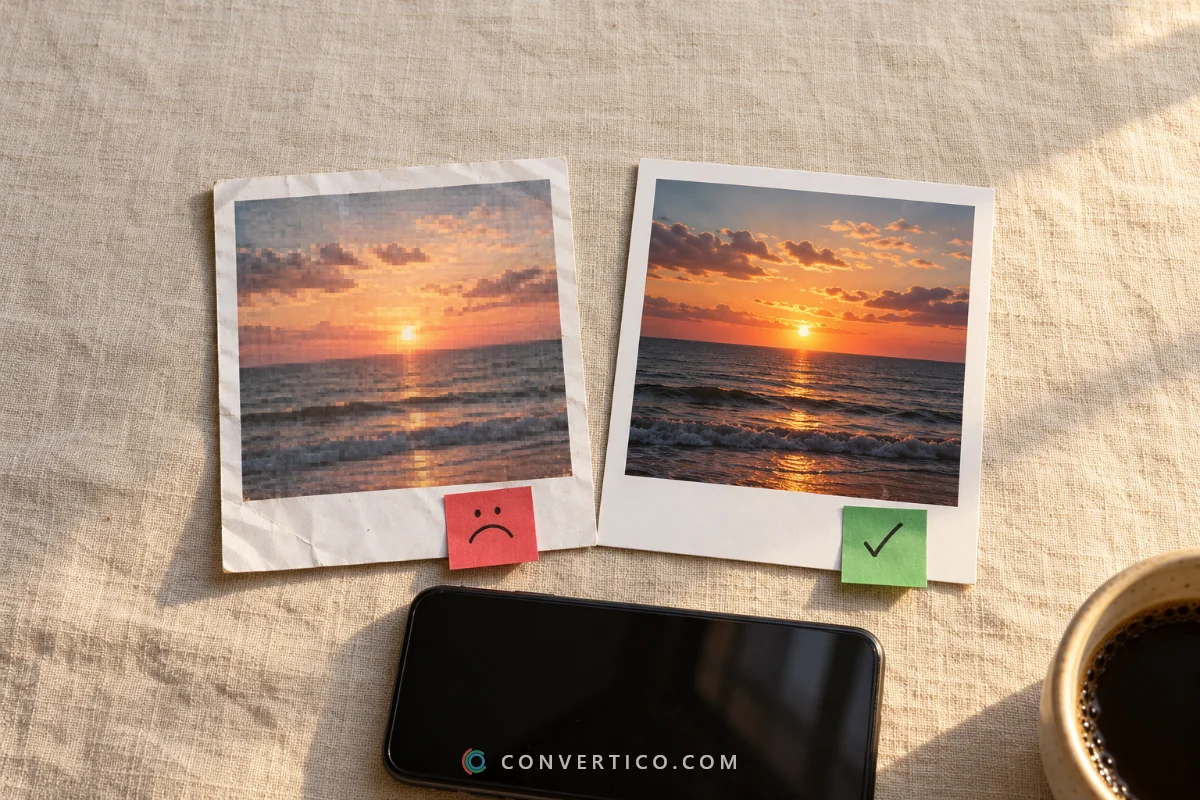
A GIF frame can only hold 256 colours.
Skies, faces and gradients get dotted (dithered) or banded no matter how good the source is.
Animated WebP keeps full colour and is usually much smaller, and MP4 is smaller still. Both play on every modern site. Convert with GIF to WebP or GIF to MP4.
Keep the File Size Under Control
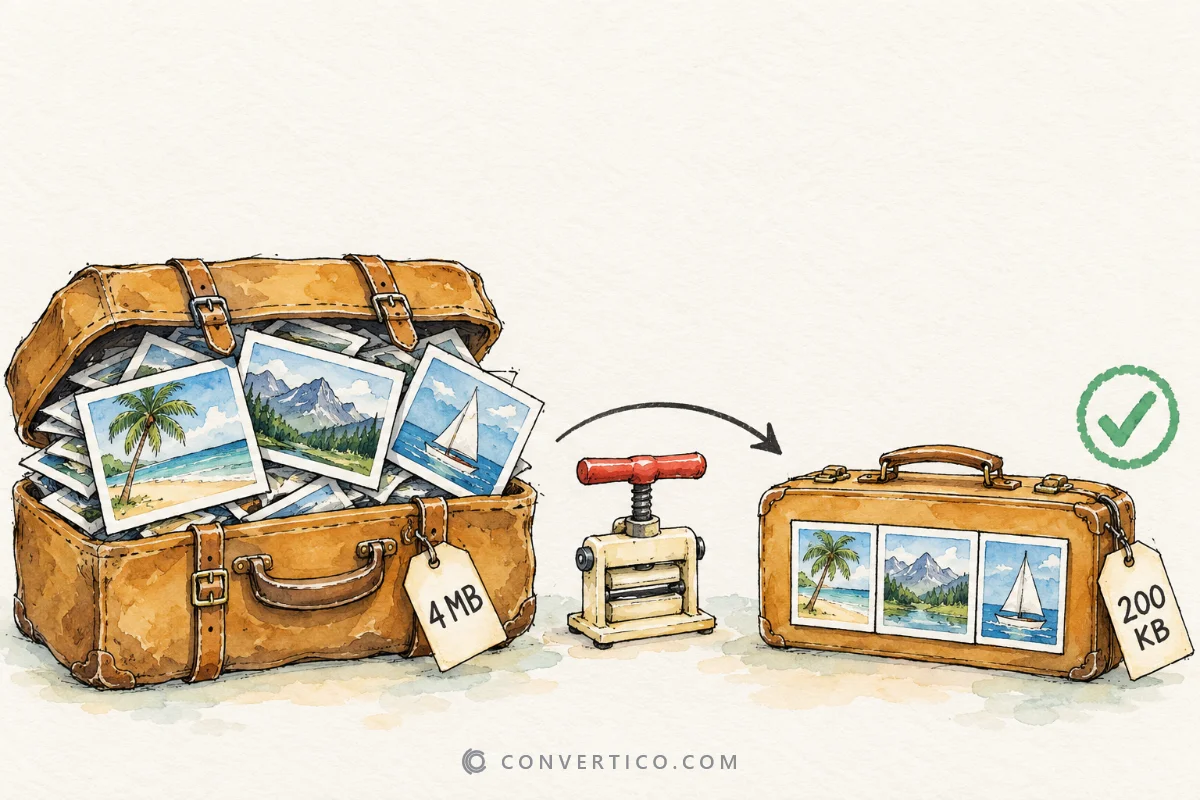
Sharper and bigger GIFs weigh more - a 2x upscale has four times the pixels in every frame.
- Lower the colours to 128 or 64 and turn off dithering in the export settings.
- Run the result through Compress GIF.
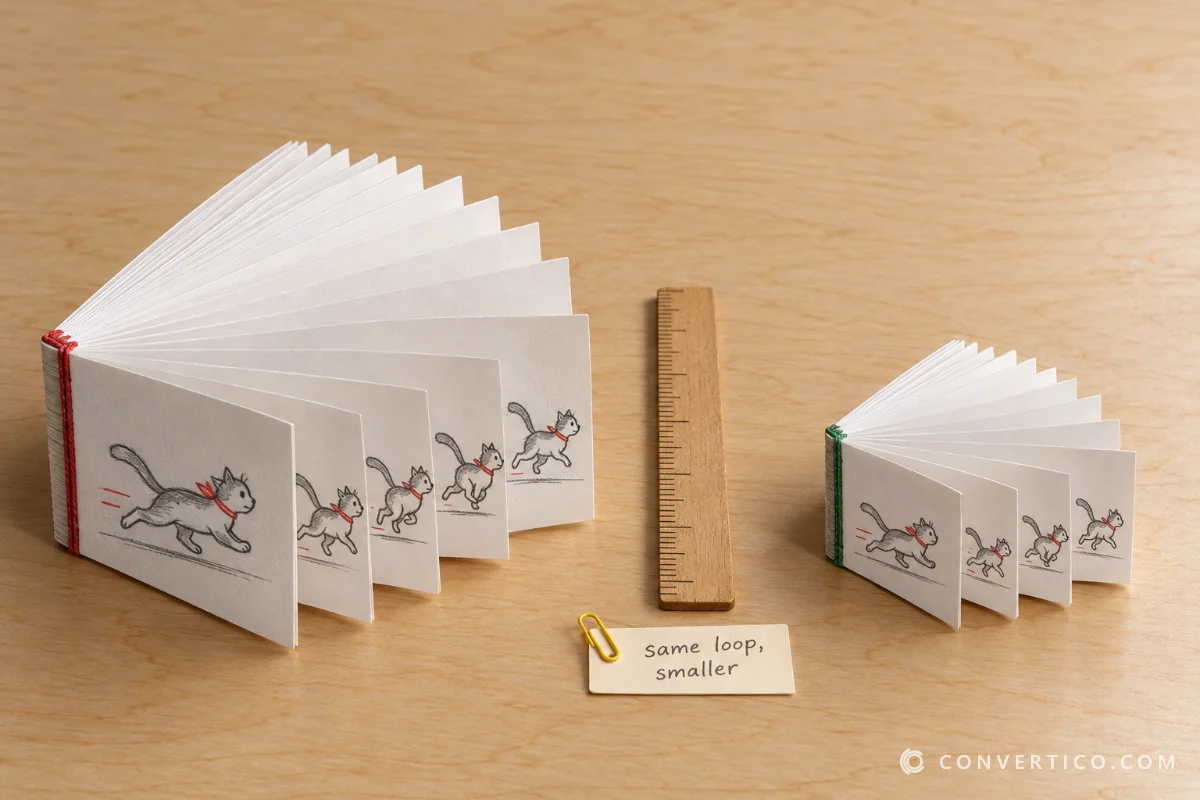
- Shrink it back down for a chat with the GIF Resizer - and read how to resize GIFs without losing quality.
Start From the Best Copy
No tool can bring back detail that was never there.
Always start from the largest version you can find. Saving a GIF from X, Tenor or Giphy? Download the original - see how to download GIFs from Tenor and Giphy.
Frequently Asked Questions
How can I improve the quality of a GIF?
Fix dull colours and softness with a GIF enhancer, enlarge small GIFs with an upscaler, and save as WebP or MP4 if the GIF has gradients.
Can AI upscale a GIF?
Yes. The GIF Upscaler's AI option enlarges every frame with Real-ESRGAN in your browser, rebuilding sharp edges.
Why does my GIF look grainy?
GIF allows only 256 colours per frame, so smooth areas get dithered. WebP and MP4 keep full colour.
Why did my GIF get bigger after enhancing?
Sharper detail and stronger colour take more bytes. Lower the colour count or compress the result.
Can I make a GIF 4K?
You can upscale up to 4x, to a maximum of 4000 px on a side. Beyond 2x, AI upscaling gives the best results.
Does enhancing change the GIF speed or size?
No. Width, height and frame timing stay the same unless you change them on purpose.
Still stuck? Ask us - we reply faster than a JPEG loads on dial-up.
Improve Your GIF Now
Fix colour and sharpness in the GIF Enhancer, or upscale up to 4x - free, in your browser.
GIF EnhancerThe Bottom Line
- Dull or soft: GIF Enhancer, press Auto
- Small and blocky: GIF Upscaler, 2x or AI
- Grainy gradients: switch to WebP or MP4
- Always start from the biggest original
A few clicks and your GIF goes from potato to pristine.