The Short Answer
Twitter GIFs download as MP4 because they stopped being GIFs the moment they were posted.
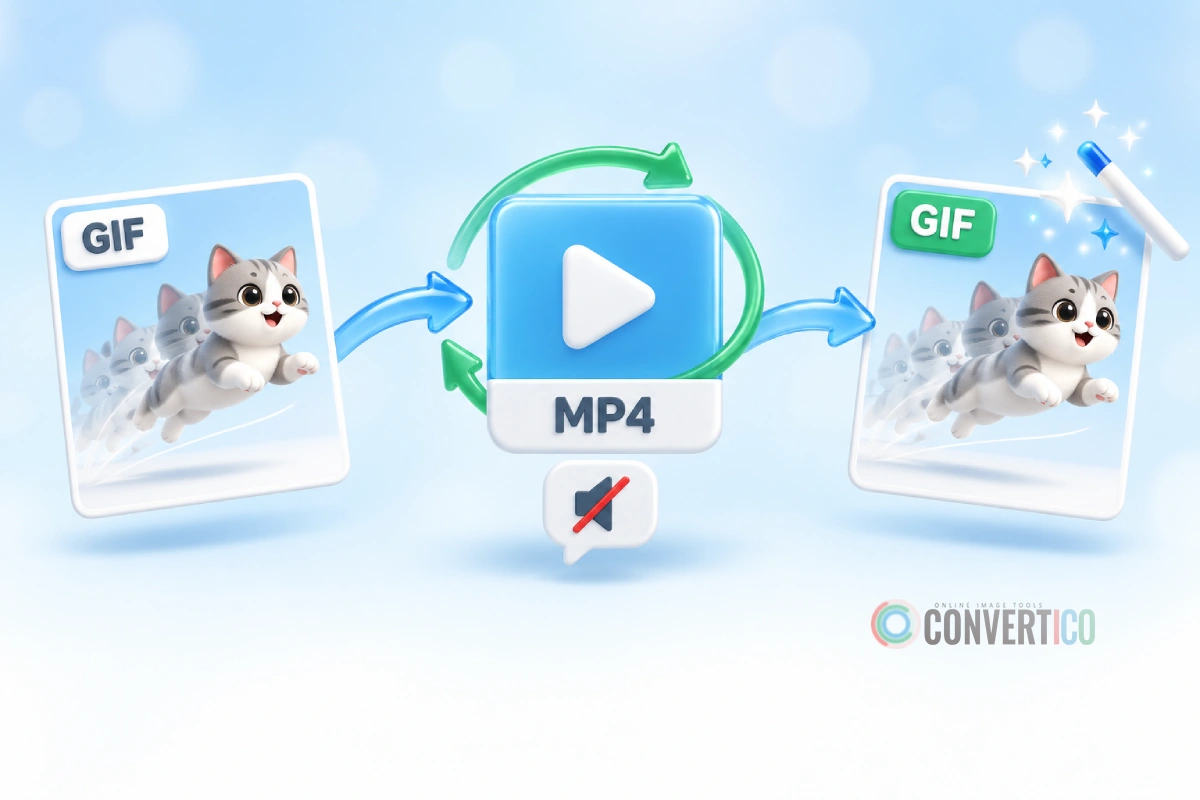
When anyone uploads a GIF, X (formerly Twitter) quietly converts it into a short, silent MP4 video.
The "GIF" you see in your feed is really a looping video with a GIF label on it.
So your downloader is not broken. It hands you the file X actually stores - an MP4. To get a real .gif back, you convert it, either in one click with the Twitter GIF Downloader or with full control in MP4 to GIF.
Fastest fix: paste the post link into the Twitter GIF Downloader, then press Download as GIF instead of MP4. You get a real animated GIF in a few seconds.
Why X Turns GIFs Into Videos
GIF is a format from 1987. It was never designed for long, colourful animations, and it shows.
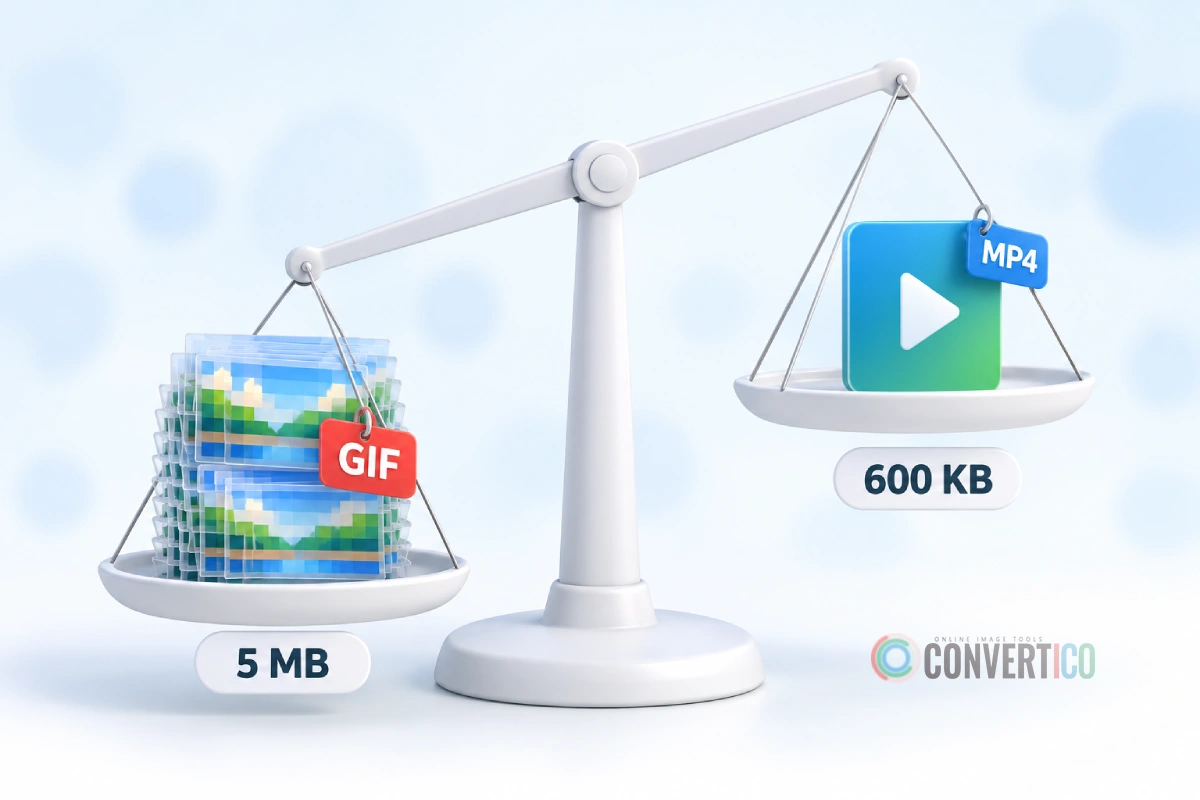
- Huge files - GIF stores every frame as a separate picture, with old-school compression. A 5-second clip can easily weigh several megabytes.
- Only 256 colours per frame - gradients and skin tones turn blotchy or grainy.
- Slow to load - a feed full of real GIFs would eat mobile data and battery.
MP4 with H.264 video solves all three. It only stores what changes between frames, keeps millions of colours, and is often 5 to 10 times smaller than the same animation as a GIF.
For X, the choice is easy: smaller files, faster feeds, smoother playback. Your feed still loops like a GIF - it just is not one.
GIF vs MP4 - Quick Comparison
| GIF | MP4 (what X stores) | |
|---|---|---|
| File size | Large | Often 5-10x smaller |
| Colours | 256 per frame | Millions |
| Sound | Never | Possible (none in GIF posts) |
| Loops on its own | Yes, everywhere | Only if the player loops it |
| Transparency | Yes (on or off, no soft edges) | No |
| Works in emails, forums, Discord emoji | Yes | Often not |
| Best for | Reactions, stickers, emails, docs | Reposting to social media and chats |
Neither format is "better". MP4 wins on size and quality, GIF wins on "plays anywhere, no player needed".
GIF or Video? How to Tell on X
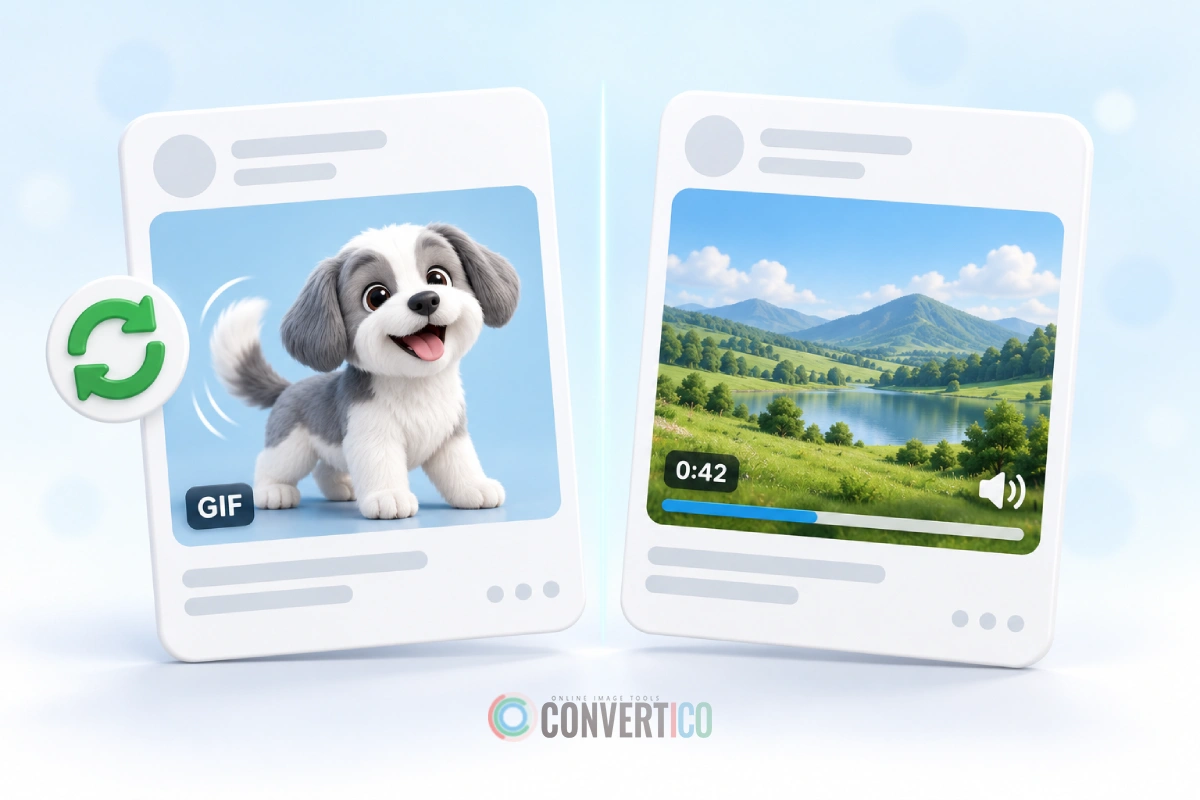
Before downloading, it helps to know which one you are looking at. Both autoplay in the feed, but they behave differently.
Signs it is a GIF post
- A small GIF label in the corner of the media
- It loops forever without you doing anything
- No sound button and no progress bar
- Usually short - a few seconds
Signs it is a regular video
- A timer or progress bar, and a view count
- A volume button - videos can have sound
- It stops or shows a replay button at the end
Already downloaded it?
Every file from X arrives as an MP4, so check for an audio track. On Windows, right-click the file, choose Properties > Details and look at the Audio section. On a Mac, open it in QuickTime and choose Window > Show Movie Inspector.
No audio at all and a few seconds long? It came from a GIF post. Sound in it? It was a video - see the section on video clips below.
How to Get a Real GIF From Twitter
There are two ways. Pick the first for speed, the second for control.
Option 1: One click with the Twitter GIF Downloader
- On X, tap Share on the post and choose Copy link.
- Open the Twitter GIF Downloader and paste the link.
- Press Download GIF. The tool finds the media and shows a preview with its size.
- Under the preview, open the GIF settings and pick a frame rate (8 to 20 FPS) and a max width.
- Press Download as GIF.
It works with x.com, twitter.com, mobile.twitter.com, fxtwitter.com and vxtwitter.com links. The tool never offers a width bigger than the original, so it will not blow a small clip up into a blurry one.
Option 2: Download the MP4, then convert with full control
- Save the MP4 with the Twitter GIF Downloader (or Twitter to MP4).
- Open MP4 to GIF and drop the file in.
- Trim to the exact moment you want - shorter clips make much smaller GIFs.
- Set the width, frame rate, dithering and loop options.
- Convert and download your GIF.
Option 2 is worth the extra minute when the clip is long, when you only need part of it, or when the file has to fit a size limit.
Turn That Twitter MP4 Into a Real GIF
Paste the post link and download a looping GIF in seconds - free, no sign-up.
Twitter GIF Downloader MP4 to GIF ConverterPick the Right GIF Settings
GIF size grows with every frame and every pixel. Choose settings by where the GIF is going, not "as big as possible".
| Where it goes | Width | Frame rate |
|---|---|---|
| Chat reactions (Discord, Slack, WhatsApp) | 320-480 px | 10 FPS |
| Forums, emails and docs | 480 px | 10 FPS |
| Slides and presentations | 640-800 px | 15 FPS |
| Smooth motion (sports, gaming clips) | 480-640 px | 15-20 FPS |
Still too big? Squeeze it with Compress GIF, shrink the dimensions with the GIF Resizer, or crop away borders with the GIF Cropper. Our GIF resizing guide explains which setting saves the most.
Do not be surprised: the GIF will almost always be bigger than the MP4 you started with. That is the same reason X converted it in the first place - GIF is simply a heavier format.
What About Regular Twitter Videos?
Want a GIF from a normal video post instead - a funny moment from a longer clip? The steps are almost the same.
- Download the clip with the Twitter Video Downloader.
- Open Video to GIF and trim it to 2-6 seconds.
- Convert and download.
Remember that GIFs have no sound, so the audio is dropped. If the sound is the point, keep the MP4 - or save just the audio with Twitter to MP3.
When to Keep the MP4 Instead
Converting is not always the right move. Keep the MP4 when you are:
- Reposting on social media - Instagram, TikTok, WhatsApp and X itself all prefer video and will convert a GIF anyway.
- Short on space - MP4 is far smaller for the same clip.
- Keeping quality - no 256-colour limit, no banding.
Convert to GIF when the place you are posting needs one: emails, forums, Discord or Slack emoji, GitHub READMEs, or any app that shows a still frame instead of playing video.
Prefer a modern, smaller animated image? Turn your GIF into WebP with GIF to Animated WebP, and if you ever need the video again, GIF to MP4 turns it back.
Frequently Asked Questions
Why does Twitter turn GIFs into MP4?
Because MP4 is often 5 to 10 times smaller and shows millions of colours instead of 256. X converts every uploaded GIF to a silent MP4 so feeds load faster and look better.
Is a Twitter GIF the same as a video?
Technically, yes - it is stored as a short MP4 video. X just plays it on a loop, hides the sound controls and adds a GIF label.
Why does my downloaded Twitter GIF have no sound?
GIF posts never have sound, because the original GIF had none. If you hear audio, the post was a regular video, and a GIF made from it will be silent too.
How do I save a Twitter GIF as a real GIF on iPhone?
Copy the post link, open the Twitter GIF Downloader in Safari and press Download as GIF. The file lands in the Files app, and once you save it to Photos it plays in the Animated album.
Why is my GIF bigger than the MP4 I downloaded?
GIF stores every frame as a full picture with weak compression, while MP4 only stores what changes. Lower the width or frame rate, trim the clip, or run it through Compress GIF.
Does converting to GIF lose quality?
Some. GIF is limited to 256 colours per frame, so gradients can look grainy. Dithering hides most of it, and keeping the width modest helps a lot.
How do I post a GIF on X so it shows the GIF label?
Upload a real .gif file. X converts it to MP4 again, but shows it as a looping GIF. Need one sized for X? The Twitter GIF Maker builds it for you.
Still stuck? Ask us - we reply faster than a JPEG loads on dial-up.
The Bottom Line
X stores every GIF as a silent, looping MP4, so that is what you download.
Keep the MP4 for reposting and small files. When you need a real GIF, convert it - one click in the Twitter GIF Downloader, or with trimming and fine control in MP4 to GIF.
- Twitter GIFs are MP4 videos in disguise
- GIF posts are always silent - sound means it was a video
- "Download as GIF" turns the MP4 back into a real GIF
- Expect the GIF to be bigger - trim and resize to keep it small
Downloading GIFs from other sites too? Our guide to downloading GIFs from any website covers Reddit, Giphy, Tenor and more.