The Short Answer
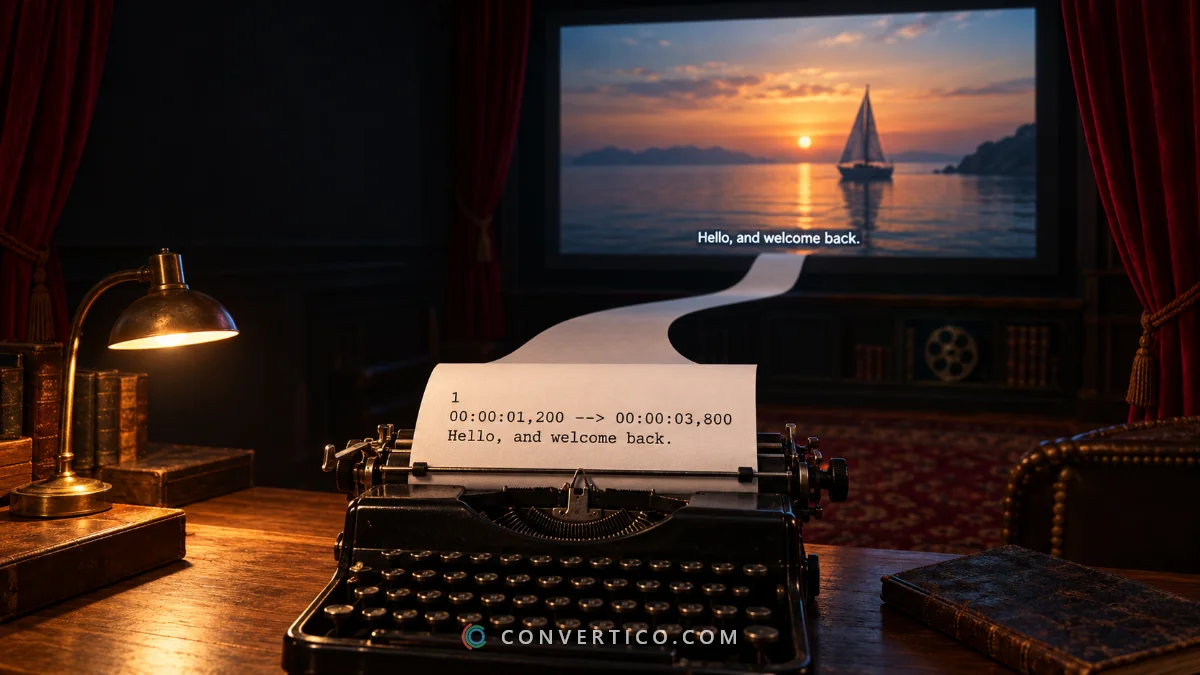
An SRT file is a subtitle file - plain text with numbered lines and timestamps.
Open it in the free online SRT Viewer or in any text editor to read it.
To watch it with a video, give it the same name as the video, or load it in VLC.
What Is Inside an SRT File
SRT (SubRip Subtitle) is the most common subtitle format. Each line has a number, a start and end time, and the text:
1
00:00:01,200 --> 00:00:03,800
Hello, and welcome back.

2
00:00:04,100 --> 00:00:06,500
Today we are making a GIF.
Times are hours:minutes:seconds,milliseconds. A blank line separates entries. Simple tags like <i> for italics are allowed.
Open an SRT File
| Device | How |
|---|---|
| Any browser | Drop the file into the SRT Viewer - it shows every line with its timing |
| Windows | Right-click > Open with > Notepad |
| Mac | Open with TextEdit |
| iPhone / Android | Open the SRT Viewer in your browser and choose the file |
The SRT Viewer also searches the text, flags lines that are too fast to read, and opens VTT, ASS, SUB and SBV files.
Watch a Video With SRT Subtitles
- Same name trick: put movie.mp4 and movie.srt in the same folder. VLC, MPC-HC and most smart TVs load the subtitles automatically.
- VLC: play the video, then Subtitle > Add Subtitle File and pick the SRT.
- YouTube: in YouTube Studio open the video, Subtitles > Add language > Upload file.
Websites and HTML5 video players use VTT instead - see below.
Fix Strange Characters
Seeing é instead of é, or È› instead of ț?
The file was saved in an older encoding such as Windows-1250 or Windows-1252, and the player reads it as UTF-8.
The SRT Viewer detects the encoding automatically - pick another one if letters still look wrong, then save the file as UTF-8. Every player reads that correctly.
Fix Subtitles That Are Out of Sync
| Problem | Fix |
|---|---|
| Every line early or late by the same amount | Shift timing by that many milliseconds (negative = earlier) |
| Delay grows during the film | Frame rate mismatch - change it, for example 23.976 to 25 fps |
| Only some lines wrong | Edit those lines in the Subtitle Editor |
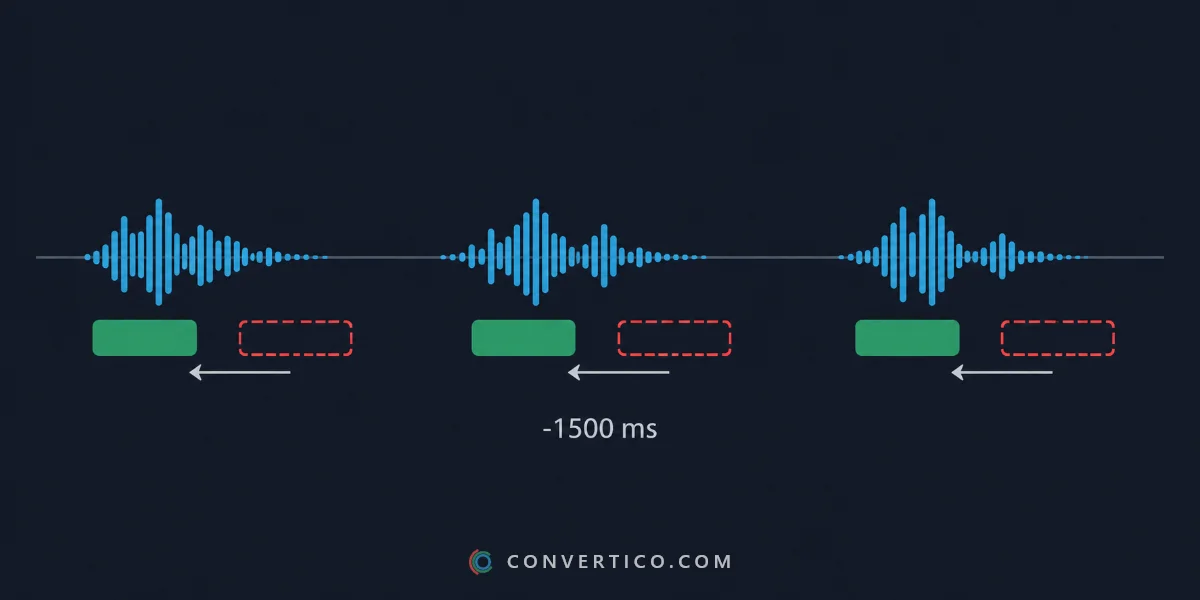
Shift timing and frame rate are in the SRT Viewer. For line-by-line work use the Subtitle Editor.
Convert SRT to Other Formats
- VTT for websites: SRT to VTT.
- ASS, SUB, SBV and more: Subtitle Converter.
- A plain transcript: save as TXT from the SRT Viewer.
Frequently Asked Questions
What is an SRT file?
A plain-text subtitle file with numbered entries, start and end times, and the subtitle text. Almost every video player supports it.
How do I open an SRT file?
Open it in an online SRT viewer or a text editor such as Notepad or TextEdit. To watch it, load it with the video in VLC.
How do I add an SRT file to a video?
Give it the same name as the video and keep both in one folder, or use Subtitle > Add Subtitle File in VLC.
Why do my subtitles show strange symbols?
The file uses an older encoding. Open it in a viewer that detects the encoding and save it as UTF-8.
Can I edit an SRT file?
Yes. It is plain text, so any editor works - a subtitle editor also keeps the timing format correct.
What is the difference between SRT and VTT?
VTT is the web version of SRT, used by HTML5 video. The text is almost the same; the timestamps use a dot instead of a comma.
Still stuck? Ask us - we reply faster than a JPEG loads on dial-up.
The Bottom Line
- SRT = subtitles in plain text
- Open it in the SRT Viewer or any text editor
- Same name as the video and players load it
- Weird letters? Save it as UTF-8
Subtitles sorted - now go enjoy the film.
Open Your SRT File
Read, search, fix the timing and encoding, and save as SRT, VTT or TXT - free, nothing uploaded.
SRT Viewer