The Quick Version
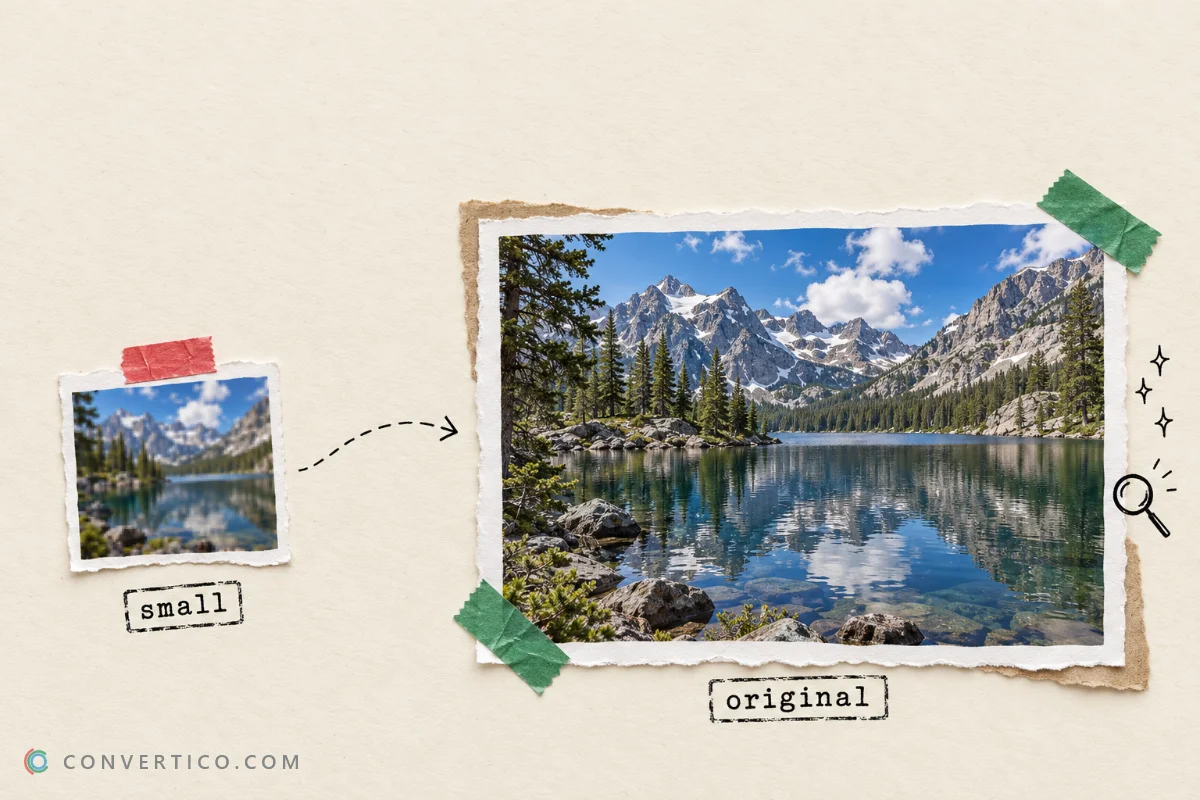
The photo you see on X is not the full-size file.
The timeline shows a smaller copy, and a long-press "Save" often gives you that smaller copy too.
To get the original, use a downloader that asks X for the Original size - the file exactly as it was uploaded.
Fastest way: paste the post link into the Twitter Photo Downloader, keep the size on Original and press Download. Posts with 3 or more photos come as one ZIP.
Why the Saved Photo Looks Smaller
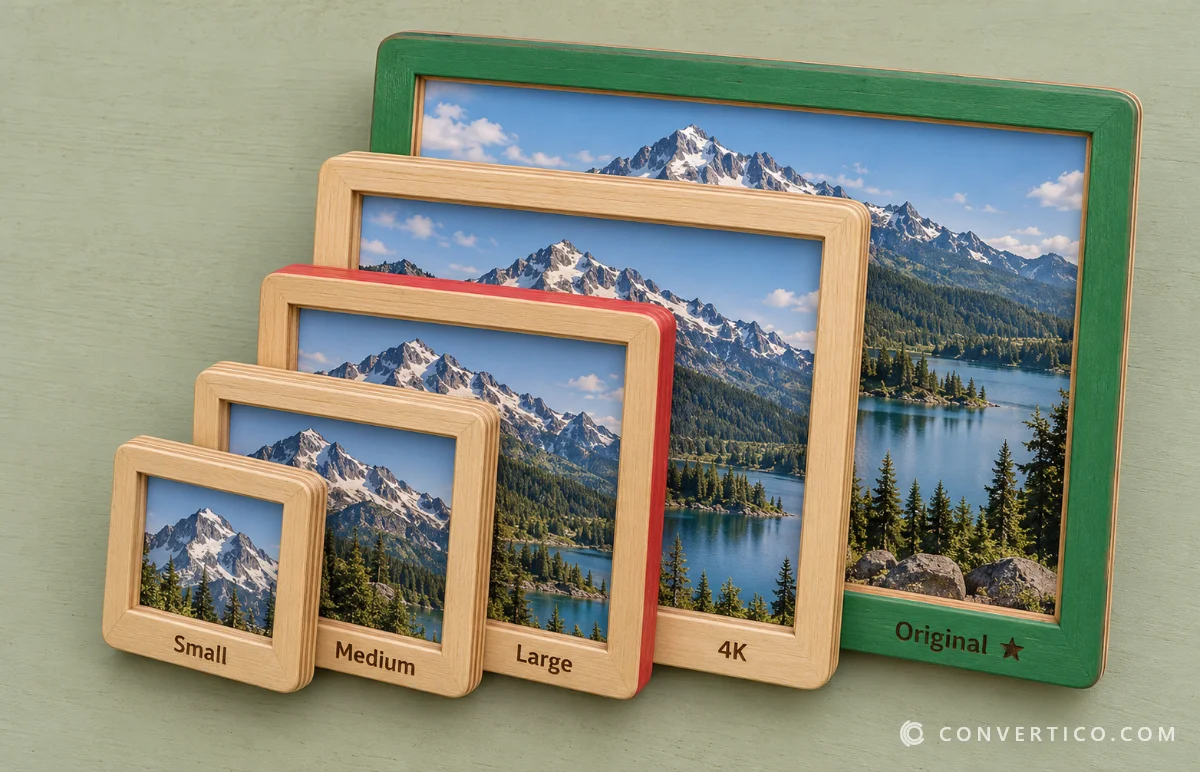
X keeps several copies of every photo and serves whichever fits the screen. That keeps the timeline fast, but it means a quick save is rarely the best file.
| Size | Longest side | Where X uses it |
|---|---|---|
| Small | 680 px | Thumbnails |
| Medium | 1200 px | The timeline |
| Large | 2048 px | When you open a photo |
| 4K | 4096 px | Very large uploads |
| Original | As uploaded - can be over 4096 px | Not shown in the app |
The Twitter Photo Downloader shows the real file size of each option before you download, so you can see the difference.
How to Download a Twitter Photo in Original Size
- On X, tap Share on the post and choose Copy link.
- Open the Twitter Photo Downloader and paste the link.
- Press Get photos.
- Keep the size on Original.
- Press Download.
It works the same on iPhone, Android and computer. On iPhone the file goes to Files > Downloads - open it and tap Share > Save Image to add it to Photos.
Download All Photos From a Post at Once
A post can hold up to 4 photos. The downloader ticks all of them for you.
- 1 or 2 photos download as separate files.
- 3 or 4 photos come together in one ZIP.
- Quoted posts - their photos are listed too.
Untick any you do not need before pressing Download. On a phone, open the ZIP in the Files app, or use the Archive Extractor in your browser.

JPG, JFIF, PNG or WebP?
X stores photos as JPEG. Some browsers save them with a .jfif name - it is the same format, just a different label. Our JPG vs JFIF guide explains why.
The downloader always saves a normal .jpg, or you can pick PNG or WebP under Format.
Already have a file with the wrong extension? WebP to JPG or PNG to JPG fix it, and the Image Format Detector tells you what a file really is.
Make the Photo Even Better
- Bigger and sharper - enlarge a small photo with the Image Upscaler.
- Cropped for Instagram - use the Instagram Post Resizer.
- Smaller to send - shrink it with Compress JPG.
Photos belong to their owners. Saving for yourself is fine; ask before reposting, and never use someone else's photo commercially without permission.
Get the Full-Size Photo
Paste the post link and download the original file - single photos or the whole gallery.
Twitter Photo DownloaderFrequently Asked Questions
Why is my saved Twitter photo blurry?
You probably saved the timeline copy, which is capped at 1200 px. Download the Original size instead.
What does "original size" mean on Twitter?
It is the file exactly as the person uploaded it. It can be larger than 4096 pixels - much bigger than what the app shows.
Can I download all 4 photos from a post?
Yes. The Twitter Photo Downloader ticks every photo, and 3 or more download as one ZIP.
Why do Twitter images save as .jfif?
JFIF is just another name for JPEG that some browsers use. You can rename it to .jpg, or let the downloader save a .jpg for you.
Can I save photos from a private account?
No. Protected posts are only visible to approved followers, so no downloader can reach them.
Can I download a profile picture in full size?
Yes - paste the profile link or @username and you get the full-size picture plus the 1500 × 500 header.
Is it free and private?
Yes. There is no login, and photos go straight from X to your device without being stored on our server.
Still stuck? Ask us - we reply faster than a JPEG loads on dial-up.
The Bottom Line
A quick save gives you the timeline copy. A downloader set to Original gives you the real file.
- Timeline photos are capped at 1200 px
- Original can be over 4096 px
- 3 or more photos download as one ZIP
- JFIF is just JPG with another name