
Find out exactly how big an image is - width and height in pixels, file size, megapixels and aspect ratio - and whether it fits Instagram, YouTube, X, Pinterest, Discord, a visa photo or an email. Too big? Use the Image Resizer.
Printing instead? The Image DPI Checker shows the print size and sets the DPI.
| Use | Size (px) | Ratio |
|---|---|---|
| Instagram square post | 1080 x 1080 | 1:1 |
| Instagram portrait post | 1080 x 1350 | 4:5 |
| Story / Reel / TikTok | 1080 x 1920 | 9:16 |
| Facebook / LinkedIn link image | 1200 x 630 | 1.91:1 |
| X (Twitter) image | 1600 x 900 | 16:9 |
| YouTube thumbnail | 1280 x 720, max 2 MB | 16:9 |
| Pinterest pin | 1000 x 1500 | 2:3 |
| Discord emoji | 128 x 128, max 256 KB | 1:1 |
Platforms update these numbers from time to time. Larger images in the same ratio usually work - the site scales them down. Make one to measure with the Social Media Image Resizer.
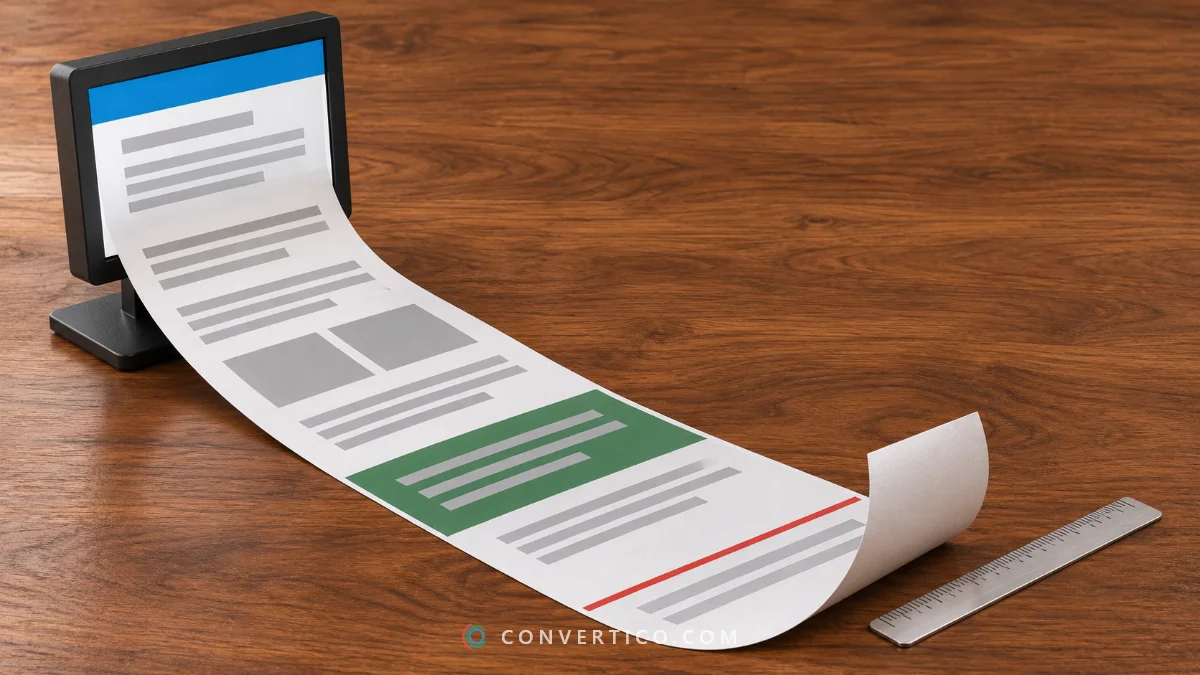
Pixel size is the width times the height - 1920 x 1080 is 2.07 megapixels.
File size is how much storage the image takes.
Two images with the same pixels can differ ten times in file size, depending on the format and compression. To make a file smaller without changing its pixels, use Compress JPG or Compress PNG.
The aspect ratio is width divided by height.
The checker reduces it (1920 x 1080 becomes 16:9) and names the nearest common ratio when it is close.
To change it, crop with the Image Cropper - resizing alone only stretches the picture.
Drop it into the box. The width and height in pixels, the file size in KB or MB, the megapixels and the aspect ratio appear instantly.
1080 x 1080 px for a square post, 1080 x 1350 px for portrait (4:5), and 1080 x 1920 px for stories and reels. The checker tells you which one your image fits.
1280 x 720 px (16:9), under 2 MB. Make one with the YouTube Thumbnail Maker.
Compress it - Compress JPG, Compress PNG or Compress WebP - or reduce the pixel size with the Image Resizer.
Yes - up to 20. The compare table lists every size side by side, and you can download it as CSV.
No. The size is read in your browser and your images never leave your device.