
Turn any image - PNG, JPG, WebP, GIF, BMP, AVIF or ICO - into a real vector SVG with smooth, editable shapes. A free online vectorizer that runs in your browser.
Want to tweak colours or delete a shape afterwards? Open the SVG in the SVG Icon Editor.
Vector graphics scale to any size without blur - the format printers, sign makers, embroiderers and cutting machines want.
This vectorizer traces your image into shapes you can recolour, move and resize in Illustrator, Inkscape, Figma or Canva.
It works with whatever format you have, in one place.
| Your image | Good settings |
|---|---|
| Logo, icon, flat graphic | Logo preset - 4-8 colours, Remove background |
| Cartoon, illustration, sticker | Illustration preset - 16-32 colours, High detail |
| Signature, line art, text, stencil | Black and white, Light smoothing |
| Photo | Works, but looks posterised - keep 16-32 colours or use Embedded PNG |
Need it the other way round? SVG to PNG draws an SVG at any size. Making a website icon? SVG to ICO.
Many "converters" just wrap your picture inside an SVG file - it still blurs when you scale it.
This tool really traces it: the colours are reduced to a palette and every colour area is turned into smooth curves, one editable path per colour.
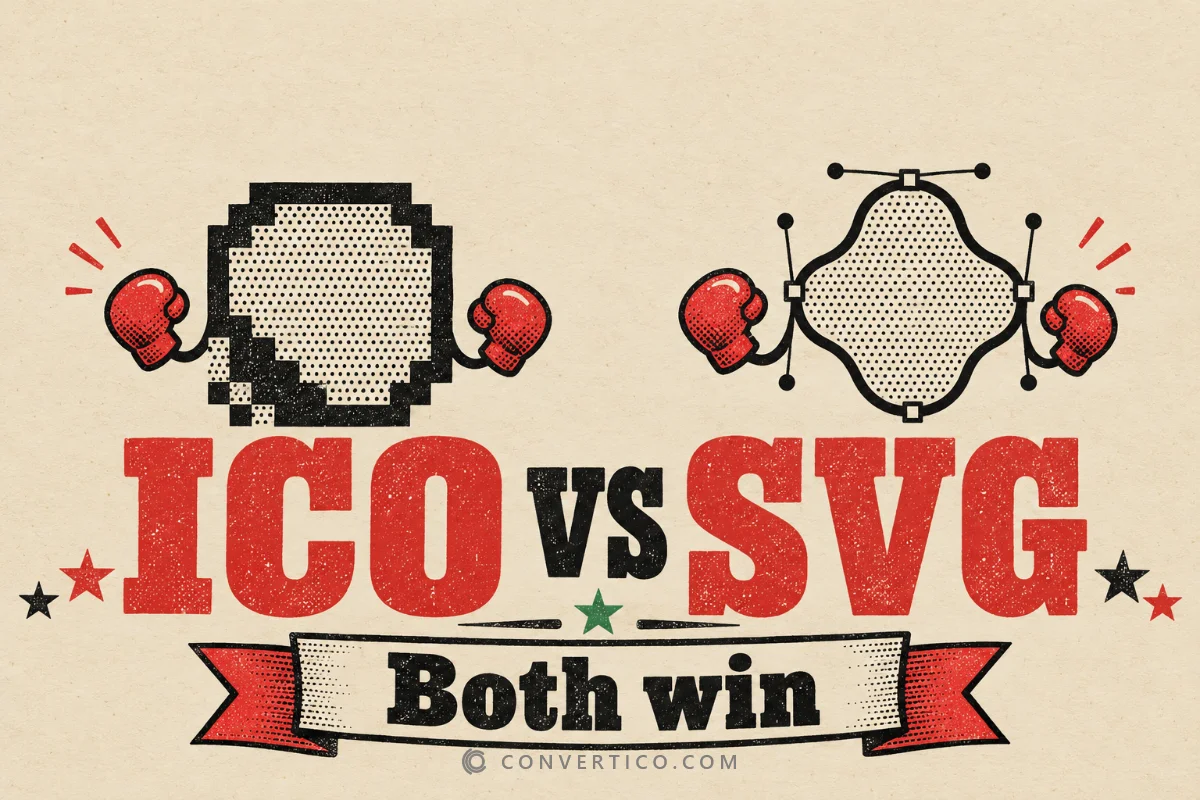
Prefer the exact pixels? Pick Embedded PNG - and for tiny pixel art, Pixel vector.
Drop your image into the box, pick a preset and press Convert to SVG.
PNG, JPG, WebP, GIF, BMP, AVIF and ICO.
No AI - it is a classic tracer: colours are reduced to a palette and each area is traced into curves. Results are predictable and you control every setting.
Logos, icons, cartoons, line art and text. Photos come out posterised, as with any vectorizer.
Yes - no account, no watermark, and tracing runs on your own device.
Yes - each colour is one path. Use the SVG Icon Editor, Inkscape or Illustrator.