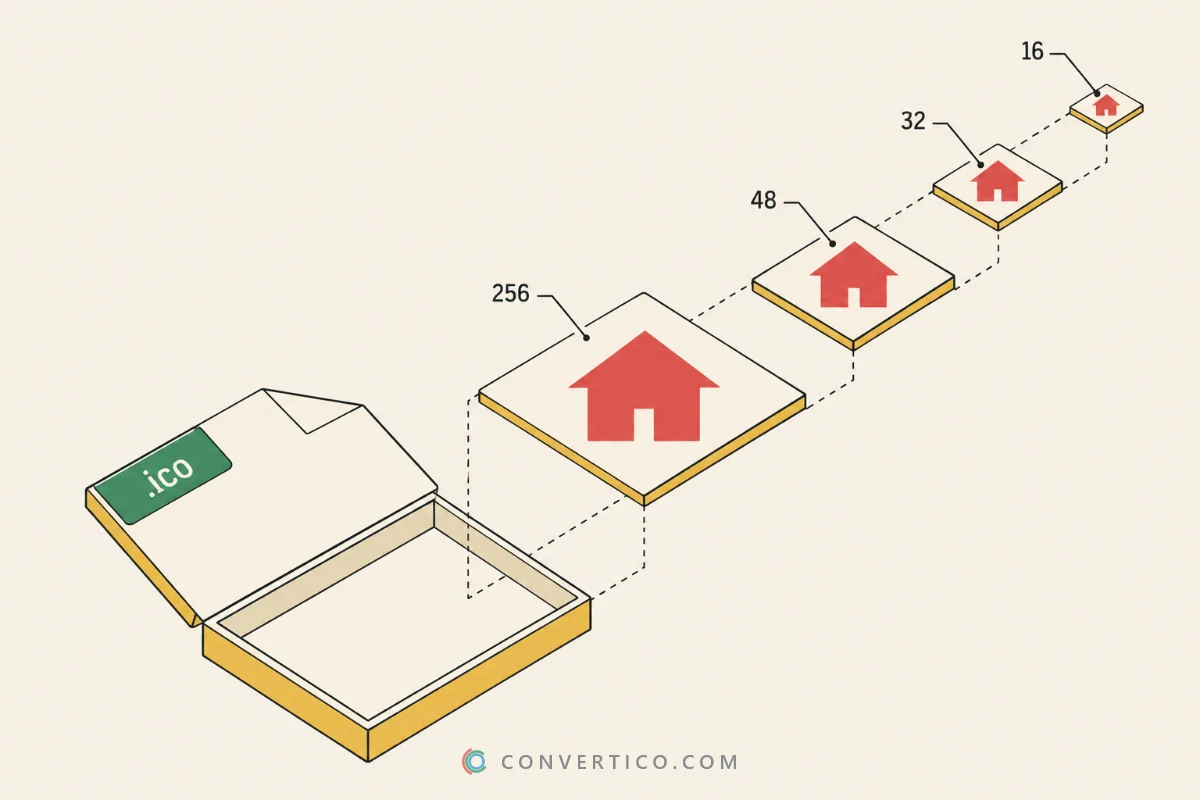
Turn a macOS .icns app icon into a Windows ICO with every size inside. Going the other way? Use ICO to ICNS.
Want to see every size inside an ICNS first? Open it in the ICNS File Viewer.
macOS uses .icns for app icons, Windows uses .ico. Windows cannot show an ICNS at all.
Porting an app to Windows, or just want the same icon on both systems? This turns the Mac icon into a Windows one in a few seconds.
Good Mac icons come with hand-tuned 16 and 32 px versions - simpler shapes that stay readable when tiny.
When the ICNS has a size the ICO needs, that artwork is copied as it is instead of shrinking the 1024 px image. The result line under the settings tells you which sizes were copied.
| Size | Where it shows up | Preset |
|---|---|---|
| 16 x 16 | Explorer details view, title bars, tabs | All presets |
| 20, 24, 40 | Windows at 125% and 150% display scaling | Windows app |
| 32 x 32 | Desktop at 100%, taskbar | All presets |
| 48 x 48 | Explorer medium icons | All presets |
| 64 / 128 | Large icons and high-DPI screens | Recommended |
| 256 x 256 | Extra large icons, Windows 10 and 11 Start | Recommended, Windows app |
For a Windows app pick Windows app - it adds the sizes Windows uses at 125% and 150% scaling. Check the result with the Icons Analyzer.
Drop your .icns file into the box, keep the Recommended sizes or pick a preset, and press Make my ICO.
The icon downloads right away, with every size packed inside one .ico file.
No. The ICNS is read and turned into an ICO in your browser, on your device. Nothing is uploaded.
Yes, when the ICNS has them. Apple's own 16, 32 and 48 px images are copied into the ICO as they are, instead of being shrunk from the big one.
Yes. Mac icons are transparent around the shape, and every ICO size keeps that.
They are JPEG 2000 images, which only Safari can decode. The other sizes still work, and Safari reads all of them.
Yes - ICO to ICNS turns a Windows icon into a Mac one.
Yes. Pick the Website pack preset - you get favicon.ico, PNG sizes, apple-touch-icon, a manifest and the HTML to paste.
Yes. Layers below 256 px are 32-bit bitmaps with a mask and the 256 px layer is a 32-bit PNG - the layout Windows Explorer expects.