
Turn MP4 videos into lightweight VP9 WebM files for websites, hero backgrounds and HTML5 players - and get the MP4 back any time with WebM to MP4.
Making an animated banner instead? GIF to WebM turns heavy GIFs into tiny WebMs.
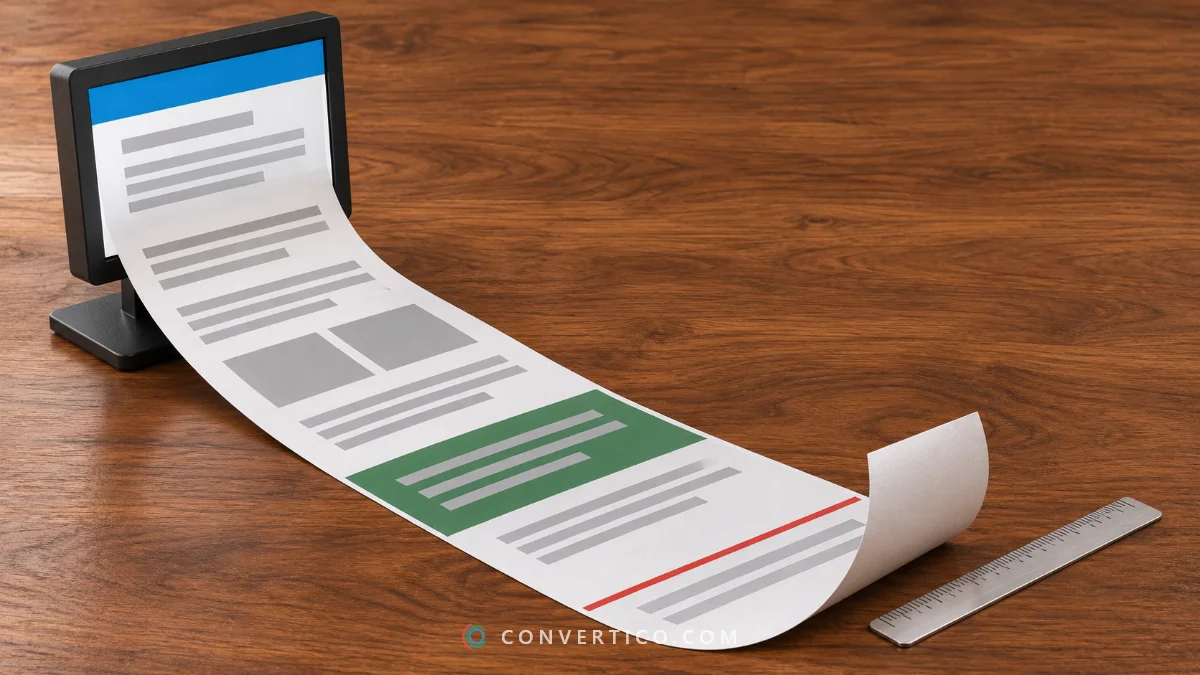
WebM is the video format built for the web.
VP9 inside a WebM is often 20-40% smaller than H.264 at the same quality.
Smaller videos mean faster pages, better Core Web Vitals and less bandwidth on your hosting bill. Chrome, Firefox, Edge, Android and current Safari all play it.
It is royalty-free too, which is why YouTube, Wikipedia and many video players use it.
| MP4 (H.264) | WebM (VP9) | |
|---|---|---|
| File size | Baseline | Often 20-40% smaller |
| Video / sound | H.264 + AAC | VP9 + Opus |
| Browsers | All | All current ones (Safari 14.1+ on macOS, newer iOS) |
| Apps and editors | Everything | Fewer (not PowerPoint, older iPhones) |
| Transparency | No | VP9 can carry alpha |
| Licence | Patent pool | Royalty-free |
For sharing in chats or on phones, MP4 is still the safer pick. Use WebM where you control the player - your own website.
Serve the WebM first and keep the MP4 as a fallback. Every browser picks the first format it can play:
<video autoplay muted loop playsinline width="1280" height="720" poster="clip.jpg">
  <source src="clip.webm" type="video/webm">
  <source src="clip.mp4" type="video/mp4">
</video>
Autoplay only works when the video is muted, so pick Remove sound for background loops - it saves bytes as well. Setting width and height stops the layout from jumping while the video loads.
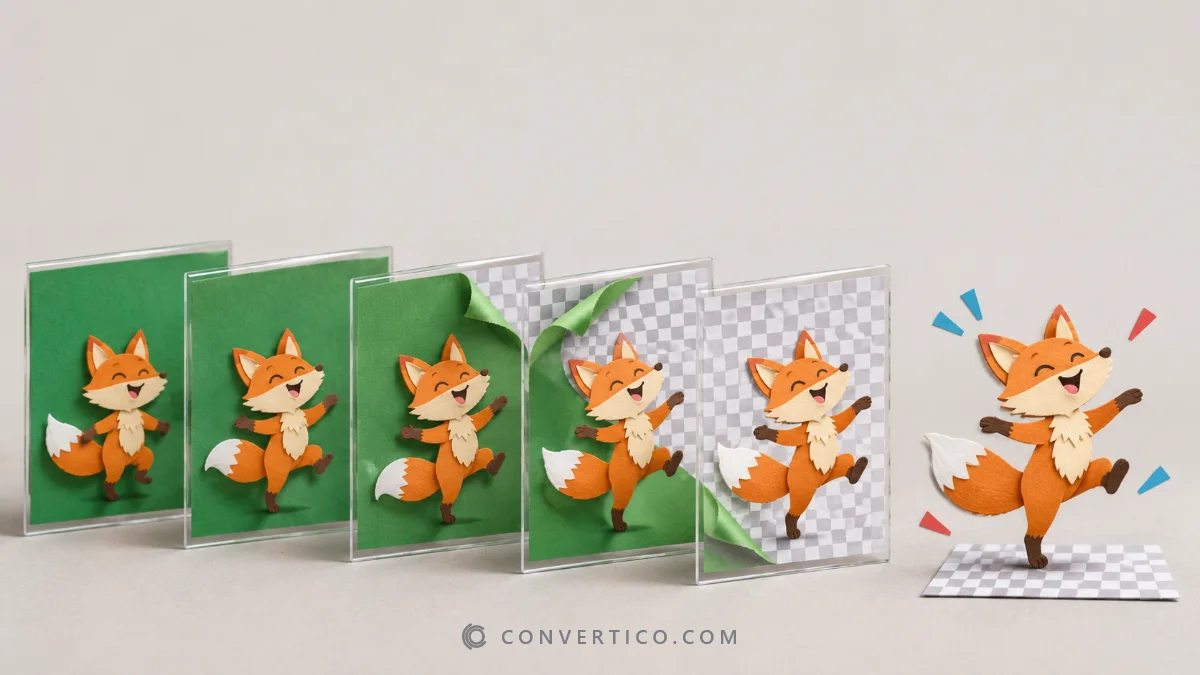
WebM can store a transparent background, but MP4 cannot - so a WebM made from an MP4 is always fully opaque.
Need a see-through animation? Start from a transparent GIF and try GIF to WebM, or cut the background out of a still with the PNG Background Remover.
Your video is converted on our server with FFmpeg. The upload is deleted right after converting and the WebM once you download it.
Drop your MP4 into the box, pick a preset such as Web 720p and press Convert.
One or two files download directly, more than two come as a ZIP.
VP9 video and Opus sound - the modern WebM combination that gives the smallest files and plays in every current browser.
Usually yes. VP9 is often 20-40% smaller than H.264 at the same quality. The real size is shown after converting, so you can compare.
Current Safari on Mac, iPhone and iPad plays VP9 WebM, older versions do not. On a website, add the MP4 as a fallback source so everyone sees the video.
Not from an MP4 - MP4 has no transparency, so there is nothing to keep. For see-through video start from a transparent GIF with GIF to WebM.
VP9 is a more thorough codec, it searches harder for savings in every frame. That makes the file smaller but the encoding slower.
Up to 200 MB per video and 20 videos per batch. For long videos, trim the part you need or pick 720p.
Yes, it is free with no account. Your video travels to our server over HTTPS, is deleted as soon as the WebM is made, and the WebM is deleted once you download it.