Save GIFs, videos and galleries from Reddit - videos keep their sound. Get the original GIF, an MP4, or a real GIF made to your size, then trim it with the GIF Cutter or shrink it with Compress GIF.
Something went wrong. Please try again.
Still having trouble? Please contact us and we'll be happy to help!
Posts, share links, redd.it, v.redd.it, i.redd.it, galleries, crossposts, Imgur and Redgifs. Public posts only.
Tap a picture to tick or untick it. Use Options for MP4 / GIF choices on a single item. Three or more files come as one ZIP.
Need the same for another site? The Twitter GIF Downloader and Tenor GIF Downloader work the same way.
Reddit keeps the picture and the sound of every video in two separate files. That is why many downloaders give you a silent clip.
We fetch both parts and join them without re-encoding, so the MP4 keeps Reddit's full quality. Want just a short loop? Choose GIF and keep only the seconds you need, or open the MP4 in MP4 to GIF.
The exact file that was posted to i.redd.it - best for sharing as a GIF.
Up to 10 times smaller and with sound. Best for WhatsApp, Instagram and websites.
Pick the width, frame rate and clip. Then fine-tune it in the GIF Resizer or GIF Cropper.
Open the post, tap Share and Copy link, paste it into the box above and press Get media.
Pick Original GIF, MP4 or GIF and press Download. Share links (reddit.com/r/.../s/...), redd.it, v.redd.it and i.redd.it links all work.
Reddit stores the picture and the sound of a video as two separate files. We fetch both and join them, so the MP4 you get plays with sound.
If it is still silent, the post has no audio track - most GIF-style posts are muted on purpose.
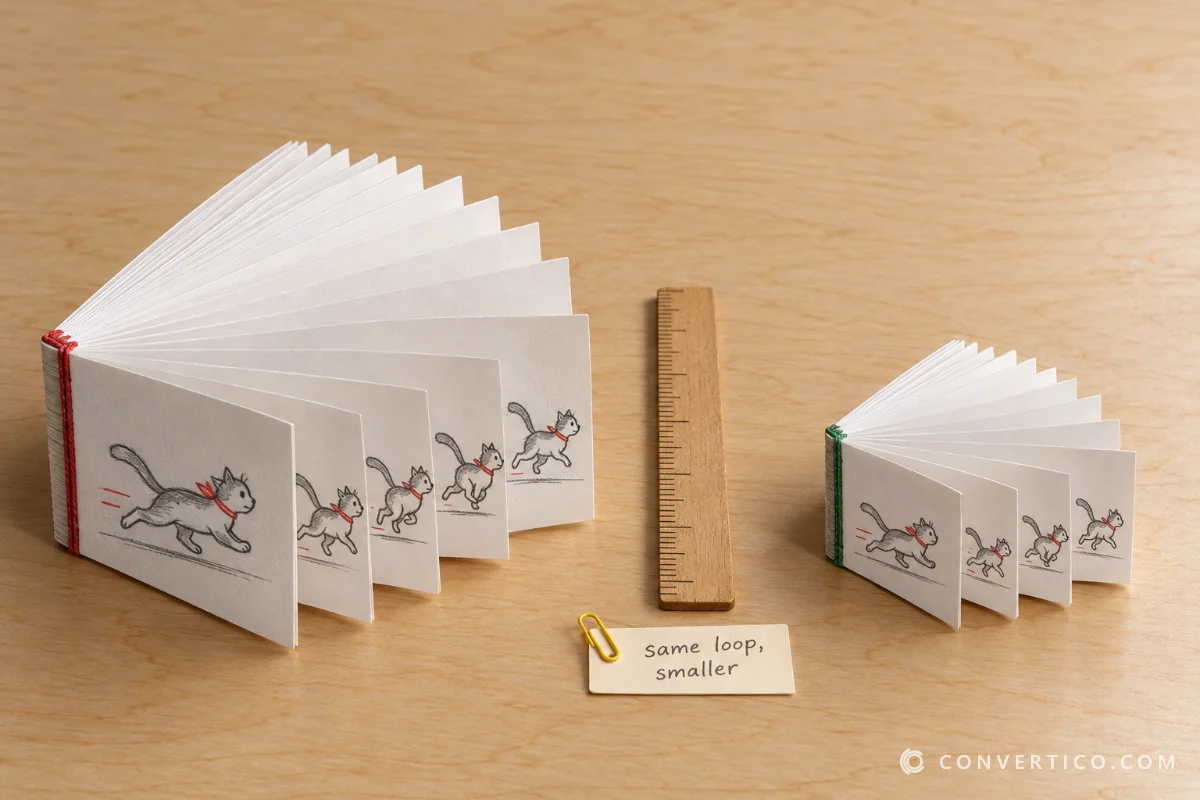
Reddit turns most uploaded GIFs into MP4 video because it is 5-10 times smaller. Choose GIF and we turn it back into a real animated GIF - you pick the size, frame rate and which part of the clip to keep.
For more control, open the MP4 in our MP4 to GIF converter, or shrink a big result with Compress GIF.
Yes. Gallery posts show every picture as a card - tick the ones you want and press Download selected. Three or more files come as one ZIP, with animated gallery items saved as GIFs.
Yes. Crossposts are traced back to the original post, Imgur GIFV links are saved as MP4, and Redgifs links (also pasted directly) are fetched through the Redgifs API.
Old Gfycat links are looked up on Redgifs, where most of Gfycat's library moved when it closed in 2023.
On iPhone, press Download, then Save to Photos to put it straight into your Photos app - or find it later in Files - Downloads.
On Android the file goes to your Downloads folder. In the Reddit app, use Share - Copy link, then paste the link here in your browser.
Only public posts work - we never log in to Reddit. Posts from private, quarantined or age-gated communities usually cannot be read without an account.
Yes, it is free with no sign-up and no watermark. Files are prepared on our server only for you and are deleted automatically after a few hours.
Need other platforms? Try the Twitter GIF Downloader or the Giphy Downloader.