The Short Answer
You cannot add a PNG to your phone's emoji keyboard - real emoji are text characters, not pictures.
But you can turn any image into a custom emoji or sticker on Discord, Slack, Twitch, Telegram, WhatsApp and iPhone.
Each app has its own size rules. Find yours below - the free makers handle the sizing for you.
| App | What you get | Size | Make it with |
|---|---|---|---|
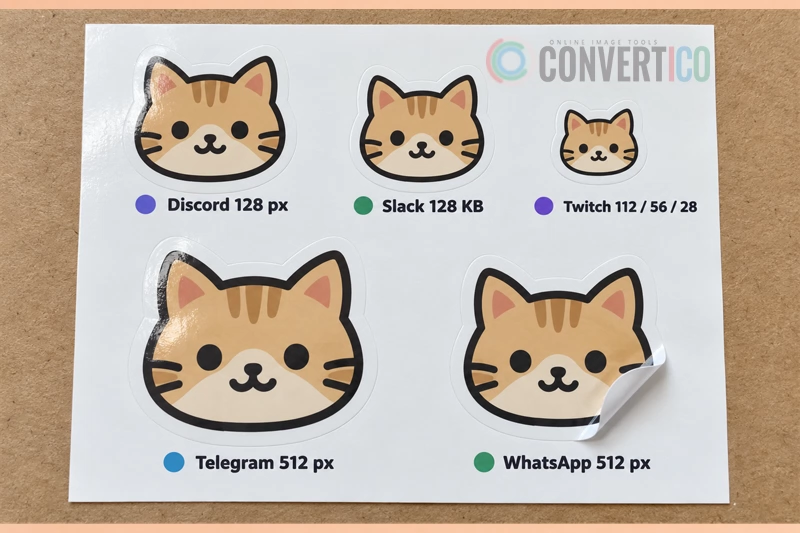
| Discord | Server emoji | 128 × 128, up to 256 KB | Discord Emoji Maker |
| Slack | Workspace emoji | Square, under 128 KB | Discord Emoji Maker (Slack size) |
| Twitch | Channel emotes | 112, 56 and 28 px | Discord Emoji Maker (Twitch sizes) |
| Telegram | Stickers and custom emoji | 512 px stickers, 100 × 100 emoji | Telegram Sticker Maker |
| Stickers | 512 × 512 WebP, under 100 KB | WhatsApp Sticker Maker | |
| iPhone | Genmoji and Live Stickers | Made on the phone | Built into iOS |
Why You Cannot Make a Real Emoji
Emoji are Unicode characters, just like letters. When you send 😀, you send the code U+1F600, and each phone draws its own picture for it.
That is why the same emoji looks different on iPhone, Android and Windows - and why a picture cannot become one.
There are 3,953 official emoji as of Emoji 17.0 (September 2025). Browse and copy every one of them in the Emoji Library.
New emoji are added by the Unicode Consortium. Anyone can send a proposal, but it takes about two years and most are turned down.
So no, your cat cannot become an official emoji. Unless the Unicode Consortium is reading - hi!
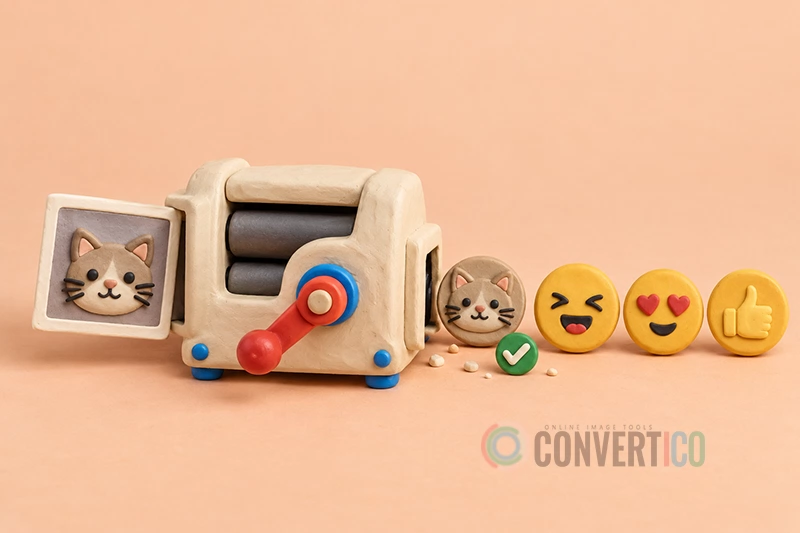
What people really mean by "PNG to emoji": a small picture that works like an emoji inside one app - in reactions, messages or a sticker tray. That part is easy, and it is what the rest of this guide covers.
Discord: Make a Custom Server Emoji
- Open the Discord Emoji Maker and drop in your PNG - a transparent background works best.
- Choose Emoji. It is cropped and sized to 128 × 128 and kept under 256 KB.
- Download it.
- In Discord, open Server Settings > Emoji > Upload Emoji and pick the file.
Discord takes JPG, PNG, GIF, WebP and AVIF. A server gets 50 static and 50 animated emoji slots, rising to 250 each at Boost Level 3.
Using your emoji in other servers needs Discord Nitro.
Want something bigger? The same tool makes Discord stickers (320 × 320 APNG, under 512 KB) and animated emoji from a GIF or video clip.
Slack: Add a Custom Workspace Emoji
Slack asks for a square image under 128 KB, ideally with a transparent background. JPG, PNG and GIF all work, and a GIF becomes an animated emoji.
- Make the file with the Slack size in the Discord Emoji Maker.
- In Slack, click the emoji button in the message box, then Add Emoji.
- Upload the file and give it a short name, like :party-cat:.
No Add Emoji button? Your workspace admin may have limited who can add emoji. Ask them to add it for you.
Twitch: Make Channel Emotes
Twitch Affiliates and Partners can upload emotes for their subscribers. Twitch shows them at three sizes: 112, 56 and 28 px.
The Discord Emoji Maker exports all three from one image, plus versions for 7TV, BetterTTV and FrankerFaceZ.
Keep the design bold - at 28 px in a busy chat, fine detail simply disappears.
Telegram: Stickers and Custom Emoji
| Type | Size | Format |
|---|---|---|
| Static sticker | One side exactly 512 px | PNG or WebP |
| Video sticker | One side 512 px, max 3 s, 256 KB, no sound | WebM (VP9) |
| Custom emoji | Exactly 100 × 100 px | PNG, WebP or WebM |
The Telegram Sticker Maker turns PNGs, GIFs and clips into stickers that pass these rules, and lists the bot steps.
Upload them with the @Stickers bot: send /newpack for a sticker set or /newemojipack for custom emoji.
Anyone can make custom emoji, but using them in chats needs Telegram Premium. Stickers are free for everyone.
WhatsApp: Turn a PNG Into a Sticker
The quick way: WhatsApp has a sticker maker built in on iPhone (iOS 17 or later) and on WhatsApp Web. Open a chat, tap the sticker icon, choose Create and pick your photo.
For a whole pack: stickers must be 512 × 512 WebP files under 100 KB (500 KB if animated), with a 96 × 96 tray icon and at least three stickers.
The WhatsApp Sticker Maker takes PNG, JPG and GIF files, sizes them, measures the real file size and builds a .wastickers pack.
Static and animated stickers cannot be mixed in one pack, so keep photos and GIFs in separate packs.
iPhone: Genmoji and Live Stickers
Apple has two ways to make emoji-like pictures right on the phone.
- Genmoji - describe an emoji ("cat wearing sunglasses") or base it on a person in your Photos, and Apple Intelligence draws it. Needs iOS 18.2 or later and an iPhone with Apple Intelligence (iPhone 15 Pro and newer).
- Live Stickers - open a photo, touch and hold the subject, then tap Add Sticker. It appears in the sticker drawer of the emoji keyboard.
Neither one takes a PNG upload, and both arrive as normal images on Android phones.
How to Prepare Your PNG
A great custom emoji is mostly about what you leave out.
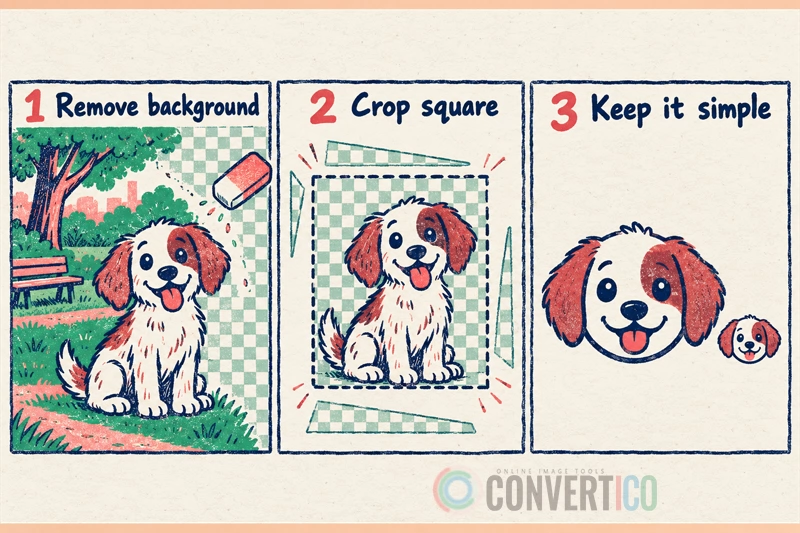
- Remove the background - emoji sit on light and dark themes, so a white box looks wrong. Use the PNG Background Remover.
- Crop it square and tight - padding makes the emoji tiny. The Image Cropper has a 1:1 ratio.
- Think small - most emoji show at 22-32 px in chat. One face or one symbol, thick outlines, strong colours.
- Start large - at least 256 px, so the downscaled version stays sharp.
- Animate it - build a short loop from a few PNGs with the GIF Maker, then run it through the emoji maker.
Turn Your PNG Into an Emoji Now
Discord, Slack and Twitch sizes in one go - free, in your browser.
Discord Emoji Maker Telegram Sticker MakerGoing the Other Way: Emoji to Image
Need an existing emoji as a picture or an icon instead?
- Copy any emoji, or download it as an image, from the Emoji Library.
- Turn an emoji into a favicon or Windows icon with Emoji to ICO.
- Turn a photo into text art you can paste anywhere with Image to ASCII.
Frequently Asked Questions
Can you convert a PNG to an emoji?
Not into a real emoji on your keyboard - those are Unicode characters. But you can turn a PNG into a custom emoji or sticker for Discord, Slack, Twitch, Telegram and WhatsApp.
What size should a custom emoji be?
Discord recommends 128 × 128 px under 256 KB, Slack a square image under 128 KB, and Twitch 112, 56 and 28 px. Telegram custom emoji are exactly 100 × 100 px.
How do I make my own emoji for Discord?
Size your image to 128 × 128 with the Discord Emoji Maker, then go to Server Settings > Emoji > Upload Emoji.
Can I add my own emoji to my iPhone keyboard?
Not as a real emoji. You can make Genmoji on iPhones with Apple Intelligence, or Live Stickers from your photos, which show up in the emoji keyboard's sticker drawer.
How do I turn a picture into a WhatsApp sticker?
On iPhone or WhatsApp Web, open the sticker tray and tap Create. For a full pack, make 512 × 512 WebP stickers under 100 KB with the WhatsApp Sticker Maker.
Why does my custom emoji have a white box around it?
The image has a solid background. Remove it with a background remover and save it as a transparent PNG before you upload.
How can I get a new official emoji added?
Send a proposal to the Unicode Consortium. It takes about two years, and most proposals are not accepted.
Still stuck? Ask us - we reply faster than a JPEG loads on dial-up.
The Bottom Line
- A PNG cannot become a real keyboard emoji - those are Unicode characters
- Every big chat app lets you upload your own emoji or stickers
- Discord 128 × 128 / 256 KB - Slack under 128 KB - Twitch 112, 56, 28
- Telegram 512 px stickers - WhatsApp 512 × 512 WebP under 100 KB
- Transparent, square, simple - and it will look great at 22 px
Now go and make that inside-joke emoji your group chat has been waiting for.