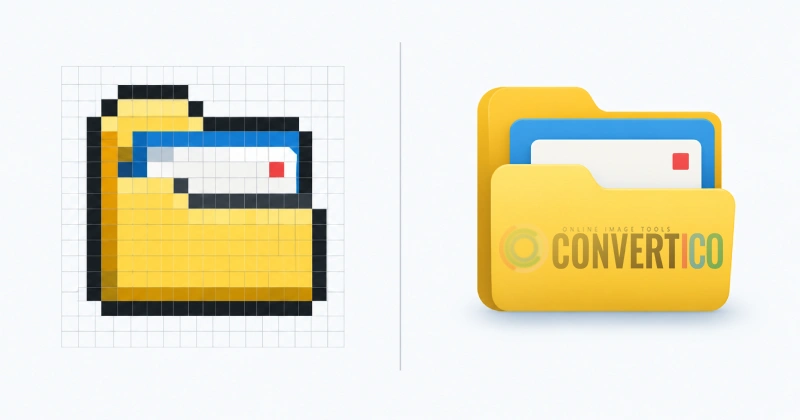
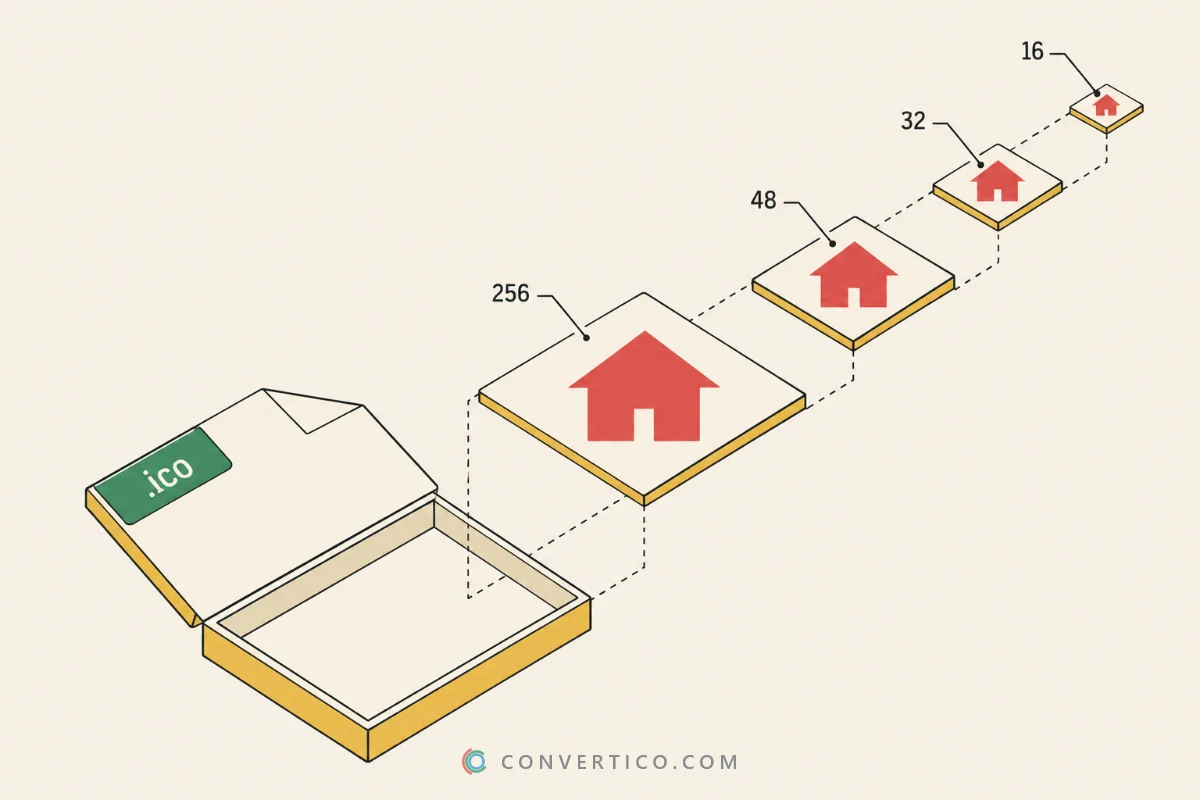
Turn an ICO icon into an SVG - an exact embedded copy, or a real pixel vector you can recolour in any editor. Going the other way? Use SVG to ICO.
Want to tweak colours or shapes afterwards? Open the SVG in the SVG Icon Editor.
An ICO file is made of pixels, and an SVG is made of shapes.
Embedded PNG puts the exact pixels inside the SVG. It opens in every browser and editor, and the file stays small.
Pixel vector draws every pixel as a little vector square, merged by colour into one path per colour. It is a true vector file: recolour it in Illustrator, Inkscape or Figma, and it stays razor-sharp at any zoom.
| Embedded PNG | Pixel vector | |
|---|---|---|
| What is inside | The image as PNG data | One <path> per colour |
| Editable in vector apps | As a single image | Yes - every colour |
| Sharp when enlarged | Yes (pixel-sharp) | Yes, at any zoom |
| Best size | Any | Up to 128 px |
| File size | Small | Grows with detail |
Need smooth, traced outlines instead of squares? Convert to PNG first, then use PNG to SVG, which traces the shapes.
Modern browsers accept SVG favicons, which stay sharp on every screen.
Add <link rel="icon" href="/icon.svg" type="image/svg+xml"> to your page, and keep a favicon.ico for older browsers.
The SVG to Favicon tool builds the whole set from one SVG.
Drop your ICO into the box, choose Embedded PNG or Pixel vector, and press Convert to SVG.
With Pixel vector, yes - every pixel becomes a vector square, merged into one path per colour. Embedded PNG keeps the pixels as an image inside the SVG.
No. Pixel vectors are sharp at any zoom, and embedded PNGs are drawn pixel-sharp when the SVG is shown bigger than the icon.
Every colour run becomes a shape, so a detailed 256 px icon can need thousands. Pick a smaller size, or use Embedded PNG for big icons.
Yes. Transparent pixels are simply left out, and semi-transparent pixels keep their opacity.
No. The SVG is built in your browser. Only a pasted link from a site that blocks direct downloads goes through our server, and it is not stored.
Use SVG to ICO - it renders the SVG fresh at every icon size.