Turn an ICO icon or favicon into a Base64 data URI - the whole icon for a favicon, or any size as PNG - with ready-made CSS, HTML and Markdown snippets. Have a PNG instead? Use PNG to Base64.
This tool runs in your browser and needs JavaScript. Please turn it on and reload the page.
Need the sizes as files instead? ICO to PNG saves every size as a PNG.
Base64 writes a file as plain letters and numbers, so it fits inside HTML, CSS or JSON.
A data URI adds the file type in front - data:image/png;base64,... - and works anywhere a normal image link works.
The page needs no extra request for the image, which is handy for emails, single-file pages, browser extensions and tiny icons.
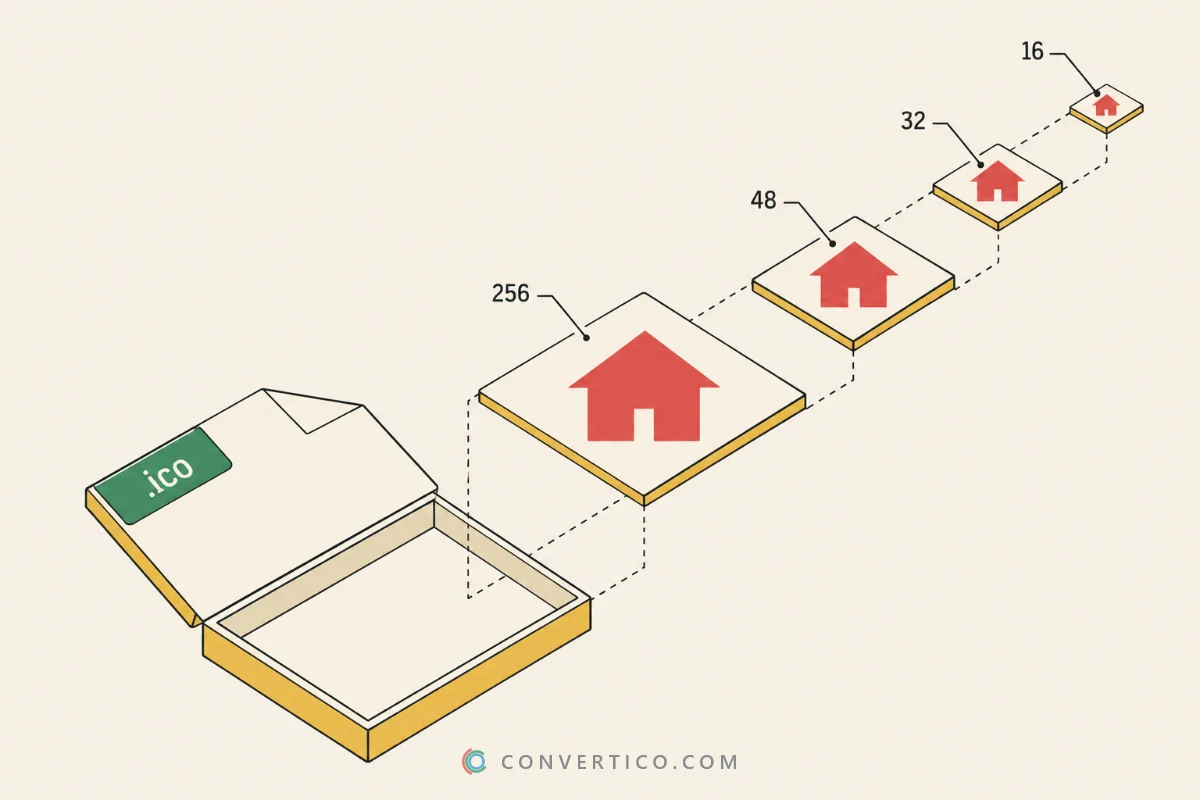
Pick Whole ICO file and the Favicon <link> format, then paste the line into the <head> of your page.
The browser gets every size in one go and shows your icon in the tab - no favicon.ico file needed. Great for HTML reports, local tools and demos.
For a public website a real favicon file is still better, because it can be cached. The Favicon Generator makes the full set, and the Favicon Checker tests it.
| Format | Looks like | Use it in |
|---|---|---|
| Data URI | data:image/png;base64,... | src, href, url() - anywhere |
| CSS | .icon { background: url(...) } | Stylesheets |
| HTML <img> | <img src="data:..." width height> | Web pages, emails |
| Favicon <link> | <link rel="icon" href="data:..."> | The page <head> |
| Markdown |  | README files, notes |
| JSON | { "mime": ..., "base64": ... } | Apps and APIs |
| Raw Base64 | iVBORw0KGgo... | Anything that adds its own prefix |
Base64 is about a third bigger than the file. Keep data URIs for small icons - for big images a normal file loads faster.
Drop your ICO into the box, choose Whole ICO file or one size as PNG, pick a format and press Copy. The code updates live as you click.
Yes. Pick Whole ICO file and Favicon <link>, then paste the line into your page <head>. Every browser shows it in the tab.
The whole ICO is best for a favicon, because the browser chooses the right size. One size as PNG gives a much shorter string for an image, a CSS background or Markdown.
No. The Base64 is made in your browser. Only a pasted link from a site that blocks direct downloads goes through our server, and it is not stored.
Base64 uses 4 characters for every 3 bytes, so it is about 33% bigger. That is normal - the browser turns it back into the same file.
No. The whole ICO is encoded byte for byte, PNG sizes inside the icon are copied exactly, and other sizes are written as lossless PNG.
Paste the data URI into your browser address bar and save the image, or use the image tools on ConvertICO to convert it further.