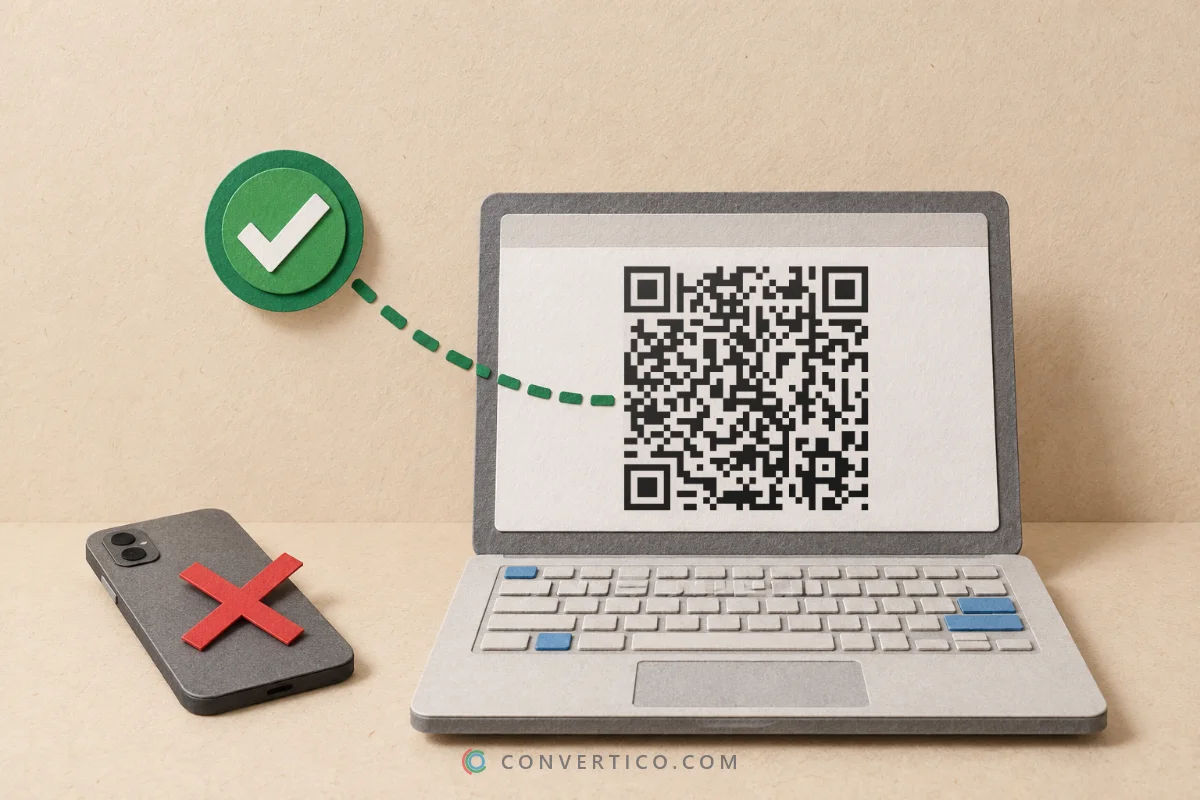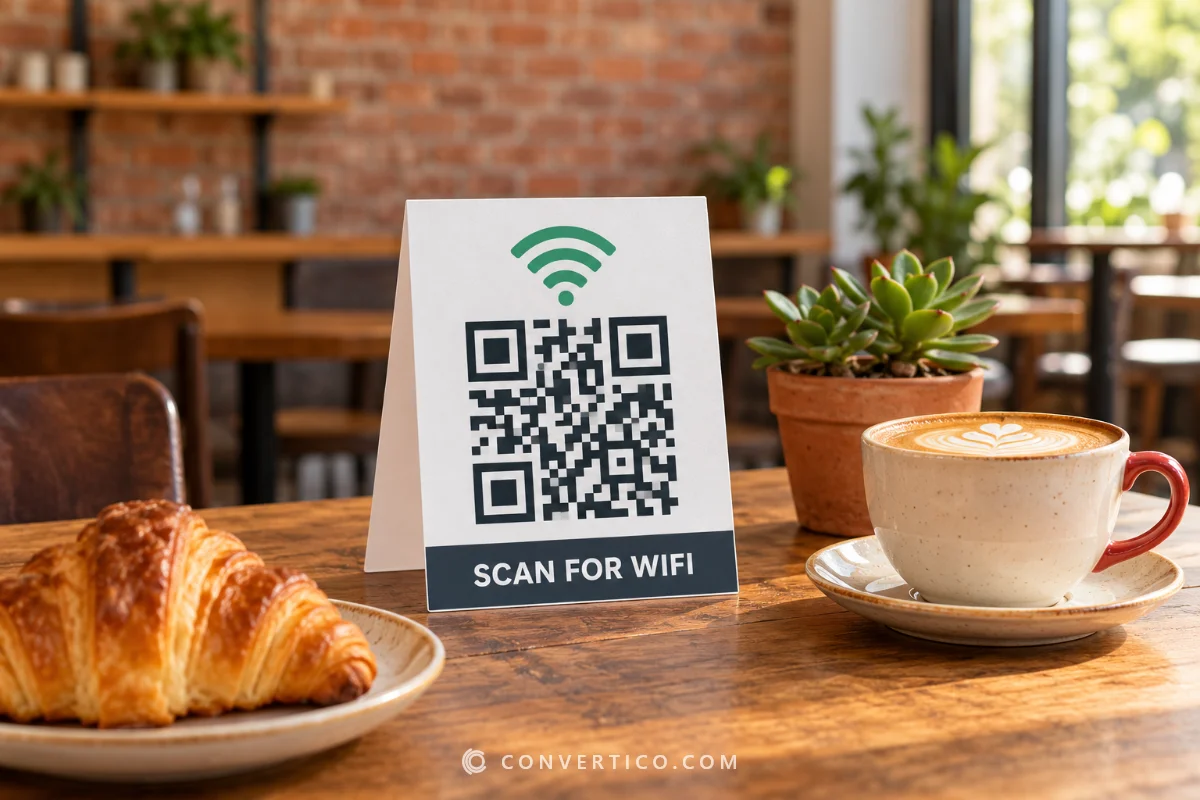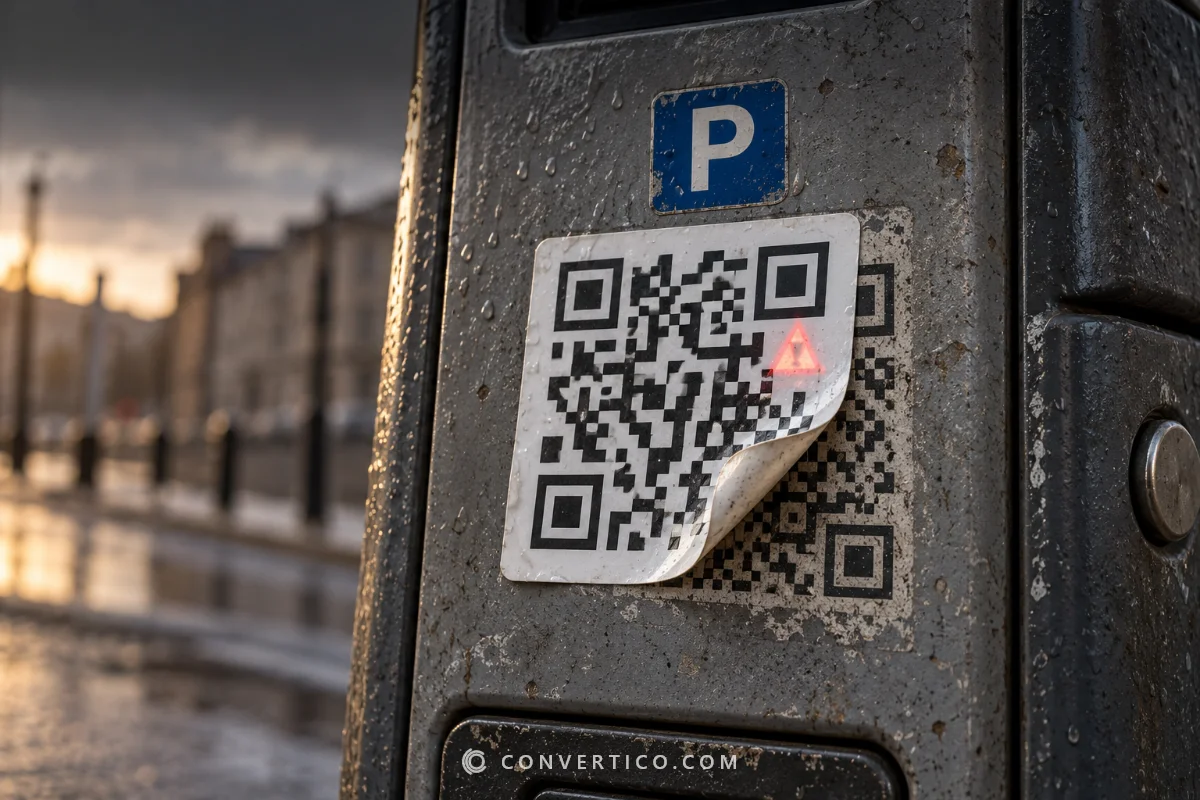

Make a small, blurry or pixelated QR code big and razor-sharp - up to 8192 pixels.
We read the code and redraw every square from its data, so nothing is guessed and nothing is smudged.
Set the size in pixels, or in centimetres and DPI for print. For photos and artwork, use the Image Upscaler instead.
Something went wrong. Please try again.
Still having trouble? Please contact us and we'll be happy to help!
Drop a QR code image here, paste a screenshot with Ctrl+V, or choose files.
PNG, JPG, WebP, GIF, BMP or SVG - up to 20 at once. Nothing is uploaded.
The standard border is 4 modules. Cropping it off makes some phones miss the code.
The original is too damaged to read? The QR Code Checker shows exactly where it is broken. If you still have the link or text, simply make a fresh code in the QR Code Generator.
Normal upscalers, even AI ones, guess the missing pixels.
On a QR code that guessing softens the edges and can merge neighbouring squares, and scanners dislike both. A QR code is just a grid of squares, so we read the grid once and draw it again at any size with perfectly straight edges.
| Photo upscaler | QR Code Upscaler | |
|---|---|---|
| Edges | Soft, guessed | Pixel-perfect |
| Biggest size | Limited by detail | Any size, even a poster |
| Damaged squares | Enlarged too | Repaired from the data |
| Result | A bigger picture | A brand-new clean code |
A good rule: print width = scanning distance divided by 10.
| Where | Scan distance | Print width | Pixels at 300 DPI |
|---|---|---|---|
| Business card | 20-30 cm | 2-2.5 cm | about 240-300 px |
| Flyer or menu | 30-50 cm | 3-5 cm | about 350-600 px |
| A3 poster | 1-2 m | 10-20 cm | about 1200-2400 px |
| Shop window | 2-3 m | 20-30 cm | about 2400-3500 px |
| Roll-up banner | 3-5 m | 30-50 cm | about 3500-5900 px |
Use Print size and we write the DPI into the PNG, so Word, InDesign and print shops place it at exactly the width you typed. Need more breathing room around it for a layout? Add space with the Image Resizer.
A QR code looks sharpest when every square is a whole number of pixels.
So we round your size to the nearest pixel-perfect value. A version 2 code with its white border is 33 squares wide: ask for 2048 px and you get 2046 px, with every square exactly 62 px.
Need an exact size for a layout? Turn on Exact size - the edges may be very slightly soft. Want a file that never gets blurry at all? Pick SVG, or use QR Code to SVG.
Drop it on this page. If our decoder can still read it - and it reads codes only 25 pixels wide - we rebuild it square by square and you download a sharp copy at the size you pick. Drag the slider to compare before and after.
Up to 8192 × 8192 pixels as PNG, JPG or WebP. Some phones cannot handle images that big, so stay at 4096 px there. SVG, PDF and EPS are vectors - they stay sharp at any size, even on a billboard.
Yes. We rebuild it from the data we read, with the same version, error correction and mask, so the pattern is the one your original was meant to have. Our decoder reads the result again - the Verified badge means it matched.
300 DPI is the standard for flyers, cards and posters. Use 600 for very small codes on fine labels, and 150 for big signs seen from far away. With Print size on, the DPI is written into the PNG so it prints at the right width.
Often. Every QR code carries repair data, and if the damage is within what it can fix, the rebuilt copy comes out perfect - the Repaired box shows how many codewords needed fixing. If it is too damaged, the QR Code Checker shows where it breaks.
We round to the nearest size where every square is a whole number of pixels - that is what keeps the edges razor-sharp. Turn on Exact size if you need the exact number.
No - this tool only works on QR codes, because it redraws them from their data. For photos, logos and artwork, use the Image Upscaler.
Free, with no sign-up and no watermark. Everything happens in your browser - your images never reach our servers.
Reading your codes...
Decoded and rebuilt in your browser