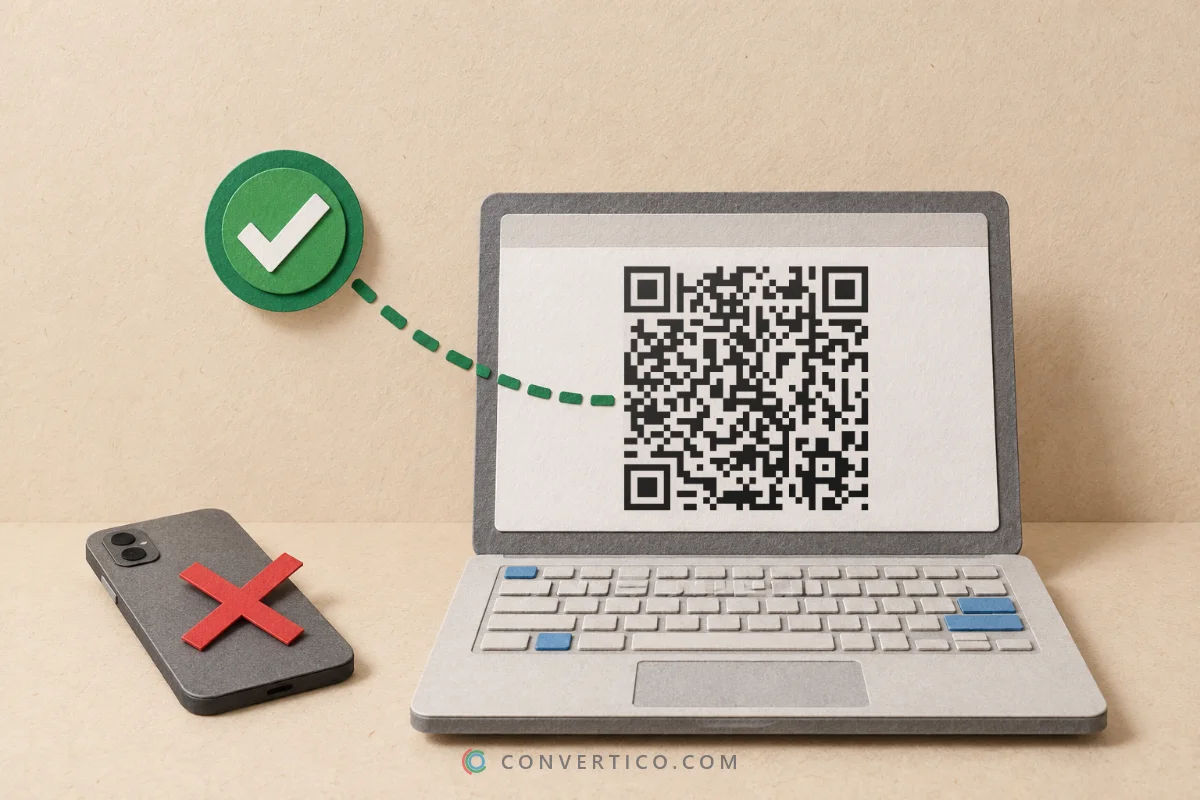

Turn a QR code image - a PNG, a JPG or a screenshot - into a clean SVG vector.
We read the code and redraw it square by square, so you get the same content and the same pattern, sharp at any size.
Need it for print? Download PDF or EPS in centimetres too. Everything runs in your browser, so nothing is uploaded. Making a brand-new code? Use the QR Code Generator.
Something went wrong. Please try again.
Still having trouble? Please contact us and we'll be happy to help!
Drop a QR code image here, paste a screenshot with Ctrl+V, or choose files.
PNG, JPG, WebP, GIF, BMP or SVG - up to 20 at once. Nothing is uploaded.
The standard border is 4 modules. Cropping it off makes some phones miss the code.
Did the original have a logo in the middle? The logo is not part of the data, so the rebuilt copy is the plain code. Click Restyle to add it back in the QR Code with Logo generator.
Auto-tracing follows the outline of every pixel, blur and JPEG smudge.
The result has wobbly edges and thousands of points. We decode the QR code instead and draw it again from its data, so every square sits on an exact grid and the file stays tiny.
| Tracing | Our rebuild | |
|---|---|---|
| Edges | Wobbly, follows the blur | Perfect squares on a grid |
| File size | Large - thousands of points | Small - one path |
| Damaged squares | Copied as they are | Repaired by error correction |
| Scan check | None | Read back by our decoder |
For logos and drawings, tracing is the right tool - use PNG to SVG for those.
| Format | Best for | Good to know |
|---|---|---|
| SVG | Websites, Figma, Illustrator, Canva | Vector, tiny file, transparent background possible |
| Print shops, Word, InDesign | Vector at an exact width in cm | |
| EPS | Sign makers, CorelDRAW, older print workflows | Vector PostScript at an exact width in cm |
| PNG | Documents, slides, social posts | Pixel-perfect at the size you pick |
| JPG / WebP | Email and web, where small files matter | JPG has no transparency |
Got an SVG and need a picture after all? Turn it into any size with SVG to PNG, or into a print file with SVG to PDF. Want to peek inside an EPS? Open it in the EPS File Viewer.
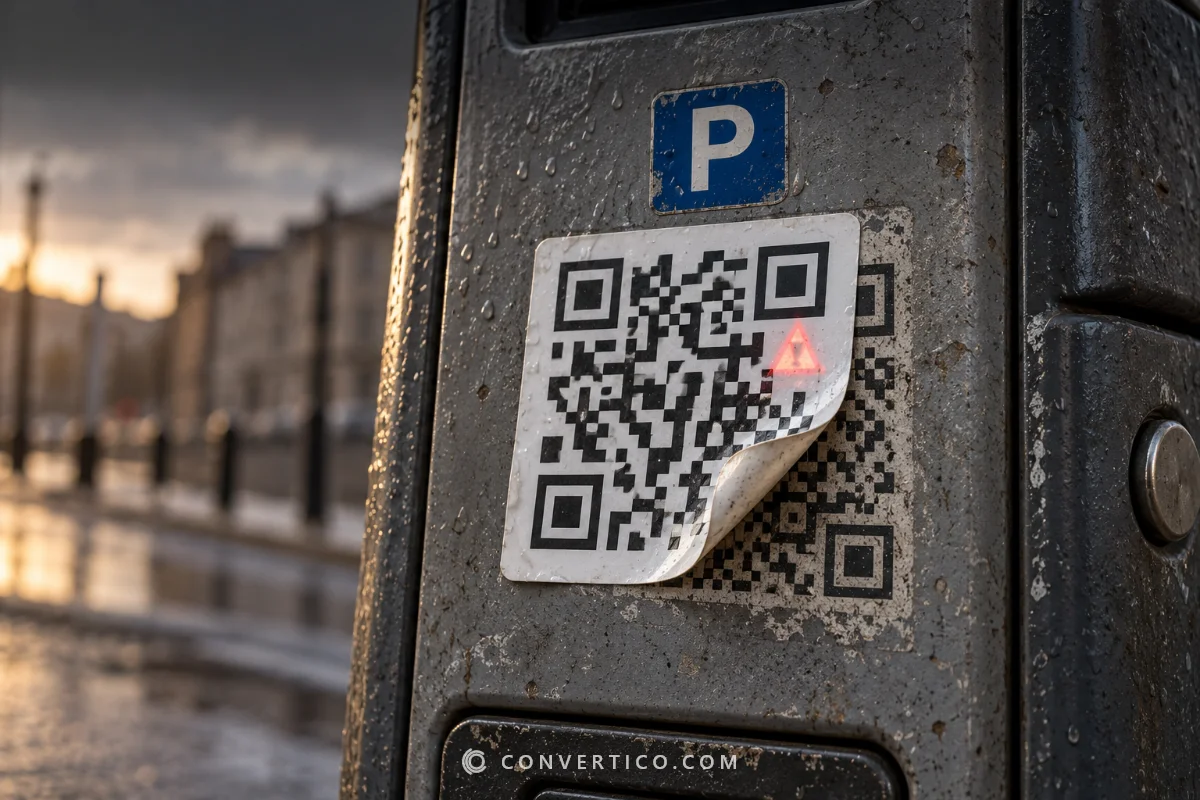
Tilted, blurry, low-resolution, light-on-dark and mirrored codes.
Every code in the picture becomes its own clean file - handy for a sheet of labels.
The small one-eyed M1-M4 codes are rebuilt too.
If error correction can still repair it, the rebuild comes out perfect again.
Not sure how healthy the original is? Grade it in the QR Code Checker. Have a barcode instead? Read it with the QR Code Scanner and remake it in the Barcode Generator.
Drop the image on this page, paste a screenshot with Ctrl+V or choose the file. We read the code, rebuild it and show it next to your original. Keep SVG selected and click Download. That is it - no sign-up, no upload.
Yes. We rebuild the code from the data we read, with the same version, error correction level and mask, so the pattern is identical to what the original was meant to be. Then our decoder reads the rebuilt code again - the Verified badge means it matched.
Usually, yes - even a code only 25 pixels wide, as long as the squares can still be told apart. Small damage is repaired by the error correction.
If we cannot read it, crop closer to the code or use a sharper photo. Need a big pixel image rather than a vector? Try the QR Code Upscaler.
A logo is not part of the data, so the rebuilt copy is the plain code - which is also the most reliable version. To put a logo back, click Restyle: the content opens in the generator, ready for your logo and colours.
Yes. Open Colours to pick the code and background colour or switch the background off. Keep the code clearly darker than the background - check a colour pair in the Color Contrast Checker if you are unsure.
Yes. Choose or drop up to 20 images, and every code in each picture is rebuilt. Download all gives you one ZIP with the files, a codes.csv list of what each one contains and a README.
Adobe Illustrator, CorelDRAW, Inkscape and Affinity Designer open EPS files, and most print shops accept them as they are. To just look at one, use our EPS File Viewer.
No. Reading and rebuilding happen in your browser with our own QR engine. Your images and their content never reach our servers.
Reading your codes...
Decoded and rebuilt in your browser