The Short Answer
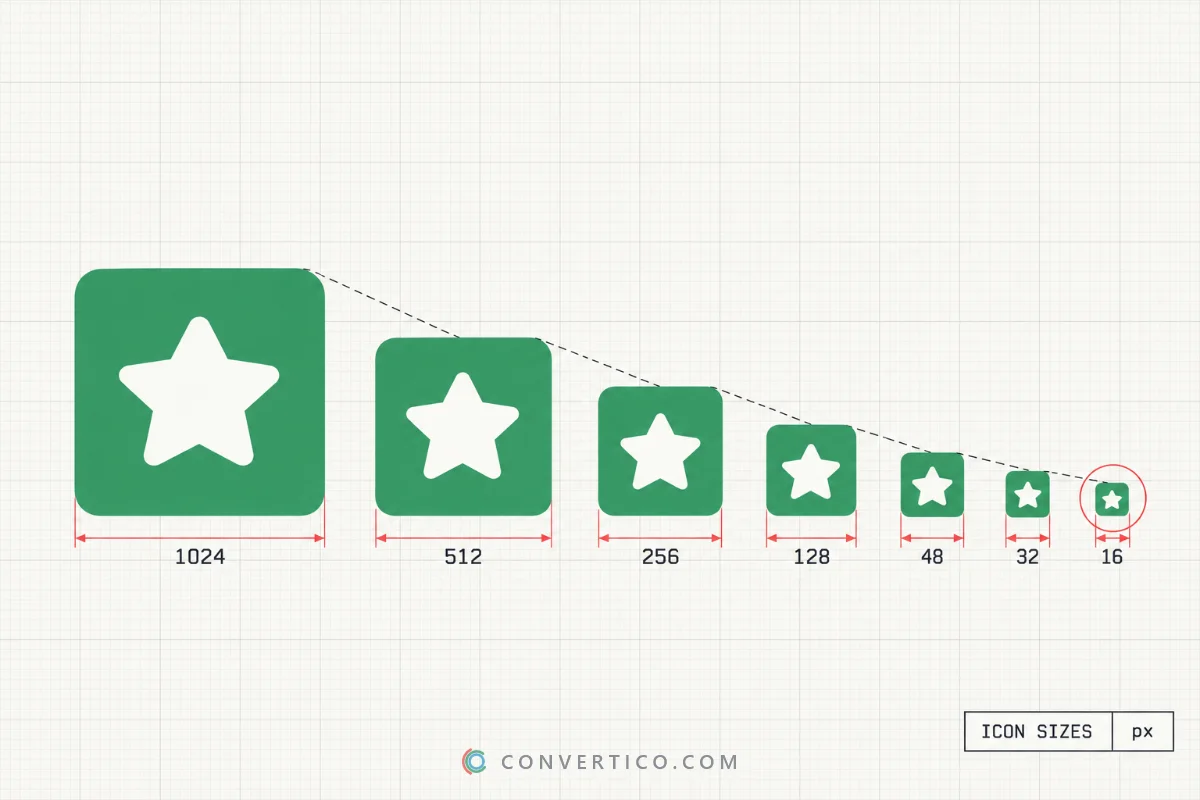
Start from a square image of at least 1024 × 1024 px, and you can make every icon size from it.
Then export only the sizes each platform asks for.
Here is the whole list on one page.
| Platform | Sizes (px) | Format |
|---|---|---|
| Windows | 16, 20, 24, 32, 40, 48, 64, 256 - in one file | ICO |
| Website favicon | 16, 32, 48 (ICO) + 180, 192, 512 (PNG) | ICO, PNG, SVG |
| macOS | 16, 32, 64, 128, 256, 512, 1024 - in one file | ICNS |
| iOS app | 1024 (Xcode makes the rest) | PNG |
| Android app | 48 to 192 + 512 for Google Play | PNG |
| Chrome extension | 16, 32, 48, 128 | PNG |
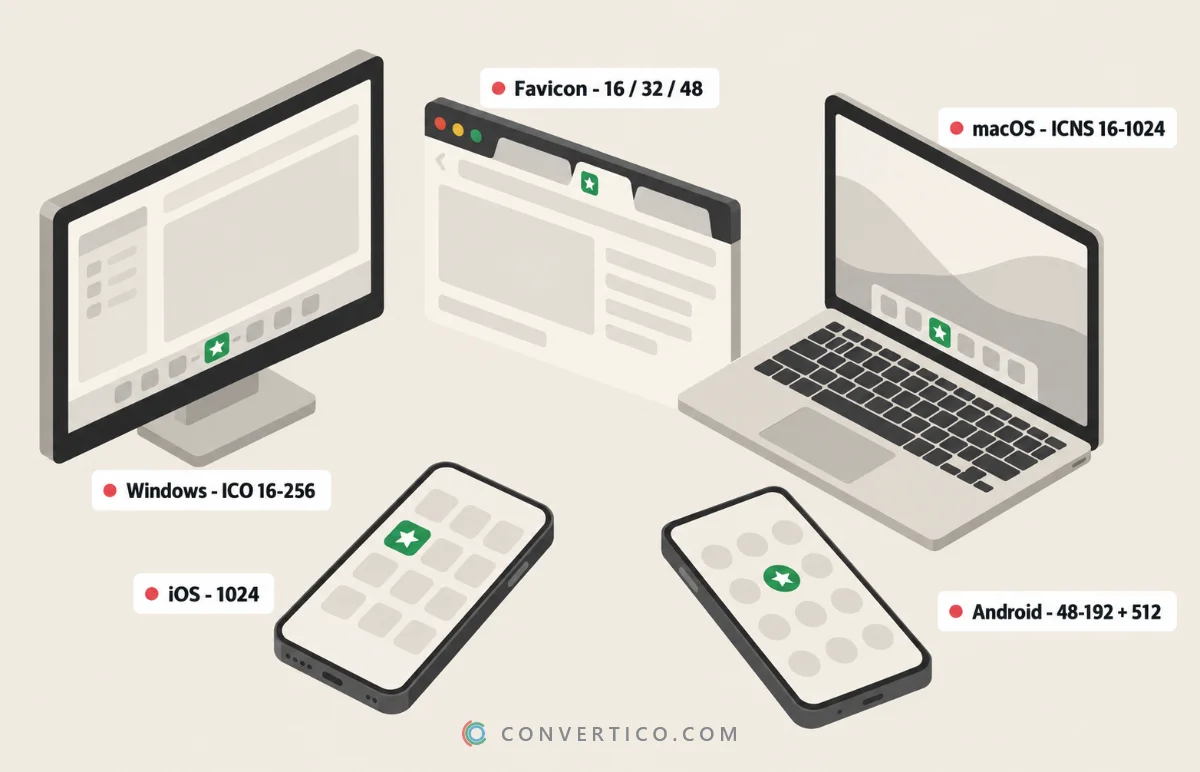
Windows ICO Sizes
A Windows icon is one .ico file with several pictures inside. Windows picks the one closest to what it needs on screen.
| Size | Where Windows uses it |
|---|---|
| 16, 20, 24 | Small icons - File Explorer lists, title bars, the system tray (at 100%, 125% and 150% display scaling) |
| 32, 40 | Taskbar, Start menu and small icons on high-DPI screens |
| 48, 64 | Desktop icons and the Medium icons view |
| 256 | Large and Extra large icons - scaled down for the in-between views |
The bare minimum is 16, 32, 48 and 256. Any size you leave out gets stretched from another one, and that is where blurry icons come from.
The 256 px picture can be stored as a compressed PNG inside the ICO, which keeps the file small. The old vs new ICO guide explains the difference.
The Windows app preset in the Icon Maker includes exactly these sizes. To use the result on a folder or shortcut, follow the Windows 11 custom icons guide.
Favicon Sizes for Websites
A modern website needs a small set of files, not twenty.
| File | Size | Used by |
|---|---|---|
| favicon.ico | 16, 32, 48 in one file | Browser tabs, bookmarks, older browsers |
| favicon.svg | Any (vector) | Modern browsers - can even switch colours for dark mode |
| apple-touch-icon.png | 180 × 180 | iPhone and iPad home screen |
| icon-192.png | 192 × 192 | Android home screen (web app manifest) |
| icon-512.png | 512 × 512 | Install prompt and splash screen of web apps |
Google Search shows your favicon next to your results. It must be square and at least 8 × 8 px, but Google recommends going larger than 48 × 48 so it looks sharp everywhere.
Add the files to your page's <head> like this:
<link rel="icon" href="/favicon.ico" sizes="32x32">
<link rel="icon" href="/favicon.svg" type="image/svg+xml">
<link rel="apple-touch-icon" href="/apple-touch-icon.png">
<link rel="manifest" href="/site.webmanifest">
The Favicon Package Generator creates the whole set from one image. Check how it looks in tabs and search results with Favicon Preview, and test a live site with the Favicon Checker.
Favicon still missing in Google? See why your favicon is not showing in Google.
macOS ICNS Sizes
Mac icons come in five sizes, each in a normal and a Retina (@2x) version. That makes seven unique pixel sizes in one .icns file.
| Size | Normal | Retina (@2x) |
|---|---|---|
| 16 pt | 16 × 16 | 32 × 32 |
| 32 pt | 32 × 32 | 64 × 64 |
| 128 pt | 128 × 128 | 256 × 256 |
| 256 pt | 256 × 256 | 512 × 512 |
| 512 pt | 512 × 512 | 1024 × 1024 |
Apple's app icon template leaves a transparent margin around the rounded square - roughly 100 px on each side of the 1024 canvas. Icons drawn edge to edge look oversized in the Dock.
The Icon Maker exports ICNS directly. Already have a PNG or ICO? Use PNG to ICNS or ICO to ICNS.
iOS App Icon Sizes
Since Xcode 14 you can give Xcode a single 1024 × 1024 image, and it makes every other size for you.
The classic sizes are still handy to know - for older projects, mockups and web app icons:
| Where | iPhone | iPad |
|---|---|---|
| Home screen | 180 (@3x), 120 (@2x) | 167 (iPad Pro), 152 |
| Spotlight | 120, 80 | 80 |
| Settings | 87, 58 | 58 |
| Notifications | 60, 40 | 40 |
| App Store | 1024 | 1024 |
Two App Store rules catch people out: no transparency and no rounded corners. Upload a full square - iOS cuts the corners itself.
Newer iOS versions also accept dark and tinted variants of your icon. They start from the same 1024 px artwork.
The App Icon Generator makes the full iOS and Android sets in one go.
Android App Icon Sizes
Android launcher icons are 48 dp, exported at five screen densities.
| Density | Launcher icon | Adaptive icon layer |
|---|---|---|
| mdpi | 48 × 48 | 108 × 108 |
| hdpi | 72 × 72 | 162 × 162 |
| xhdpi | 96 × 96 | 216 × 216 |
| xxhdpi | 144 × 144 | 324 × 324 |
| xxxhdpi | 192 × 192 | 432 × 432 |
| Google Play | 512 × 512 (32-bit PNG, max 1 MB) | - |
Adaptive icons (Android 8 and later) have a foreground and a background layer of 108 dp. The phone shows only the middle 72 dp and cuts it into a circle, squircle or other shape.
Keep your logo inside the centre 66 dp - that part is never cut off, whatever shape the phone uses.
For web apps on Android, Favicon for Android makes the 192 and 512 px manifest icons.
Chrome Extensions and Other Icons
| What | Sizes (px) | Notes |
|---|---|---|
| Chrome / Edge extension | 16, 32, 48, 128 | 128 is used in the Chrome Web Store and on install |
| USB drive icon | 16 to 256 | An .ico plus autorun.inf - try the Drive Icon Generator |
| Windows tray icon | 16, 20, 24, 32 | Small sizes matter most - keep it simple |
| Social profile pictures | 400 × 400 and up | Each network differs - use the Social Media Image Resizer |
The Chrome Extension Icon Generator exports all four extension sizes and the manifest lines to go with them.
Make Every Size From One Image
- Start with a square image of 1024 × 1024 px, or an SVG, which scales to any size.
- Leave a little empty space around the design, so it does not touch the edges.
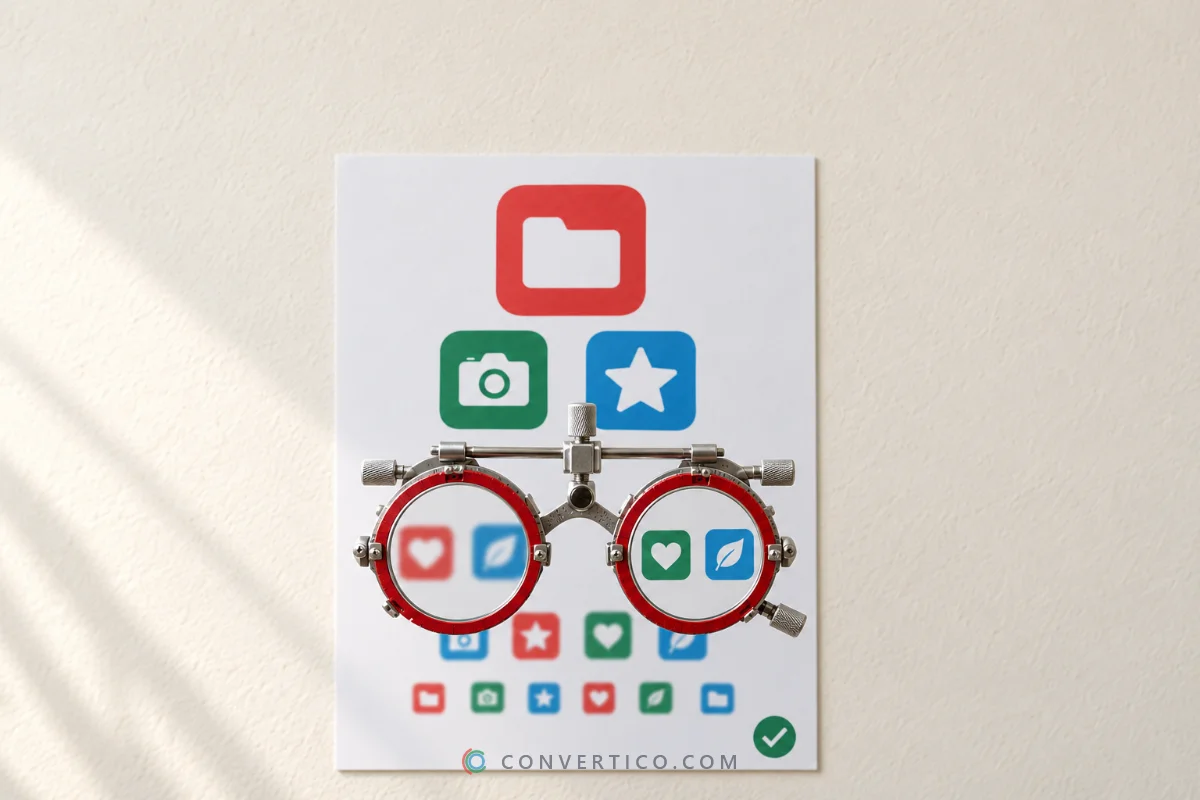
- Check how it looks at 16 px. If it turns to mush, simplify it - bigger shapes, fewer details.
- Export the set each platform needs with the right tool (below).
| You need | Use |
|---|---|
| Windows ICO, PNG or Mac ICNS | Icon Maker |
| A full website favicon set | Favicon Package Generator |
| iOS and Android app icons | App Icon Generator |
| Extension icons | Chrome Extension Icon Generator |
| More sizes for an ICO you already have | Icon Resizer |
Only have a small logo? Enlarge it with the Image Upscaler before you start. A 64 px source will never give you a sharp 256 px icon.
Make Your Icon Set Now
Crop any image or type your initials - get a Windows-ready ICO, PNG or ICNS with every size. Free, in your browser.
Icon Maker Favicon Package GeneratorFrequently Asked Questions
What size should an icon be?
Design it at 1024 × 1024 px, then export the sizes each platform needs. For Windows that is 16, 20, 24, 32, 40, 48, 64 and 256 px in one ICO.
What sizes should an ICO file contain?
At least 16, 32, 48 and 256 px. Adding 20, 24, 40 and 64 keeps the icon sharp at 125% and 150% display scaling.
What size should a favicon be?
A favicon.ico with 16, 32 and 48 px, plus a 180 px Apple touch icon and 192 and 512 px PNGs for Android and web apps. Google recommends larger than 48 × 48.
What is the iOS app icon size?
1024 × 1024 px, square, with no transparency and no rounded corners. Xcode creates the smaller sizes from it.
What size is an Android app icon?
48 dp, which is 48 to 192 px depending on screen density. Google Play needs a 512 × 512 PNG.
What sizes are inside a macOS ICNS file?
16, 32, 64, 128, 256, 512 and 1024 px - five sizes in normal and Retina versions.
What size are Chrome extension icons?
16, 32, 48 and 128 px PNGs. The 128 px one is used in the Chrome Web Store.
Still stuck? Ask us - we reply faster than a JPEG loads on dial-up.
The Bottom Line
- Design once at 1024 × 1024 (or in SVG)
- Windows: 16, 20, 24, 32, 40, 48, 64, 256 in one ICO
- Favicon: ICO with 16/32/48, plus 180, 192 and 512 PNGs
- macOS: 16 to 1024 in one ICNS
- iOS: 1024, square, no transparency - Android: 48 to 192 + 512
Bookmark this page - it is easier than remembering what xxxhdpi means.