Make a QR code that connects phones to your WiFi with one scan - no more spelling out the password.
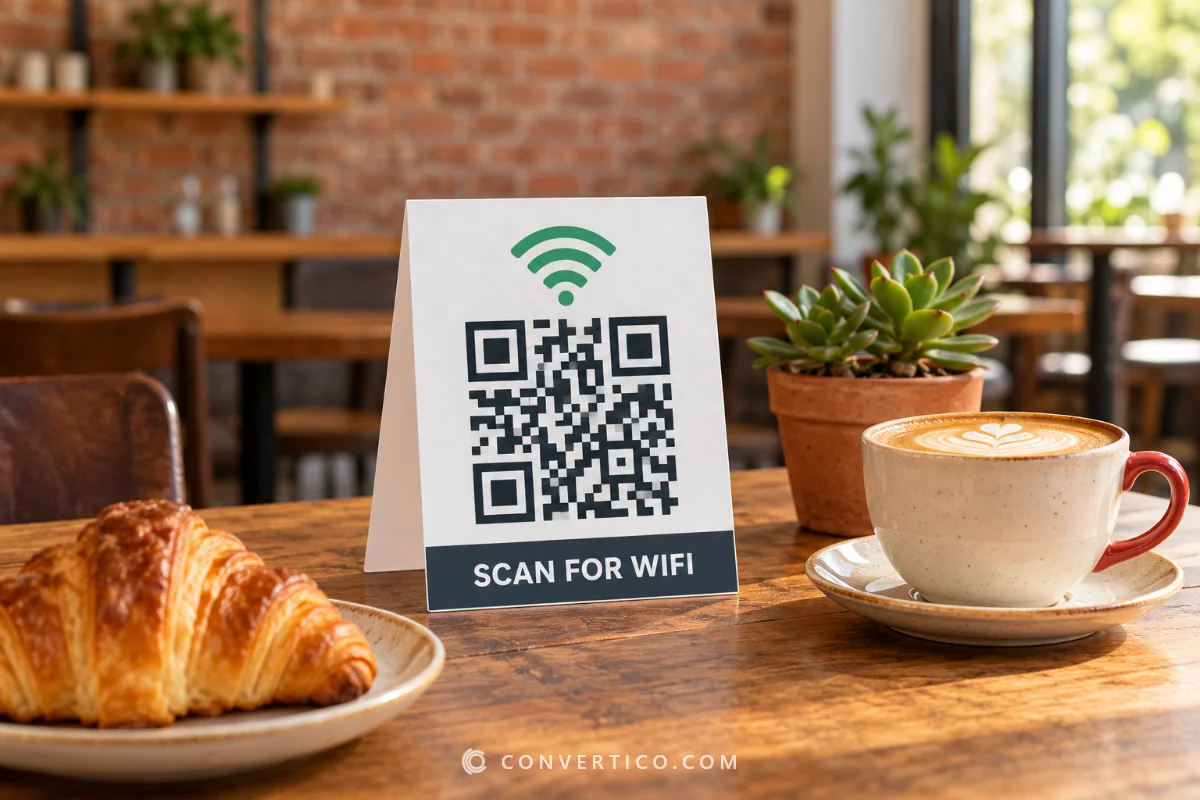
Print it on a ready-made WiFi sign or table card in A6, A5 or A4.
Everything happens in your browser, so your password never leaves your device. Already have a code? See how well it reads with the QR Code Checker.
Something went wrong. Please try again.
Still having trouble? Please contact us and we'll be happy to help!
Scanning opens the dialler with this number ready - include the country code.
Scanning offers to add it to the phone's calendar.
Need a logo first? Draw one with the Icon Maker or remove a background with the PNG Background Remover.
Every colour is written as CMYK ink percentages. Greys and black go on the black plate only, so the code prints razor-sharp with no colour fringes. Type the values from your brand guide, or keep Auto. A logo picture stays RGB.
One link or text per line - or a CSV with the columns content, name (file name) and label (frame or label text). Contact lists (first, last, phone, email...) become vCards and ssid, password lists become WiFi codes. Every code gets the current style and format. Pick PDF with the Labels page to print the whole list on Avery-style label sheets.
Running a cafe, hotel or office with several networks? Paste a list with ssid, password and security columns into Many codes at once, or use the Bulk QR Code Generator. For a full walkthrough with print sizes, read how to make a WiFi QR code.
Every recent phone joins WiFi straight from the camera app.
iPhones do it from iOS 11 and Android phones from Android 10. Older Android models use Google Lens or the QR scanner in Quick Settings.
| Device | How guests join |
|---|---|
| iPhone or iPad (iOS 11 and newer) | Open the Camera, point it at the code, tap Join |
| Android 10 and newer | Camera app, or the QR icon in Quick Settings |
| Older Android phones | Google Lens, then tap Connect |
| Windows or Mac laptop | Read the code with a scanner, then type the password it shows |
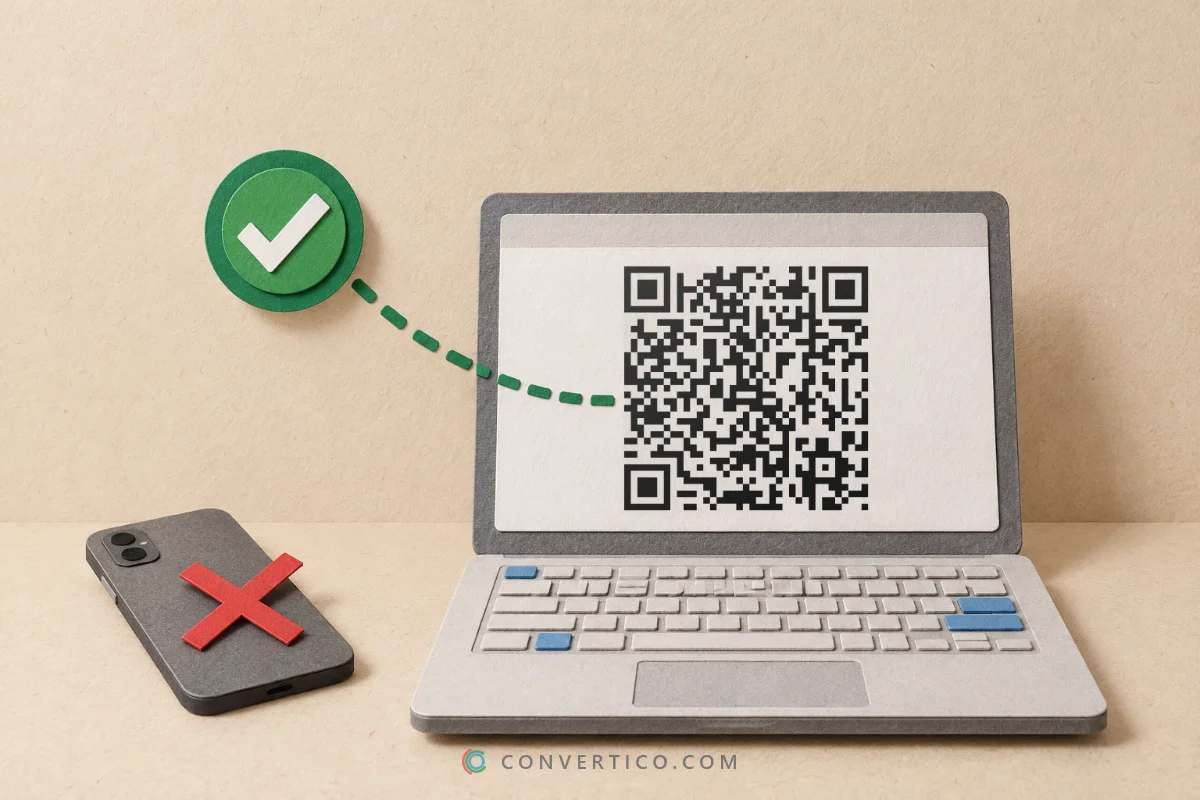
Laptops can read the code with our QR Code Scanner - it shows the network name and password, ready to copy.
Aim for 4-5 cm on a table card and 10 cm or more on a wall, where people scan from further away.
Some guests use laptops or older phones. Printing the network name and password under the code saves them asking.
Free WiFi, Guest WiFi or Scan to connect - people should know what the code does before they lift a phone.
The password lives inside the code. Change the password and you need a fresh code and a fresh sign.
Printing on glossy card? Test the printed sign under your real lights with the camera test in the QR Code Checker - glare can hide modules. Want the sign in your brand colour? Pick it from your logo with the Image Color Picker.
A WiFi QR code holds one short line of text that phones know how to read.
WIFI:T:WPA;S:Cafe Guest;P:coffee-2026;;
T is the security type (WPA, WEP or nopass), S the network name, P the password and H:true marks a hidden network. Characters such as ; , : and " get a backslash in front - the generator does that for you.
Curious how that text turns into squares? Watch it happen step by step in the QR Code Explainer.
The password sits in the code as plain text, so anyone who scans it can read it - just like anyone who reads it off a sign. Give visitors a separate guest network and keep your main network private.
Making the code here is private: it is built in your browser and nothing is sent to our servers.
No. It works for as long as the network name and password stay the same. Change either one and the old code stops working, so make a new code and reprint the sign.
Check the network name first - it is case-sensitive, and a space at the end counts. Then check the security type: WPA3 networks still use WPA in the code. Hidden networks need the Hidden network switch turned on.
Still stuck? Read the code back with the QR Code Scanner to see exactly what it holds.
The name is the one in your phone's WiFi list. The password is usually on a sticker on the router.
Already connected? Windows 11 shows it under your network's properties in the WiFi settings, iPhones show it under Settings, WiFi and the (i) next to the network, and Macs keep it in Keychain Access.
Take the scanning distance and divide by 10: about 3-5 cm on a table card read from 30-50 cm, and 10-20 cm on a wall or window read from 1-2 metres.
The A6 sign from Printable WiFi sign gives a code about 6 cm wide - right for tables and counters.
Yes. In Many codes at once, paste or load a CSV with the columns ssid, password and security (WPA, WEP or open). Each row becomes its own code, and you get them all in one ZIP - or on label sheets if you pick PDF with the Labels page. The Bulk QR Code Generator starts with that panel open.
Yes. The WiFi icon is already in the middle - open Logo to pick another icon or upload your own image, and the code switches to error correction H so it still scans.
Keep the code clearly darker than the background. Not sure about a colour pair? Test it in the Color Contrast Checker.
Completely free - no sign-up, no watermark and no scan limits. The printable sign is free too, in PDF or PNG.
Making your codes...
Drawn and scan-tested in your browser