Turn a list or a spreadsheet into hundreds of QR codes in one go - up to 500 per batch.
Get them as PNG, SVG or PDF files in one ZIP, or printed on Avery-style label sheets.
Every code is scan-tested by our own decoder, and nothing leaves your browser. Want to check your CSV columns first? The CSV File Viewer shows the file as a table.
Something went wrong. Please try again.
Still having trouble? Please contact us and we'll be happy to help!
Scanning opens the dialler with this number ready - include the country code.
Scanning offers to add it to the phone's calendar.
Need a logo first? Draw one with the Icon Maker or remove a background with the PNG Background Remover.
Every colour is written as CMYK ink percentages. Greys and black go on the black plate only, so the code prints razor-sharp with no colour fringes. Type the values from your brand guide, or keep Auto. A logo picture stays RGB.
One link or text per line - or a CSV with the columns content, name (file name) and label (frame or label text). Contact lists (first, last, phone, email...) become vCards and ssid, password lists become WiFi codes. Every code gets the current style and format. Pick PDF with the Labels page to print the whole list on Avery-style label sheets.
Need just one code? Use the QR Code Generator. Need product barcodes rather than QR codes? The Barcode Label Generator prints numbered barcode series on label sheets.
The first row is read as headers when it uses one of these names.
| Column | What it does |
|---|---|
| content (or url, link, text) | What goes inside the code |
| name (or filename, id) | The file name of that code |
| label (or caption) | Text in the frame, or printed on the label |
| first, last, phone, email, company, title, website, address | A contact list - each row becomes a vCard code |
| ssid, password, security, hidden | A WiFi list - each row becomes a WiFi code |
No headers? Put the content in the first column, the file name in the second and the label in the third. Commas, semicolons and tabs all work, and quoted cells may hold commas or line breaks.
content,name,label
https://yoursite.com/menu?table=1,table-01,TABLE 1
https://yoursite.com/menu?table=2,table-02,TABLE 2
One menu link per table (?table=1, ?table=2...) with TABLE 1, TABLE 2 printed in the frame.
A code per product page or SKU on Avery labels, with the product name beside it.
A vCard per person from your staff list, or a ticket link per guest.
Serial numbers or a link to each item's record, on small 38 x 21 mm labels.
Printed a sheet and want to check it? The QR Code Scanner reads every code in one photo, and the Bulk QR Code Scanner checks a whole PDF of sheets at once.
Every code gets its own file, named from your name column - or qr-001, qr-002 and so on with a bit of the content.
codes.csv lists each file with its content, label, QR version, error correction and scan test result. README.txt sums up the batch. In label mode you get one qr-labels.pdf with every sheet, plus a list of which code sits where.
Excel opens codes.csv directly. Need it as a PDF report for a client? Print it from the Excel File Viewer.
Up to 500 per batch, from a list of up to 2 MB. Have more? Split the list into files of 500 rows and run them one after another - the style stays the same.
Save it as CSV first: in Excel choose File, Save As and CSV UTF-8. Or simply copy the column of links from Excel and paste it into the box - one row per line works fine.
Yes. Add a name column for the file names and a label column for the text. With a frame turned on, each code shows its own label; on label sheets, the label is printed next to the code.
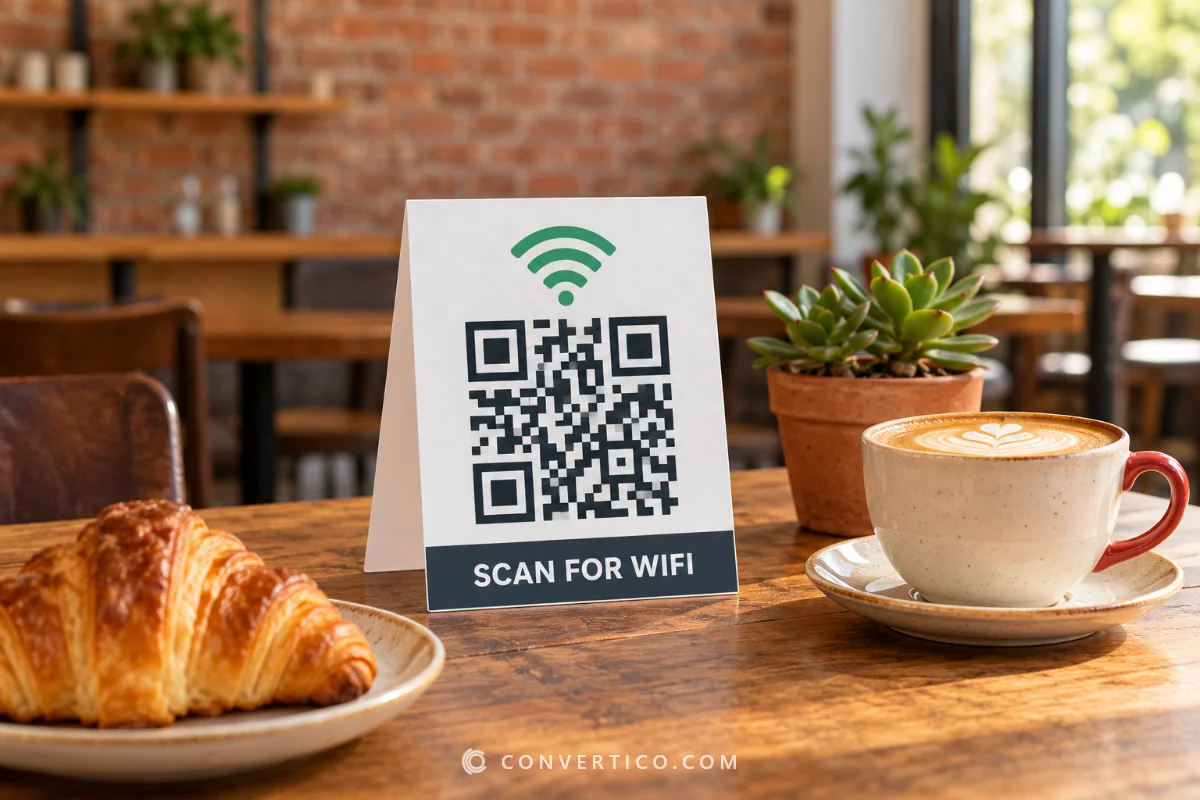
Yes. A CSV with first, last, phone and email columns becomes vCard contact codes, and one with ssid, password and security becomes WiFi codes. Try the samples above to see the format. Making one card by hand? See the vCard QR Code Generator.
Yes. Pick PDF, then the Labels page under Download size. Choose an Avery-style sheet (L7160, L7163, 5160 and more) or your own grid, skip labels you already used, and print at 100%.
Every code is drawn and then read back by our own decoder, and the result goes into codes.csv. You can switch the test off to make very large batches a little faster.
No. They are static codes - the content is inside the pattern, so they work forever with no scan limits and no subscription.
No. The whole batch is built in your browser - links, contacts and WiFi passwords never reach our servers.
Making your codes...
Drawn and scan-tested in your browser