
Make a QR code that fills in a payment for your customer - bank transfer, PayPal, Revolut, Venmo, Cash App or Bitcoin.
For bank transfers we write the European EPC QR code (GiroCode), with the IBAN checked and the amount and reference filled in.
Add it to invoices, or print a "Scan to pay" card for your counter or market stall. Nothing you type leaves your browser. Got a payment code from someone else? Check who it pays with the QR Code Scanner first.
Something went wrong. Please try again.
Still having trouble? Please contact us and we'll be happy to help!
Scanning opens the dialler with this number ready - include the country code.
Scanning offers to add it to the phone's calendar.
Need a logo first? Draw one with the Icon Maker or remove a background with the PNG Background Remover.
Every colour is written as CMYK ink percentages. Greys and black go on the black plate only, so the code prints razor-sharp with no colour fringes. Type the values from your brand guide, or keep Auto. A logo picture stays RGB.
One link or text per line - or a CSV with the columns content, name (file name) and label (frame or label text). Contact lists (first, last, phone, email...) become vCards and ssid, password lists become WiFi codes. Every code gets the current style and format. Pick PDF with the Labels page to print the whole list on Avery-style label sheets.
Sending many invoices? Make one code per invoice with its own amount and reference in the Bulk QR Code Generator - paste the full EPC text per row. Turning invoices into PDFs? Use Word to PDF or Image to PDF.
The EPC QR code is the European standard for bank transfer codes, published by the European Payments Council.
It holds the receiver name, IBAN, an optional BIC, the amount in euros and a reference. Many banking apps in Germany, Austria, the Netherlands, Belgium, Finland and other SEPA countries read it - the customer scans, checks and confirms. Not every bank supports it yet, so print the IBAN as text too.
| Field | Limit | Tip |
|---|---|---|
| Receiver name | 70 characters | Exactly as on the account |
| IBAN | SEPA countries | Checked as you type |
| BIC | Optional | Needed by a few older banks |
| Amount | EUR 0.01 - 999,999,999.99 | Leave it empty to let the payer type it |
| Reference | 140 characters | The invoice number, so you can match the payment |
| Method | Best for | What the payer needs |
|---|---|---|
| Bank transfer (EPC) | Invoices, rent, bills in the euro area | A banking app that reads EPC codes |
| PayPal.me | Online sellers, international payers | PayPal |
| Revolut | Friends, small sellers in Europe | Revolut |
| Venmo / Cash App | Payments inside the US | Venmo or Cash App |
| Bitcoin | Crypto payments | A Bitcoin wallet |
A code only fills in the form - the payer always confirms in their own app, and you never see their card or account.
Put the receiver name and IBAN next to the code so payers can compare them.
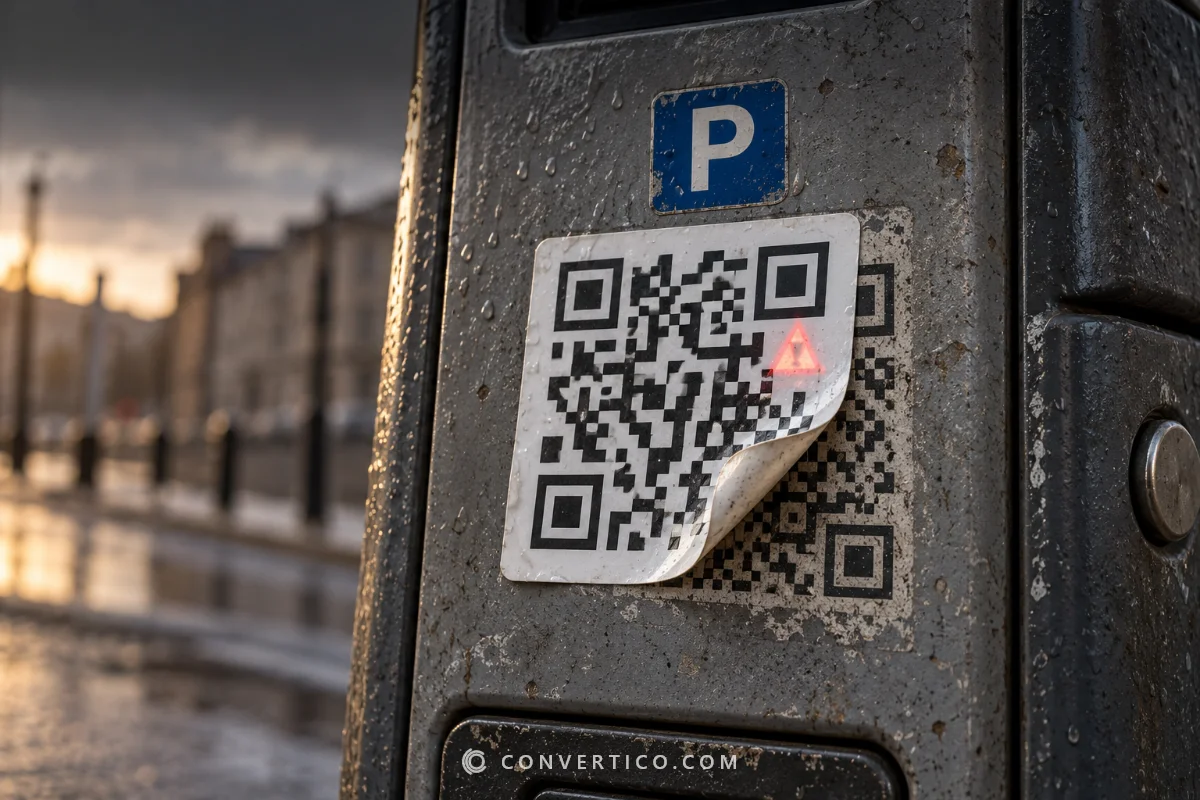
On counters and machines, look for codes stuck over yours from time to time.
The QR Code Scanner shows who a payment code really pays before you open your banking app.
Your IBAN and name are built into the code in your browser - not sent to us.
Want to see why a payment code is hard to scan on a printout? Grade it with the QR Code Checker.
The European standard QR code for SEPA bank transfers. It holds the receiver name, IBAN, amount and reference, so the payer scans it in their banking app instead of typing everything. GiroCode is the name used in Germany and Austria.
Many banking apps in Germany, Austria, the Netherlands, Belgium, Finland and other euro countries, plus several fintech apps. Support is not universal, so always print the IBAN and reference as text next to the code.
Yes - type it and the transfer opens with the amount filled in. For bank transfers the EPC standard uses euros. Leave it empty for a reusable code where the payer types the amount.
An IBAN is meant to be shared to receive money - it cannot be used to take money from your account. The code holds nothing else, and it is made in your browser, so we never see it.
Yes. Pick PayPal.me, Revolut, Venmo or Cash App and type your username - and an amount for PayPal, Venmo and Cash App if you like. Scanning opens the payment page in that app.
Yes. Download a PNG for Word or Google Docs, or SVG / PDF for invoice software and print. With an amount and the invoice number as the reference, each invoice should get its own code.
Free, with no fee on any payment - the money goes straight from the payer to you through their own bank or app. We never touch it.
Making your codes...
Drawn and scan-tested in your browser