
Make a QR code that opens a WhatsApp chat with your number - no saving the contact first.
Type a message for them and it is ready to send the moment they scan.
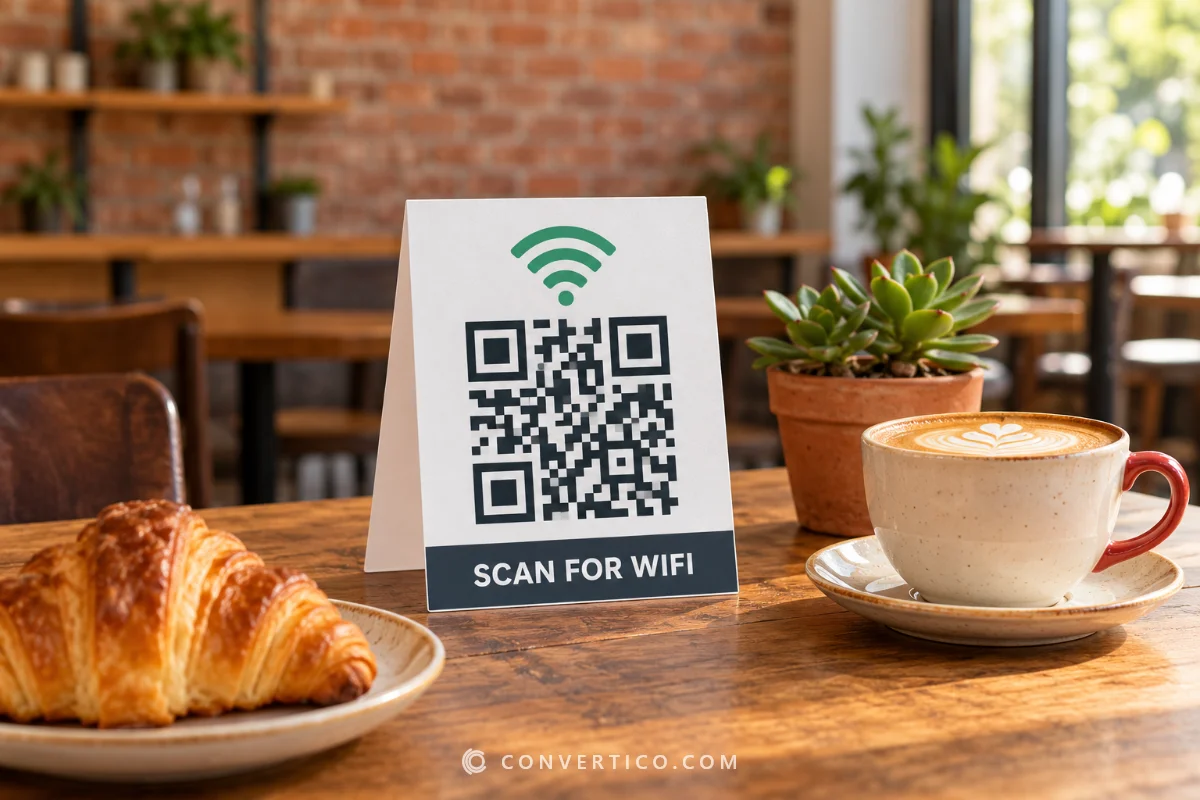
Print it on a ready-made "Chat with us" sign for your counter, shop window or flyer. Want people to save your details instead? Use the vCard QR Code Generator.
Something went wrong. Please try again.
Still having trouble? Please contact us and we'll be happy to help!
Scanning opens a chat with this number in WhatsApp, with your message ready to send. Got a group invite link instead? Paste it into the link box below.
Scanning opens the dialler with this number ready - include the country code.
Scanning offers to add it to the phone's calendar.
Need a logo first? Draw one with the Icon Maker or remove a background with the PNG Background Remover.
Every colour is written as CMYK ink percentages. Greys and black go on the black plate only, so the code prints razor-sharp with no colour fringes. Type the values from your brand guide, or keep Auto. A logo picture stays RGB.
One link or text per line - or a CSV with the columns content, name (file name) and label (frame or label text). Contact lists (first, last, phone, email...) become vCards and ssid, password lists become WiFi codes. Every code gets the current style and format. Pick PDF with the Labels page to print the whole list on Avery-style label sheets.
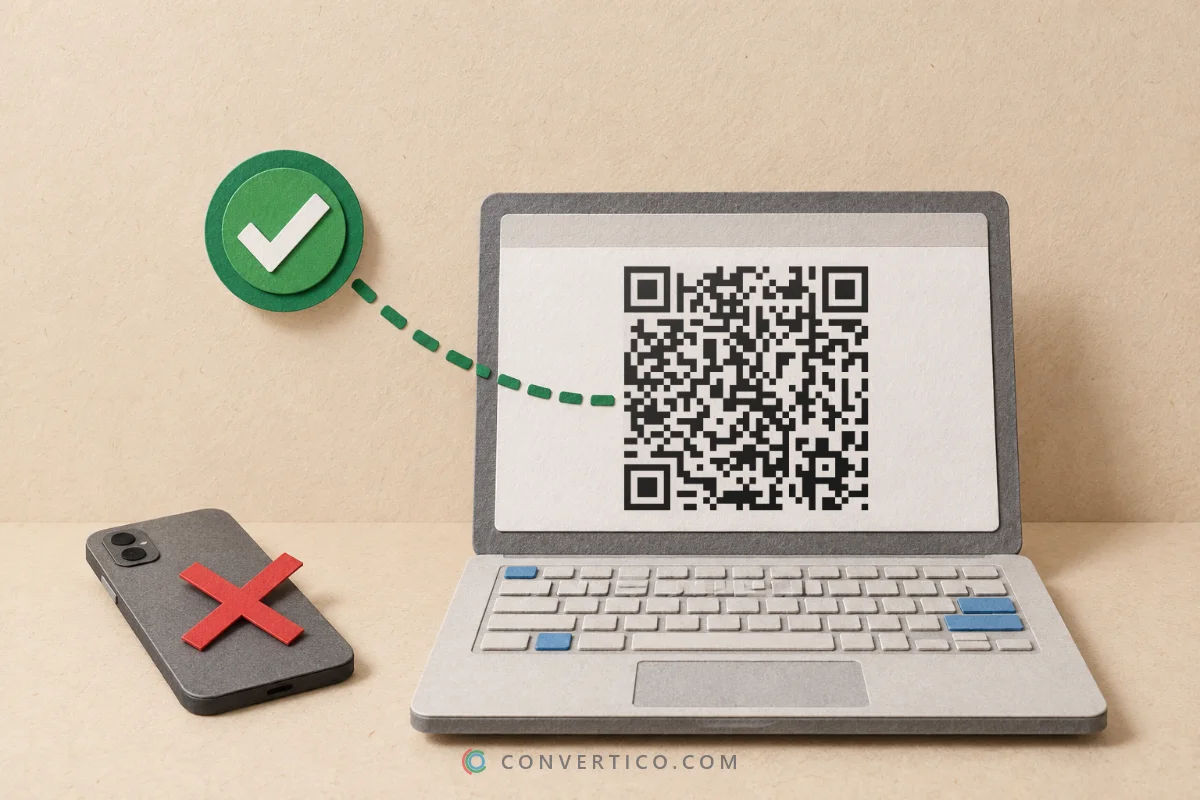
Scan your own code once before you print it: the chat should open with your number and your message. Want the same code on a business card? Make a vCard code and add your WhatsApp number as the phone.
WhatsApp has an official click-to-chat link: wa.me followed by your number.
We build it for you - https://wa.me/40712345678?text=Hi - and put it in the code. It works on phones with WhatsApp installed and opens WhatsApp Web on computers.
| You want | Put in the code |
|---|---|
| A chat with you | Your number - we make the wa.me link |
| A chat with a message ready | Your number and a message |
| People to join a group | The group invite link (chat.whatsapp.com/...) in the link box |
| Your WhatsApp Business catalogue | The catalogue link from the WhatsApp Business app |
A "Chat with us" sign takes questions and orders even when the shop is closed.
Support and reorders in one scan, without hunting for a number.
A message like "I would like to book a table for 2" saves both sides typing.
Easier than a phone number that people have to type and save first.
Running a restaurant? Put the chat code next to your menu code from the Menu QR Code Generator, and ask for reviews with the Google Review QR Code.
Your number is inside the code in plain text, so anyone who scans it sees it - the same as printing it.
Use a WhatsApp Business number for public signs if you want to keep your private number to yourself. The code is static: nothing passes through our servers, and it never stops working unless you change your number.
Type your number with the country code, add a message if you like, and download the code - or print it on the ready-made sign. Scanning opens a WhatsApp chat with you.
Usually the number is missing its country code or still has the leading 0. Type it as +40 712 345 678 (country code first, no 0). Numbers must belong to a WhatsApp account.
Yes. Fill in Message typed in for them and it appears in the chat box when the chat opens. People can still change it before sending.
Yes - copy the group invite link in WhatsApp (group info, Invite via link) and paste it into the link box. Anyone who scans it can join, so only print it where you are happy with that.
No. It is a static code that holds the wa.me link itself, so it works as long as the number has WhatsApp.
Yes. Use your WhatsApp Business number and the chat opens with your business profile. The catalogue or a product link from the Business app works too - paste it into the link box.
Yes - no sign-up, no watermark, no scan limits. Your number is never sent to our servers.
Making your codes...
Drawn and scan-tested in your browser